

Discover the All-in-One Email App for Outlook and Hotmail
If you're seeking a premium email experience that consolidates all your Outlook, Hotmail, and other email accounts into a single platform, the All in One Email app is an excellent choice. Designed with user convenience and security at its core, this intuitive email application allows you to effortlessly manage multiple email profiles on your smartphone, tablet, or smartwatch.
With its beautiful design and lightning-fast performance, All in One Email elevates your email management by providing quick, easy access to your inbox while ensuring your data remains protected through advanced security features. Whether you're checking emails during a busy commute or managing work correspondence, this app is built to keep you connected and organized in the most efficient way.
Key Features for Seamless Email Management
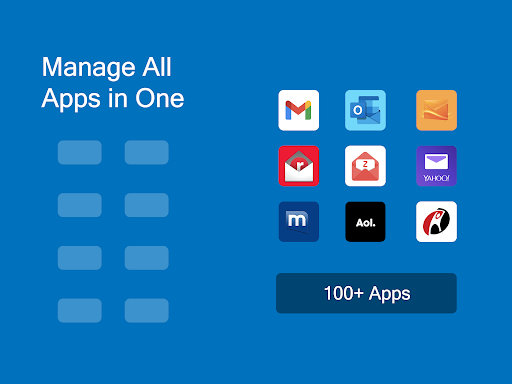
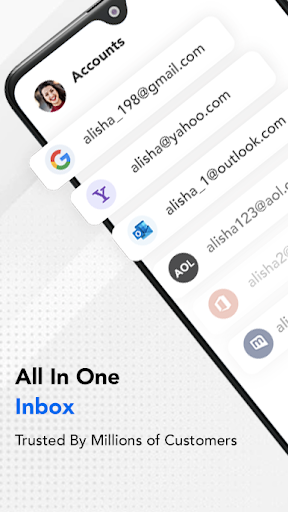
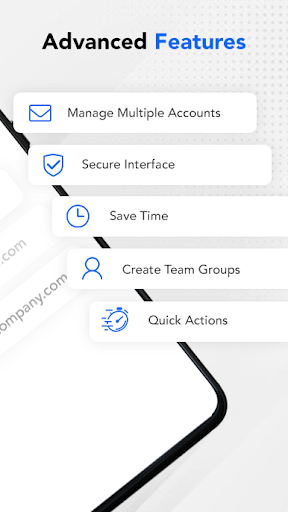
One of the standout attributes of this app is its support for multiple accounts. You can add your Outlook, Hotmail, MSN Mail, or other services, ensuring all your emails are in one consolidated place. Switching between accounts is effortless, enabling you to stay productive without toggling between different apps.
The app offers timely custom push notifications for each account, allowing you to stay informed without being overwhelmed. For instance, you can set your 'Work' email to ‘Do not Disturb’ mode during off-hours, ensuring you’re not disturbed outside of business hours.
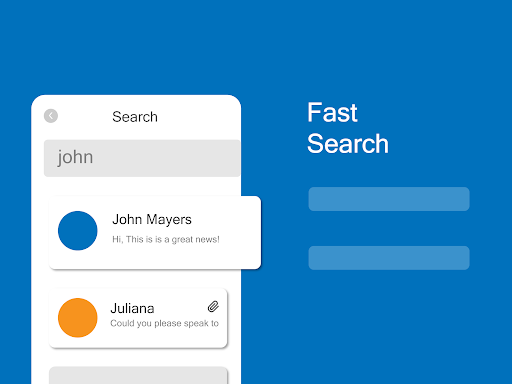
If you prefer to keep your inbox organized, the app provides the ability to create different folders and manage emails systematically. Searching for specific messages is a breeze: filter by date, recipient, subject, unread status, flagged emails, or attachments, making it easy to find important correspondence in seconds.
For further customization, you can set up personalized filters to automatically move incoming emails to specific folders or mark them as read, saving valuable time and reducing inbox clutter.
Enhanced Security and User-Friendly Design
Security is a top priority in this app. It supports advanced encryption protocols, safeguarding your emails from unauthorized access. An optional PIN password adds an extra layer of security, ensuring only you can access your sensitive information.
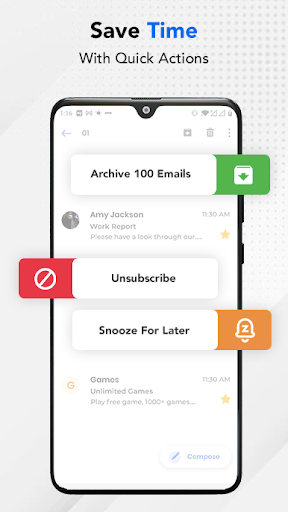
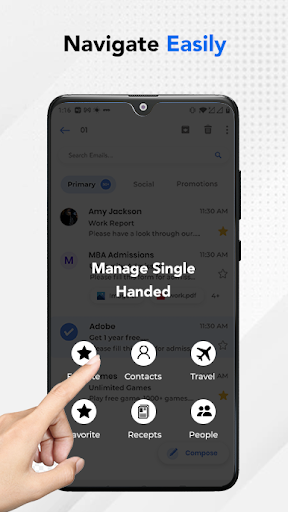
Beyond security, the app boasts a user-friendly design. Managing emails is straightforward: flag important messages, mark spam, delete multiple emails at once, or perform other actions with just a few taps. The clean interface reduces frustration and helps you stay focused on what matters most.
Compatibility and Support
This versatile email app supports all major email services, giving you the flexibility to manage all your accounts in one place. Whether you use Outlook, Hotmail, or other providers, the app seamlessly integrates with your existing email landscape.
Need assistance? The developers offer responsive support via email, ready to help resolve any issues quickly. It’s important to note that this application is an unofficial yet reliable solution developed by Apps by A1, an entity of Rhophi Analytics LLP. It's free to use and designed solely for enhanced mail management—it does not have any connection with other brands.
Why Choose the Email for Outlook, Hotmail App?
If you’re tired of juggling multiple email apps or are frustrated with cluttered inboxes, this app offers a simple yet powerful solution. Its lightweight design, combined with robust features like automatic filtering and easy account management, makes it an invaluable tool for personal and professional users alike.
Experience efficient email handling with quick searching, timely notifications, and secure access—taking the stress out of managing multiple email accounts on your device. Whether for work, personal use, or both, the Email for Outlook, Hotmail app is tailored to streamline your digital communication.
Pros
- Seamless integration with Microsoft services.
- User-friendly interface with customizable views.
- Efficient email organization and categorization.
- Robust security features for data protection.
- Supports multiple email accounts in one place.
Cons
- Limited offline functionality.
- Occasional synchronization issues with calendar events.
- Advertisements can be intrusive for free users.
- Lacks advanced email filtering options.
- Some features require a subscription.











