
Overview of the Email - Email Login App
The Email - Email Login app is a versatile solution designed to streamline your email management across multiple accounts. With the proliferation of numerous email companies—more than 20 in the market—users often find themselves juggling between various apps, leading to confusion and a fragmented experience. This innovative application consolidates all your emails into a single platform, enabling you to log in to up to 20+ mail accounts effortlessly. Whether for personal use, professional correspondence, or marketing campaigns, this app offers a comprehensive and secure way to handle your emails efficiently. The key features of Email - Email Login include seamless connection to all your email accounts, fast and secure access, and an organized interface that simplifies email management. It’s built with user comfort in mind, providing quick reply options, inbox overview, and easy account addition—all in one place. With recent upgrades incorporating artificial intelligence (AI), the app now enhances your productivity by enabling smart email writing, reply generation, and template customization. This makes it an indispensable tool for professionals seeking to optimize their communication workflows.
Key Features for Efficient Email Management
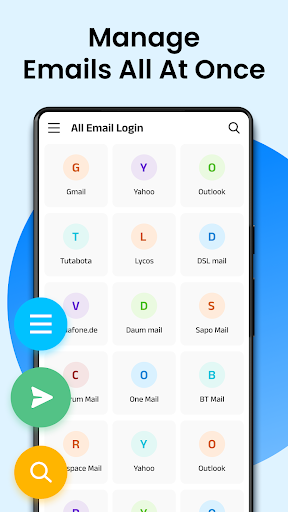
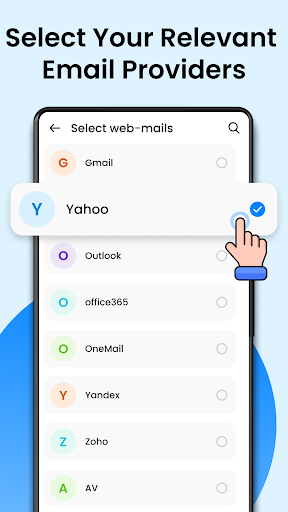
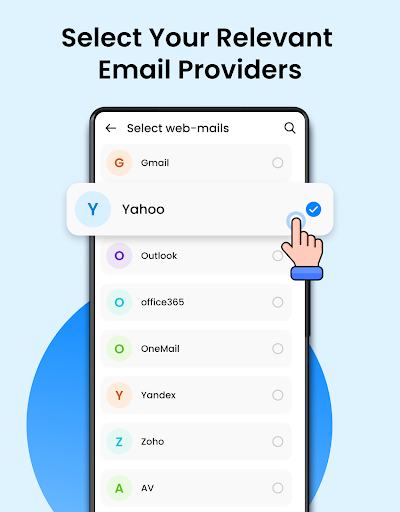
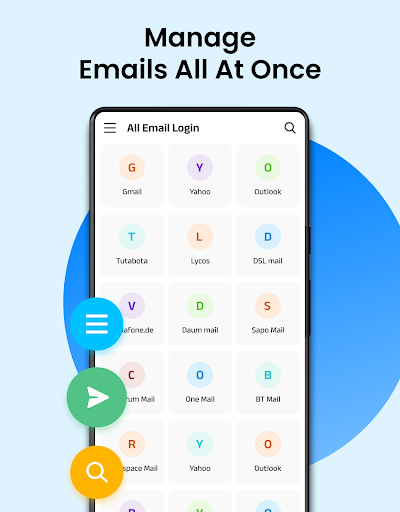
All Email Connection
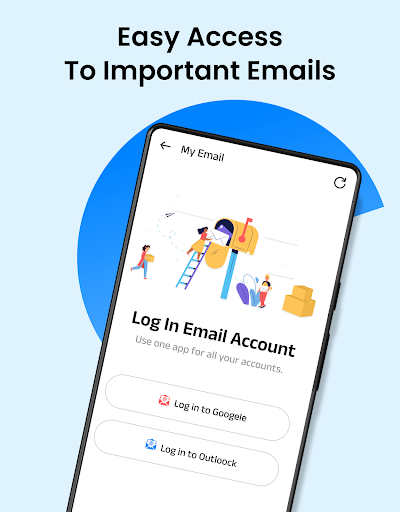
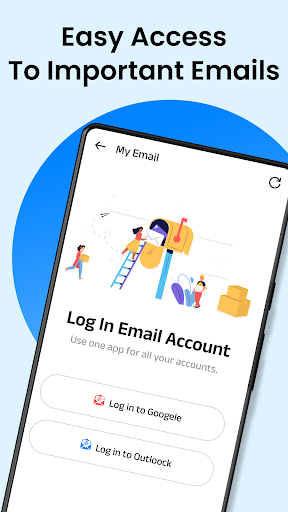
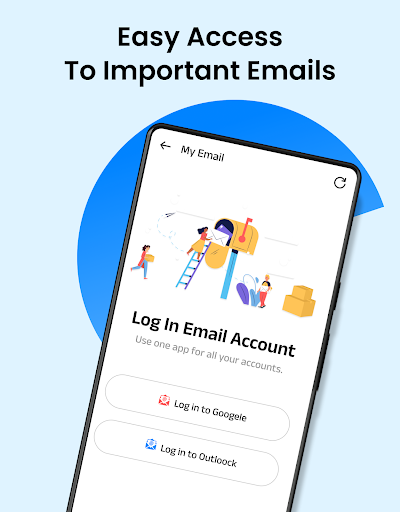
The app allows you to connect all your email accounts within a single, user-friendly interface. This means no more switching between different email applications—manage everything seamlessly from one platform.
Fast & Secure Email Access
Enjoy quick login and operation, ensuring you can check, reply, and organize emails rapidly. The app prioritizes security through encryption and two-factor authentication, keeping your data protected at all times.
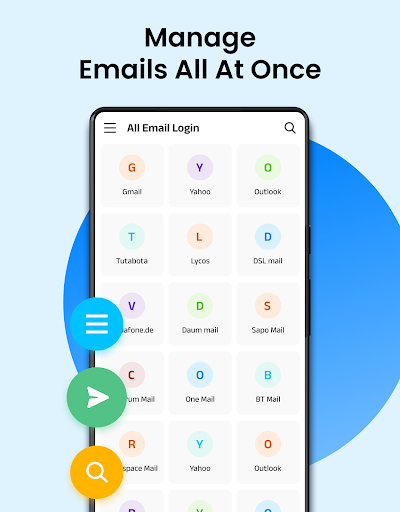
Organized Email Overview
The intuitive layout presents all your email accounts clearly on a single screen, making it easy to view inboxes, drafts, and sent items without confusion.
Email Messaging & Management
Reply to messages across different accounts with ease, and access all your inboxes collectively. The app supports quick actions, so you can respond promptly.
Enhanced Performance and Reliability
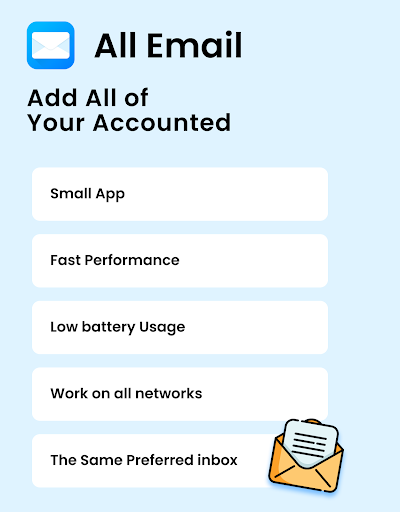
Designed to handle multiple accounts smoothly, the app provides instant notifications and synchronicity, even under varying network conditions. While occasional lag might occur with large attachments, overall performance remains robust.
Customization & Personalization
Tailor the app’s appearance and notifications to your liking. Change themes, set alert tones, and organize your workspace—all contributing to a personalized email management experience.
AI Integration for Smarter Email Handling
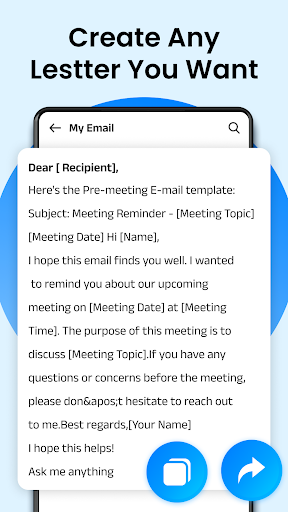
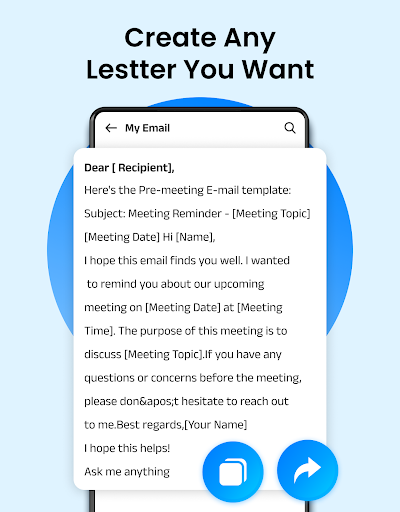
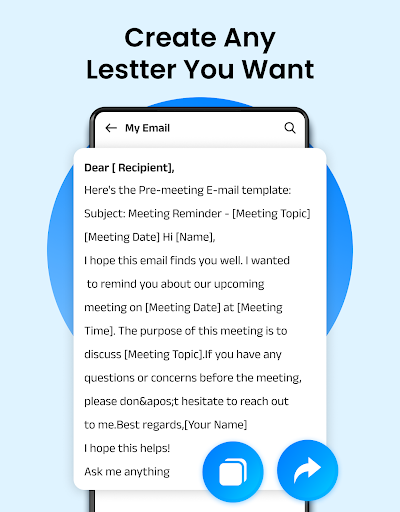
The latest version of Email - Email Login incorporates powerful AI features aimed at boosting your productivity. Use the AI Email Writer to generate emails based on brief prompts, select tones such as formal or friendly, and tailor messages to suit any occasion. Simply enter your message idea, specify preferences, and let the AI craft a professional email—saving you time and effort.
The AI Email Reply feature provides instant auto-generated responses by pasting received emails. It’s especially useful for quick communication or handling high volumes of messages efficiently.
Additionally, pre-designed email templates help craft marketing emails, invitations, or collaborative messages without starting from scratch. Customize communication with various tones—formal, casual, persuasive, romantic, and more—enhancing your messages’ effectiveness.
Support for emoji and multiple language settings allows for expressive and localized communication, making emailing more engaging and personalized.
The clean, intuitive interface means you can write and send emails with just a few taps, integrating AI assistance seamlessly into your daily workflow.
The AI Email Reply feature provides instant auto-generated responses by pasting received emails. It’s especially useful for quick communication or handling high volumes of messages efficiently.
Additionally, pre-designed email templates help craft marketing emails, invitations, or collaborative messages without starting from scratch. Customize communication with various tones—formal, casual, persuasive, romantic, and more—enhancing your messages’ effectiveness.
Support for emoji and multiple language settings allows for expressive and localized communication, making emailing more engaging and personalized.
The clean, intuitive interface means you can write and send emails with just a few taps, integrating AI assistance seamlessly into your daily workflow.
Why Choose Email - Email Login?
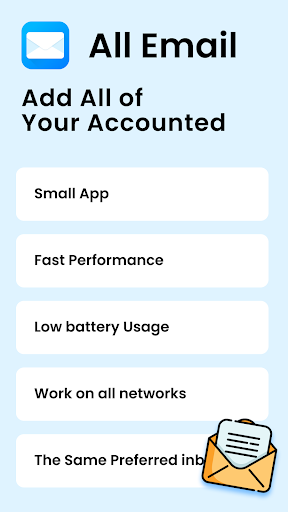
If managing multiple email accounts feels overwhelming, this app is your ideal solution. It consolidates all your mailboxes, offers swift access, and ensures your data stays secure with encryption measures—perfect for professionals, marketers, and personal users alike.
Its performance reliability combined with rich customization options makes it stand out in a crowded market. Plus, the recent AI enhancements empower you to communicate more effectively and save valuable time.
Overall, Email - Email Login is a smart choice for anyone looking to simplify email management, increase productivity, and communicate more intelligently. Download it today to experience the convenience of managing all your emails from one easy-to-use app.
Its performance reliability combined with rich customization options makes it stand out in a crowded market. Plus, the recent AI enhancements empower you to communicate more effectively and save valuable time.
Overall, Email - Email Login is a smart choice for anyone looking to simplify email management, increase productivity, and communicate more intelligently. Download it today to experience the convenience of managing all your emails from one easy-to-use app.
Pros
- User-friendly interface for easy navigation
- Allows management of multiple email accounts within a single app
- Effective spam filtering capabilities
- Customizable notifications for individual accounts
- Offline access to emails
Cons
- Limited storage available in the free version
- Occasional synchronization problems with certain providers
- Contains advertisements in the free version
- Does not include calendar integration
- Lacks end-to-end encryption











