

Discover the Power of DScanner - Camera Scanner
Are you looking for an all-in-one scanner app that can handle all your document digitization needs? Look no further than DScanner - Camera Scanner. This versatile mobile application transforms your smartphone into a powerful tool for scanning, converting, and editing documents with ease. Whether you're digitizing paper documents, extracting text, or managing PDFs on the go, DScanner offers a comprehensive set of features designed to boost your productivity and streamline your workflow.
Effortless Document Scanning with Camera Scanner
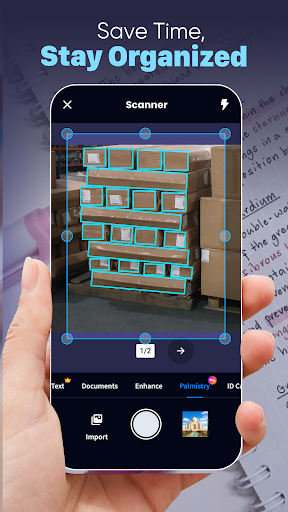
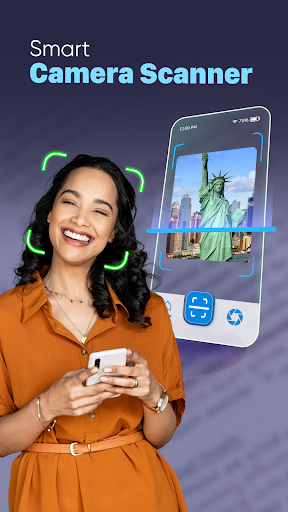
• Camera Scanner: A smart document scanner that automatically detects document edges, ensuring perfectly aligned and high-quality scans. Compatible with various file types like PDF, text files, Excel sheets, or images, this feature makes digitizing effortless. Simply capture your paper documents or upload existing files, and let the app do the rest.
Whether you need to scan receipts, reports, or handwritten notes, the app’s intelligent edge detection guarantees clear and professional results every time.
Powerful PDF Handling and Conversion
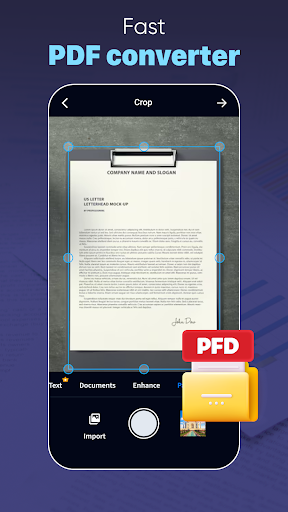
• Fast PDF reader and converter: Open, view, and scroll through your PDF documents seamlessly. When needed, convert images or scans directly into PDFs with just a few taps, saving you valuable time and making sharing or archiving much easier. This feature makes DScanner a perfect companion for managing your digital documents efficiently.
Advanced OCR Technology for Text Extraction
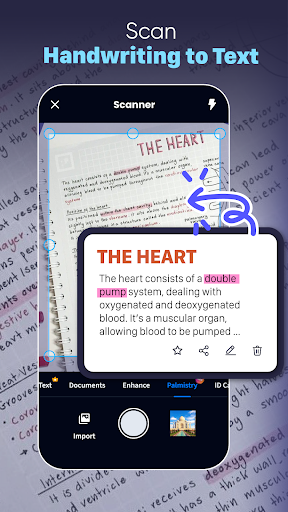
• Image to Text Scanner: Powered by advanced optical character recognition (OCR), this feature allows you to convert printed or handwritten documents into editable text effortlessly. Whether it's reports, notes, or book pages, you can quickly turn physical content into digital text, simplifying editing and sharing. This capability is ideal for students, professionals, and anyone who needs to digitize physical documents without hassle.
Comprehensive Editing and Annotation Tools
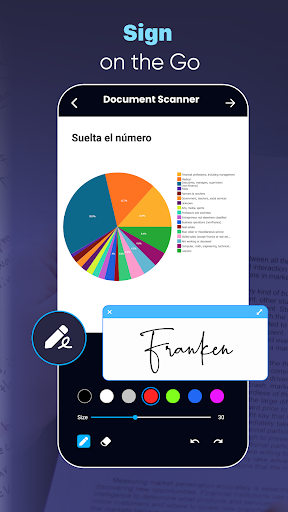
Once you've digitized your documents, DScanner offers a suite of editing features to refine your files. Crop, rotate, or adjust contrast for clarity, draw annotations, or import signatures to sign PDFs directly within the app. You can organize your scans with thumbnail views, sort by date or title, and save files in various formats. Sharing your perfectly edited documents via email or social media is quick and straightforward, making document management seamless and professional.
Seamless Organization and Sharing
Keep your digital workspace tidy by creating folders and tagging your scans for quick retrieval. The app supports easy sharing options, allowing you to upload files directly to cloud services like Google Drive or Dropbox. With these features, DScanner turns your phone into a portable office, ensuring your documents are always organized, accessible, and ready to share whenever you need.
Why Choose DScanner - Camera Scanner?
This all-in-one scanner app is designed to help you save time, improve accuracy, and maintain a professional workflow wherever you are. Its combination of intelligent scanning, OCR capabilities, editing tools, and easy sharing makes it a must-have for students, professionals, and anyone who handles documents regularly. Lightweight yet feature-rich, DScanner ensures that managing your paperwork is no longer a chore but a streamlined, efficient process.
If you’re seeking a reliable mobile scanning solution that adapts to your needs and helps you stay organized, give DScanner - Camera Scanner a try and experience the convenience of professional document management right at your fingertips.
Pros
- Fast scanning and processing speeds.
- Compatible with multiple file formats.
- Intuitive and easy-to-use interface.
- Produces high-resolution output.
- Cloud access for convenience.
Cons
- Limited options for editing.
- App may crash occasionally.
- Contains ads in the free version.
- Requires subscription for premium features.
- Privacy issues related to document storage.











