
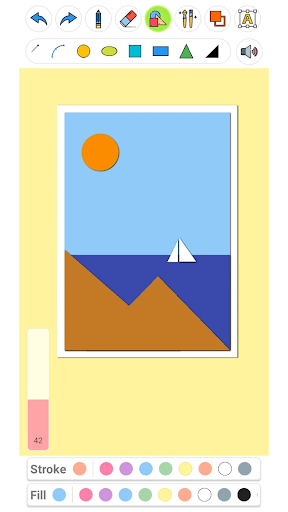
Drawing Pad Pro - Sketchpad: Your Pocket Studio for Digital Art
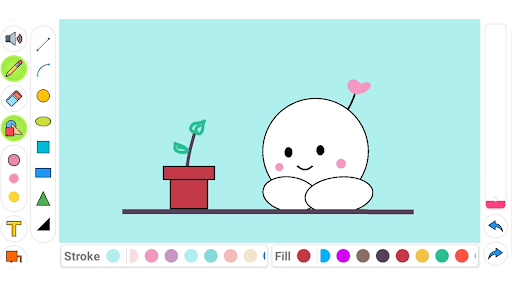
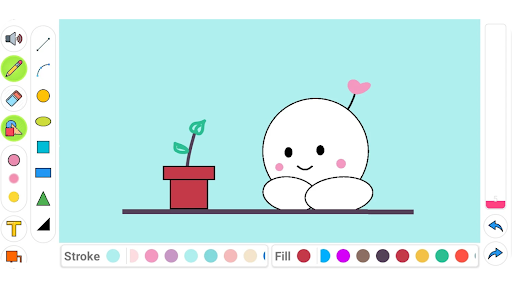
Drawing Pad Pro - Sketchpad brings a full art studio to the palm of your hand. Available on Android and iOS, this versatile drawing app combines an intuitive interface with a rich toolkit, making digital sketching feel natural whether you’re a student, a professional artist, or someone who loves to doodle. Work on high‑resolution canvases, take advantage of stylus pressure sensitivity, and enjoy a streamlined workflow that lets you paint, draw, and type text in a single, user‑friendly space.
Powerful Tools for Creative Expression
Brushes, Layers, and Textures
Explore a diverse library of brushes, apply textures, and manage multiple layers with blending options. This makes it easy to add depth, shading, and detail to your artwork, whether you’re crafting a quick sketch or a polished illustration.
Geometric Shapes and Precision
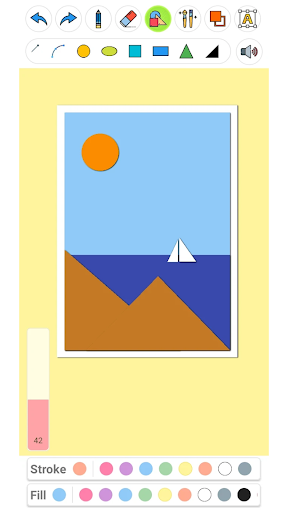
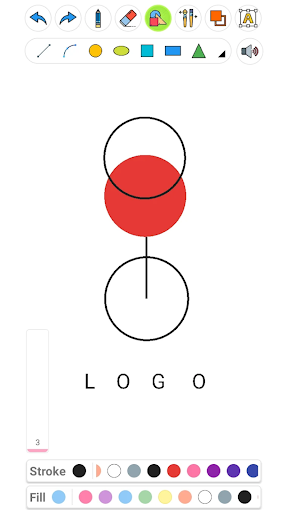
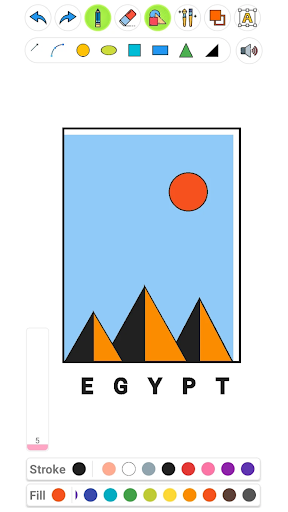
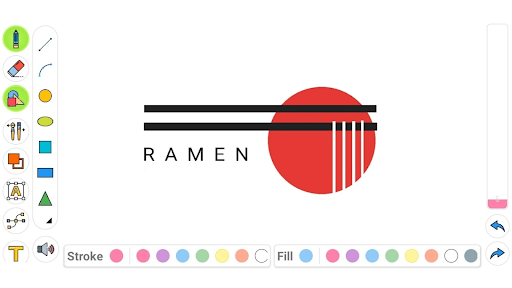
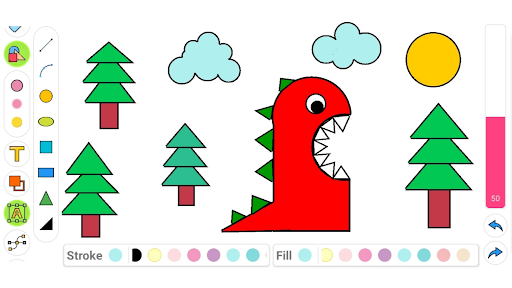
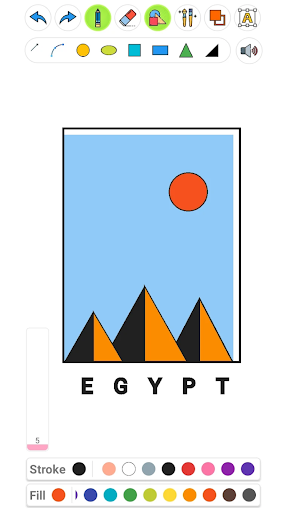
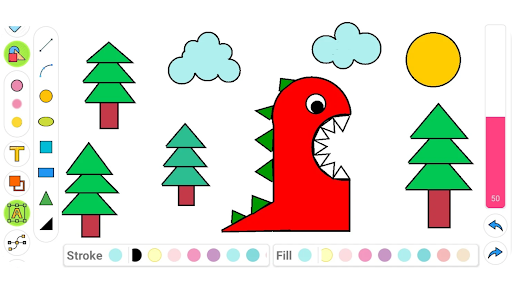
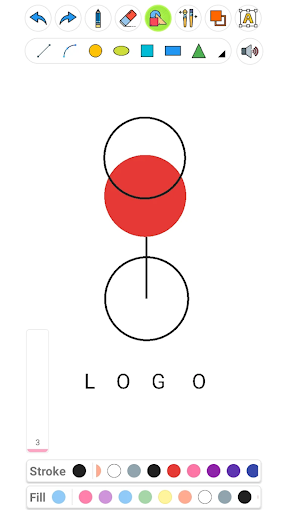
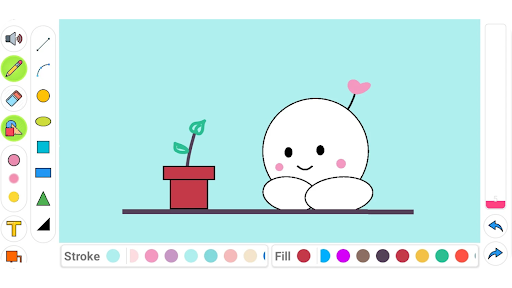
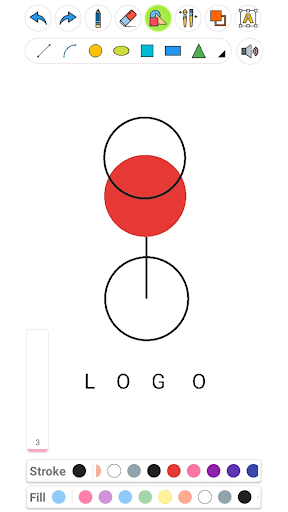
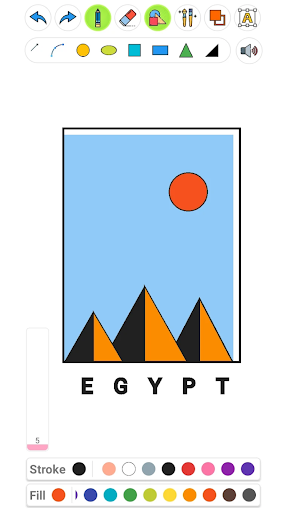
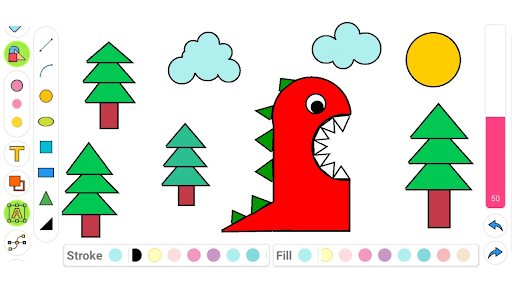
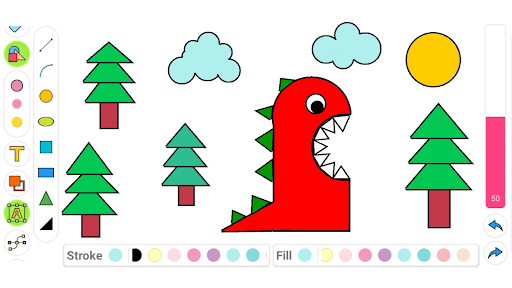
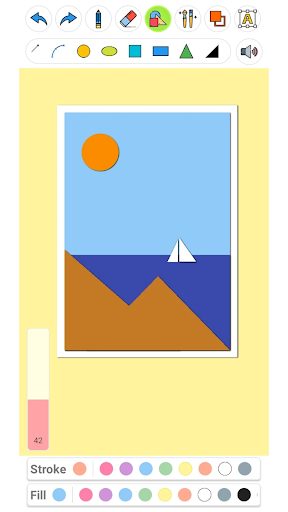
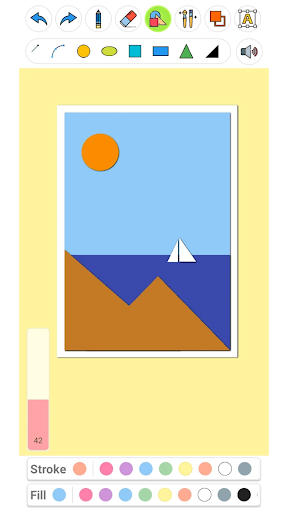
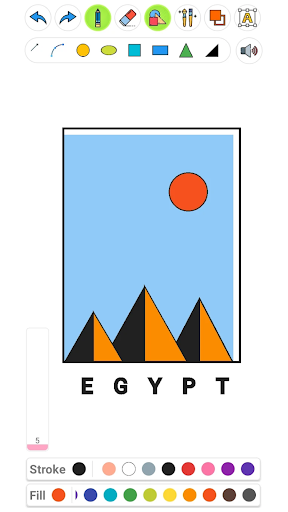
Draw precise shapes—squares, circles, triangles, and more—and control stroke and fill independently. Rotate and scale elements to build clean geometry art or integrate shapes into more complex compositions.
Color, Text, and Typography
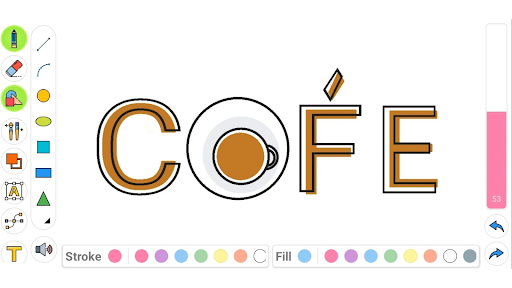
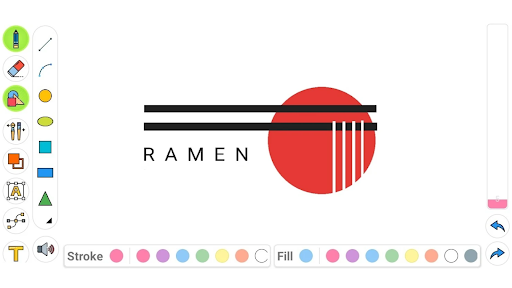
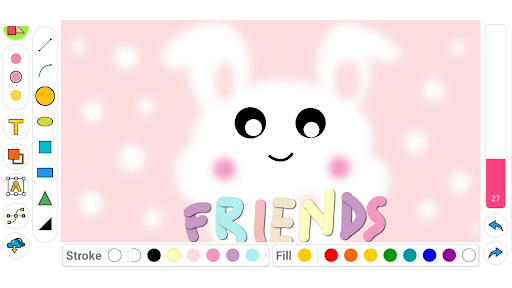
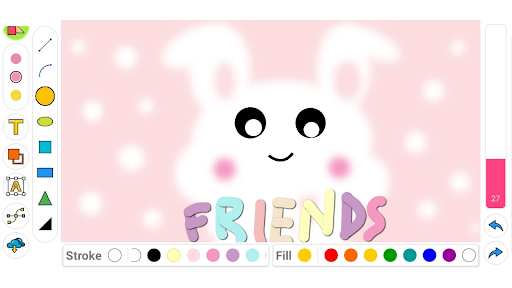
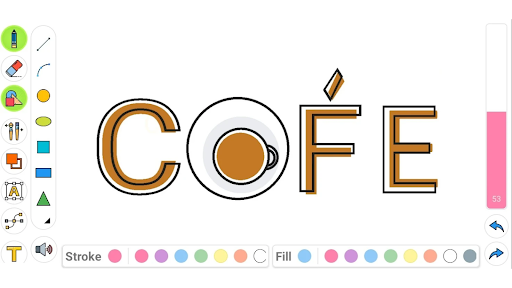
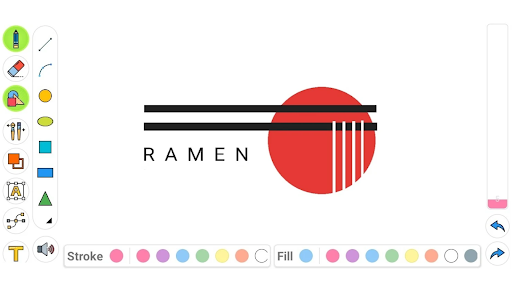
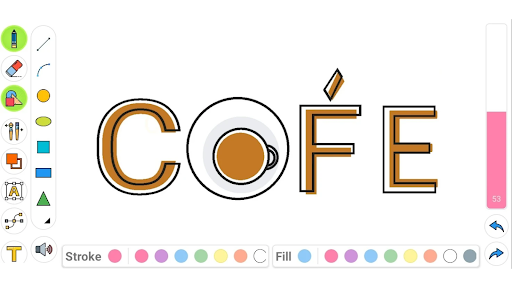
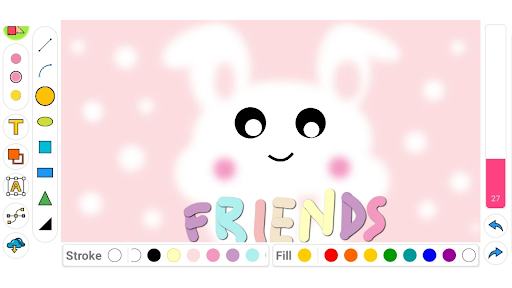
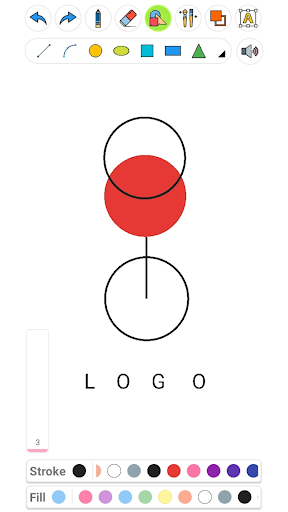
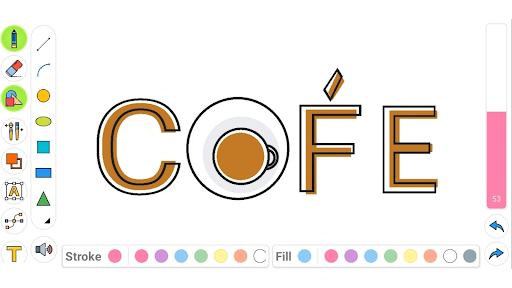
Choose any color you want for strokes, fills, and text. The built‑in text tool lets you create word art, resize, scale, or rotate text, and an eraser helps you refine your canvas when needed.
High-Quality Output and Sharing
The app supports high‑resolution canvases so your artwork prints with clarity. Save your sketches and share them effortlessly, or export for use in other projects.
A Friendly Companion for All Ages
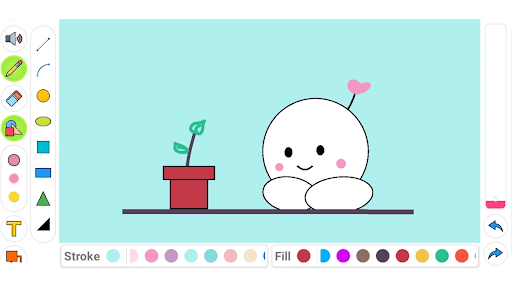
Drawing Pad Pro is accessible to both kids and adults. Its bright, user‑friendly interface makes it a great doodle pad for children while still delivering a robust set of features for grownups. Use it as a learning tool to teach shapes and colors, or as a personal sketchbook replacement for everyday creativity.
Getting Started with Drawing Pad Pro - Sketchpad
Setting up Drawing Pad Pro is a breeze on both Android and iOS. After installation, you’ll find a clean workspace with tools that are easy to reach and intuitive to use. For newcomers, tutorials and step‑by‑step guides help you get started quickly, so you can start creating right away.
Whether you’re sketching rough ideas, refining a digital painting, or crafting typographic art, the app responds smoothly to touch and stylus input. You’ll enjoy a fluid drawing experience with quick tool switching, adjustable brush sizes, and helpful undo functionality when you need it.
Final Thoughts: Creative Freedom, Anywhere You Go
More than just a tool, Drawing Pad Pro - Sketchpad is a portable art studio that travels with you. Its combination of a clean, approachable interface and a deep feature set makes it ideal for artists at any level. If you want to explore digital drawing without the clutter of traditional supplies, this sketchpad app is a compelling choice. Embrace on‑the‑go creativity and unlock new possibilities with Drawing Pad Pro.
Pros
- User-friendly interface suitable for beginners.
- Wide range of customizable brushes.
- Supports multiple layers.
- High-resolution canvas options.
- Exports work in various formats.
Cons
- Limited text editing tools.
- Occasional lag on older devices.
- In-app purchases for premium features.
- No vector graphic support.
- Limited community sharing features.











