
Discover the Power of Sketchbook Lite - Artbook: Your Portable Digital Art Studio
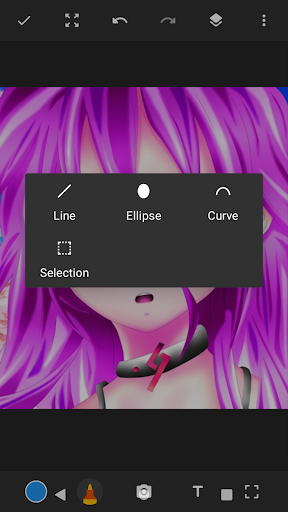
Are you passionate about drawing, doodling, or creating stunning digital art? Sketchbook Lite - Artbook is your ultimate sketch pad that transforms your smartphone or tablet into a versatile art studio. Whether you're a professional artist or a hobbyist, this intuitive drawing app offers everything you need to unleash your creativity and produce professional-quality sketches with ease.
Intuitive Interface Designed for Artists of All Levels
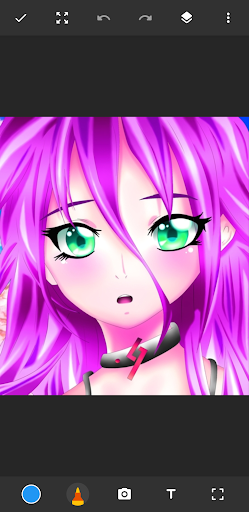
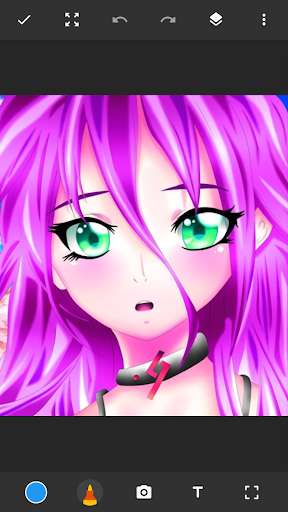
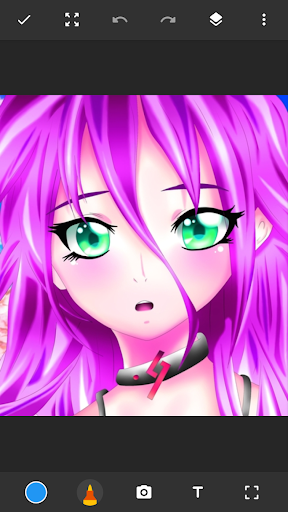
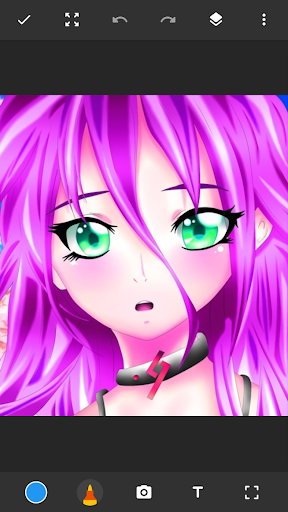
From the moment you open Sketchbook Lite - Artbook, you'll notice its clean and user-friendly layout. The simple, uncluttered interface ensures you can start sketching immediately without being overwhelmed by complicated menus or settings. This design focus allows artists to concentrate purely on their craft, making it accessible for beginners and convenient for seasoned illustrators alike.
Extensive Brush and Tool Selection for Endless Creativity
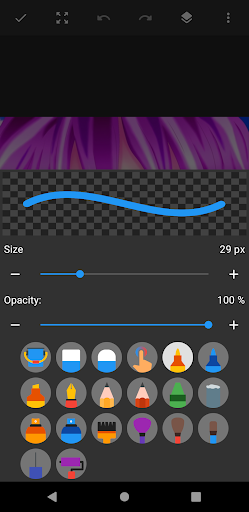
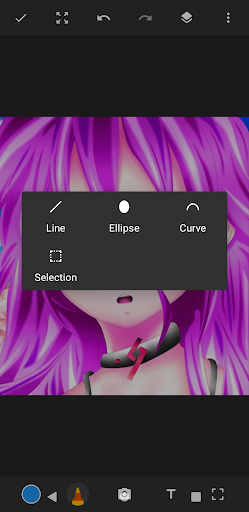
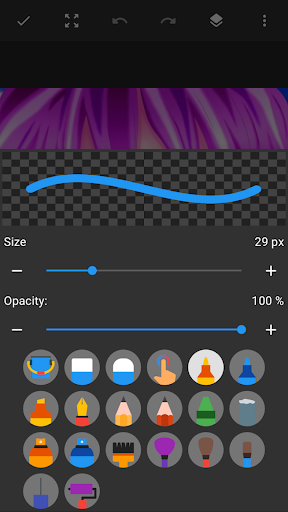
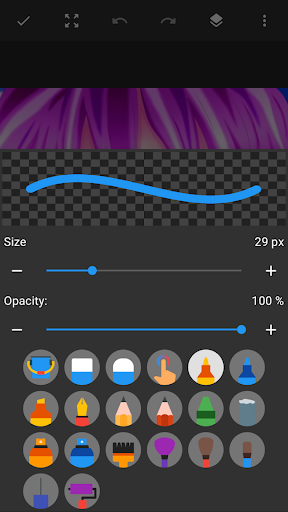
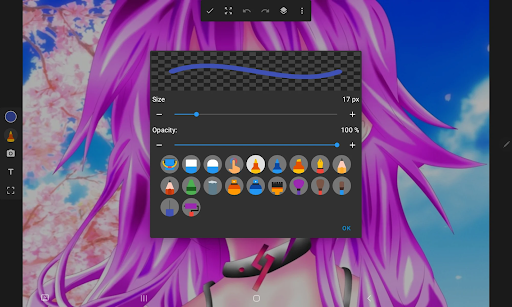
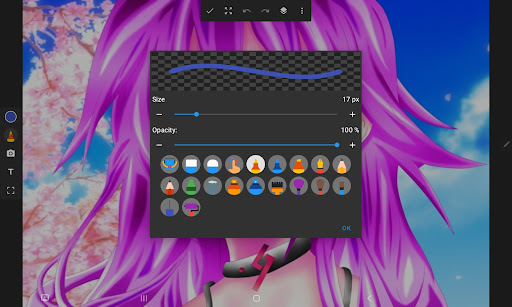
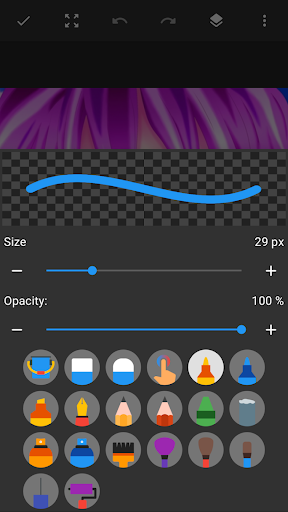
The app boasts a diverse array of brushes, pencils, pens, and markers that mimic traditional art media. You can experiment with different brushstrokes and textures, whether you're aiming for watercolor effects, smooth pencil lines, or bold ink strokes. The customizable brush settings—including size, opacity, and texture—enable you to tailor your tools perfectly to your artistic style.
Layer Support for Complex and Professional Artwork
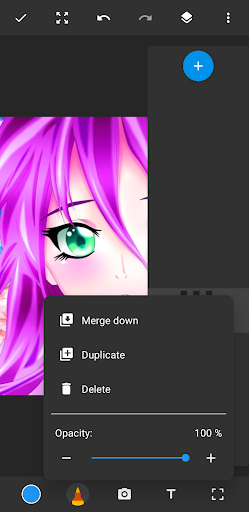
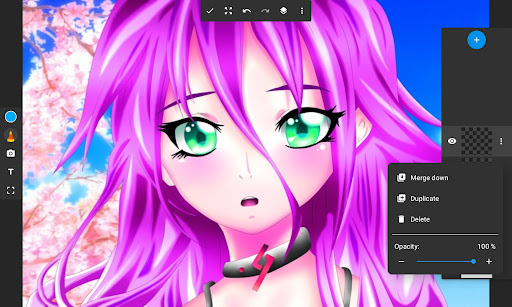
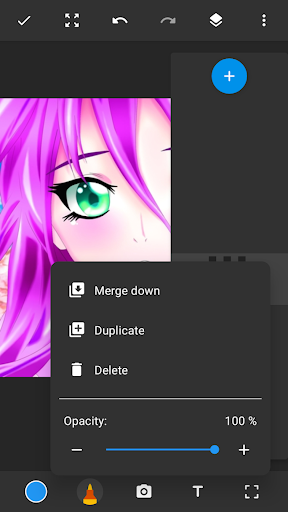
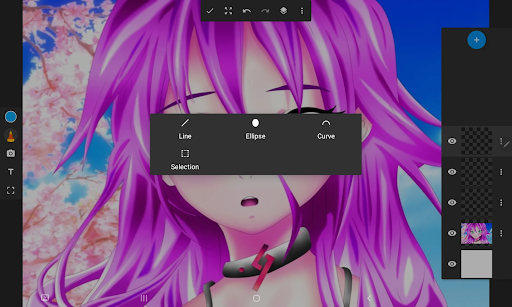
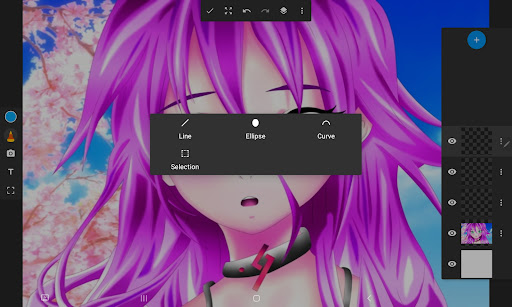
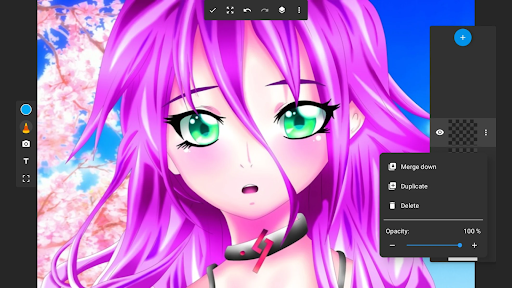
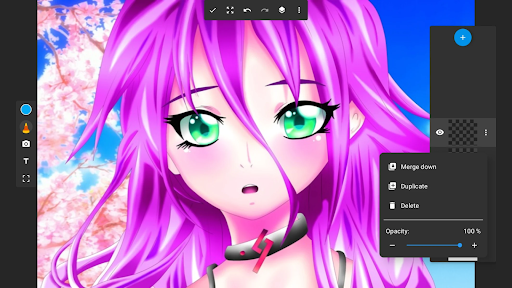
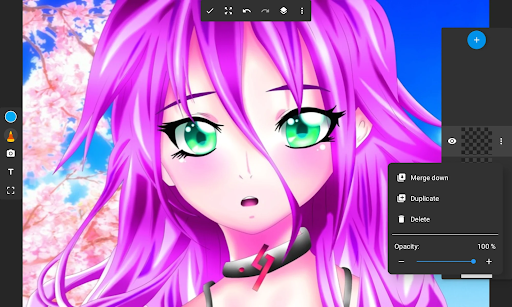
One of the standout features of Sketchbook Lite - Artbook is its robust layer functionality. Digital artists know how vital layers are for creating detailed and intricate compositions. With support for multiple layers, you can easily organize different elements of your artwork, experiment with transparency, and make adjustments without damaging your original work. Rearranging layers and tweaking opacity become effortless, empowering you to refine your sketches to perfection.
Creative Tools to Enhance Your Digital Artwork
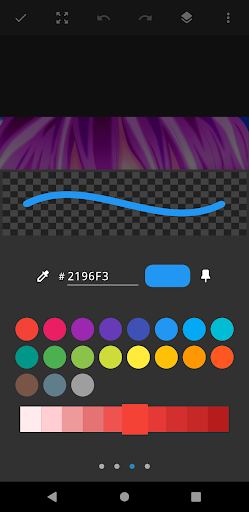
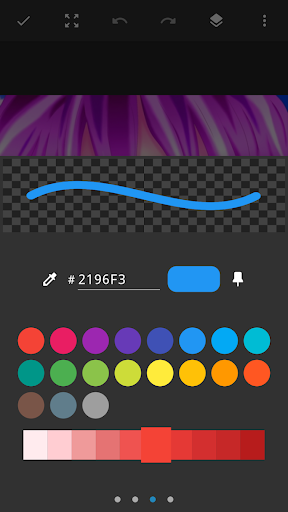
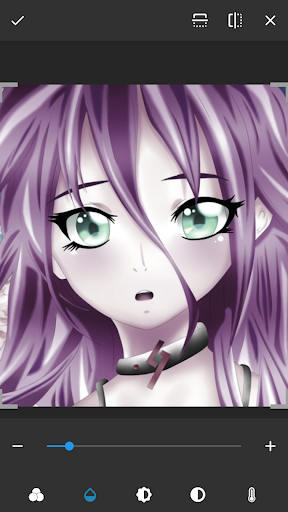
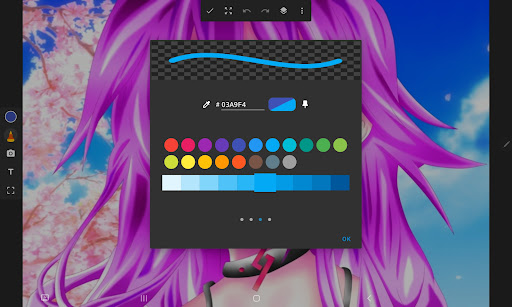
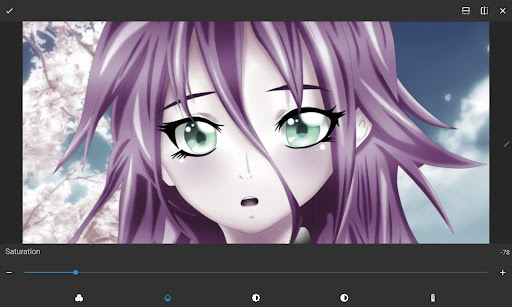
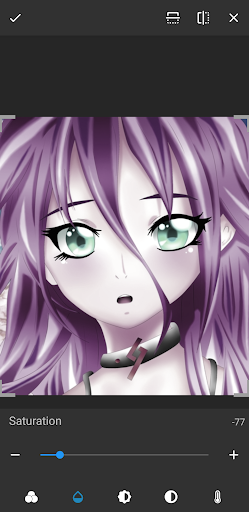
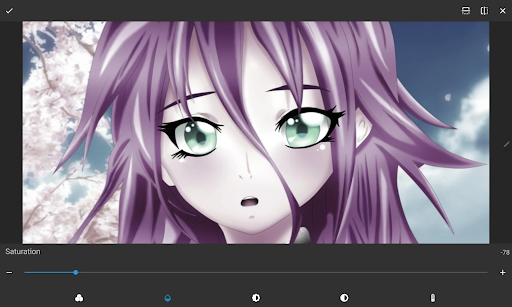
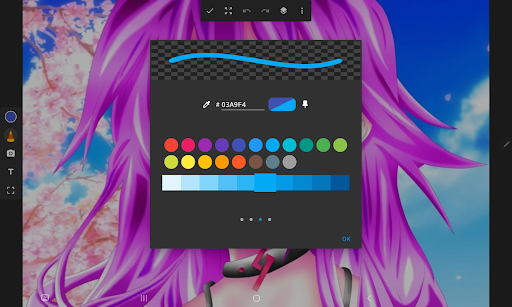
This drawing app offers a suite of features to elevate your digital art. You can easily draw on photos, create doodles for fun, or craft detailed digital paintings. The vibrant color palette supports a wide range of hues, allowing you to bring your sketches to life with rich, eye-catching colors. Whether you prefer anime coloring, manga style, or realistic paintings, Sketchbook Lite - Artbook has the necessary tools to help you craft stunning masterpieces.
High-Quality Export and Sharing Options
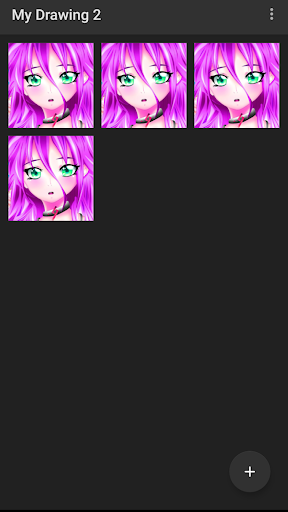
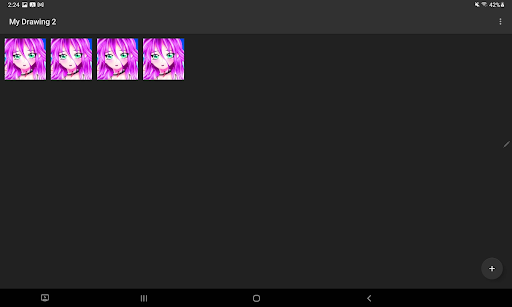
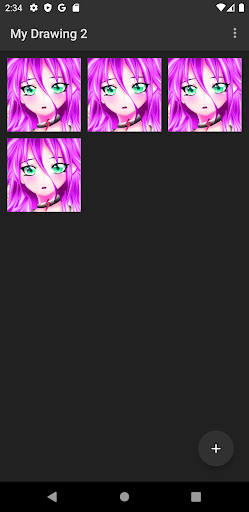
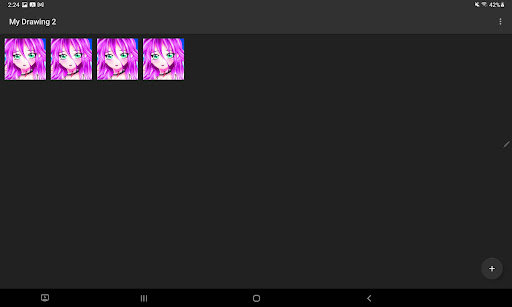
Finished your artwork? No problem! The app supports exporting high-resolution images, making it simple to share your images on social media or print them out for display. The ability to save and organize your sketches within the app provides a seamless workflow from initial sketch to polished masterpiece.
Creative Freedom and Flexibility in Digital Art
Sketchbook Lite - Artbook is more than just a drawing tool; it’s an artbook in your pocket. Whether you’re doodling during a meeting, creating detailed illustrations, or experimenting with new styles, this app offers the perfect platform to express yourself. Its smooth performance on both Android and iOS devices ensures that your creative flow is never interrupted by lag or glitches.
Why Choose Sketchbook Lite - Artbook?
If you're seeking a user-friendly yet powerful digital art application that simplifies complex features like layer management and brush customization, Sketchbook Lite - Artbook is the ideal choice. Its portability, extensive feature set, and high-quality export options make it suitable for artists of all levels who want to turn their ideas into reality anytime, anywhere.
Download Sketchbook Lite - Artbook now and embark on an artistic journey filled with endless possibilities. Let your creativity flow freely and craft beautiful digital art that leaves a lasting impression.
Pros
- User-friendly interface suitable for beginners.
- Offers a wide selection of brushes.
- Supports editing with layers.
- Provides smooth and responsive performance.
- Receives regular updates introducing new features.
Cons
- Features are limited in the free version.
- Does not include a text tool for annotations.
- Some features require an internet connection.
- Occasional advertisements can interrupt workflow.
- Lacks advanced photo editing capabilities.











