



Drawing Desk: Learn to Draw – Features and Overview
Trusted by over 70 million users worldwide with more than 100,000+ 5-star reviews, Drawing Desk stands out as the #1 app for learning and practicing drawing and painting skills. Whether you prefer to sketch on your phone or tablet, this versatile app offers an extensive range of tools and features designed to help artists of all levels create stunning artworks.
The app boasts a unique collection of professional tools, including pencils, crayons, watercolor brushes, and more, enabling users to experiment and craft remarkable art pieces. From casual doodling to detailed illustrations, Drawing Desk provides everything needed to bring your creative vision to life. It's widely regarded as one of the best apps available for learning digital art and mastering illustration techniques.
Specialized Learning Resources
Marvel Super Hero Drawing Lessons
Enjoy a brand-new collection of over 50 Marvel Super Hero lessons, making it easier for everyone to learn how to draw their favorite characters. This series features all of Marvel’s iconic heroes, including Spider-Man, Iron Man, Captain America, Thor, Black Panther, Wolverine, along with Marvel Mini Heroes, Marvel Emoji, and many more.
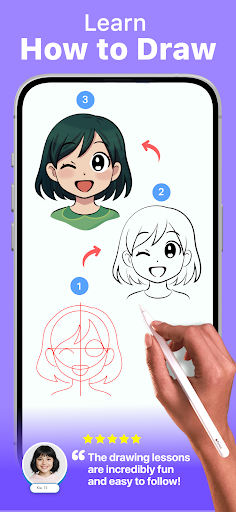
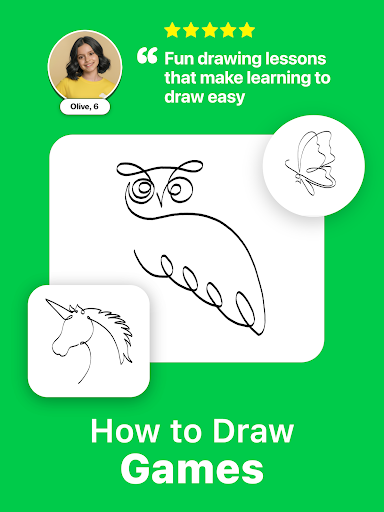
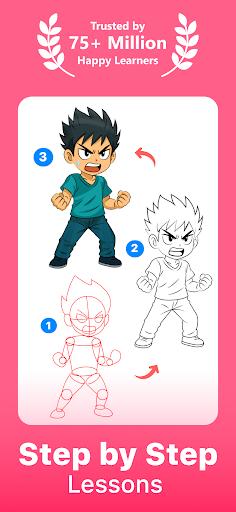
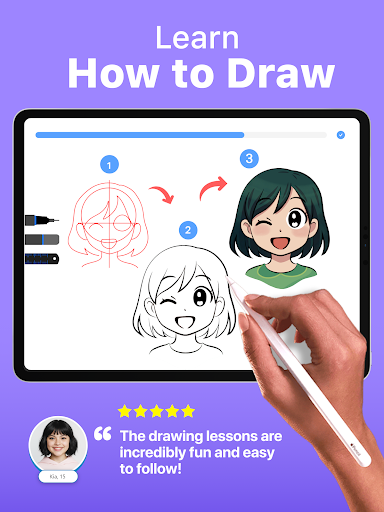
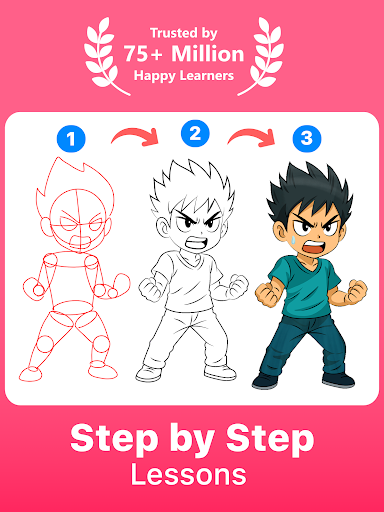
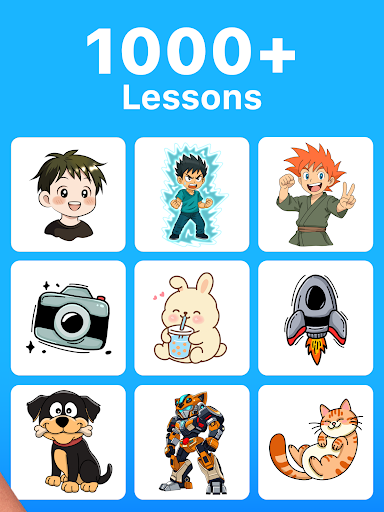
Each lesson provides clear on-screen instructions, user-friendly canvas guides, and intuitive options so users can learn to draw different poses of their favorite superheroes. New lessons are added monthly, keeping the content fresh and engaging. Beyond Marvel, the app offers over 800 additional lessons covering diverse topics like cartoon drawing, Anime & Manga, cute Chibi characters, and more—carefully crafted by professional artists.
Start your journey today by trying a Marvel lesson and learn how to draw from scratch with step-by-step guidance from experienced artists.
Comprehensive Masterclasses & Digital Art Tools
Learn from Professional Artists
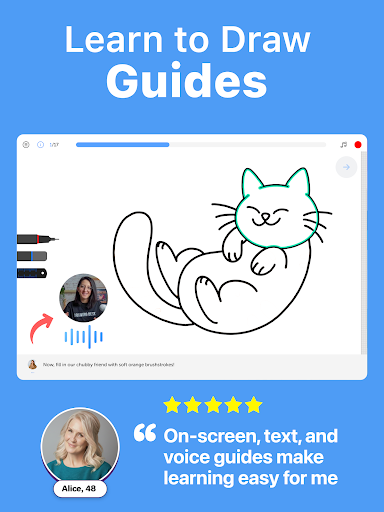
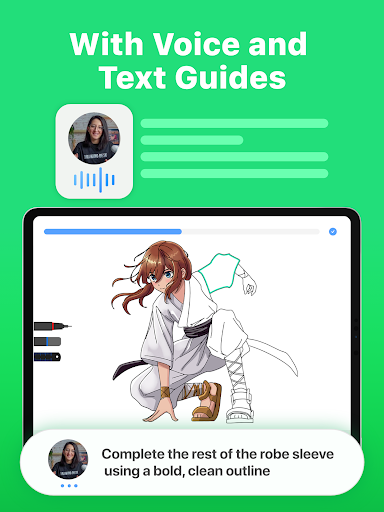
The app features masterclasses conducted by professional digital artists, guiding you through the entire process—from the basics to advanced tips & tricks. These classes include video tutorials, step-by-step on-screen guides, and text & voice instructions. This immersive learning experience helps you understand techniques used in professional digital art creation.
All-in-One Digital Drawing Platform
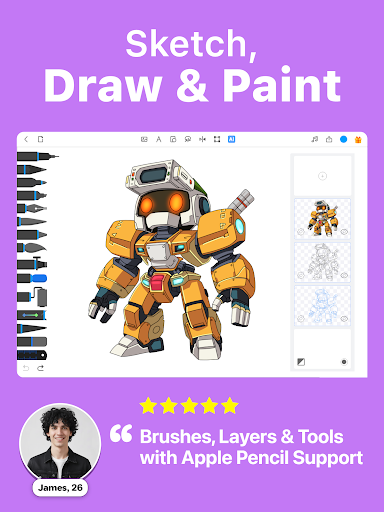
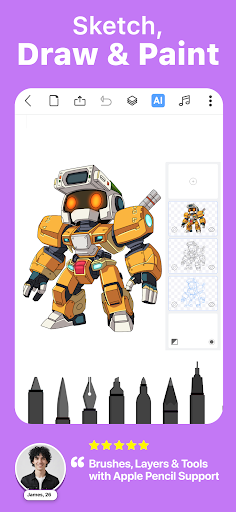
Drawing Desk offers an array of more than 25 sketching tools, including pens, pencils, crayons, neon brushes, watercolor tools, ink, smudge, eraser, and fill bucket. You can also draw and paint on various canvas sizes (especially designed for tablets), work with unlimited layers, use quick-shape drawing features, and create symmetrical designs utilizing a symmetry tool with over 200 instant shape options.
Additionally, the app includes a vibrant color palette with gradients, a fill tool enriched with over 125 textures, and AI-powered creative tools like Sketch to Art AI, Text to Art AI, auto-colorization, background removal, and object removal from photos. These features make digital art creation both fun and efficient.
Creative and Fun Features
Drawing Desk's AI-powered tools enhance your creative process, enabling quick transformations of your sketches into finished artworks. The auto-colorize feature, for example, can color your drawings in just 10 seconds, while the background removal tool helps isolate elements for collage or design projects.
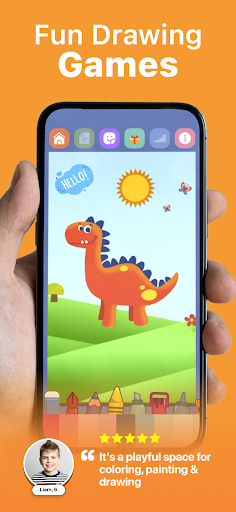
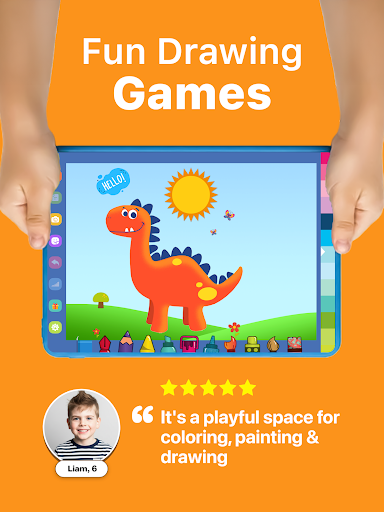
The Drawing Desk game offers a fun platform for users interested in sketching, painting, designing, and learning digital art in an interactive way. Designed for everyone who loves art, the game encourages creativity and helps develop drawing skills in an engaging environment.
Personal Experience and Final Thoughts
Many users, including myself, find Drawing Desk to be an art lover's paradise. Its intuitive interface makes it accessible whether you’re an experienced artist or just doodling for fun. The variety of brushes, tools, and tutorials means you can easily start from scratch or refine your skills with expert guidance.
What truly sets Drawing Desk apart is its vibrant community aspect—sharing your creations, receiving feedback, and collaborating with others fosters motivation and continuous improvement. The app serves as both a creative outlet and an educational platform, suitable for all ages and skill levels.
If you are looking for an all-in-one digital art app that combines professional tools, comprehensive tutorials, and an inspiring community, then Drawing Desk is an excellent choice. Whether you want to learn drawing, practice sketching, or simply enjoy coloring, this app offers everything you need to unleash your inner artist and create beautiful digital art content.
Pros
- Intuitive interface suitable for beginners
- A wide range of drawing tools available
- Offline mode allows drawing anywhere without internet
- Regular updates introduce new features
- Supports multiple image formats
Cons
- Includes in-app purchases
- Certain features require upgrading to premium
- Occasional app crashes occur
- Advertisements can be disruptive
- Limited free features available











