
Discover the Ultimate Drawing App: Draw, Sketch Pad
Imagine a digital canvas that combines professional-grade tools with user-friendly features — that’s exactly what Draw, Sketch Pad offers to artists of all levels. Whether you’re a beginner doodler or an experienced digital artist, this versatile application provides an engaging platform to unleash your creativity. Designed with a clean, intuitive interface and a rich set of features, Draw, Sketch Pad enables users to create stunning artwork, sketches, and designs right on their smartphones, tablets, or iPads.
Key Features and Tools for Artistic Expression
One of the standout aspects of Draw, Sketch Pad is its comprehensive suite of drawing tools and modes tailored to diverse artistic needs. It features five professional digital art drawing pads:
Sketch Pad
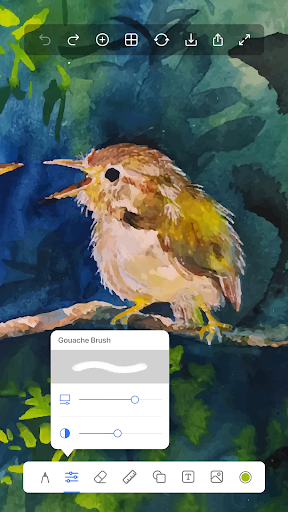
Ideal for detailed sketching, the Sketch Pad supports multiple layers, giving artists the flexibility to work on complex compositions. It offers pro-grade tools such as pencils, crayons, pens, watercolor brushes, fill buckets, and rollers, enabling realistic drawing and painting experiences.
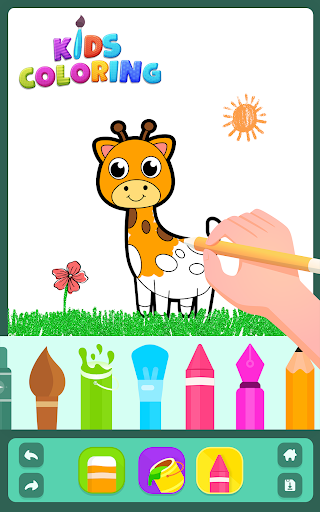
Kids Pad
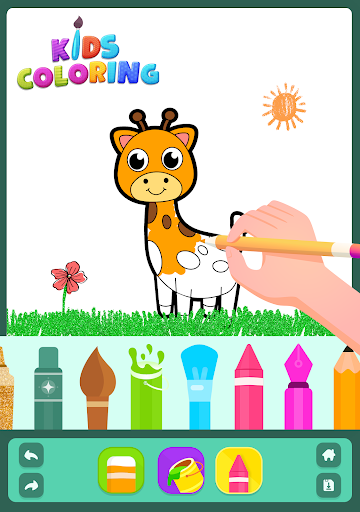
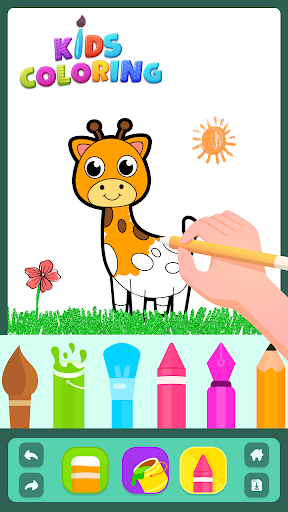
Designed to make art fun for children, the Kids Pad includes features like Color Fill, Fun Paint, Glow Pen, and Number Paint. It’s perfect for encouraging young minds to explore their creativity in a safe and playful environment.
Coloring Pad
With a fully equipped Coloring Pad, users can choose from a vast color palette and access over 500 coloring pages featuring animals, alphabet letters, fruits, and more. This mode caters to both kids and adults pursuing relaxing coloring activities.
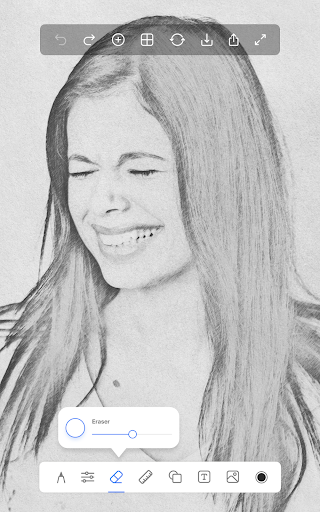
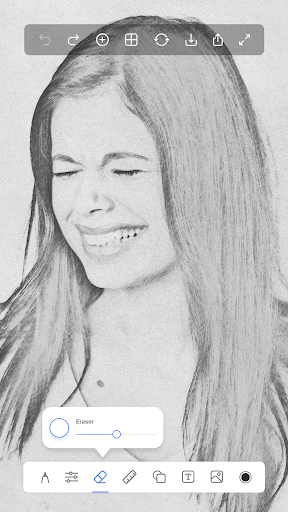
Photo Pad
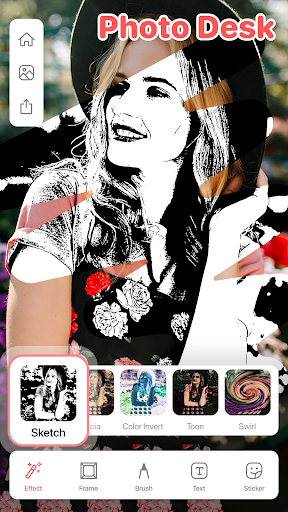
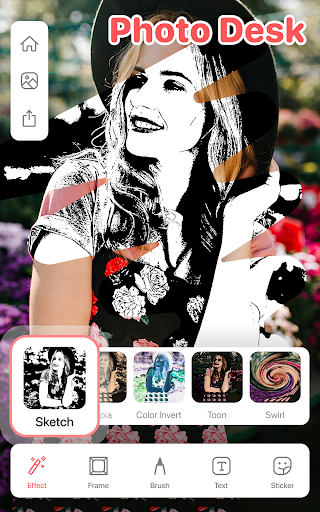
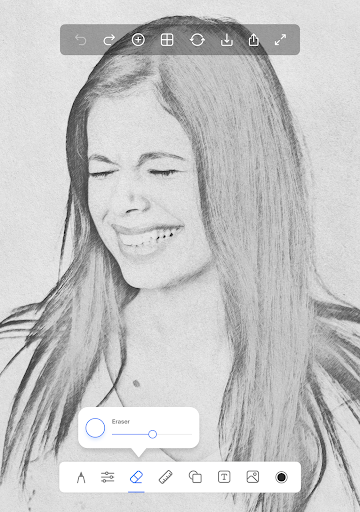
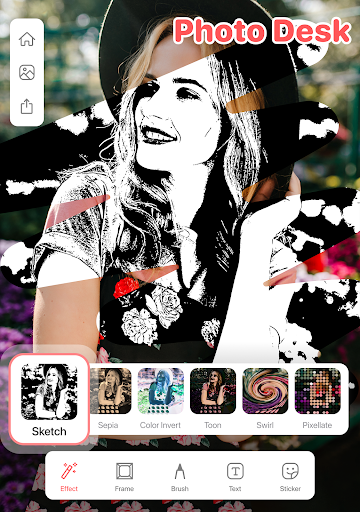
This feature allows you to import any photo and draw or doodle over it. You can use a variety of brushes to enhance or modify your images, making it excellent for photo sketches, custom photo editing, and learning art techniques by tracing images.
Doodle Pad
A simple yet effective drawing space where you can freely doodle. It allows you to fill colors with different brush sizes or strokes, perfect for quick sketches, brainstorming, or fun doodle sessions.
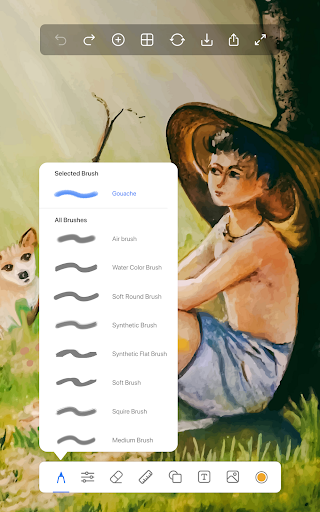
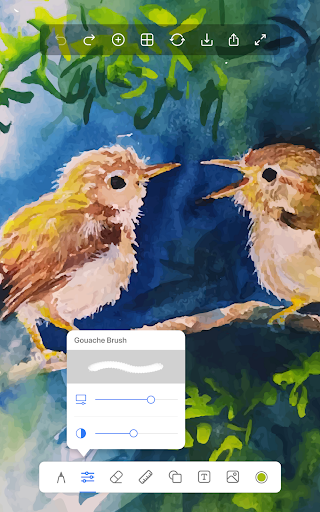
Beyond these modes, the app supports both offline and online work, allowing seamless sharing of your artworks with friends and family directly from the app. It provides a straightforward canvas for drawing and coloring, complemented by a vibrant array of 40+ brushes that help you craft detailed sketches and vibrant paintings.
Why Choose Drawing Apps Over Other Digital Art Tools?
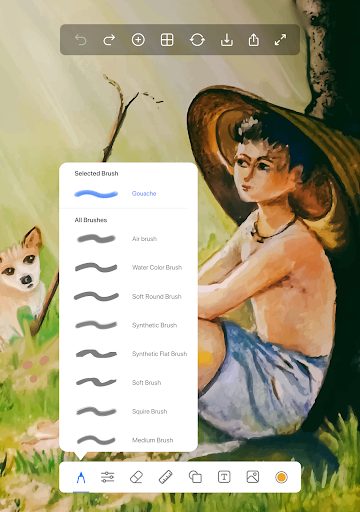
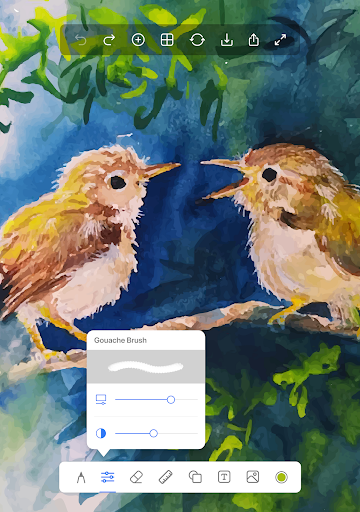
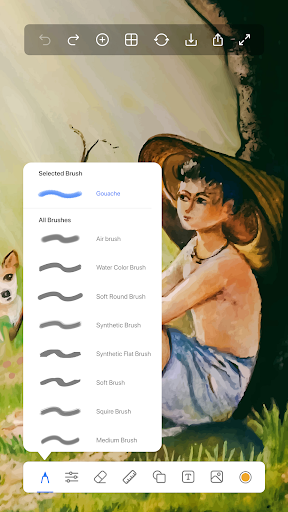
This app sets itself apart with several notable features. The ability to select from various canvas sizes—including options for 7-inch tablets, iPads, square formats, and large postcards—ensures you can work on projects of different dimensions. The collection of over 40+ brushes includes pencils, pens, fountain pens, chalk, tattoo inks, markers, watercolor tools, and pattern brushes, giving endless creative possibilities.
Precision Tools for Artists
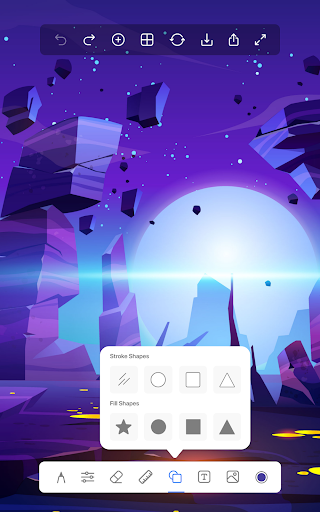
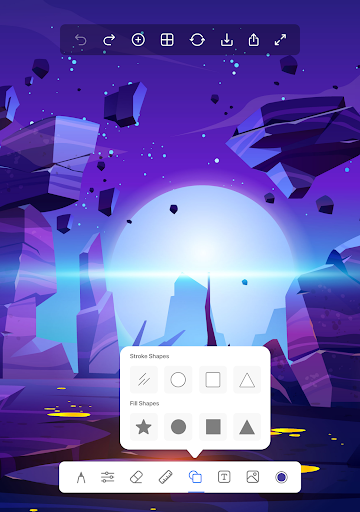
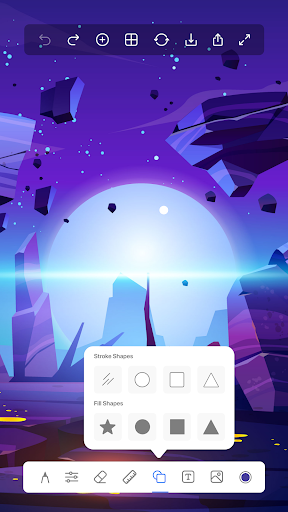
Tools like the ruler enable you to draw straight lines, perfect for line art or technical sketches, while the shape tool lets you create perfect geometric figures such as circles, squares, and ovals effortlessly—both filled and unfilled.
Photo and Text Enhancements
Import photos to trace or draw over them, perfect for learning or creating custom artwork. Additionally, the text on photos feature allows you to add quotes, captions, or wishes with various styles and backgrounds, making your edits more expressive and personalized.
Designed for Creativity and Community
Whether you’re note-taking with handwriting tools or creating detailed masterpieces, Draw, Sketch Pad supports your artistic journey. Its robust features are designed to enhance creativity while remaining accessible. Plus, you can share your artwork instantly, participate in community challenges, and seek inspiration from fellow artists within the app.
Final Thoughts: Your Digital Art Companion
In the world of digital art, having a reliable, feature-rich drawing app is essential. Draw, Sketch Pad combines professional functionality with ease of use, making it suitable for beginners and seasoned artists alike. Its extensive toolset, customizable canvas options, and vibrant community support make it a standout choice for creating everything from simple doodles to detailed illustrations. Unlock your creative potential today and elevate your digital art skills with this powerful drawing application. Whether for fun or serious artistic projects, Draw, Sketch Pad is your go-to app for turning ideas into beautiful artwork.
Pros
- Intuitive interface suitable for users of all ages.
- Broad selection of brushes and drawing tools.
- Ability to work on high-resolution canvases.
- Layer functionality promotes creative possibilities.
- Offline mode available for unrestricted use.
Cons
- Limited features in the free version.
- Occasional crashes reported by users.
- Advertisements may disrupt workflow.
- Premium features are expensive.
- Lacks direct sharing options to social media.











