


Introduction to the Cut and Paste Photo Editor
Are you looking for a super app that simplifies cut and paste photo editing? The Cut and Paste Photos app is an innovative, AI-powered tool designed to make complex editing tasks effortless and fun. Whether you want to create stunning photo collages, remove backgrounds, or explore creative face swaps, this app offers a wide range of features tailored to both beginners and advanced users. With its intuitive interface and powerful editing capabilities, it turns what once was a complex process into a seamless experience, allowing you to unleash your creativity at every step.
Effortless Cut and Paste Experience
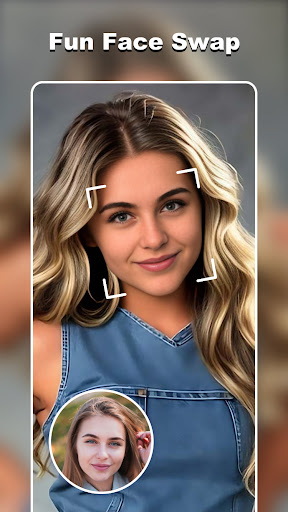
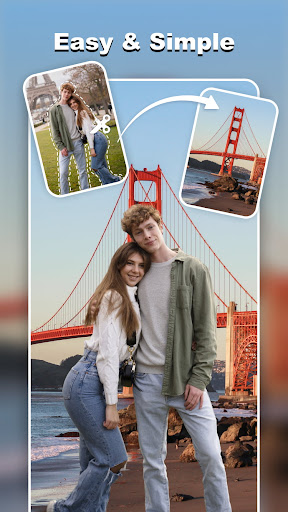
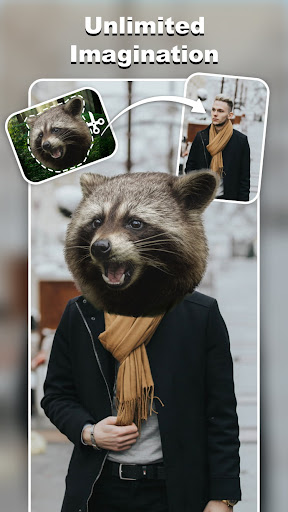
The core of the Cut and Paste Photos app revolves around a simple two-step process: Cut what you need and Paste it where you want. This straightforward approach enables users to quickly select objects, faces, or elements from photos and seamlessly incorporate them into new scenes. With just a few taps, you can craft high-quality cutouts or perform face swaps, all without wrestling with complicated tools. The app's smart AI algorithms ensure pixel-perfect accuracy, whether you're removing backgrounds or extracting specific objects like cars, trees, or people.
Advanced Cutting Tools
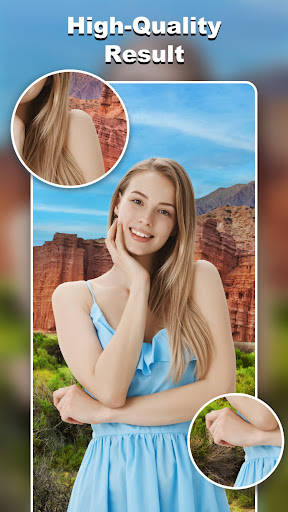
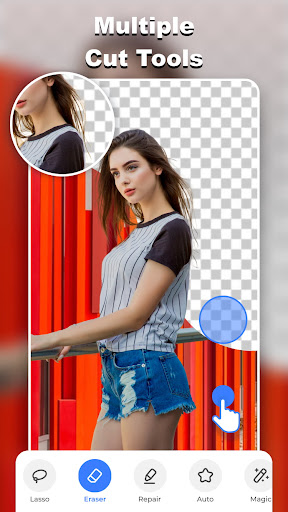
The app provides multiple cutting tools such as background eraser, lasso, smooth, repair, auto-cut, and magic cut. These tools empower you to precisely eliminate unwanted elements or isolate objects with ease. Whether you're engaging the auto-cut feature for quick results or manually refining edges with the eraser, each function is designed for accuracy and intuitive use. From creating professional-looking background removals to performing detailed object extractions, the pixel-level cut quality is guaranteed to satisfy even the most meticulous editors.
Seamless Pasting and Editing
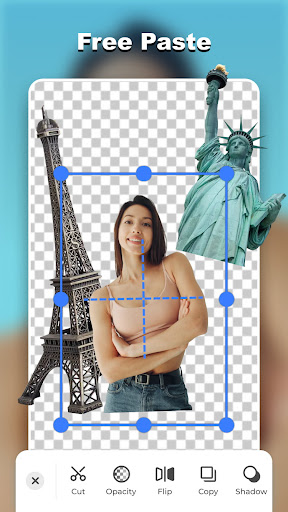
Once you've made your cutouts, it's time to get creative with pasting. The app allows you to merge multiple elements effortlessly, turning simple photos into playful, artistic compositions. Paste your dog in the sky, swap faces with celebrities, or move objects underwater—there are endless possibilities. The smooth pasting feature ensures natural blends, and you can fine-tune every element by adjusting colors, flipping images, or changing backgrounds. Want to make multiple copies or remove imperfections? The app offers straightforward tools to perfect your masterpiece, all without pixel damage.
Online Background Library & Templates
Enhance your photos instantly with the online background library. Access an extensive collection of high-quality backgrounds, from scenic landscapes to artistic textures, and apply them in seconds. Additionally, the app provides a variety of ready-made templates suited for different occasions—summer vibes, group shots, wedding invites, and more. Just drag and drop your cutouts into these templates to create professional-looking visuals effortlessly, saving you time and effort in the editing process.
Creative Decorations and E-commerce Features
Make your photos pop with a rich selection of colorful stickers and decorations. From comic headgear to festive elements, the app offers a playful way to personalize your images. For online sellers, AI-powered background removers simplify product photo editing, helping you produce clean, consistent backgrounds suitable for marketplaces like Amazon or eBay. This capability boosts your products’ visual appeal and attract more customers.
Text and Personalization
Add personality to your images with text captions. The app features over 20 fonts and an array of color options, enabling you to craft compelling messages or labels. Whether you’re creating social media posts, invitations, or memes, the text tool helps you elevate your visuals with style and creativity.
Powerful Editing Tools to Unlock Creativity
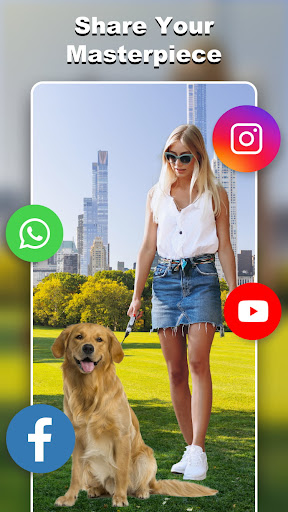
The Cut and Paste Photos app serves as a powerful photo editor with features such as pixel-level cut and paste, fast background eraser, and high-quality output. Imagine placing yourself on a red carpet at the Cannes Film Festival or flying your friends to the moon. The built-in face duplication and face swap features further unlock your creative potential, making unique and entertaining images easily accessible. Share your masterpieces directly with friends and social media, and let your creativity shine.
User Experience and Personal Insights
Many users find the app highly intuitive, with an interface that caters to both newcomers and seasoned editors. The straightforward process of selecting, cutting, and pasting makes it easy to produce professional results quickly. While some may wish for fewer ads or more advanced auto-correction during cutouts, manual adjustments usually compensate well. This balance of simplicity and powerful features makes the Cut and Paste Photo Editor a versatile tool for diverse editing needs—be it casual fun or detailed professional projects.
Pros
- User-friendly interface.
- Provides a comprehensive set of editing tools.
- Supports high-resolution images.
- Enables background removal.
- Offers fun stickers and filters.
Cons
- Contains intrusive advertisements.
- Some features require in-app purchases.
- Occasional crashes have been reported.
- Limited number of free templates.
- Consumes significant device memory.











