

Introduction to Customuse: Skins Maker Roblox
If you're passionate about customizing your avatars and designs in the virtual worlds of Roblox, Minecraft, Zepeto, and various social media platforms, Customuse: Skins Maker Roblox is an innovative app designed to unlock your creative potential. With over 2 million community members, this versatile 3D design tool allows users of all skill levels to craft unique skins, outfits, filters, and more, making it an indispensable resource for digital creators. This comprehensive platform seamlessly integrates with popular platforms like Roblox, Minecraft, TikTok, Snapchat, and Instagram, providing a one-stop solution for all your virtual customization needs. Whether you're a beginner or an experienced designer, Customuse offers an intuitive interface, robust features, and endless possibilities to bring your imagination to life.
Key Features of Customuse
Make Roblox Skins
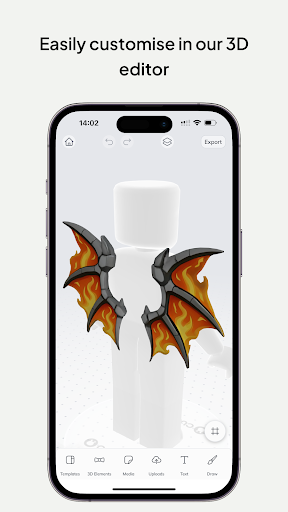
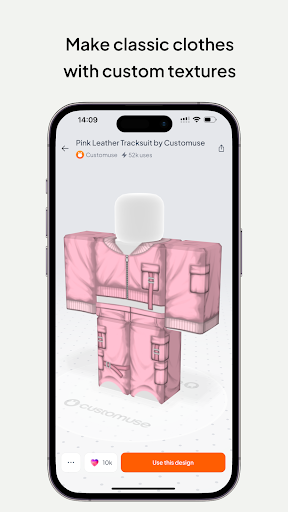
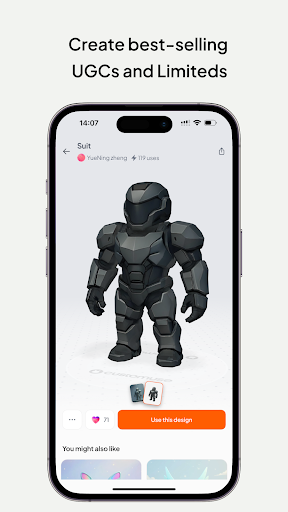
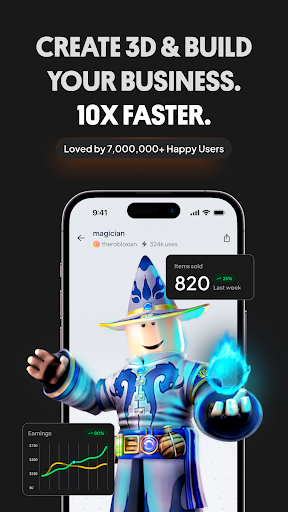
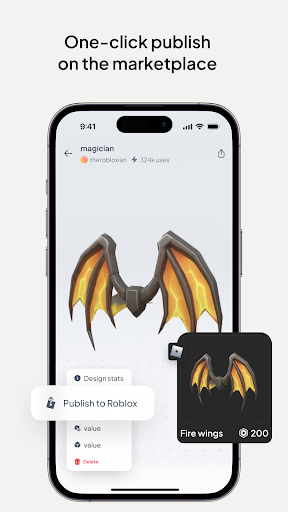
Design your dream Roblox skins within seconds using Customuse. Choose from thousands of ready-made templates or start your creation from scratch. Once your design is complete, you can easily publish it directly to Roblox or upload it to Roblox Studio. Many creators are earning over 100,000 Robux by selling their custom clothing designs on the Roblox marketplace. The platform also provides design suggestions to inspire new ideas and help elevate your Roblox shirts and outfits. This feature makes customizing your avatar both fun and rewarding, perfect for gamers who want to stand out in the Roblox universe.
Create Minecraft Skins
Enhance your Minecraft gaming experience with unique skins created through Customuse. Its user-friendly interface allows you to build detailed and personalized Minecraft avatars effortlessly. Share your creations directly with the game or via social media channels. Add 3D accessories and features to make your Minecraft character truly yours, whether it’s for survival, adventure, or showing off your style online.
Design Zepeto Clothes
With Customuse, creating Zepeto outfits that turn heads has never been easier. You can utilize pre-made templates or customize your fashion designs from scratch. Earn ZEMs by sharing your fashion creations on the Zepeto marketplace and social media, turning your fashion dreams into reality. Share your stylish Zepeto designs across multiple platforms to grow your fashion profile and connect with a broader community of digital fashion enthusiasts.
Customize Filters for Social Media
Bring your creativity to social media with custom AR filters designed for Instagram, Snapchat, and TikTok. Use AI-powered tools to craft face filters that are engaging and widely appealing. Test and share your filters directly on social media platforms, creating dynamic posts with animated AR elements that help you stand out and capture attention.
Create 3D Clothing Mockups
Design clothing and see how it looks on a virtual model using the virtual try-on feature. Perfect for aspiring fashion designers, you can make mockups for various occasions, add your branding or logo, and incorporate custom prints with built-in graphic design tools. Share your clothing mockups on social media to showcase your style and attract followers.
AI-Powered Tools
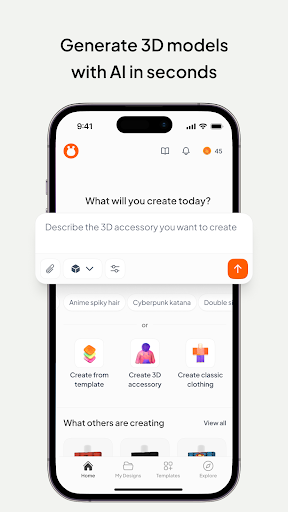
The integrated AI generator allows you to create Roblox and Minecraft skins using simple prompts, making the design process faster and more intuitive. Get tailored suggestions, improve your 3D models, and dive into new design realms with AI-driven insights and analytics—ideal for enthusiasts eager to explore the metaverse and pushing creative boundaries.
Additional Versatile Features
Whether you're a beginner or a professional, Customuse offers a range of tools suitable for all skill levels. Use the platform across multiple devices, including iPhone, desktop, or even as your Roblox Studio for iPad. It also excels at creating eye-catching social media posts, helping you stand out online and grow your audience effortlessly.
Why Choose Customuse?
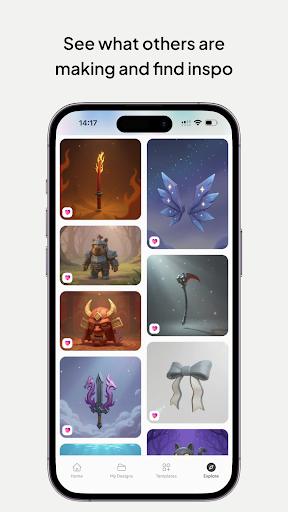
Customuse is more than just a design app; it's a vibrant community hub where creatives share ideas, collaborate, and gain inspiration. Its regular updates introduce new templates and features, ensuring that users always have fresh tools at their disposal. Whether you're interested in customizing avatars, designing fashionable outfits, or creating captivating social media filters, Customuse provides the tools and community support to turn your ideas into reality.
Getting Started with Customuse
To start creating, simply download the app and explore its extensive features. Play with different elements, experiment with various styles, and don’t hesitate to tap into the community for inspiration. Keep an eye on updates for new templates and features—you never know what creative opportunities await you. Customuse makes the process of digital design accessible and enjoyable for everyone, from beginners to seasoned pros.
Embrace the future of virtual customization today with Customuse: Skins Maker Roblox, and unleash your creativity across multiple platforms and genres. Whether it’s crafting stunning skins, designing trendy outfits, or creating engaging filters, this platform equips you with everything needed to make a mark in the digital universe.
Pros
- User-friendly interface for designing skins.
- Extensive customization options available.
- Smooth integration with Roblox platform.
- Frequent updates introducing new features.
- Allows users to share their creations with the community.
Cons
- Limited features accessible for free.
- Requires internet connection for full use.
- Occasional lag experienced in the editor.
- In-app purchases may be expensive.
- Some features may be difficult for beginners to use.











