

ComEd App: Your All-in-One Energy Companion
The ComEd app is a free, on-the-go tool designed for both residential and business customers. It puts your energy information in the palm of your hand, letting you manage multiple accounts at once, report outages, and stay updated on restoration progress from anywhere. With a clean, intuitive interface and a focus on real-time data, the app makes daily energy tasks feel effortless and smart.
Getting Started with the ComEd App
Getting started is quick whether you’re on Android or iOS. The setup is straightforward and the interface is welcoming even if you’re not tech-savvy. For convenient access, you can sign in with fingerprint authentication or use the keep-me-signed-in option to skip repetitive logins, keeping your information accessible when you need it most.
Key Features at a Glance
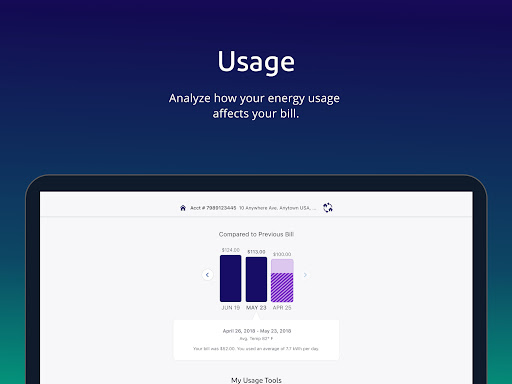
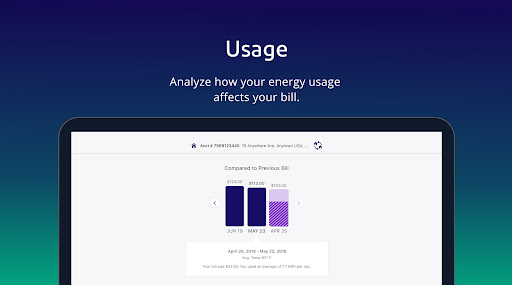
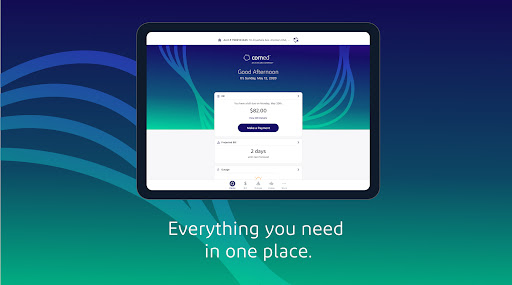
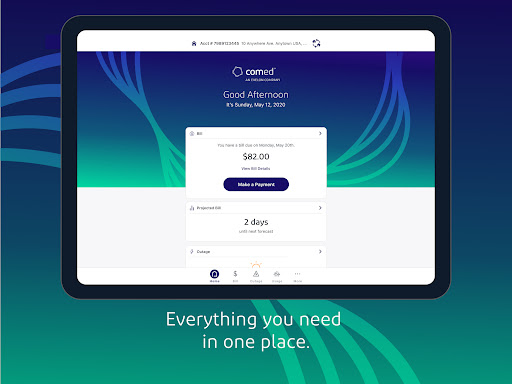
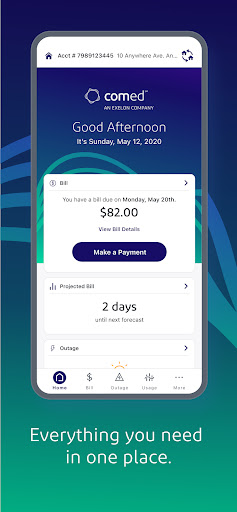
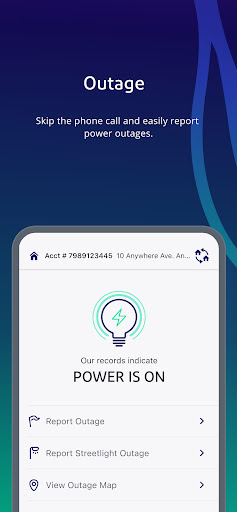
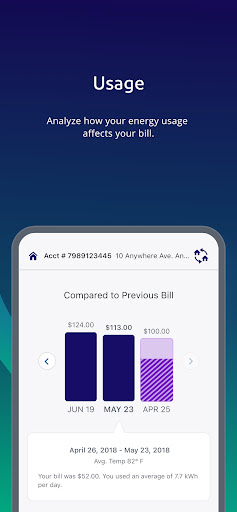
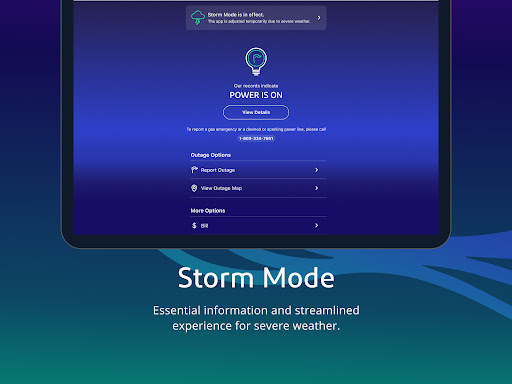
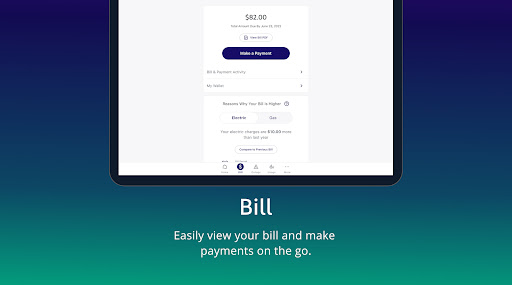
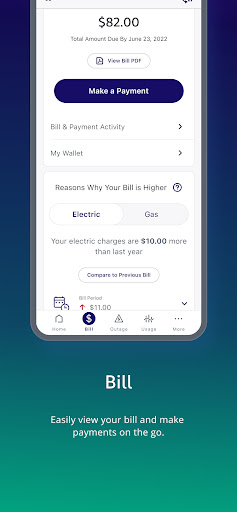
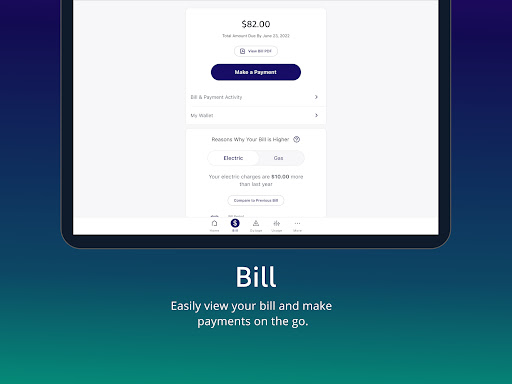
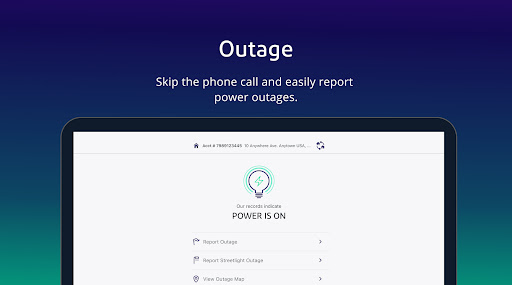
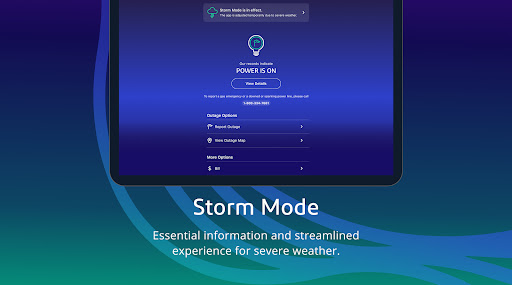
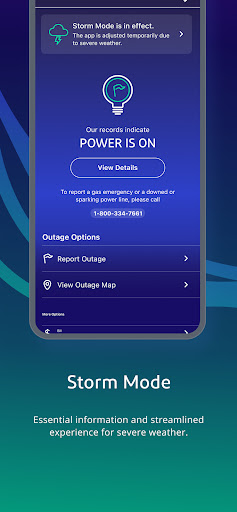
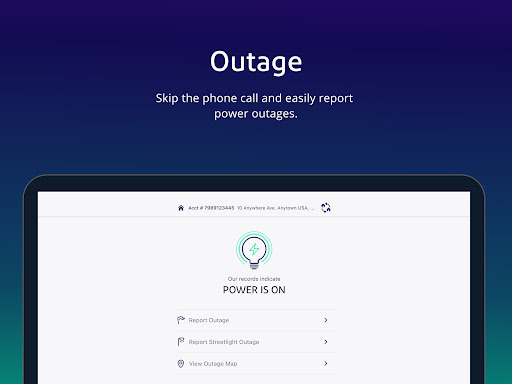
The app goes beyond simple bill payments. It offers a robust dashboard that shows your current energy usage in real time, helping you understand what’s driving your consumption. You’ll be able to view and manage your bill, see your balance, review account activity, and adjust AutoPay and Budget Billing settings to fit your budgeting style. You can report outages and check restoration status from anywhere, and there’s even support for reporting outages without signing in. The app also provides access to your outage map, usage data and trends, and the ability to compare bills over time. For proactive energy management, you can view your bill forecast, set up alerts for outage status, upcoming bill views, and payment reminders. If you participate in the Hourly Pricing program, you can view hourly pricing information as part of your plan.
Energy Insights and Usage Management
The ComEd app acts like a personal energy consultant. It presents a real-time usage dashboard that helps you understand where your electricity is going and how your habits impact your bill. The usage history feature makes it easy to compare current consumption with previous months, supporting your energy conservation goals. If you have solar panels, the app integrates to show generation versus consumption, giving you a clear picture of when you’re producing versus using energy.
Alerts, Billing, and Support
Notifications keep you informed about important events—bill due dates, outage updates in your area, or when a bill is ready to view. Billing is streamlined with flexible payment options, and you can use the in-app chat to connect with support agents for quick assistance. This integrated support experience helps you resolve issues promptly and keep your energy management on track.
Why You’ll Love the ComEd App
In short, the ComEd app blends practical functionality with a user-centric design. It empowers you to monitor real-time energy use, experiment with budgeting tools, and stay ahead of bills through proactive alerts. Whether you’re aiming to curb costs, optimize your solar generation, or simply want a more transparent view of your electricity consumption, this app puts powerful insights in your pocket. It’s a reliable companion for everyday energy management, offering convenience, clarity, and control as you navigate your energy usage and expenses.
Pros
- User-friendly interface for easy navigation
- Real-time outage updates and alerts
- Convenient bill payment options
- Detailed energy usage reports
- Customizable notifications for account alerts
Cons
- Limited features for non-residential users
- Occasional app crashes reported
- Requires stable internet connection
- Limited customer support availability
- Some features may be hard to find











