
Discover the Ultimate Color Wheel App for Creative Inspiration
Are you ever faced with the challenge of selecting the perfect palette for your art, design project, or even your home decor? Do you find yourself pondering over the right shades to match your mood or theme? Introducing the Color Wheel app — a versatile, all-in-one tool designed to simplify your color selection process and elevate your creative projects. Whether you're a professional artist or a casual enthusiast, this app provides an extensive array of features to help you explore, experiment, and create stunning color combinations effortlessly.
Explore a Range of Color Wheel Types
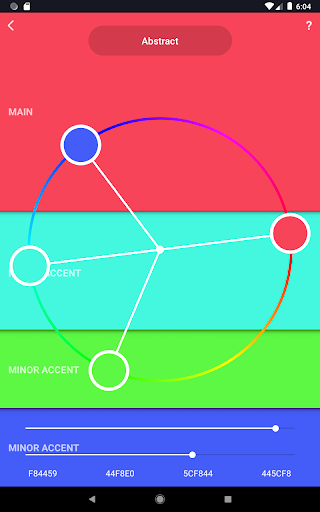
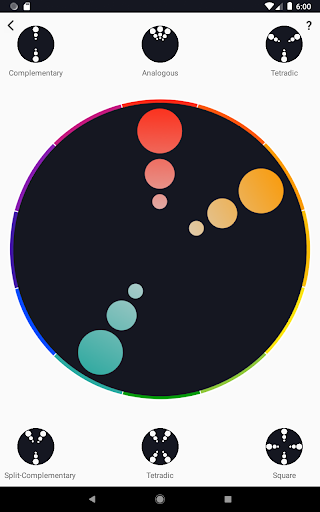
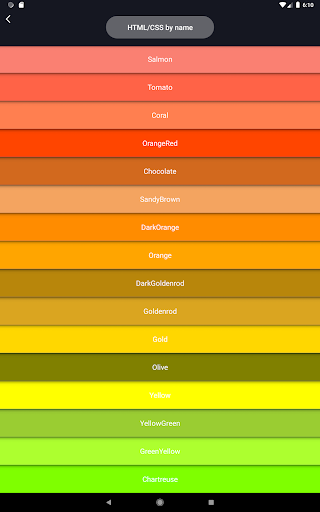
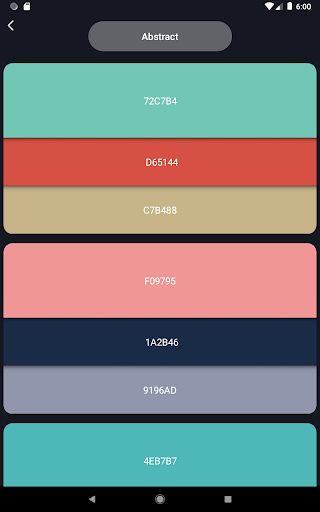
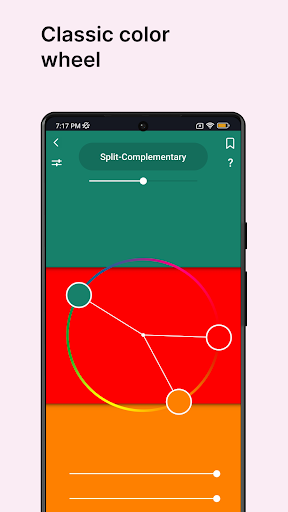
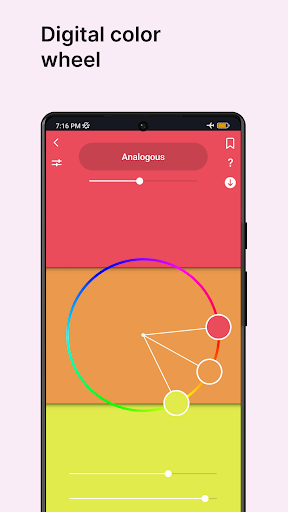
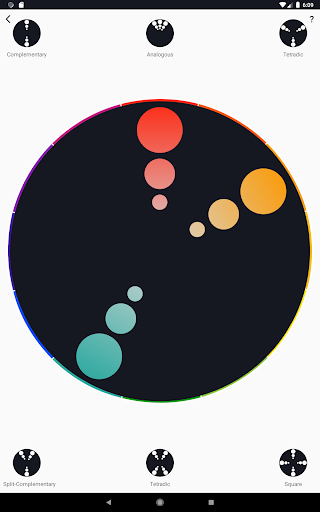
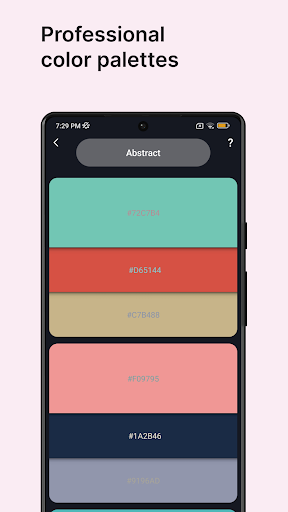
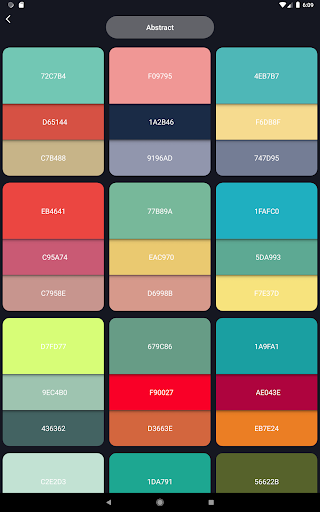
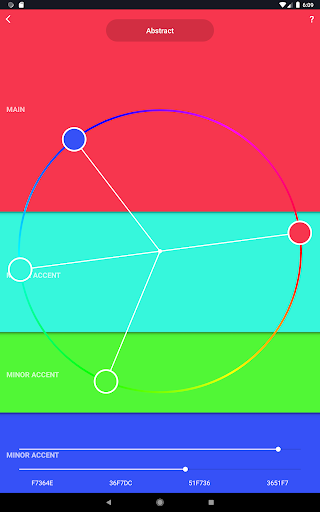
The Color Wheel app boasts a comprehensive suite of the most popular types of color wheels, catering to diverse artistic and design needs. The Digital color wheel is an indispensable tool for graphic designers, offering precision and versatility for digital projects. For those engaged in abstract art, the Abstract color wheel provides specialized palettes that support bold and innovative color choices. The classic Color Wheel remains a timeless option, offering a familiar and versatile interface for general purpose color selection.
Powerful Features for Color Creativity
This application is packed with features designed to enrich your color experience:
- Color combinations — Explore numerous professional color palettes suitable for digital design and abstract art, ensuring harmonious visuals every time.
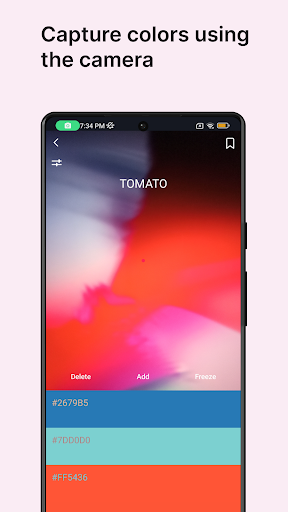
- Color picker — Capture colors directly from your device’s camera, making real-world color matching accessible and quick.
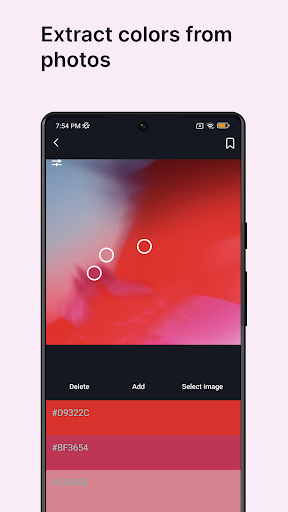
- Image colors — Upload images from your gallery and extract color schemes automatically to inspire your work.
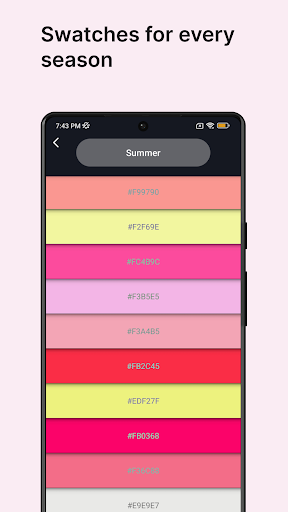
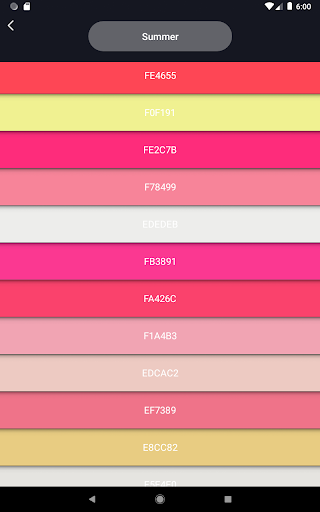
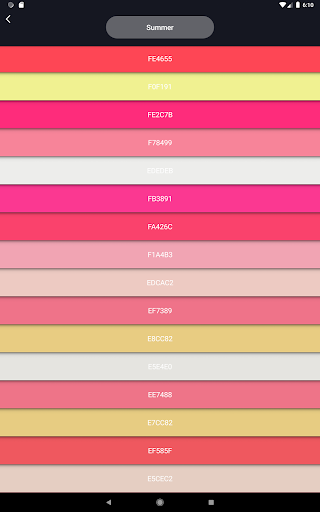
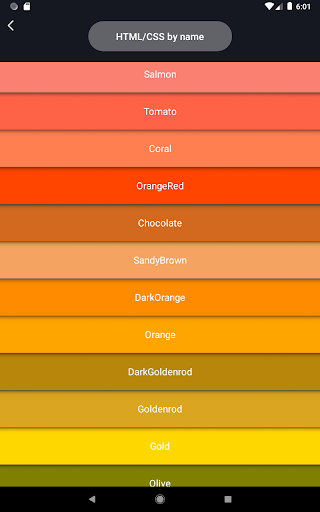
- Color swatches — Choose colors based on specific themes such as seasons or moods, perfect for tailoring your projects to particular aesthetics.
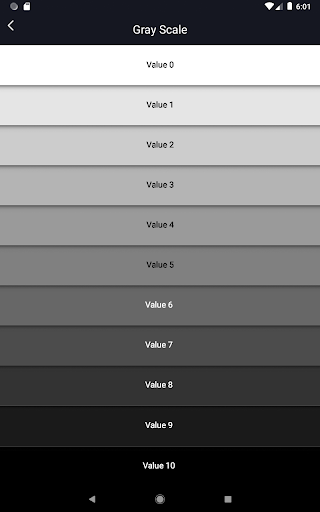
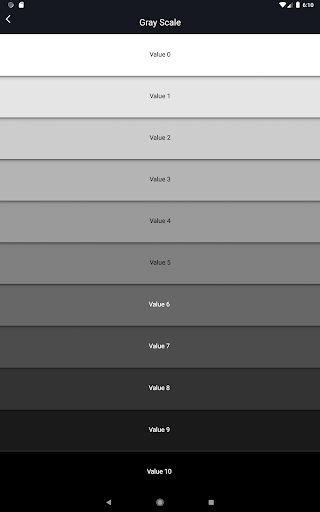
- Grayscale — Converts colors into shades of gray, providing a handy tool for artists who need to focus on values and contrasts.
- Value checker — Ensures your artwork has proper value distribution, helping you create balanced compositions.
- Value breaker — Breaks down complex images into simplified values, making it easier for beginners to learn and improve their painting skills.
Harness the Power of Color Wheel for Every Project
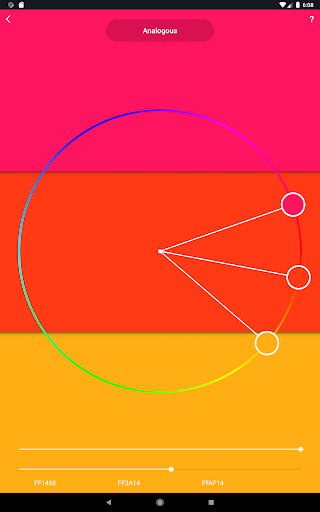
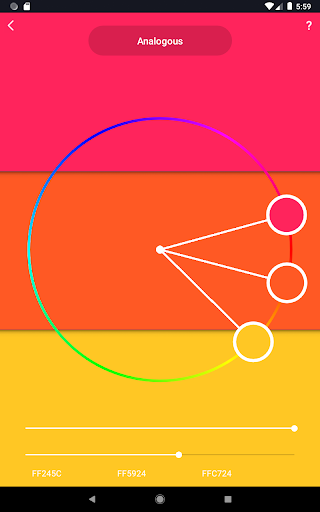
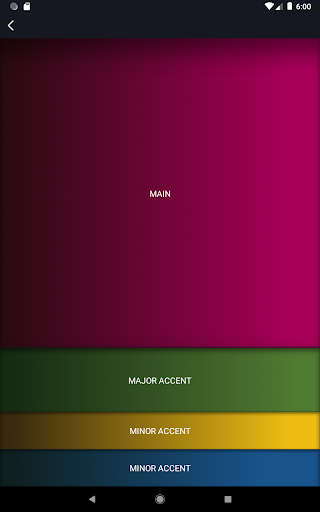
Whether you're designing a website, planning an interior renovation, or selecting a wardrobe color scheme, the Color Wheel app adapts to all your needs. Its intuitive interface makes it easy for users of all experience levels to experiment with color harmony guides, such as complementary, triadic, and analogous schemes. Additionally, you can save your favorite palettes, building a personalized library of preferred color combinations for quick access during future projects.
Enhanced User Experience and Practical Tools
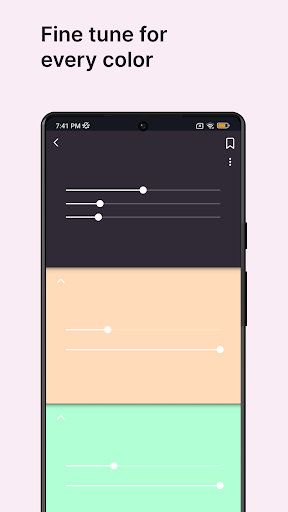
Designed with simplicity in mind, the Color Wheel app's minimalistic layout allows you to focus on your creative process without distractions. Dragging and dropping colors on the interactive wheel enables seamless adjustments, ensuring that you find the exact hues you envision. Beyond basic functionality, the app also offers features like generating color palettes from photos, helping you glean inspiration from your environment or favorite images.
Why You’ll Love the Color Wheel App
The true strength of this application lies in its versatility. It’s not limited solely to professional artists or designers; anyone who works with colors — whether for wedding planning, home decorating, or fashion styling — will find this app invaluable. The inclusion of content1 highlights features like the content2 and the various tools that make creating and understanding color relationships easier and more fun.
Transform Your Creative Workflow
In conclusion, the Color Wheel app offers a comprehensive platform for exploring and mastering color harmony. Its extensive features, user-friendly interface, and versatility make it a must-have for anyone looking to enhance their artistic or design projects. Download the app today and discover how effortless and enjoyable working with colors can be — let your creativity flow freely!
Pros
- Intuitive interface suitable for beginners.
- Ability to personalize color schemes.
- Instantaneous preview of colors.
- Supports various color formats.
- Offers advanced color analysis tools.
Cons
- Features in the free version are limited.
- Application may occasionally crash.
- Requires internet connection for full functionality.
- Advertisements can be disruptive.
- Limited options for exporting work.











