

Introducing Collage Maker | Photo Editor: The Ultimate Photo Creation App
If you're passionate about capturing memories and expressing creativity through photos, Collage Maker | Photo Editor is your perfect companion. This versatile app combines the best features of a photo collage maker, photo frame app, and photo editor—all in one easy-to-use platform. Whether you're crafting a beautiful collage for social media, enhancing old or blurry images, or designing personalized photo stories, this app has got you covered.
With Collage Maker | Photo Editor, creating stunning visual compositions has never been more straightforward. Simply select multiple images from your device's gallery, and the app will instantly remix them into a lovely photo collage. You can choose from a variety of layouts, including grid and free-style options, allowing you to customize your design effortlessly. Add filters, stickers, texts, and even doodles to personalize your project further. The app's user-friendly interface ensures that even beginners can jump right in and start creating beautiful layouts in just a few taps.
Powerful Features to Elevate Your Photos
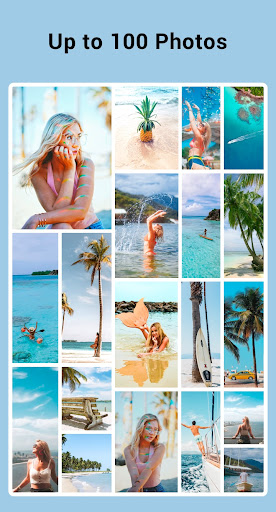
- Combine up to 100 photos to craft impressive collages.
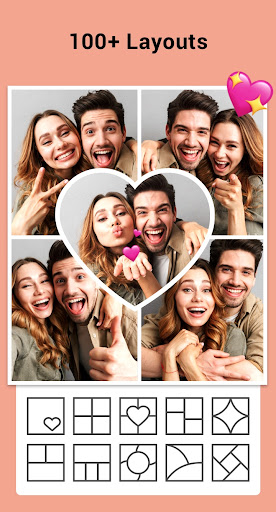
- Choose from over 100+ layouts of frames, grids, and styles.
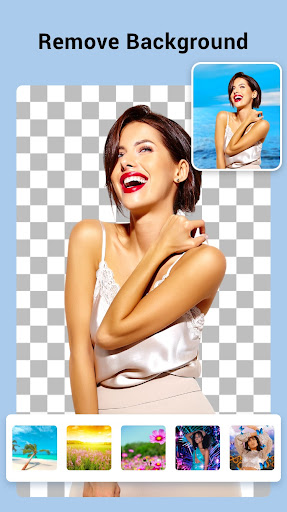
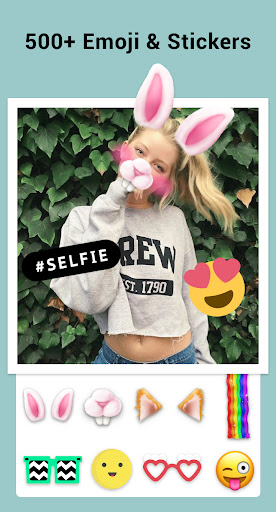
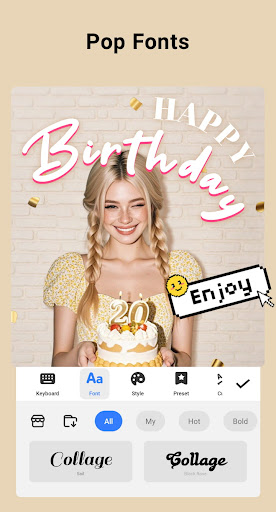
- Personalize your creations with a large selection of backgrounds, stickers, fonts, and doodles.
- Apply stylish photo frames suitable for love, celebrations, or everyday moments.
- Adjust the ratio and border of your collage for a polished look.
- Utilize options like Free style or Grid style to match your aesthetic.
- Crop photos, apply filters, add text, and doodles to enhance your images.
- Create perfect Instagram square photos with blurred backgrounds.
- Export your high-resolution images for sharing or printing with ease.
Innovative Tools for Creative Expression
The app doesn’t just stop at collages. It offers exciting features like Side by Side Photos for comparison shots, Grid Photo for customized layout designs, and an all-in-one photo editor that includes cropping, applying filters, adding stickers, texts, and doodles. The Freestyle mode allows you to create digital scrapbooks with full-screen backgrounds, perfect for Instagram stories or Snapchat posts.
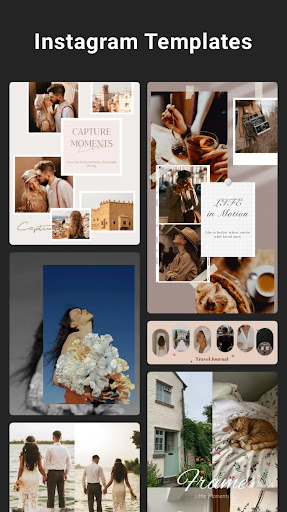
Additionally, the Story Templates provide over 100 stylized options—including styles inspired by films, magazines, and ripped paper effects—making your storytelling more engaging. The Multi-fit feature lets you fit up to 10 photos into a single square without cropping, using a variety of ratios like 1:1, 4:5, or 9:16 to perfectly suit your social media needs.
Easy Sharing and High-Quality Output
Once your masterpiece is ready, sharing is seamless. The app offers direct options to upload your creations to popular social platforms like Instagram, Facebook, Snapchat, and more. Thanks to the high-resolution export capability, you can also print your photos or keep digital copies with pristine quality. The intuitive design ensures smooth performance, allowing you to focus on your creativity without frustration or lag.
Privacy and Permissions
Collage Maker | Photo Editor requires READ_EXTERNAL_STORAGE and WRITE_EXTERNAL_STORAGE permissions solely to access and save your photos/videos. The app uses these permissions exclusively for editing and saving purposes, ensuring your data privacy is maintained.
Join the Creative Community
Follow @gridart.app on Instagram and use the hashtag #gridart to showcase your creative projects. Share your stunning collages and stories, and you might even get featured! If you have suggestions or feedback, the app developers encourage you to get in touch via email at photostudio.feedback@gmail.com.
Whether you're a casual user looking to spice up your social media posts or a seasoned photographer aiming for professional-quality edits, Collage Maker | Photo Editor offers a comprehensive suite of tools to bring your visions to life. Try it today and turn everyday moments into captivating visual stories!
Pros
- User-friendly interface with intuitive controls.
- Wide variety of templates and layouts available.
- High-quality photo editing tools.
- Easy options for sharing on social media.
- Regular updates introducing new features.
Cons
- Includes in-app purchases and advertisements.
- Limited free features are available.
- Occasional app crashes have been reported.
- Internet connection needed for complete functionality.
- Large file size may pose problems.











