
Introduction to Clip Studio Paint
Discover the powerful capabilities of Clip Studio Paint, a leading digital art application loved by both professionals and hobbyists. Whether you are interested in drawing, painting, or creating comics, Clip Studio Paint provides a comprehensive suite of features that make digital artistry accessible and enjoyable. With a free trial option, users can explore its extensive tools and functionalities before committing to a subscription or purchase.
Getting Started with Clip Studio Paint
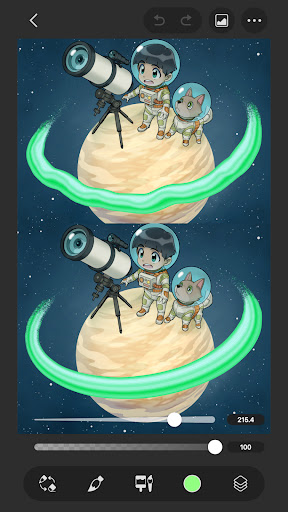
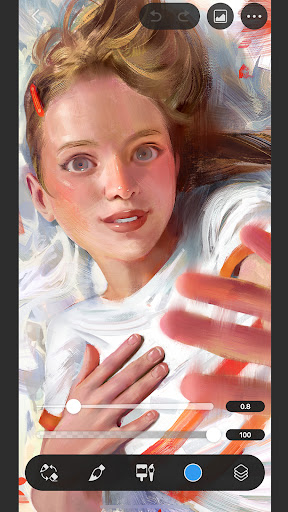
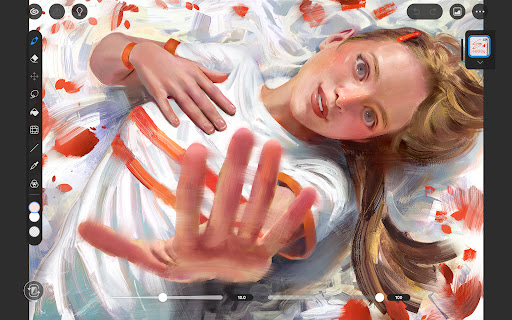
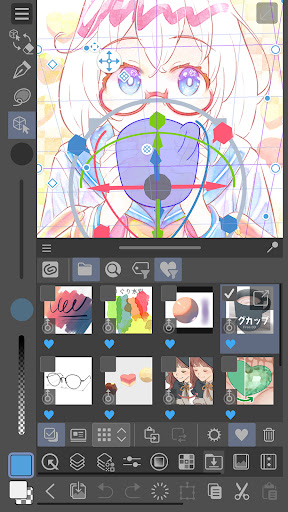
Downloading and setting up Clip Studio Paint is straightforward and user-friendly, available on both Android and iOS devices. Once installed, the intuitive interface ensures that even newcomers can start creating right away. The layout is clean and organized, with all tools and features easily accessible, reducing the learning curve and allowing artists to focus on their creativity.
Flexible Trial Options and Plans
Tablet & Smartphone Plans
Start drawing with a free 30-day trial on your tablet or smartphone. For tablets, a monthly or annual plan is required to save or export artwork, with up to 3 months free when you subscribe to your first plan. On smartphones, enjoy all features for 30 hours per month during a free trial that refreshes monthly, with no ads! Afterward, you can subscribe to use all functionalities all the time, including access to the latest features, materials, and cloud storage of 10 GB.
Robust Artistic Features for Creative Excellence
Clip Studio Paint is packed with features designed to elevate digital art creation. Highlights include:
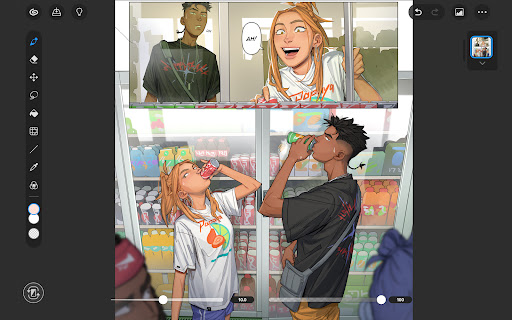
- Create up to 10,000 layers for detailed and complex artwork
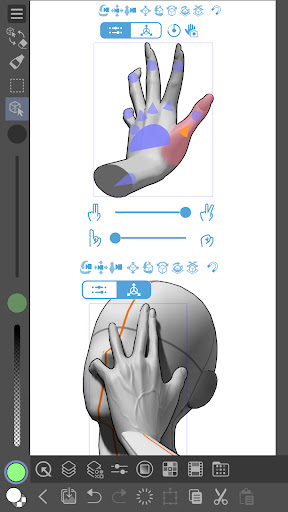
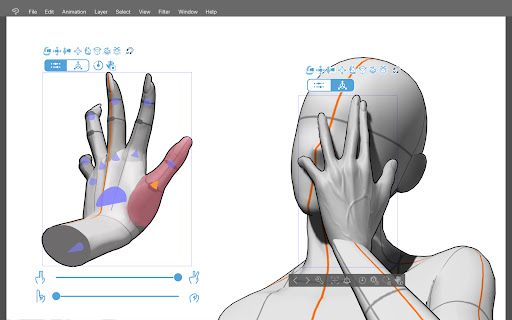
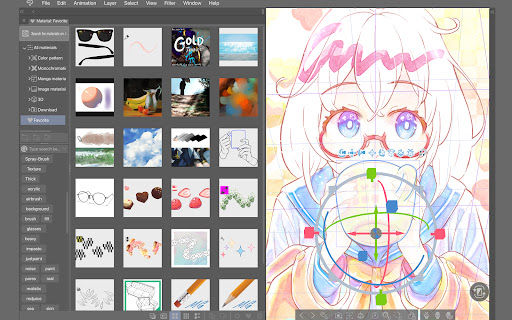
- Pose 3D models for accurate and tricky angles
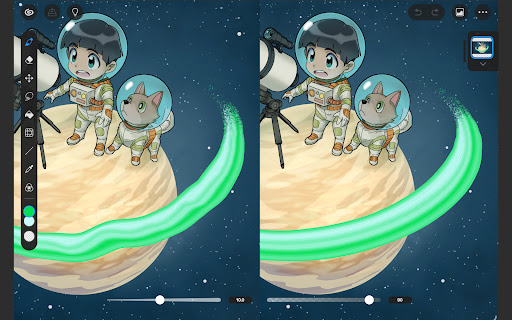
- Use Liquify on multiple layers to adjust lines and colors instantly
- Apply Gradient maps to control coloring options with precision
- Capture live video for reference to tricky hand poses
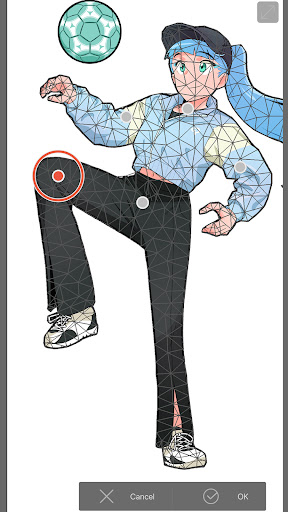
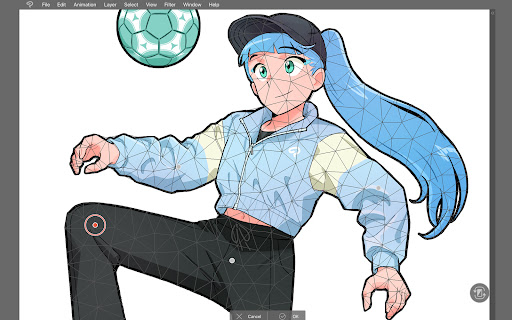
- Utilize Puppet warp to modify your drawings easily
- Employ snap to for quick object placement
- Record timelapses to showcase your art process on social media
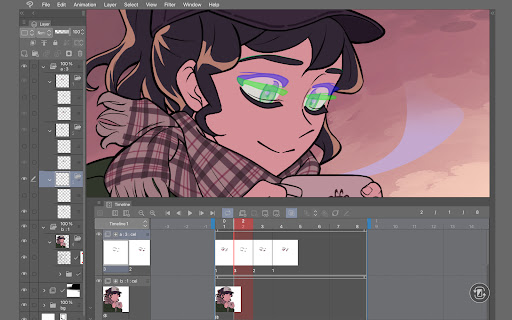
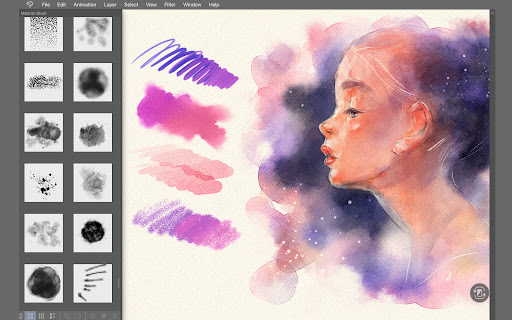
Making character art? CSP helps bring characters to life with a suite of powerful tools including custom brushes, extensive material downloads, and advanced coloring options.
Extensive Asset Library and Customization
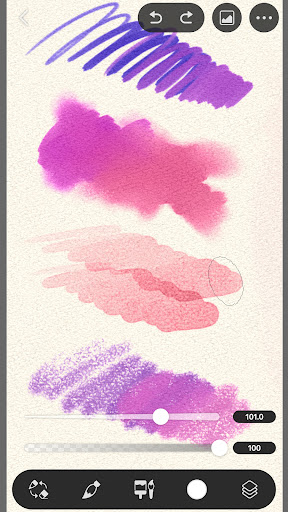
Enhance your artwork with access to over 270,000 free and premium resources such as textures and brushes created by artists worldwide. The brush engine allows you to customize textures, shapes, dual brush settings, and more to craft your perfect tool. Draw in vectors for scalable, high-quality artwork; enjoy 28 layer effects for detailed touch-ups, and blend colors naturally using perceptual color mixing.
Drawing Precision and Style
Achieve smooth lines with Line Stabilization and fix your strokes with control points on vector layers. Use the smart fill tool to lay down flat colors and snap your lines to perspective guides for perfect backgrounds. Whether you're sketching, inking, or coloring, Clip Studio Paint supports your workflow with features tailored for detailed and stylized artwork.
Dedicated Modes for Beginners and Experts
Clip Studio Paint offers two drawing modes:
- Simple Mode for fast and easy sketching
- Studio Mode for full access to its advanced features
Additionally, a wealth of free tutorials and user tips are available online, helping you develop your skills quickly and efficiently.
Creating Comics, Manga, and Animations
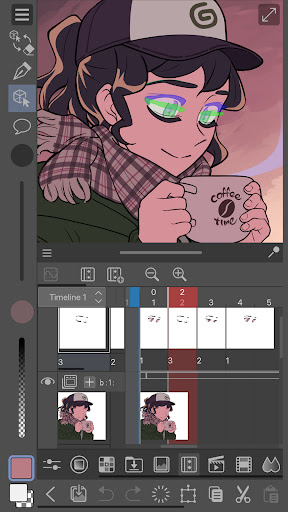
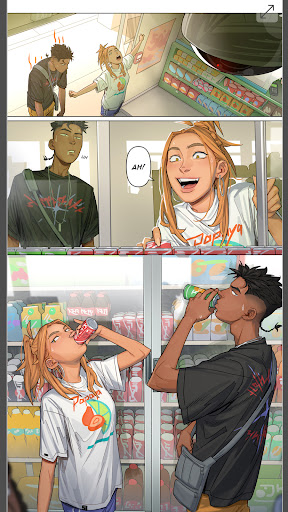
Bring stories to life with tools tailored for comic and manga creation—instantly generate speech bubbles, frames, and action lines. Customize character faces and body types, add shadows with Shading Assist, and preview your webtoon directly on a smartphone. For budding animators, Clip Studio Paint supports the creation of GIFs and full-length animations, with features like sound, camera movements, and tweening.
System Compatibility and Device Recommendations
For optimal performance, ensure your device meets the recommended specifications. Detailed information on supported devices can be found on the official system requirements. Using the app on Chromebooks with DeX mode is also supported when subscribing to plans beyond the smartphone plan.
Final Thoughts
In conclusion, Clip Studio Paint is an indispensable tool for digital artists seeking a versatile, powerful, and intuitive platform. Its extensive feature set, combined with quality assets and user support, makes it suitable for creating everything from detailed illustrations to compelling comics and animations. Whether you are a beginner or a seasoned professional, Clip Studio Paint provides the tools to unlock your artistic potential and bring your creative ideas to fruition.
Pros
- Highly customizable user interface
- Compatible across multiple platforms
- Large library of brushes
- Regular updates and enhancements
- Ability to support 3D models and assets
Cons
- Steep learning curve for new users
- Costly subscription pricing
- Can be demanding on older hardware
- Complicated licensing process
- Limited features in the free version











