
Introducing the Canon Camera Connect App
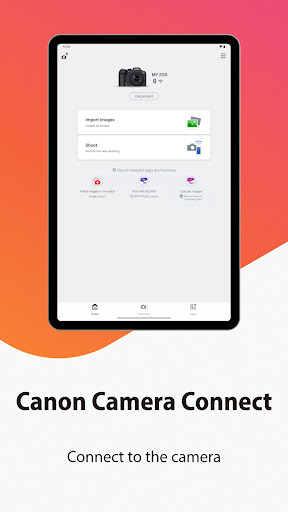
The Canon Camera Connect app is a powerful tool designed to seamlessly transfer images shot with compatible Canon cameras to your smartphone or tablet. Whether you're capturing moments during travels, special events, or everyday life, this application simplifies the process of image sharing and remote shooting. With support for Wi-Fi and Bluetooth connections, the app provides a versatile experience that elevates your photography workflow. Equipped with features like instant photo transfer, remote live-view shooting, and integration with Canon’s various services, the Canon Camera Connect app is an essential companion for modern photographers. Not only does it facilitate quick sharing on social media, but it also offers advanced functions such as location tagging and firmware updates, making it a comprehensive solution for Canon camera users.
Key Features of Canon Camera Connect
The app offers a range of features designed to enhance your photography experience:
Image Transfer and Storage
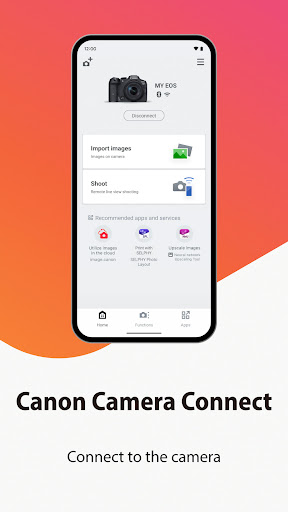
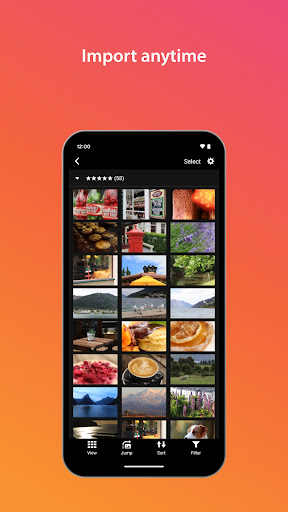
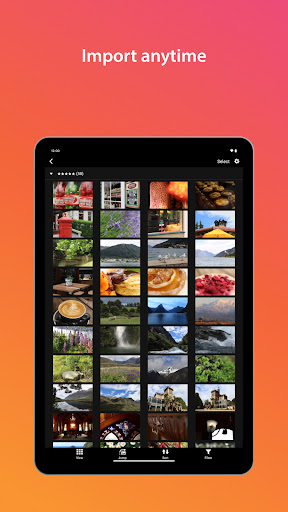
Easily transfer and save images captured with your Canon camera directly to your smartphone or tablet. This quick and efficient process allows you to share your photos on social media platforms almost instantly.
Remote Shooting with Live View
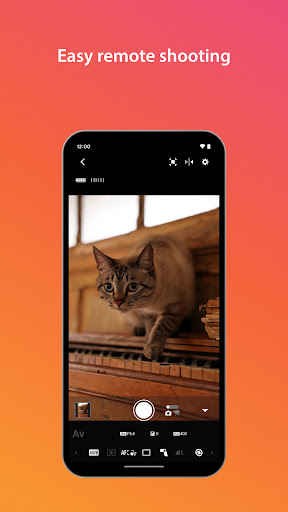
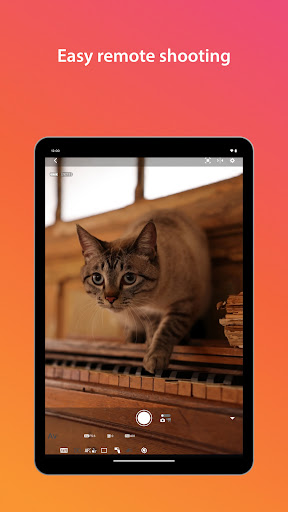
Benefit from remote control capabilities, including live view imaging, which enables you to position your camera precisely and shoot remotely. This feature is especially useful for group shots, long exposures, or wildlife photography.
Integration with Canon Services
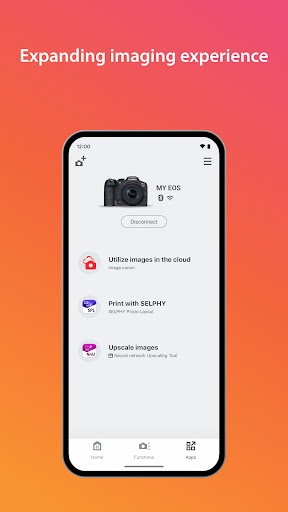
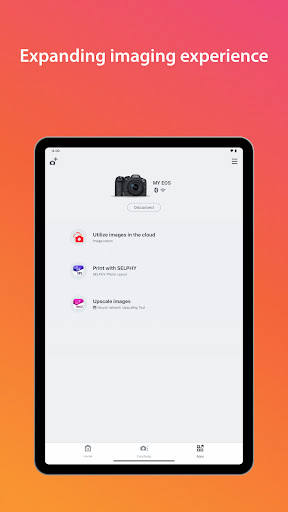
The app connects with various Canon services, providing an all-in-one solution for managing your camera and images.
Additional Camera Features
- • Acquire location information from a smartphone and add it to images stored on the camera.
- • Switch to a Wi-Fi connection from pairing status with a Bluetooth-enabled camera or via NFC touch operation.
- • Remote shutter release via Bluetooth.
- • Transfer the latest firmware updates to your camera.
System Requirements and Compatibility
To enjoy all features seamlessly, ensure your device and camera meet the following specifications:
Device Requirements
- Android OS: 11 / 12 / 13 / 14 / 15
- Bluetooth: Bluetooth 4.0 or later (supports Bluetooth Low Energy technology), with your Android device running Android 5.0 or later
- Supported Languages: Japanese, English, French, Italian, German, Spanish, Simplified Chinese, Russian, Korean, Turkish
- Supported File Types: JPEG, MP4, MOV
Note: Importing original RAW files is not supported; RAW files are resized to JPEG. MOV files, 8K videos, HEIF (10-bit), RAW movies, and AVCHD files are also not supported for transfer.
Important Notes
- If the application does not operate properly, try restarting it.
- Compatibility may vary depending on your device.
- When using Power Zoom Adapter, ensure the Live View function is turned on.
- Connect only when the network confirmation dialog appears, and remember to check the box to maintain future connections.
- Be cautious of personal information such as GPS data embedded in images before sharing online.
Practical Experience and Overall Benefits
Using the Canon Camera Connect app in real-world scenarios reveals its convenience and reliability. Setting up the connection is straightforward—simply download the app, enable Wi-Fi or Bluetooth on your camera, and follow the guided pairing process. Once connected, you gain instant access to remote live view shooting, making it easier to capture well-framed shots without physically touching the camera. The image transfer functionality is particularly useful during outdoor photography, allowing quick sharing on social media or backing up photos. The GPS tagging feature adds a layer of convenience for travel photographers, enabling geo-tagging of memories for future reference. While the app performs reliably most of the time, some minor quirks—like occasional connection instability—may occur, especially in crowded Wi-Fi environments. Battery life is another consideration, as continuous Wi-Fi or Bluetooth use can drain your device and camera batteries faster than usual, so carrying additional batteries or power banks is advisable. Overall, Canon Camera Connect significantly enhances your photography workflow by combining simplicity and advanced features. It is a must-have app for Canon camera enthusiasts looking to elevate their mobile photography, share moments instantly, and take full control of their shooting experience.
Pros
- Easy wireless photo transfer
- User-friendly interface
- Remote camera control
- Compatible with most Canon models
- Quick setup process
Cons
- Requires Canon account
- Limited editing features
- Consumes battery quickly
- Occasional app crashes
- Requires a stable Wi-Fi connection











