
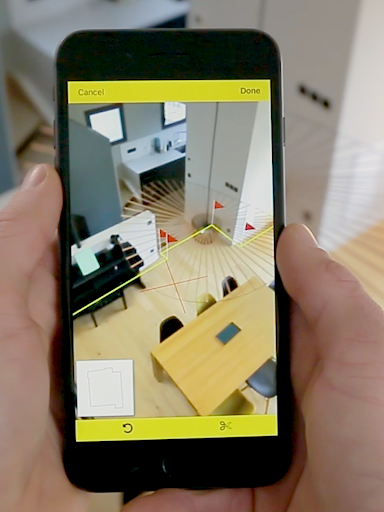
Introducing CamToPlan: The Future of Digital measurement
Key Features of CamToPlan
Real-Time Distance and Surface Measurement
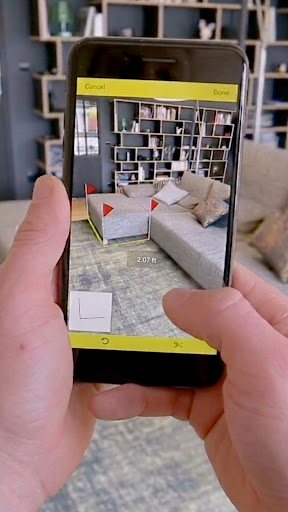
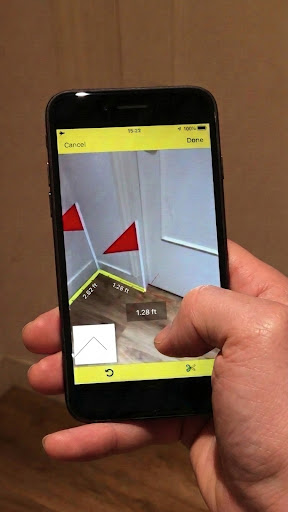
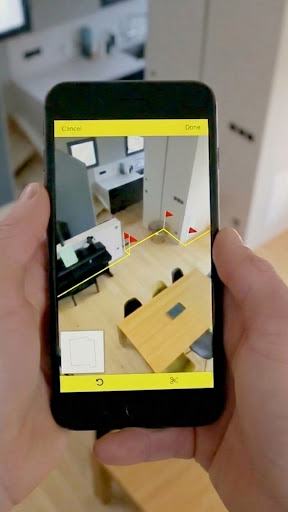
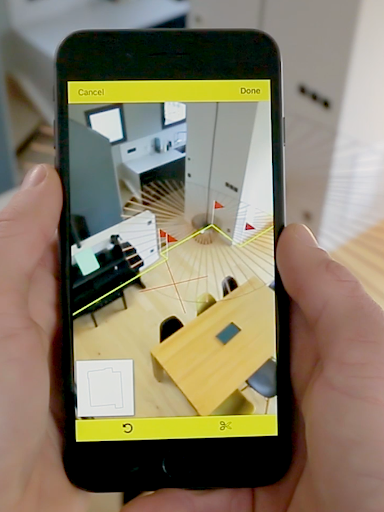
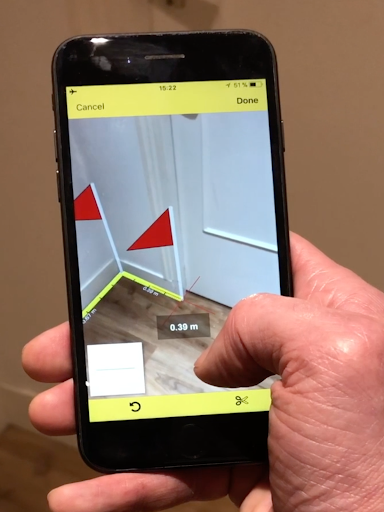
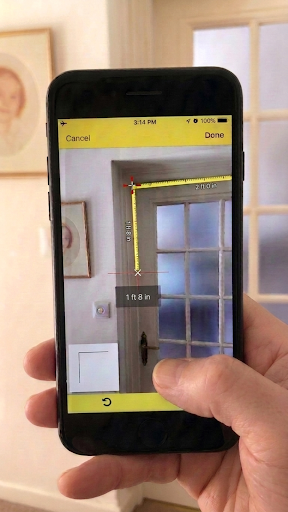
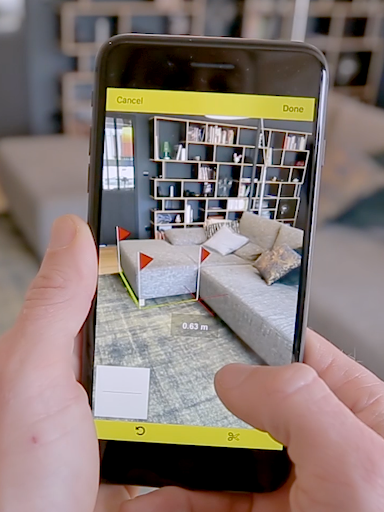
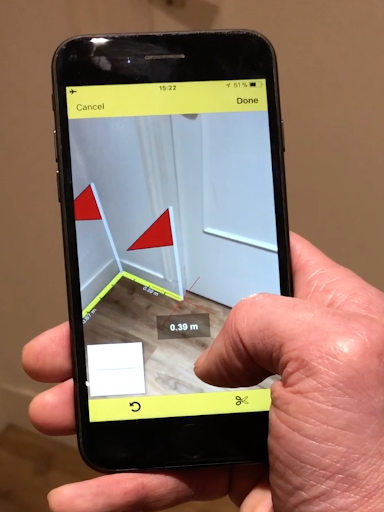
With CamToPlan, measuring distances between points or surfaces and calculating areas has never been easier. The app uses your device’s camera and augmented reality to overlay a virtual tape measure on your screen, mimicking real-world measurements in a 3D space. You simply point your camera at the target area, and the app automatically detects the points of intersection, whether on the ground or vertically on walls and furniture.
Draw and Export Plans Effortlessly
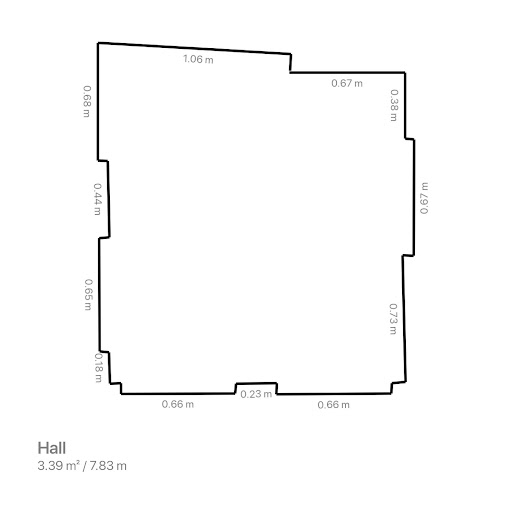
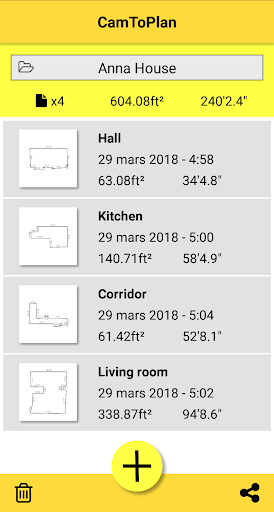
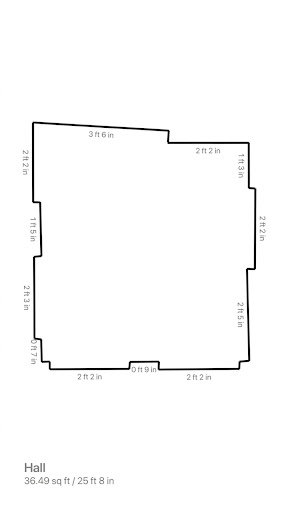
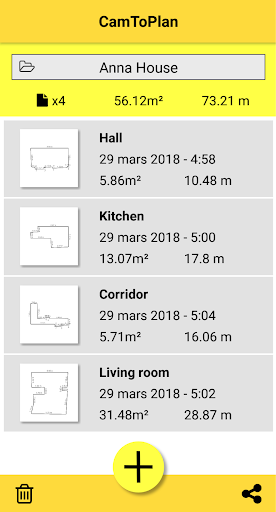
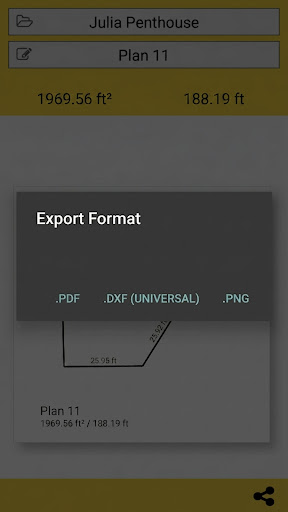
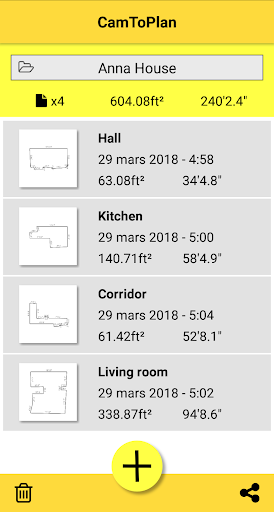
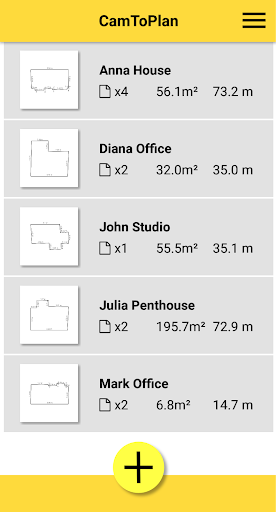
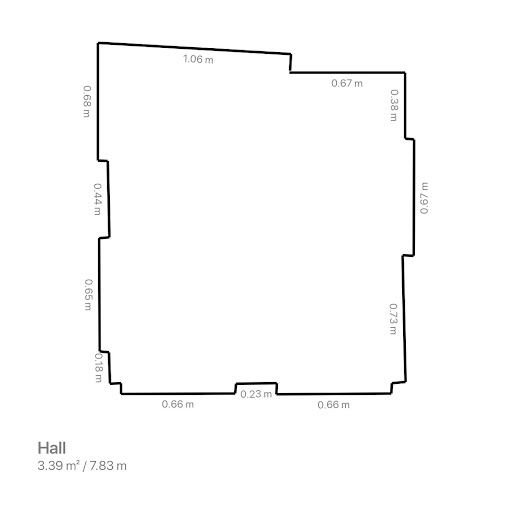
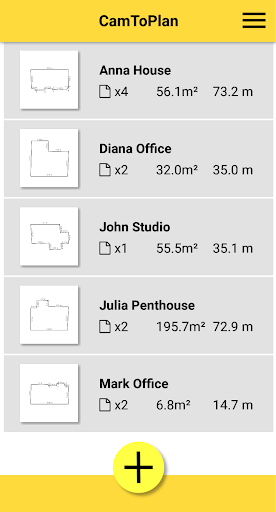
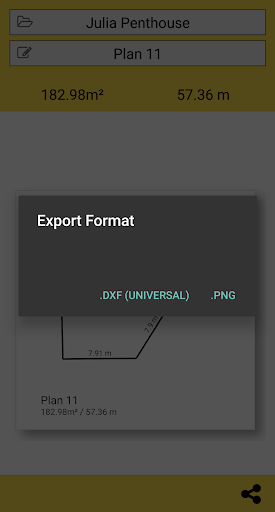
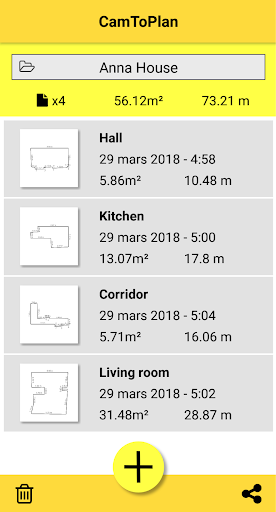
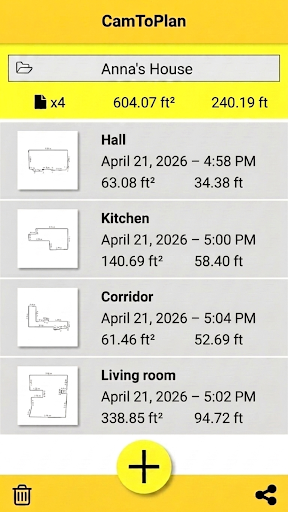
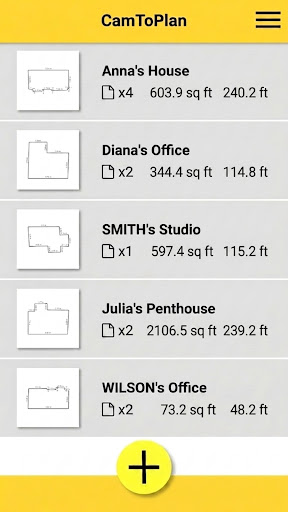
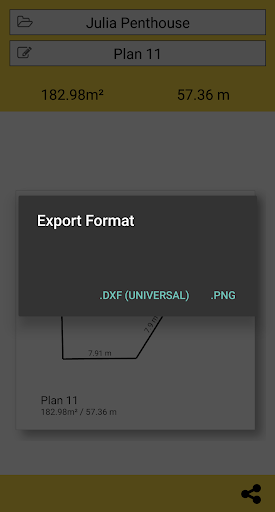
One of the standout features is the ability to instantly generate room plans with all the measured dimensions. The app calculates the surface area in square meters or square feet and provides graphical representations you can share via email, messages, or social media. Export options include PNG image files and DXF format, making it convenient to incorporate measurements into professional projects or home improvement plans.
Enhanced Accuracy and Flexibility
CamToPlan supports measurements in either Metric or Imperial units. It measures both horizontally—such as floor length—and vertically—like wall height—without requiring you to clear furniture or remove obstacles from the room. The app intelligently interprets the intersection points even when they are hidden behind objects, providing accurate readings even with furniture or other obstacles present.
Autonomous Image Analysis
The app's sophisticated visual analysis enables it to assess environment conditions, such as lighting and floor texture, to improve measurement precision. However, optimal results are achieved under good lighting and textured, non-reflective floors. It may encounter challenges with certain tiles or reflective surfaces, and accuracy can vary accordingly.
Mobility and Ease of Use
Want to move around? No problem! You can safely walk while measuring to get closer to your target point, even if it's behind furniture, thanks to the app’s extrapolation capabilities. The straightforward user interface and guided setup make CamToPlan accessible for users of all skill levels, from tech novices to professionals.
Why Choose CamToPlan?
Benefits for Professionals and Home Users
Architects and decorators will appreciate the precision and ease of exporting detailed plans, while handymen and DIY enthusiasts benefit from the app's portability and simplicity. CamToPlan transforms your smartphone into a versatile measurement device, making home improvement and design projects more manageable and less tedious.
Important Considerations
- Ensure good lighting conditions for better visual analysis.
- The app may face difficulties with highly reflective or textured floors.
- Automatic detection of intersection points allows for quick measurements without needing to clear space.
CamToPlan is continuously improving, but users should remember that the app's precision depends on environmental factors and device capabilities. No measurement tool is perfect, but CamToPlan offers a remarkable blend of convenience, speed, and accuracy for everyday and professional use.
Get Started with CamToPlan Today
Pros
- User-friendly interface suitable for beginners.
- Precise measurements powered by AR technology.
- Measurements are updated in real-time.
- Works on both Android and iOS platforms.
- Supports both metric and imperial units.
Cons
- Requires good lighting conditions for proper use.
- May not function well on older device models.
- User reports of occasional app crashes.
- Free version offers limited features.
- Advertisements are included in the free version.











