

CamCard - The Ultimate Digital Business Card App
In today's fast-paced professional world, effective networking is crucial, and having a reliable digital business card app can make all the difference. CamCard stands out as a leading solution, offering a seamless experience to create, manage, and share digital business cards with ease. Whether you're attending networking events, conferences, or simply looking to organize your contacts efficiently, CamCard has become a trusted tool for professionals worldwide.
Key Features of CamCard
• Customizable Templates
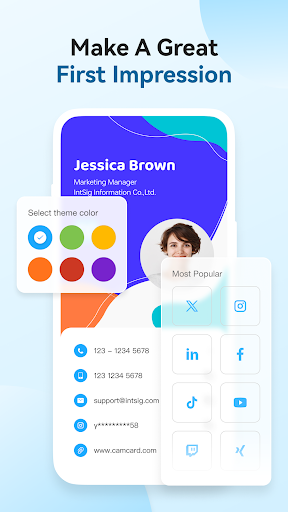
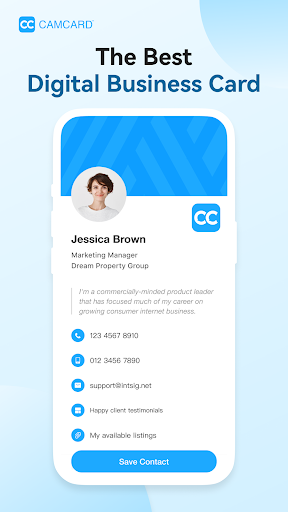
Personalize your digital business cards with your photo, company logo, and elegant design templates. This allows you to create a professional and memorable impression that reflects your personal brand or company's identity.
• Versatile Sharing Options
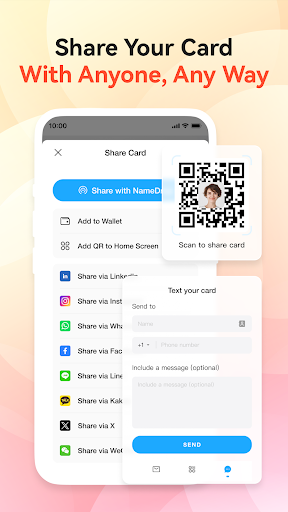
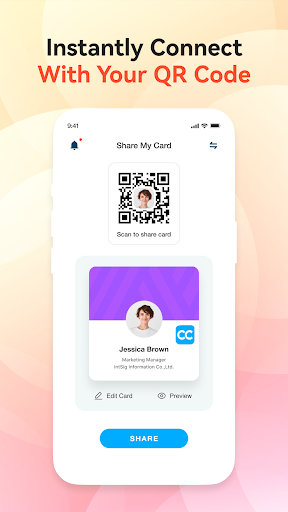
Share your digital card effortlessly via personalized SMS, email, or a unique URL. CamCard also supports QR code sharing, enabling quick and contactless exchanges of business information at networking events or meetings.
• Email Signatures & Virtual Backgrounds
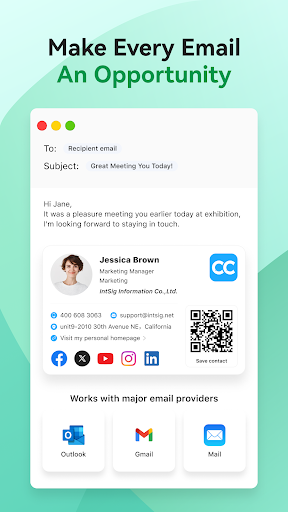
Enhance your email professionalism by linking your digital business card to your email signature. Plus, design virtual backgrounds to showcase your brand during video calls, making a consistent and professional appearance.
• Accurate Business Card Scanner
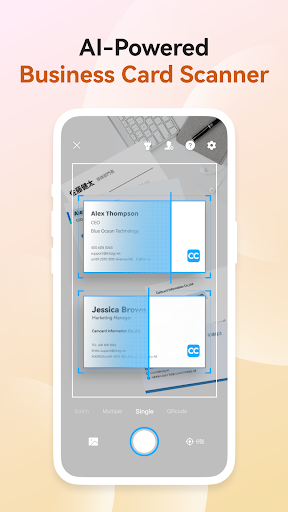
Leverage advanced OCR (Optical Character Recognition) technology for precise scanning of paper cards. Manual verification is also available to ensure the highest accuracy, saving you time and reducing errors.
• Business Card Management
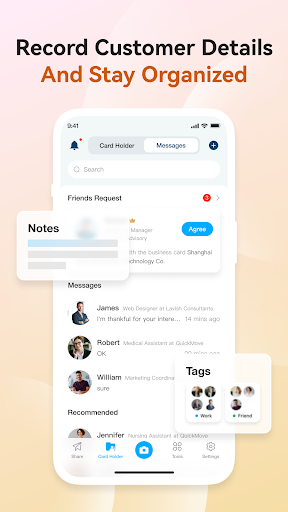
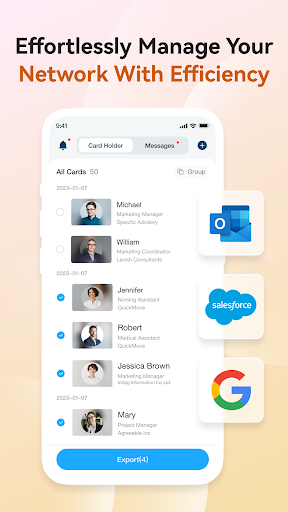
Easily organize your contacts with notes and tags, and synchronize your data with CRM systems like Salesforce. This feature ensures your contact information stays up-to-date and accessible across devices.
• Data Security
CamCard is ISO/IEC 27001 certified, prioritizing top-tier data protection and privacy compliance, giving users peace of mind when managing sensitive contact information.
• Premium Features
Upgrade to CamCard Premium for exclusive benefits such as exporting business cards to Excel, syncing with CRM platforms, accessing premium templates and backgrounds, and enjoying an ad-free experience. Additional functionalities like Secretary Scan Mode allow your assistant to digitize cards on your behalf, and VIP Recognition offers certain privileges for premium users.
Subscription Plans and Pricing
CamCard offers flexible subscription options to suit different needs:
- $9.99 per month
- $49.99 per year
Subscriptions are charged through your Google Play account and automatically renew unless canceled. Manage and deactivate auto-renewal in your account settings.
Why Choose CamCard?
If you frequently network and collect numerous business cards, CamCard is an indispensable tool. Its intuitive interface makes setup simple, and its rich features turn your smartphone into a professional business card organizer. Say goodbye to physical stacks of cards and hello to a clutter-free digital workspace.
With the app's ability to add notes, share cards electronically, and synchronize data across devices, organizing your professional connections has never been easier. Plus, its strong data security measures, including ISO/IEC 27001 certification, ensure your information remains protected.
In addition, the availability of virtual backgrounds and email signature integration helps reinforce your branding effort. Overall, CamCard acts like a personal assistant dedicated to managing your business cards efficiently, saving you time and expanding your networking potential.
Download CamCard now and experience the future of professional networking—convenient, secure, and stylish.
Helpful Links & Support
For more details on privacy and terms of service, visit the following links:
Follow us on social media or contact our support team for assistance. CamCard supports multiple languages, including English, Spanish, French, German, and more, ensuring accessibility for users worldwide.
Pros
- Easy to scan business cards
- Accurate data extraction
- Cloud backup available
- User-friendly interface
- Supports multiple languages
Cons
- Limited free version
- Occasional scanning errors
- Privacy concerns with data
- Sync issues reported
- No desktop version











