


Introduction to Boat AI Browser: Web & Tools
Discover Boat AI Browser, a modern mobile browser designed to elevate your online experience with speed, privacy, and innovative features. Whether you're surfing the web, managing your device's resources, or seeking instant information, this browser combines ease of use with powerful functionalities. One of its standout features is the built-in AI Assistant, which allows users to get instant answers, creative suggestions, and a smarter browsing experience by simply asking questions within the app. This integration of AI technology makes Boat Browser not just a tool for browsing but a comprehensive assistant for your digital needs.
With positive reviews highlighting its user-friendly interface, extensive customization options, and robust privacy protections, Boat AI Browser aims to become your go-to for a seamless and efficient online journey. Its innovative blend of fast performance, practical tools, and AI-powered assistance sets it apart from typical mobile browsers.
Core Features of Boat AI Browser
Built-in AI Assistant for Instant Answers
The highlight of Boat Browser is its built-in AI assistant. Like having a personal assistant at your fingertips, users can ask questions, get instant information, or receive creative ideas without leaving the browser. This feature is ideal for learners, professionals, or casual users looking for quick, accurate responses. Whether it's looking up facts, composing text, or exploring ideas, the AI model integrated into Boat Browser makes browsing smarter and more efficient.
Privacy Protection
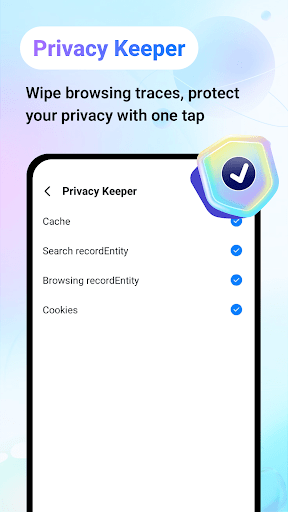
Focused on safeguarding your data, Boat Browser offers easy options to clear browsing history, cookies, and site data with just a tap. This ensures your online activities remain private, especially important for users concerned about data security and privacy.
Device and Network Tools
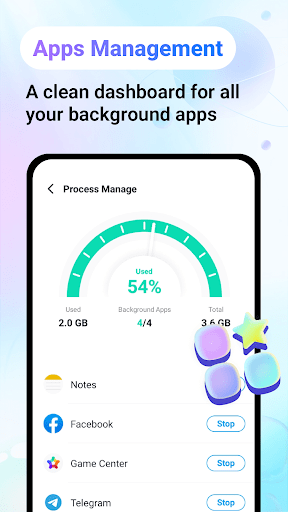
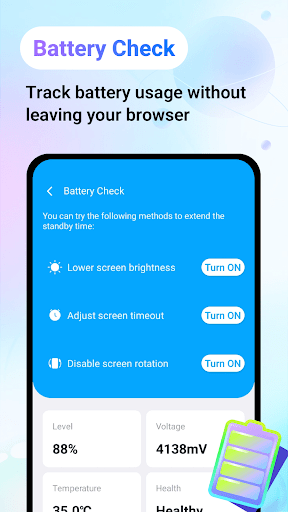
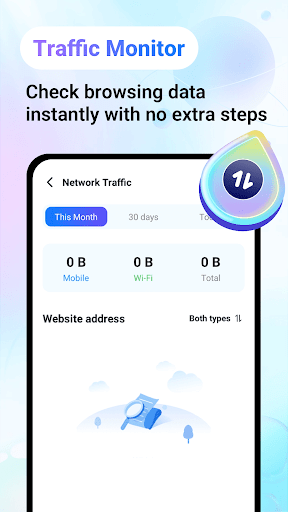
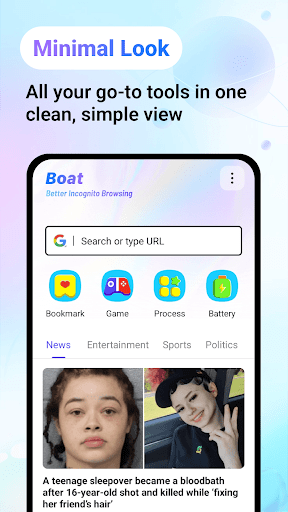
Monitor your device's battery status and extend its lifespan with helpful insights. The browser also enables network traffic monitoring, giving you control over your data usage. Manage your apps and processes, pause unnecessary ones, and ensure your device runs smoothly during your browsing sessions.
Stay Informed and Entertained
Stay updated with real-time news directly within the app, keeping you informed about global events. Explore engaging trivia quizzes and relax with a variety of online stories and mini-games. These entertainment features make Boat Browser not just a tool for browsing but a platform for fun and learning.
Easy Management and Personalization
Manage your bookmarks effortlessly by saving and organizing your favorite websites. The app also supports gesture controls and extensive customization options, allowing you to tailor the user interface to your preferences for a personalized browsing experience. The clean and intuitive design makes navigation straightforward and enjoyable.
Why Choose Boat AI Browser?
Compared to other mobile browsers, Boat AI Browser stands out with its combination of speed, privacy, and innovative AI assistant features. Its fast page loading times, efficient tab management, and customizable interface provide a superior user experience. Whether you're casual browsing, researching, or seeking entertainment, Boat Browser adapts to your needs seamlessly.
While it offers a wealth of features, the user-friendly design and smart tools make it accessible for both tech-savvy users and those looking for straightforward solutions. Despite minor occasional lags with content-heavy websites, overall performance remains impressive, making this browser a reliable choice for everyday use.
In essence, Boat AI Browser is a comprehensive, fast, and privacy-focused mobile browsing solution that integrates AI to make your digital life smarter and more convenient. Give it a try and experience a new level of web exploration filled with efficiency and entertainment.
Pros
- Quick and smooth performance.
- Highly customizable user interface.
- Supports playback of Flash content.
- Includes a built-in download manager.
- Offers multiple tabs and incognito browsing mode.
Cons
- Occasional advertisements popping up.
- No longer receives updates.
- Limited support for add-ons.
- Potential for rapid battery drain.
- Some security vulnerabilities.











