

Blinq: Digital Business Card
Quick setup and effortless sharing
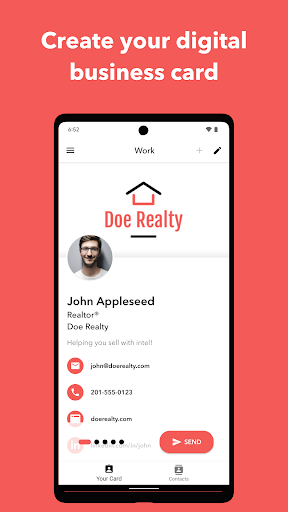
Getting started with Blinq is fast and intuitive. Download the app and create your digital business card in under two minutes. Recipients don’t need the Blinq app to view or save your details, making sharing effortless at events or in everyday networking. No extra hardware is required—your card lives on your phone and is ready to share with a tap, scan, or link.
Design, customization and sharing options
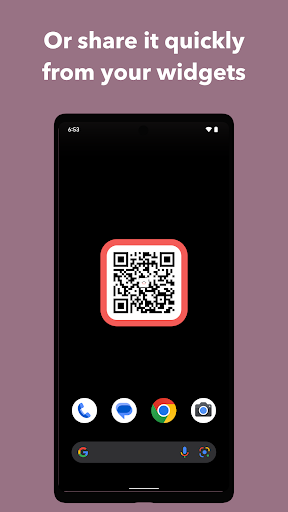
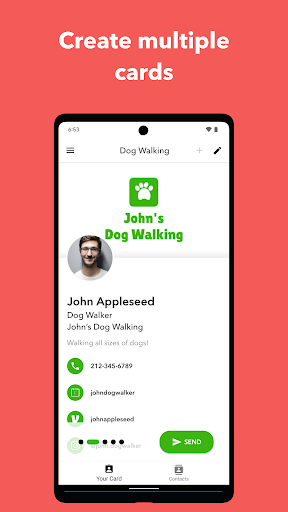
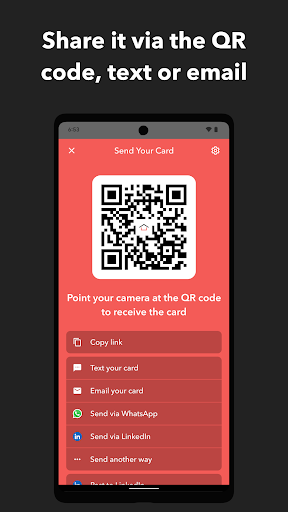
Your vCard supports up to 20 fields, including social media profiles, product or project links, and payment app details. Share via personalized texts or emails, send the card’s URL, or let others scan the card’s QR code. Create multiple cards to tailor what you share for different moments, and use the lock-screen widget to keep a card at hand. You can also design dynamic email signatures and virtual backgrounds for video calls to reinforce your personal brand.
QR codes, NFC and accessories
Your digital card automatically generates a unique QR code that others can scan to receive your details. Download the QR version to place on your website, brochures, name tags, or presentations. Blinq also supports linking your card with an NFC card, and you can order NFC cards directly through the app.
Grow your network anywhere
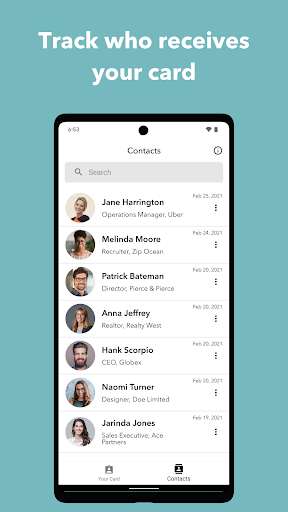
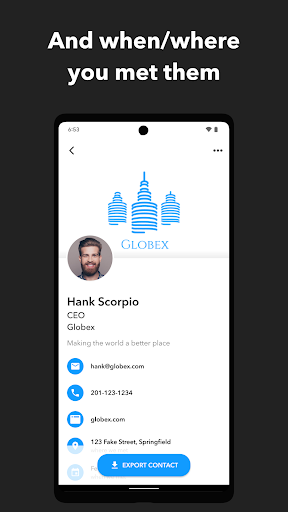
Shareable and instant, Blinq makes it easy for new connections to exchange information on the spot. When you share your card, new contacts can quickly share theirs with you, accelerating follow-ups. You can add notes to each contact for quick recall and better organization, helping you remember context for future conversations.
Blinq for teams: Business product and CRM-ready
Blinq isn’t just for individuals. The Blinq Business product provides a unified dashboard to create and manage digital cards for your entire organization. Add your brand ID, generate branded templates for fast sharing, and export all contacts gathered from digital cards to your CRM for seamless follow-ups with new clients. It’s a scalable solution for modern teams seeking consistent branding and efficient contact management.
Wear OS and global reach
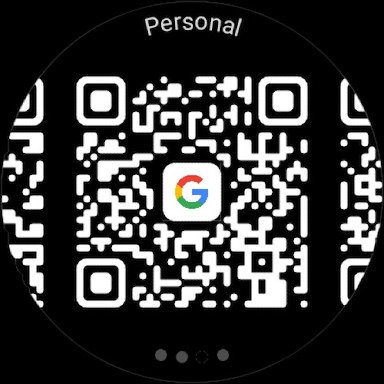
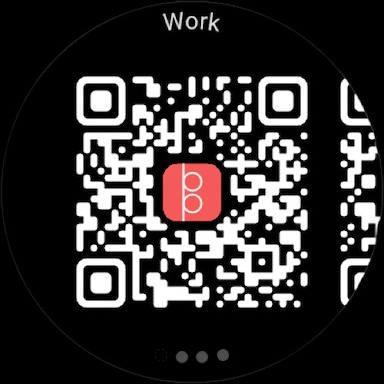
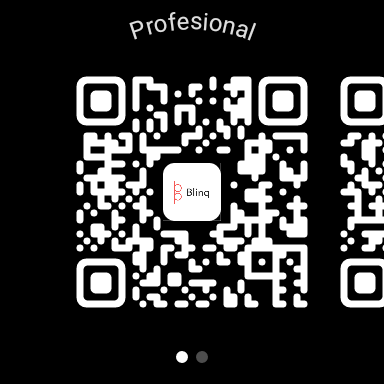
The Wear OS experience keeps your digital business cards at your fingertips on your smartwatch, making exchanges during meetings quick and effortless. The app syncs with your Android device to keep contacts up to date across devices, and Blinq is used worldwide—from conferences to trade shows and everyday networking events.
Why go digital with Blinq
In a fast-paced world, a digital business card is a practical, scalable alternative to paper. Blinq helps you stay organized, reduces paper waste, and ensures your contact details are always accessible. Sharing from your phone feels effortless and modern, and the platform’s strong integrations, customization options, and branding features help you leave a lasting impression. Whether you’re a solo professional or part of a larger team, Blinq makes networking faster, greener, and more effective.
Pros
- Easy to create and share digital business cards.
- Customizable design options available.
- Environmentally friendly.
- No paper needed.
- Syncs with contact management systems.
- User-friendly interface for users of all ages.
Cons
- Limited free features.
- Premium upgrade needed.
- Offline access to cards not available.
- Occasional sync issues reported.
- Limited design templates in the free version.
- Some features require a stable internet connection.











