
Blend Photos - Photo Blender: The Ultimate Photo Editing App
Are you looking for an easy and fun way to create stunning, artistic images directly on your mobile device? Blend Photos - Photo Blender is a versatile and user-friendly photo editing application that empowers users of all skill levels to craft breathtaking compositions with just a few taps. Whether you're an amateur enthusiast or a professional designer, this app provides an impressive suite of features designed to elevate your photo editing experience.
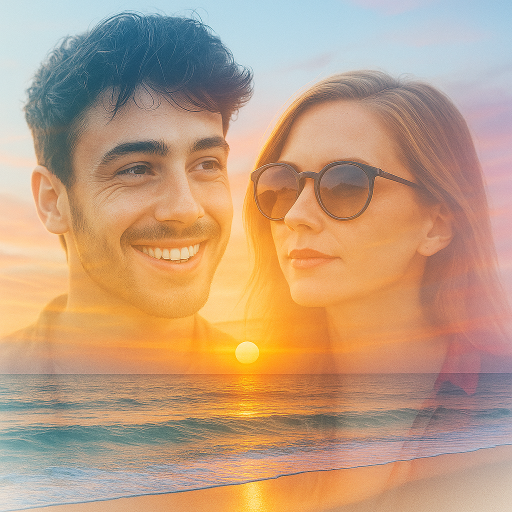
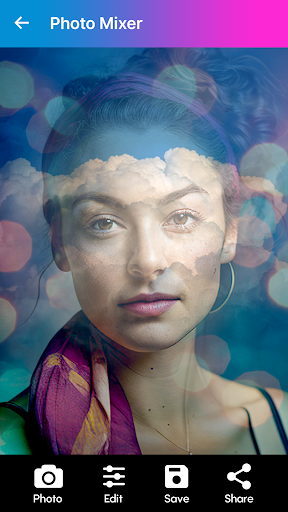
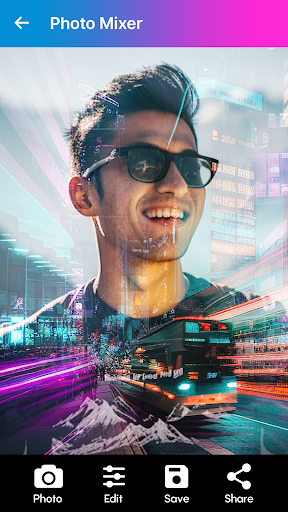
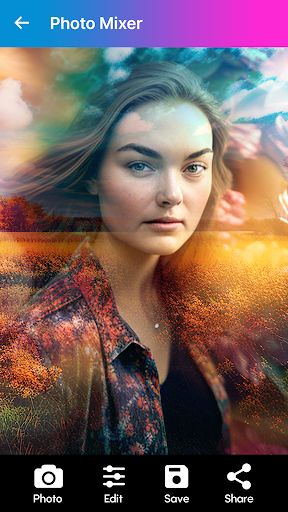
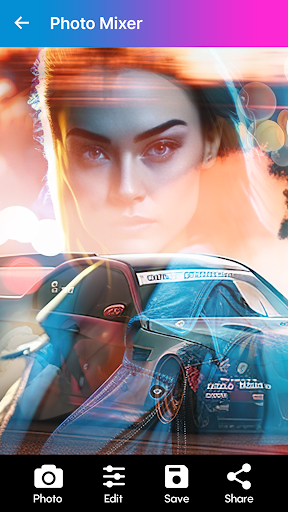
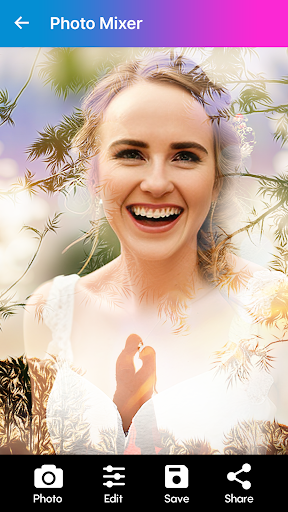
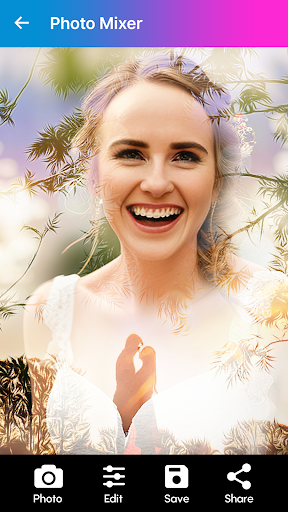
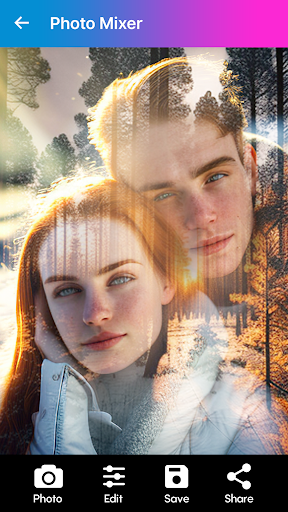
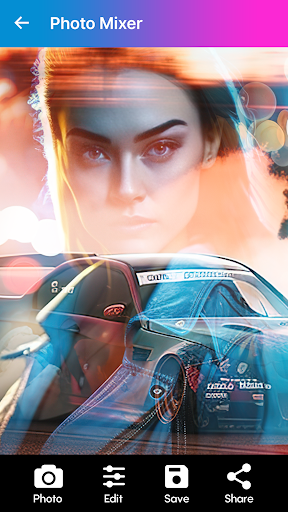
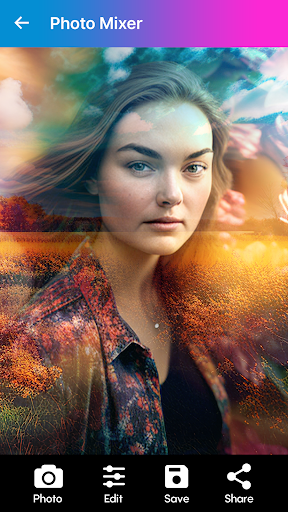
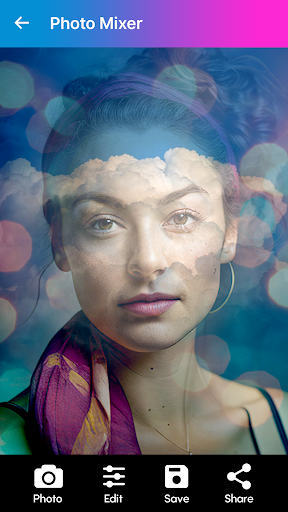
This free photo blender app simplifies complex editing tasks such as blending, merging, and mixing photos, making it accessible for everyone. With its advanced blending tools, users can achieve seamless photo compositions, double exposure effects, and creative overlays that truly express personal style. The app caters to a wide range of needs—from creating eye-catching social media posts to designing professional-looking collages.
What makes Blend Photos stand out is its intuitive interface combined with powerful editing features. The app offers a perfect balance between simplicity and professional-grade tools, enabling you to crop, resize, add filters, and fine-tune images effortlessly. High-resolution export options ensure that your creations retain their quality whether shared online or printed. Overall, it is an excellent choice for anyone seeking a comprehensive photo editing and photo blending solution right from their device.
Key Features of Blend Photos - Photo Blender
Super Easy to Use
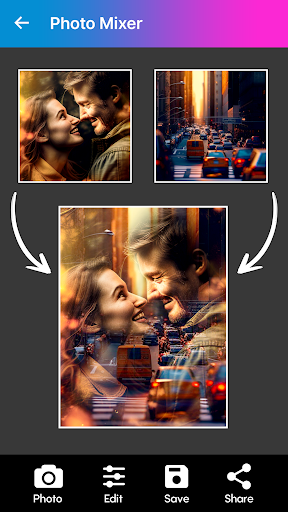
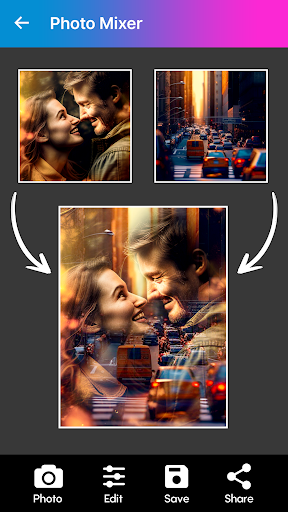
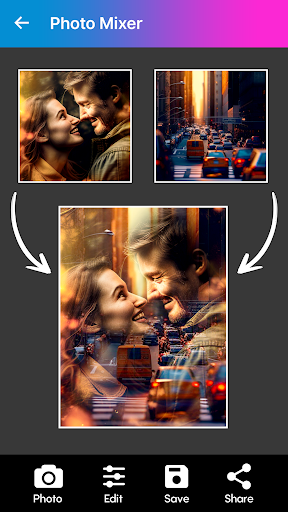
Designed with a user-friendly interface, Blend Photos requires no complicated steps. Simply select your favorite photos, and the app seamlessly combines them into stunning visuals, making photo blending fun and accessible for users of all levels.
Mix & Match Photos
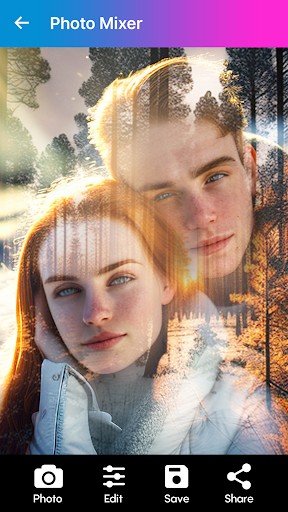
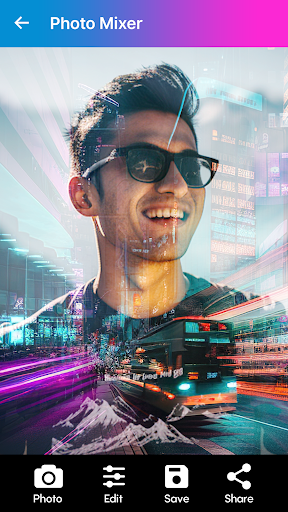
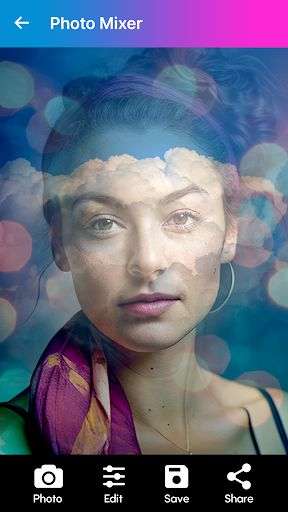
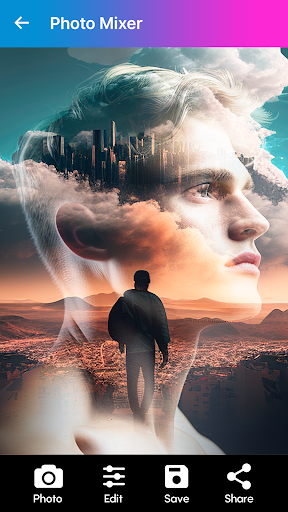
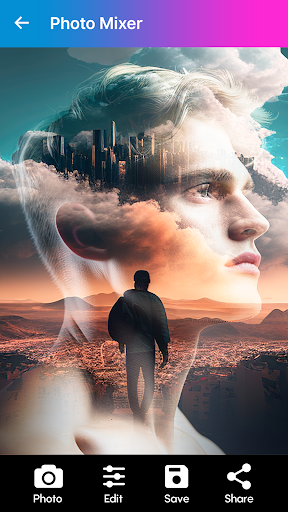
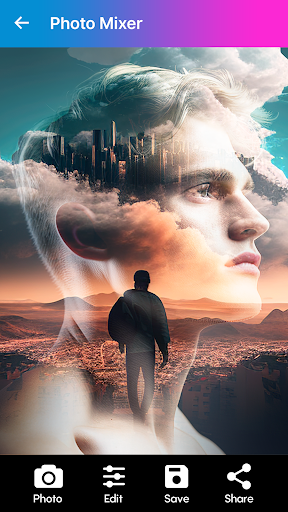
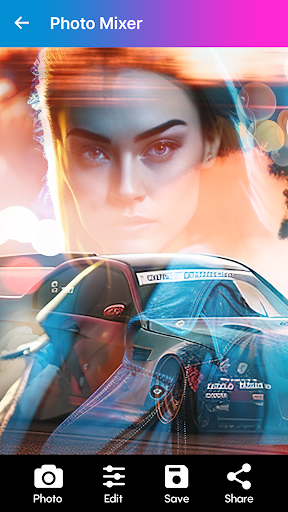
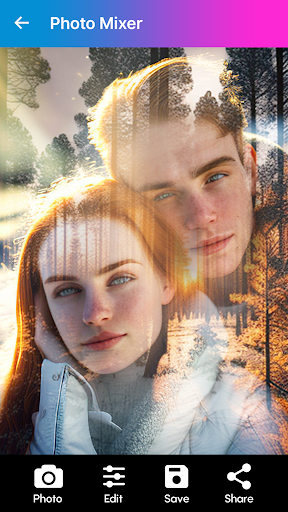
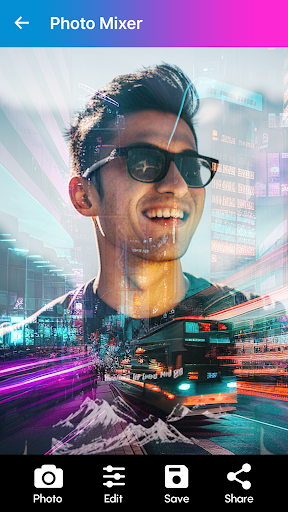
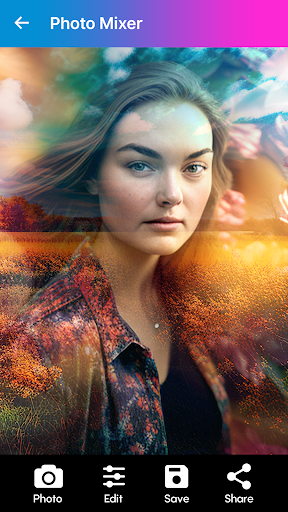
Experiment with blending two or more images using a variety of cool effects. Create artistic photo overlays, double exposures, and creative compositions that help your images stand out on social media platforms like Instagram, TikTok, and Facebook.
Express Yourself with Customization
Add personalized touches by inserting text with customizable fonts and styles. Choose from over 800+ layouts for your collages and arrange your photos creatively using grid styles or freeform arrangements.
Advanced Editing Tools
Before blending, fine-tune your images with all the essential editing features, including crop, resize, rotate, and apply various filters. The app also supports background removal, enabling you to isolate subjects and create clean, professional-looking composites.
Creative Effects & Blending Modes
Utilize a range of blend modes like overlay, multiply, and screen to craft double exposure effects and artistic overlays. Adjust opacity levels to refine the intensity of each element, producing captivating visual effects that elevate your creative projects.
High-Resolution Output
Save your finished projects in high resolution, guaranteeing crisp quality whether sharing online or printing your artwork. The app's export options make it easy to maintain the integrity of your images.
Effortless Social Media Sharing
With just a few taps, you can share your beautiful creations directly to social media platforms, making Blend Photos a perfect tool for creating eye-catching social media posts.
Why Choose Blend Photos - Photo Blender?
If you're passionate about exploring new ways to express your creativity through photography, Blend Photos offers an unmatched blend of simplicity and power. Its auto photo mixer feature allows you to rapidly combine images, turning mundane photos into artistic masterpieces. The wide array of effects and overlays encourages experimentation, making each project a unique reflection of your style.
Whether you're crafting collages for personal memories or designing professional-quality visuals for marketing purposes, this app provides all the tools necessary to achieve stunning results. Its support for high-resolution exports ensures your artwork looks crisp and vibrant, ready to impress friends or clients alike.
In summary, Blend Photos is more than a simple photo editor—it's a creative studio in your pocket. With its intuitive design, powerful blending capabilities, and extensive customization options, this app unlocks your full potential to produce beautiful, engaging images effortlessly. Download now and start transforming your photos into captivating visual stories today!
Pros
- Easy integration of multiple images.
- User-friendly interface.
- Produces high-quality output.
- Offers various blending modes.
- Provides fast image processing.
Cons
- Contains advertisements.
- Limited features in the free version.
- App may crash occasionally.
- Requires internet connection for some features.
- Large file size.











