
Discover the Power of ArtRage Vitae Mobile Painting
Unleash Your Creativity with Realistic Digital Tools
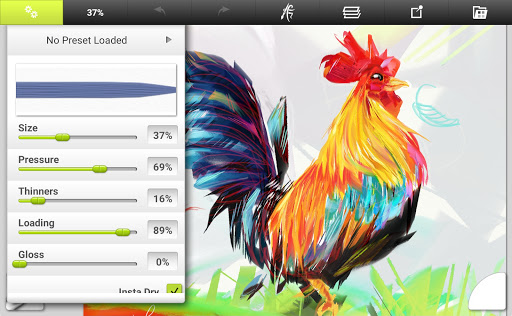
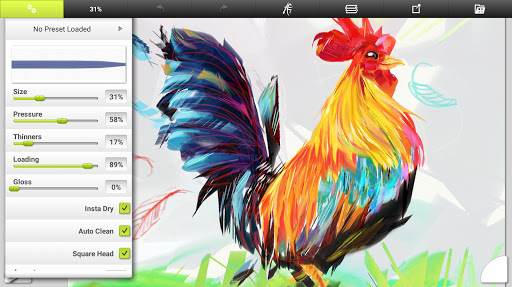
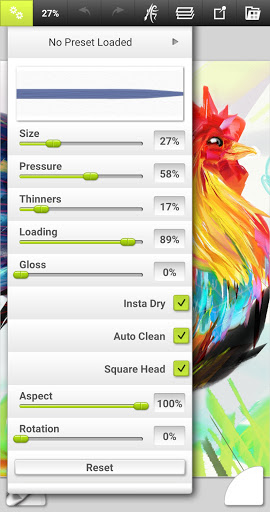
Customization plays a vital role in this app. You can tailor brushes to suit your style, adjusting properties like thickness, softness, and texture. This flexibility ensures that each stroke feels natural and personal, making every creation as unique as an artwork crafted on physical media. Additionally, the app supports a vast canvas size of up to 4096px x 4096px, enabling the production of detailed, high-resolution paintings suitable for professional projects or printing.
Advanced Features for Creative Enhancement
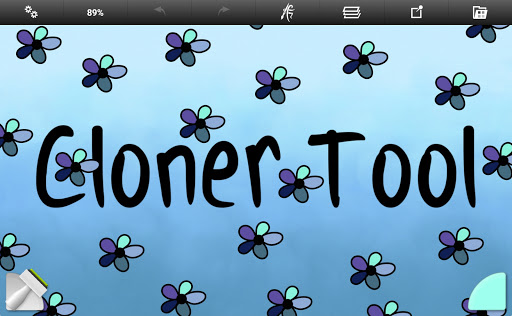
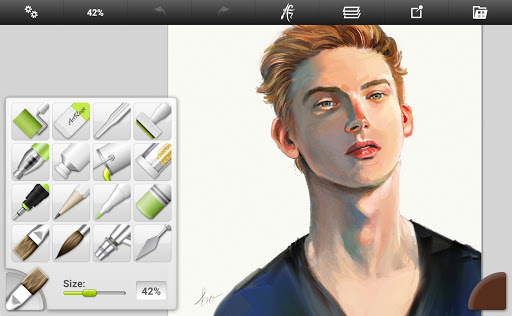
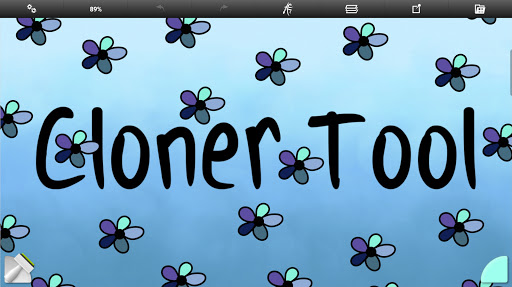
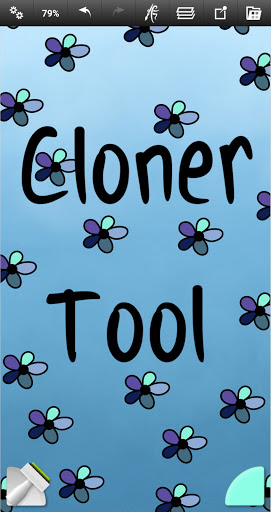
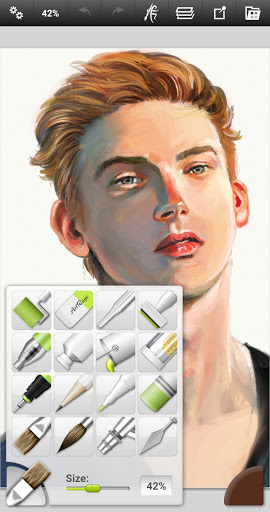
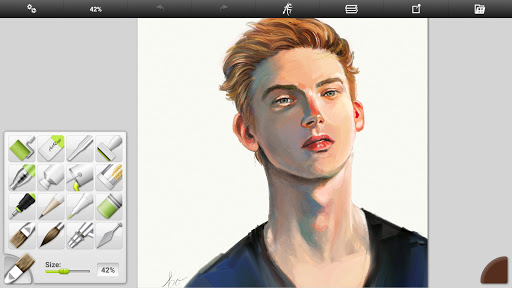
ArtRage Vitae is equipped with 16 versatile tools, each offering a multitude of variations through custom presets and settings. From natural painting tools like oil brushes, watercolor brushes, palette knives, paint rollers, and paint tubes to sketching instruments such as airbrushes, ink pens, felt pens, pencils, and wax/chalk pastels. The utility tools include flood fill and color sampler, aiding the artist in quick color selection and filling areas seamlessly. Special effect tools like the Cloner, Glitter Tube, and Gloop Pen add creative effects for unique finishing touches.
Layer Management & Effects
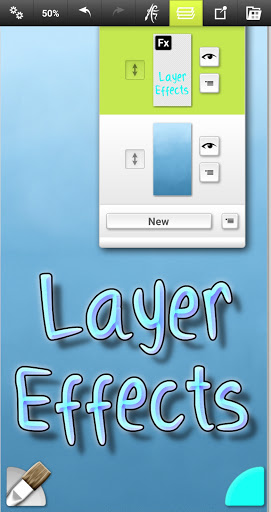
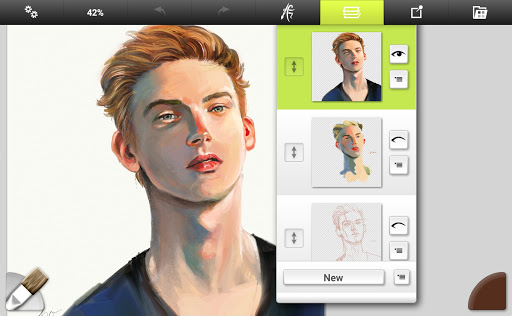
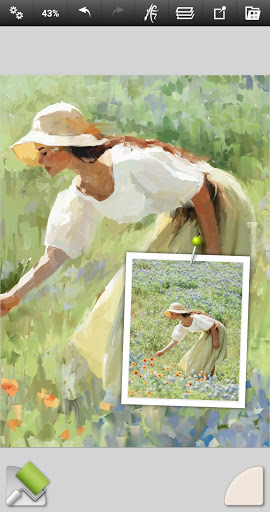
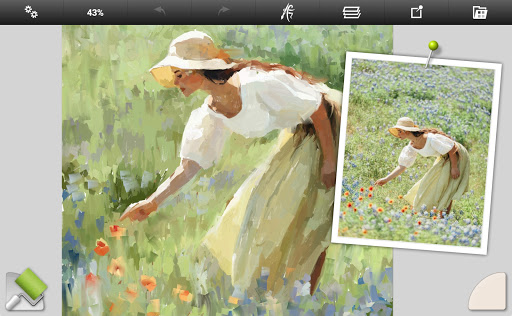
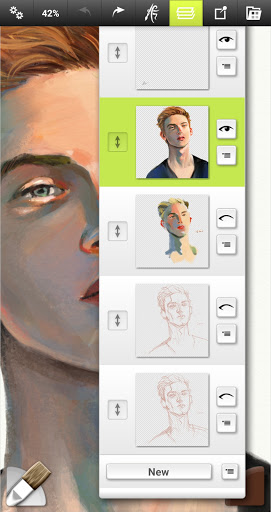
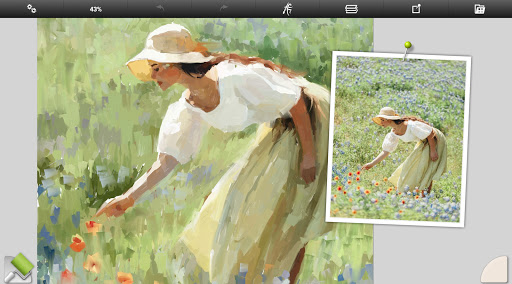
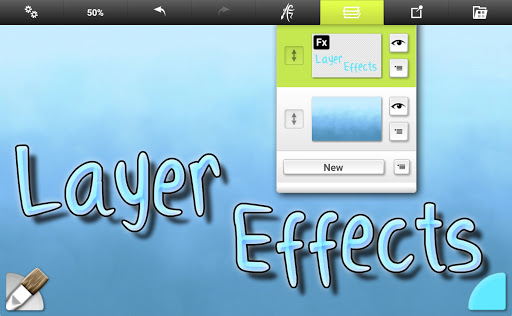
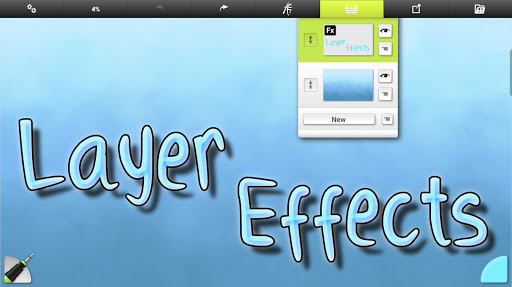
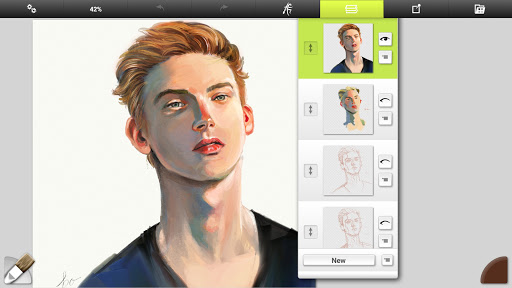
The app’s layer system is comprehensive, supporting industry-standard blend modes and transparent layers with adjustable opacity. This enables complex compositions with highlights, shadows, and 3D effects, elevating your digital artwork to new levels of professionalism. The ability to import images for tracing and referencing gives you additional tools to refine your work and learn by copying real-world references.
Powerful Utilities & Settings
Save your ideal tool configurations as custom presets for quick access. The app supports unlimited undo/redo to experiment fearlessly. You can also tweak canvas textures to simulate coarse surfaces or smooth papers, further enhancing realism.
Designed for Ease and Efficiency
Managing your artwork is simple with an integrated art gallery for easy access to saved projects. Export options include JPG and PNG formats, compatible with Android’s sharing systems and desktop versions of ArtRage, making it seamless to share or continue your work across devices.
Community, Support, and Compatibility
Experience state-of-the-art mobile digital painting with ArtRage Vitae Mobile Painting, a perfect blend of traditional realism and modern convenience. Designed to inspire and facilitate artistic expression, this app is an indispensable tool for anyone eager to create stunning artworks wherever inspiration strikes. Unlock your full creative potential with this powerful, easy-to-use art app on your mobile device.
Pros
- Intuitive and easy-to-use interface.
- Extensive selection of realistic brushes.
- Advanced options for layer blending.
- Customizable textures for the canvas.
- Can be used offline without an internet connection.
Cons
- Limited options for exporting file formats.
- May experience lag on older devices.
- No integrated tutorial for beginners.
- Premium features require additional payment.
- Missing some features available on desktop versions.











