



ArtCanvas - ArtLoop: Learn How to Draw
ArtCanvas - ArtLoop is one of the best free drawing apps to learn how to draw and improve your art skills. Whether you're just starting your drawing journey or looking to refine your technique, this app makes it easy and fun. Explore how to draw step by step through guided lessons, interactive challenges, and multiplayer drawing games.
Step-by-Step Drawing Lessons
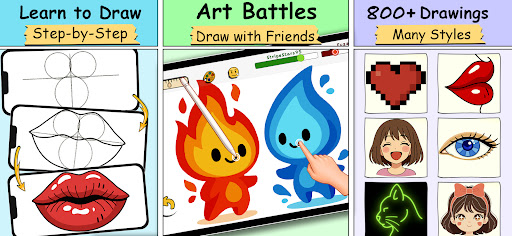
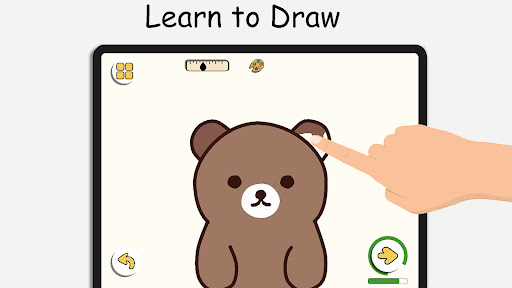
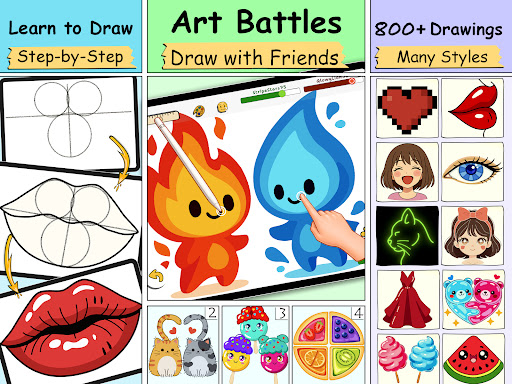
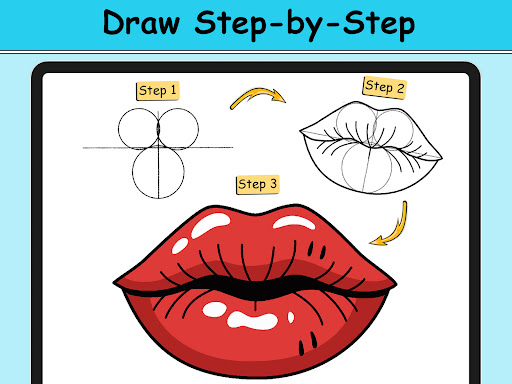
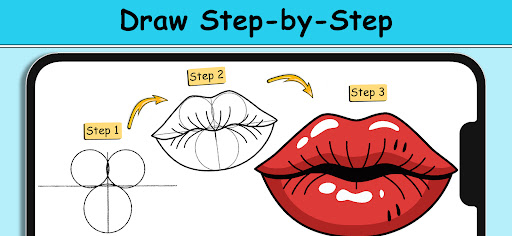
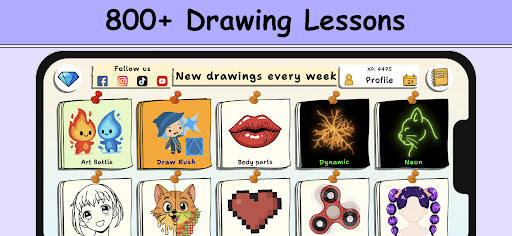
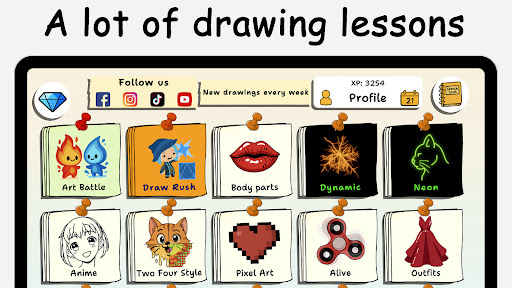
Master the basics with easy drawing tutorials. Each lesson teaches you how to draw characters, animals, food, people, emojis, anime, and more — all with clear, step-by-step instructions. Perfect for beginners and those who want to draw better.
Fun Drawing Practice
Practice your skills with a variety of drawing lessons and exercises. From simple shapes to complex artworks, ArtCanvas - ArtLoop helps you build confidence and creativity at your own pace.
Multiplayer Drawing Battles
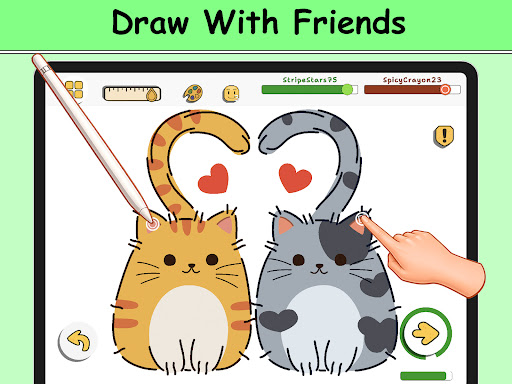
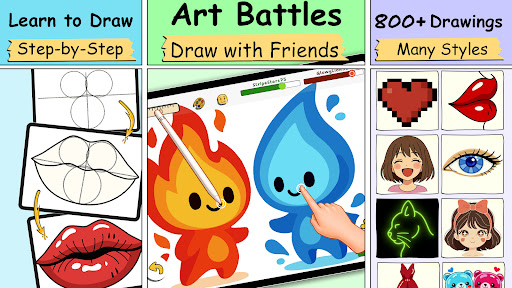
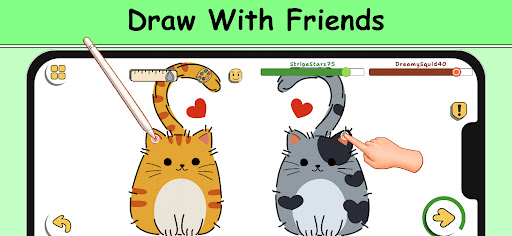
Challenge your friends or random players in exciting art battles. Compete to see who can draw more accurately and quickly. It's a fun way to improve and stay motivated while learning how to draw.
Drawing Tutorials for All Levels
Our app includes structured drawing tutorials, making it easy to start from scratch or focus on specific topics like sketching, anime, or cartoon drawing. Whether you're into sketch art, doodles, or coloring — we’ve got you covered.
Learn to Draw Through Daily Practice
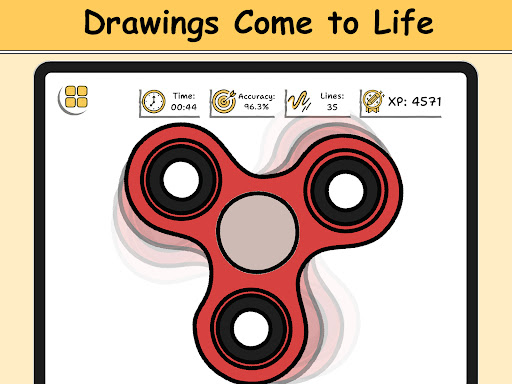
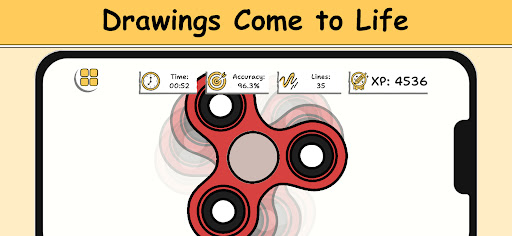
Track your progress and see your improvements over time. Use our smart evaluation tools to analyze your accuracy and drawing flow as you follow each tutorial.
Tailored Learning Paths
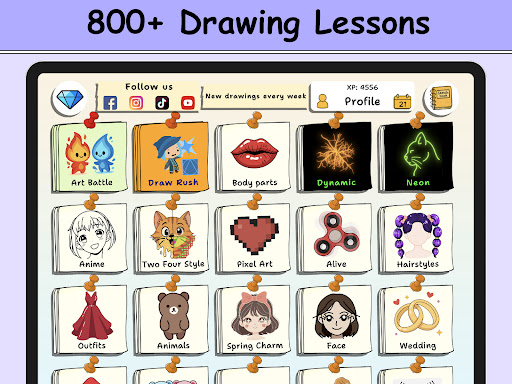
Choose from various categories: how to draw cute animals, step-by-step food, flowers, anime eyes, and more. Lessons are short, focused, and ideal for beginners and kids.
Intuitive Drawing Tools
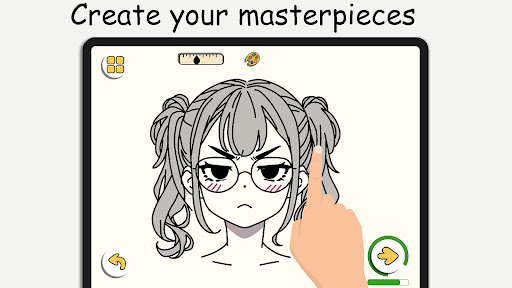
Draw with ease using our smooth, responsive tools. From a virtual sketchpad to detailed editing features, you’ll find everything you need to create amazing digital art.
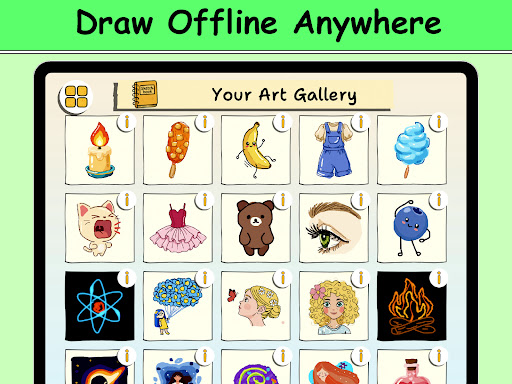
Draw Offline, Anytime
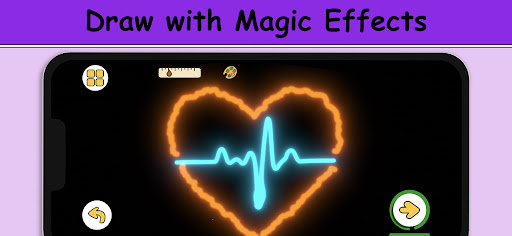
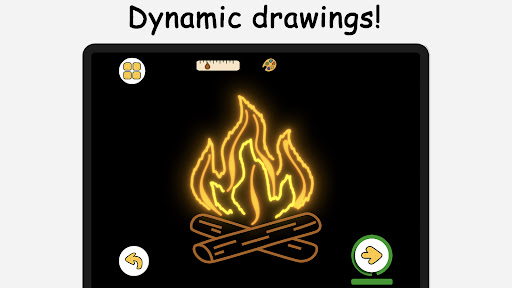
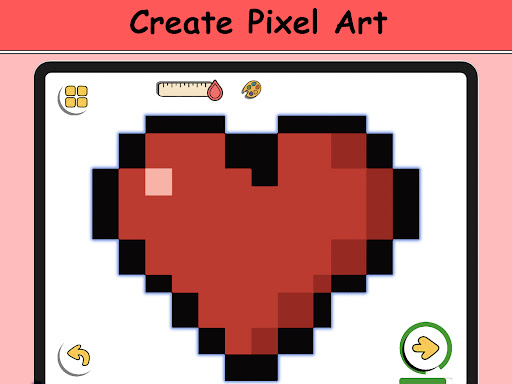
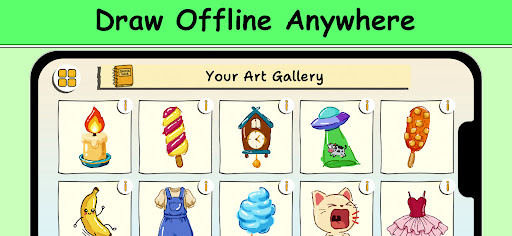
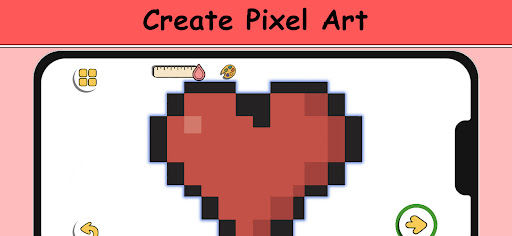
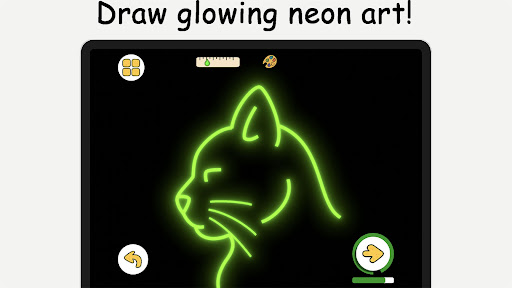
No Wi-Fi? No problem. Draw and paint offline wherever you are. This app works without internet access so you can enjoy sketching on the go. Pixel Art Mode – grid-perfect pixel drawing with snap-to-grid tools and quick-fill coloring for retro sprites, icons and game characters. Neon Drawing – create electric strokes with luminous brushes; every line pops thanks to built-in glow draw / glow art effects. Quick Draw & Speed Draw Challenges – timed sketch rounds that push you to think fast and refine accuracy; ideal for warm-ups or competitive sessions. Draw With Friends – open a private room to sketch together in real time!
Artistic Freedom for All Ages
ArtCanvas - ArtLoop is designed for both kids and adults. It’s a beginner-friendly drawing app with powerful tools, making it one of the best free apps to learn drawing on mobile. Whether you're just learning how to draw for fun or exploring advanced sketching techniques, ArtCanvas - ArtLoop helps you grow as an artist. Follow our step-by-step drawing tutorials and explore styles from anime and doodles to realistic art — all in one creative space. You can even draw and paint offline, so inspiration never has to wait. Start your artistic journey today with ArtCanvas - ArtLoop — the ultimate free drawing app for step-by-step learning, multiplayer challenges, and fun tutorials. Download now and start drawing!
ArtCanvas: Learn how to draw — Blog-style feature description
ArtCanvas: Learn how to draw is more than a painting app; it’s a versatile learning companion designed to elevate your artistry from day one. This free drawing app blends structured, step-by-step lessons with interactive challenges, multiplayer drawing, and a robust toolkit that grows with you. Beginners can enter through approachable tutorials that break complex images into manageable steps, while more experienced artists will appreciate the variety of topics—from anime eyes to realistic portraits—that keep practice fresh and engaging. The daily practice feature tracks your progress over time, offering smart feedback that helps you refine accuracy and drawing flow as you follow each lesson.
The toolset is thoughtfully organized for both new and seasoned creators. Intuitive brushes, a full color palette, textures, and editing features make it easy to translate ideas into polished pieces. Special modes like Pixel Art set up a grid-based workflow perfect for retro sprites and game characters, while Neon Drawing delivers glow and vibrant lighting effects to make your work pop. Offline drawing means inspiration never has to wait: sketch, save, and export offline whenever you’re on the move. When you’re ready to share, exporting to social feeds or a personal portfolio is seamless, helping you build a visible body of work.
Social features add a collaborative edge to the learning experience. Draw with friends in real time in private rooms or join friendly challenges that spark healthy competition and motivation. Guided, mentor-like feedback is available on-demand, helping you improve pacing, proportion, and line quality without any judgment. The learning paths are clearly categorized—cute animals, step-by-step food, flowers, anime eyes—and are crafted to be beginner-friendly yet scalable for more advanced practice. Best of all, ArtCanvas remains free, ensuring anyone with a spark of creativity can start practicing today. This blend of step-by-step instruction, multiplayer play, offline accessibility, and creative freedom makes ArtCanvas a compelling choice for anyone aiming to learn to draw, sharpen their skills, and explore unique styles—from doodles to detailed realism.
Whether you’re sketching during a commute, unwinding after a long day, or building a digital portfolio, ArtCanvas provides the tools and encouragement you need to grow as an artist. The combination of guided learning, social features, and powerful drawing tools positions ArtCanvas - ArtLoop as a top pick among free drawing apps for step-by-step learning, multiplayer challenges, and creative exploration.
Pros
- User-friendly interface for beginners
- Wide variety of drawing tools available
- Interactive tutorials enhance learning
- Regular updates with new features
- Offline mode for uninterrupted use
Cons
- Limited free version features
- Occasional app crashes reported
- Ads can be intrusive
- High battery consumption
- Requires a stable internet connection for tutorials











