
AR Drawing: Sketch, Art, Trace — The Ultimate Augmented Reality Drawing App
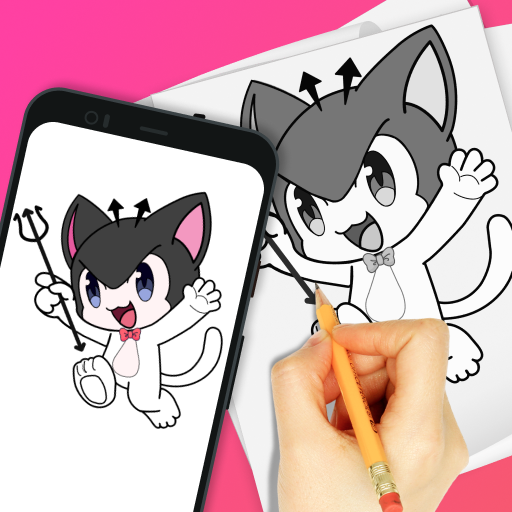
Discover the transformative power of AR Drawing: Sketch, Art, Trace, an innovative application that seamlessly blends augmented reality (AR) technology with intuitive drawing tools to elevate your artistic experience. Whether you're an accomplished artist or a beginner eager to explore your creative potential, this app is designed to inspire, guide, and enhance your skills, making every drawing session engaging and productive.
Unleash Your Creativity with AR Drawing
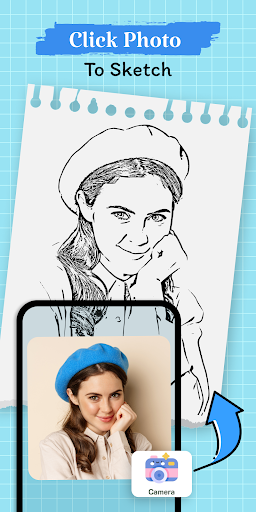
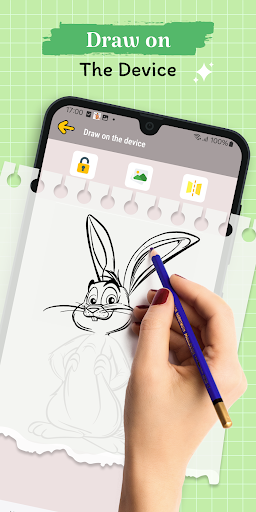
Imagine transforming your smartphone into a versatile canvas. With AR Drawing: Sketch, Art, Trace, you enter a world where your imagination is unrestricted. Every surface around you becomes a potential space for creativity, allowing you to practice, experiment, and create masterpieces without constraints. This app is perfect for those who want to explore their artistic boundaries in a fun and interactive way.
Abundant Templates and Tracing Options
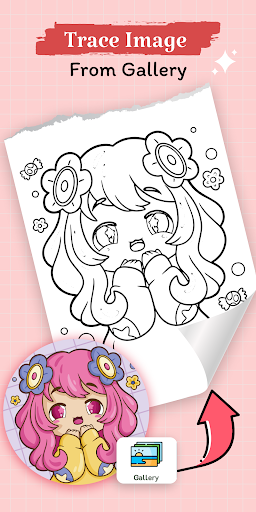
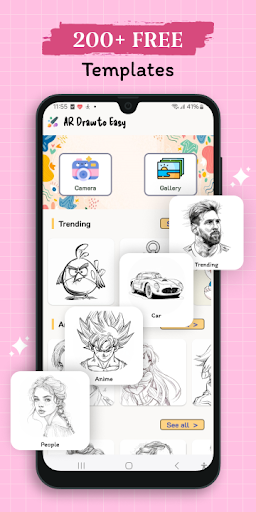
The app offers an extensive collection of templates spanning a variety of themes such as Animals, Nature, Cars, Planes, People, Anime, and more. With over 200+ templates available, users can kickstart their artwork or use these as guides for more precise tracing. This feature is especially useful for learners aiming to improve their proportions and shading skills, as it provides structured guidance while still allowing room for personal style development.
Enhanced Drawing Experience with Built-in Features
To ensure your artwork is as detailed and accurate as possible, AR Drawing: Sketch, Art, Trace includes a built-in flashlight feature, providing optimal illumination even in low-light environments. This allows you to focus on your strokes without worrying about visibility, resulting in cleaner lines and better control. Combined with the app’s ease of use, these features make it suitable for beginners and experienced artists alike.
Key Features of AR Drawing: Sketch, Art, Trace
- Effortless drawing and tracing using AR technology
- Vast collection of 200+ templates for all skill levels
- Built-in flashlight for improved visibility
- Intuitive interface that caters to both novices and seasoned artists
Getting Started with Your Augmented Reality Art Journey
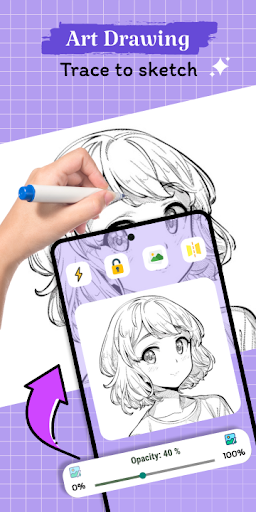
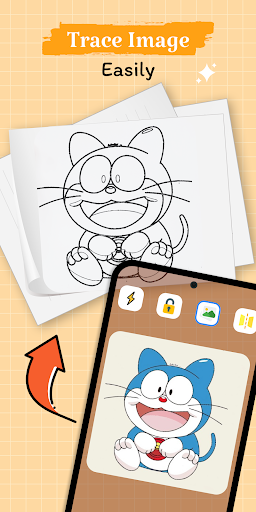
If you're new to AR drawing apps, you'll be pleased to find that setup is surprisingly simple. Once you open AR Drawing: Sketch, Art, Trace, the app uses your smartphone's camera to project images directly onto your sketchpad or drawing surface. It’s like having a virtual assistant guide your hand, ensuring your lines are accurate and aligned. The augmented reality projection feels remarkably real, almost as if the design is printed right onto your paper.
Why Artists Love This App
Many users appreciate the precision and variety offered by this innovative app. Whether you're into sketching adorable animals, intricate mandalas, or complex architectural designs, the ever-expanding library keeps inspiration flowing. Its ability to adjust the size and position of projected images allows for perfect alignment, essential for creating professional-looking drawings. This flexibility enhances creativity and helps users learn proper proportions and shading techniques through trial and error.
Perfect for All Skill Levels
AR Drawing: Sketch, Art, Trace is more than just a tracing tool; it's an educational platform that helps users improve their drawing skills in a fun, interactive way. Beginners can learn the basics of proportions and shading with guided templates, while experienced artists can leverage the app to experiment with new styles or quickly draft ideas. Its versatility makes it a must-have addition to any artist's toolkit.
Final Thoughts
In a world where technology consistently expands the horizons of creativity, AR Drawing: Sketch, Art, Trace stands out as a groundbreaking app that seamlessly combines the digital and physical worlds. Whether you want to improve your sketching skills, experiment with designs, or simply have fun drawing in augmented reality, this app offers an engaging and user-friendly experience. Its intuitive interface, extensive template library, and innovative AR features make it a perfect companion for artists of all levels eager to take their artwork to the next dimension. Download now and discover how your phone can become a powerful tool for artistic expression and creativity.
Pros
- User-friendly interface suitable for beginners.
- Supports a variety of art styles and techniques.
- Includes augmented reality features for tracing.
- Aids in enhancing drawing skills effectively.
- Receives regular updates with new functionalities.
Cons
- Dependent on a stable internet connection.
- Features in the free version are limited.
- May experience lag on older devices.
- Advertisements can be disruptive.
- Premium tools require a subscription.











