
Discover the Exciting World of AR Drawing: Paint & Sketch App
Unleash your artistic potential with AR Drawing: Paint & Sketch App, a revolutionary application that brings augmented reality (AR) into the realm of digital art. Whether you're a beginner, a hobbyist, or a seasoned artist, this app transforms your mobile device into a dynamic canvas where your sketches can come to life right before your eyes. With its innovative features, user-friendly interface, and endless creative possibilities, AR Drawing: Paint & Sketch App is fast becoming a must-have tool for artists and doodlers alike.
Key Features and Creative Possibilities
• Trace AR Drawing templates:
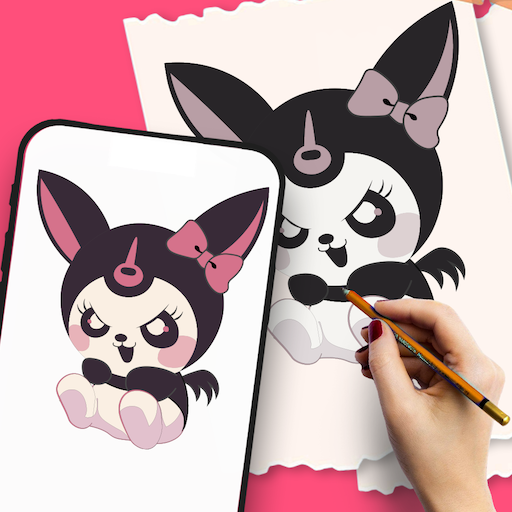
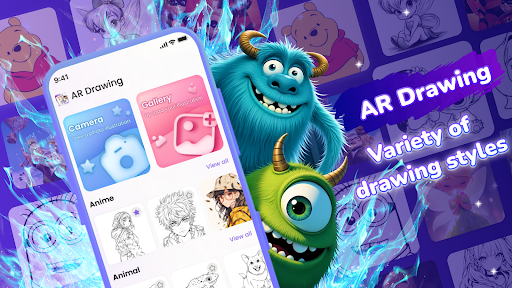
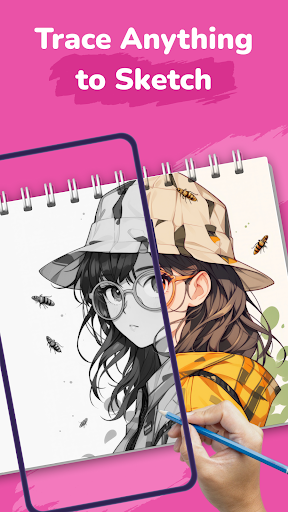
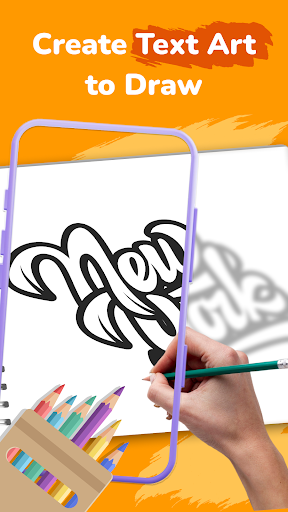
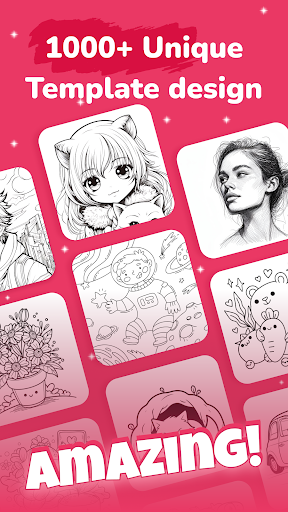
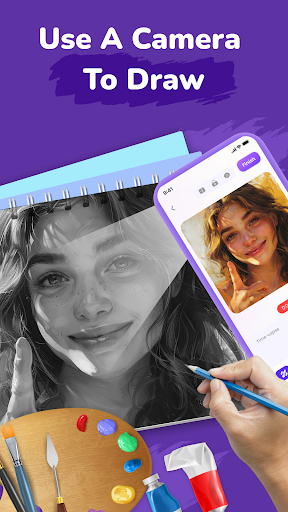
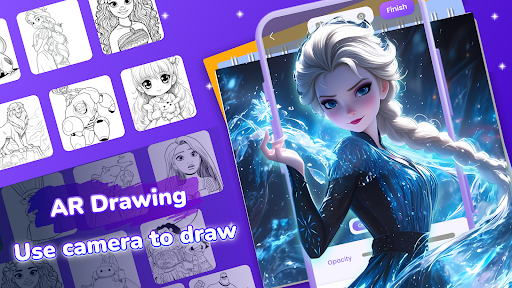
This feature provides an extensive library of templates including popular categories such as Anime, Tattoos, Cars, and other unique designs. You simply position your phone, and the app projects the templates onto your paper or surface, making tracing effortless and fun. It's ideal for developing drawing skills or replicating intricate images with ease.
• Upload & draw your own art
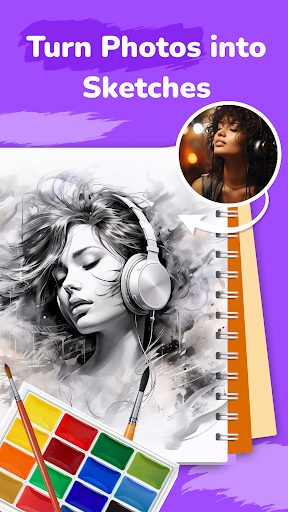
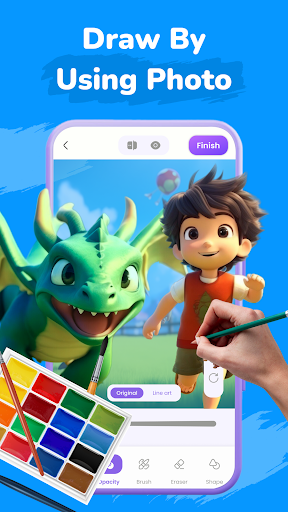
If you want to express your creative ideas beyond pre-made templates, you can upload your own artwork and transform it into AR tracing templates. This flexibility allows you to experiment with personal designs and enhance your drawing practice.
• Learn to Draw
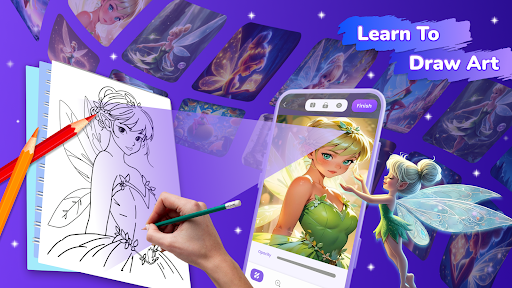
Improve your artistic techniques with step-by-step tutorials tailored for various skill levels and subjects. Whether you're a novice or an advanced artist, these guides help you master new styles and develop your drawing proficiency.
• Dot to Dot
Connect the dots to create artwork that evolves as you complete the pattern. Perfect for kids and beginners, this feature makes learning drawing fun and engaging, igniting a love for art early on.
• Record your creative process
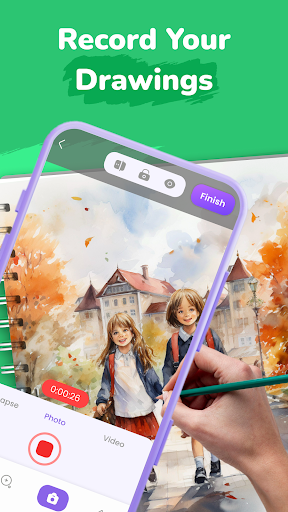
Capture your artistic journey by recording time-lapse videos of your drawings. Share your progress with friends and the wider art community, fostering inspiration and collaboration.
• Advanced editing tools
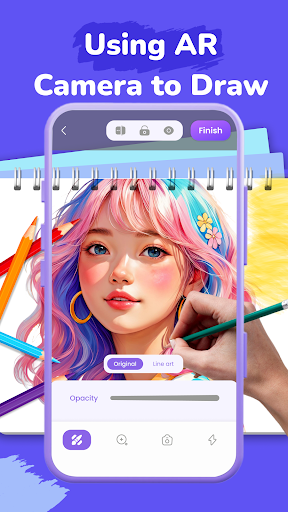
Enhance your creations with photo editing options, adjustable opacity controls, and toggleable flashlight features. These tools optimize your drawing environment for clearer, more precise sketches.
• Suitable for everyone
AR Drawing: Paint & Sketch App caters to a wide audience—from beginners and kids to professional artists. Its intuitive design ensures easy navigation, allowing users of all ages and skill levels to dive into creative experimentation without hassle.
How to Get Started with AR Drawing: Paint & Sketch App
- Select a template from the extensive library or upload your own artwork to use as a tracing guide.
- Secure your phone in a stable position using a stand or similar support for optimal AR projection.
- Begin tracing the projected lines onto your paper or surface—AR technology handles the rest, making the process simple and enjoyable.
With just a few steps, you can create stunning artworks that blend the virtual and real worlds seamlessly. The app is designed to make your drawing experience smooth, interactive, and highly rewarding.
Why Choose AR Drawing: Paint & Sketch App?
This innovative application not only supports your artistic growth but also transforms everyday surfaces into interactive canvases. Its augmented reality features enable users to see their sketches in real-world environments, fostering a new dimension of creativity. Whether you’re experimenting with abstract designs, practicing detailed illustrations, or simply doodling for fun, this app offers a versatile platform to realize your artistic visions.
Its user-friendly interface combined with advanced AR technology opens up limitless possibilities for artistic exploration. Imagine pointing your device at a wall or a coffee mug and watching your drawing appear in 3D—this level of interactivity makes art more engaging and immersive.
Whether you're looking to improve your drawing skills or just want to have fun transforming your surroundings into an artistic playground, AR Drawing: Paint & Sketch App is the perfect companion for creative minds of all levels. Download today and start bringing your ideas to life with the magic of augmented reality!
Pros
- Intuitive interface suitable for beginners.
- Wide selection of drawing tools available.
- Supports multiple layers for complex artwork.
- Offline mode available for uninterrupted creativity.
- Frequent updates introducing new features.
Cons
- Limited features in the free version.
- Occasional lag on older devices.
- Lacks collaboration features for group projects.
- Advertisements in the free version can be disruptive.
- In-app purchases needed to access premium tools.











