
Discover the Power of AR Drawing Sketch Paint: Unleash Your Creativity in Augmented Reality
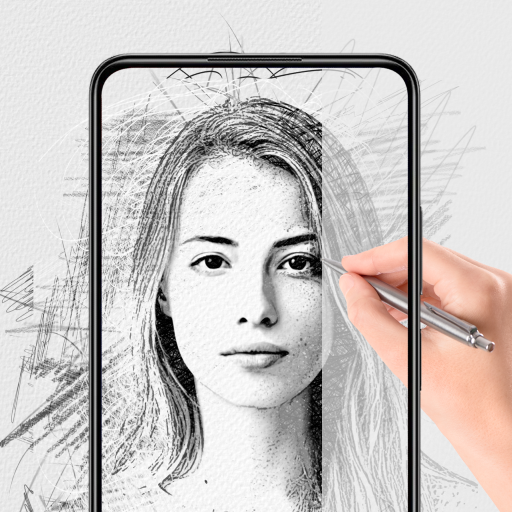
Welcome to AR Drawing Sketch Paint, an innovative application that bridges traditional artistry with the latest in augmented reality technology. Designed for artists of all skill levels, this immersive platform provides limitless opportunities to explore, create, and share digital art in a whole new way. Whether you're a beginner eager to learn or a seasoned artist looking for new inspiration, AR Drawing Sketch Paint invites you to step into a world where your ideas come to life in augmented reality, transforming the way you approach drawing and painting.
Key Features of the Drawing Apps
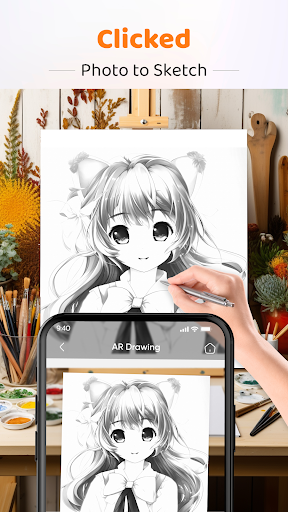
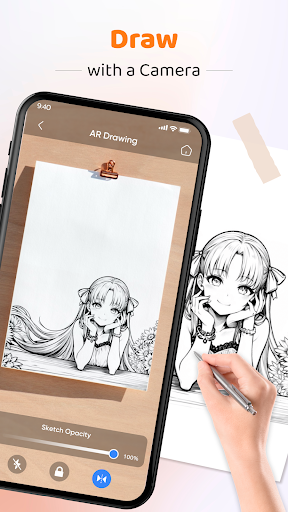
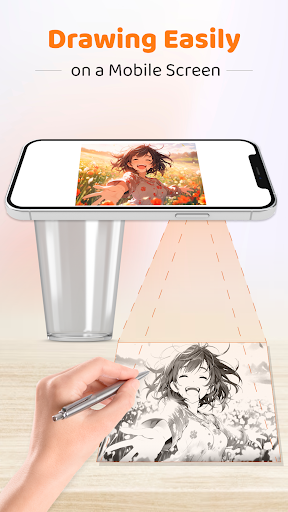
Draw with Camera: Experience the innovative "Draw with Camera" feature that allows you to blend your sketches with real-world environments. Simply stabilize your device on a surface and watch as your artwork seamlessly merges with your surroundings, creating an interactive and engaging artistic experience.
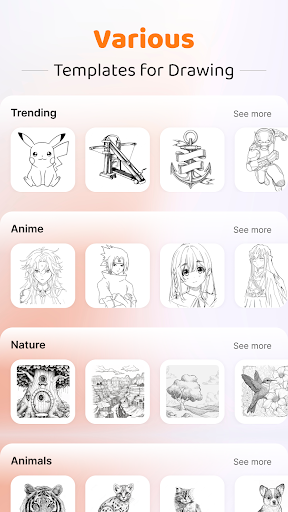
【Diverse Templates Library】 Dive into a rich collection of templates spanning various categories, offering endless inspiration and helping you jumpstart your creative projects. From simple sketches to complex designs, there's something for everyone to explore.
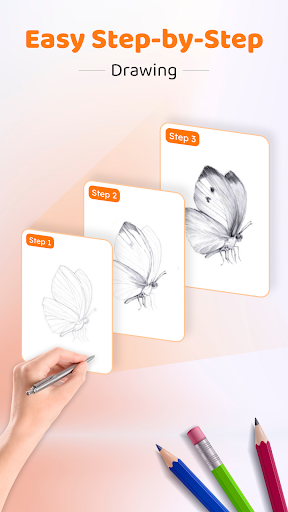
【Step-by-Step Drawing Guidance】: Follow easy-to-understand tutorials that simplify complex drawing techniques. This feature caters to both beginners and experts, making your artistic journey enjoyable and educational.
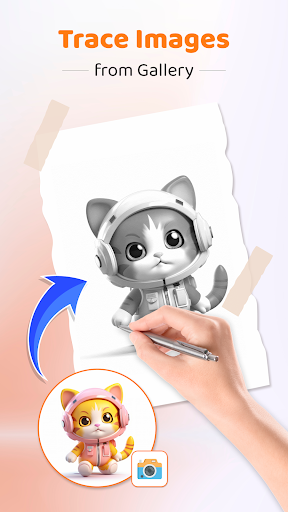
【Draw from Gallery Photos】: Personalize your art by converting photos from your gallery into custom sketch templates. Trace and transform your favorite memories into digital sketches effortlessly.
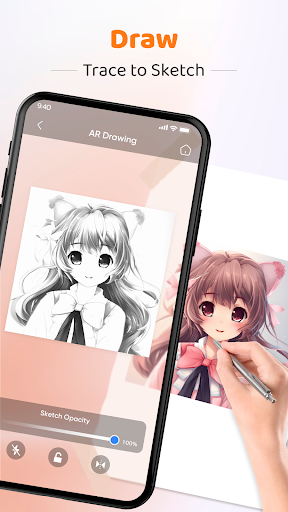
【Drawing Sketch Opacity Adjustment】: Fine-tune the transparency of your sketches to perfectly blend with backgrounds or real-world scenes, enhancing your overall visual aesthetic.
【Flash for Drawing】: Keep your sketches clear and detailed even in low-light conditions by using the built-in flashlight feature—ideal for night-time or dimly lit environments.
【Image Lock and Flip】: Lock your artwork to prevent accidental movements and flip images for different perspectives to refine your composition more effectively.
Revolutionizing Art: How AR Drawing Sketch and Paint Blends Traditional and Modern Techniques
AR Drawing Sketch and Paint reimagines creative expression by combining the comfort of traditional sketching with the exciting capabilities of augmented reality. This powerful tool enables you to overlay digital sketches onto real-world scenes, trace objects, or bring your hidden ideas to life in a dynamic digital canvas. Whether you're drawing on paper or in virtual space, this app is your portal to endless artistic possibilities.
Why You Should Try AR Drawing Sketch Paint
Are you tired of the mess and limitations of conventional art supplies? AR Drawing Sketch Paint offers a clean, digital alternative that emphasizes convenience and creative flexibility. Setting up is straightforward—after installation, you’re greeted with an intuitive interface that focuses on what truly matters: creating stunning art with augmented reality features. Simply choose a picture from your gallery or capture a new one, and start overlaying sketches directly onto your environment through your device’s camera.
The app boasts a versatile toolkit, including various brushes and an expansive color palette, empowering you to craft detailed illustrations or bold strokes with ease. Advanced features like layering allow you to experiment without damaging your original sketch—akin to a simplified Photoshop experience. The magic of augmented reality further elevates your art by letting you see your sketches in real-life contexts, helping improve your proportions, perspective, and spatial awareness as you practice.
User experience is a top priority, with smooth navigation and a minimalistic design ensuring you stay focused on your art. Performance is optimized, with no lag or crashes, offering a seamless creative session. Additionally, the built-in community hub facilitates sharing your artwork and gaining inspiration from other artists. This social feature makes the app not just a drawing tool but a platform for growth and engagement among passionate creators.
Final Thoughts: Elevate Your Artistic Skills with AR Drawing Sketch Paint
In essence, AR Drawing Sketch Paint is more than just a drawing app—it's a revolutionary platform that nurtures creativity and supports skill development. Its innovative integration of augmented reality transforms traditional sketching into an interactive experience, offering new ways to learn, experiment, and express yourself. Whether you're exploring new techniques or simply having fun with digital art, this app is an excellent addition to your artistic toolkit.
So why wait? Dive into the world of augmented reality drawing and bring your creative visions to life in extraordinary ways. With features designed to inspire and assist, AR Drawing Sketch Paint is your perfect companion for artistic exploration and innovation.
Pros
- User-friendly interface suitable for beginners.
- Extensive selection of drawing tools available.
- Supports multiple layers for creating detailed artwork.
- Provides innovative augmented reality drawing experiences.
- High-quality export options for sharing creations.
Cons
- Dependent on a stable internet connection.
- May be demanding on older devices' resources.
- Features in the free version are limited.
- AR functionalities can sometimes be glitchy.
- Some tools require in-app purchases.











