

Discover the Innovative AR Drawing : Trace Anything App
If you have a passion for activities, drawing, and coloring, then the AR Drawing : Trace Anything app is designed just for you. This cutting-edge augmented reality (AR) application elevates your artistic experience by combining technology with creativity. Whether you're a beginner or an experienced artist, this app offers a revolutionary way to improve your drawing skills, create masterpieces, and enjoy artistic activities anytime and anywhere.
Unleash Your Artistic Potential with AR Drawing Sketch Paint
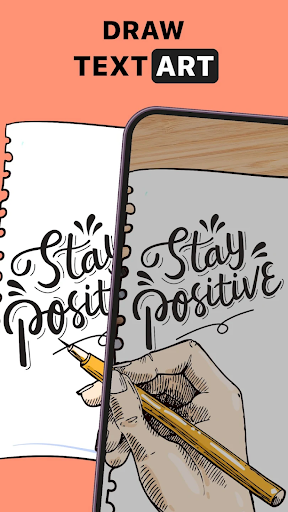
AR Drawing Sketch Paint allows you to trace, draw, and create artistic content effortlessly. The app guides you through mastering the art of drawing, transforming your smartphone into a personal art studio. By utilizing features like trace and AR-draw sketch, users can turn simple images into impressive yet detailed artwork with minimal effort. It’s a fun and engaging way to enhance art skills for both amateurs and professionals.
Key Features of AR Drawing : Trace Anything
Easy Tracing with AR Technology
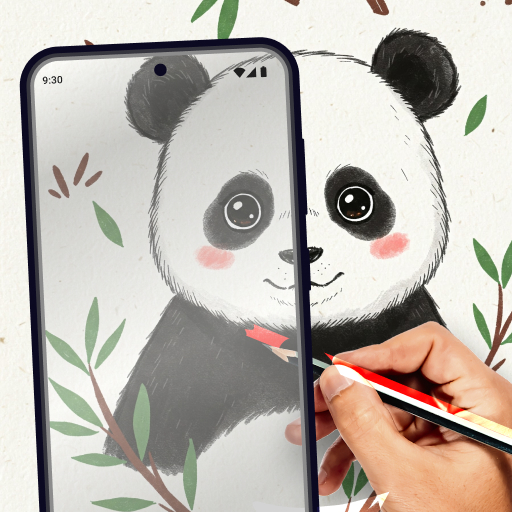
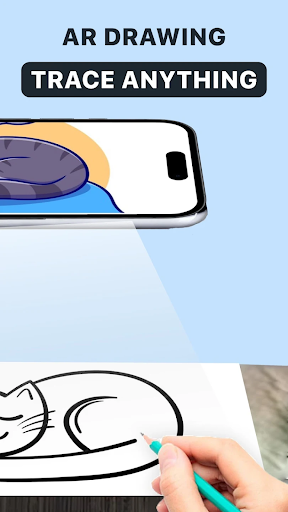
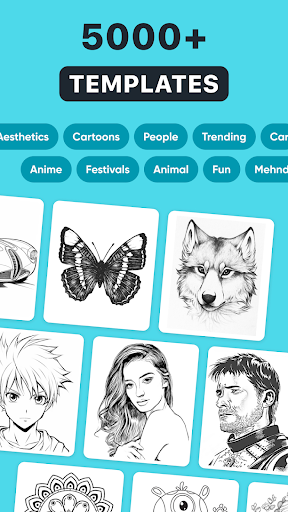
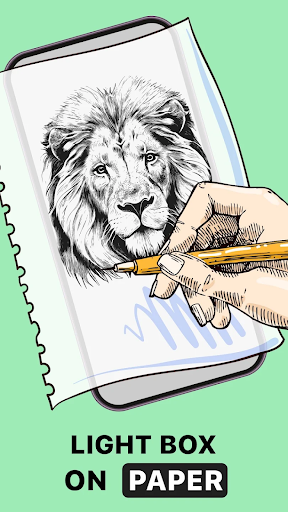
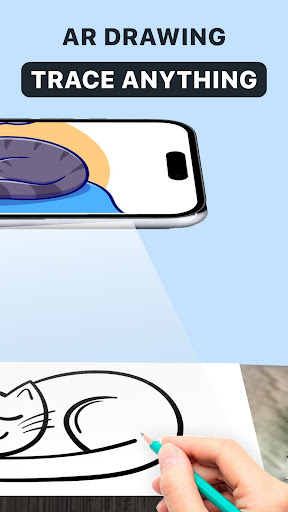
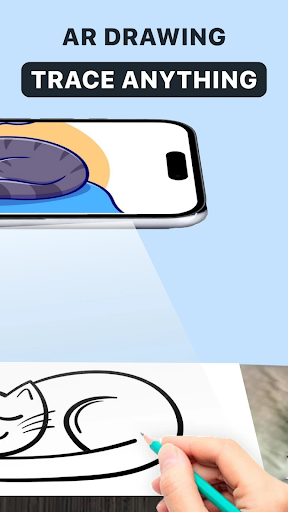
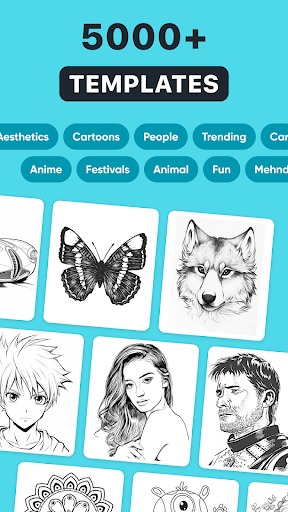
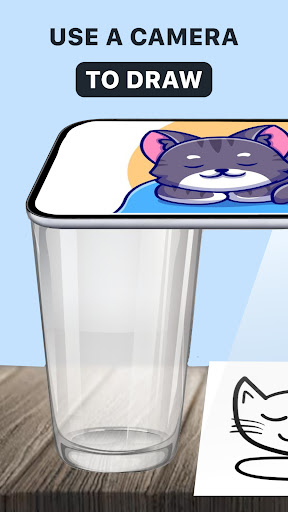
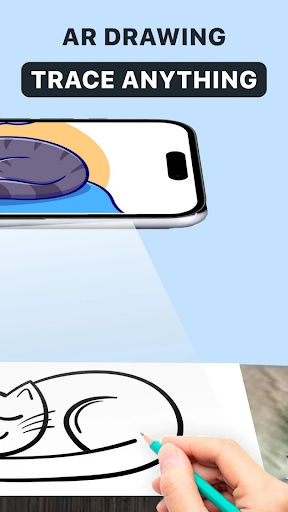
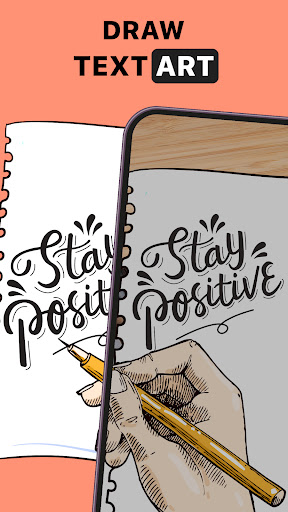
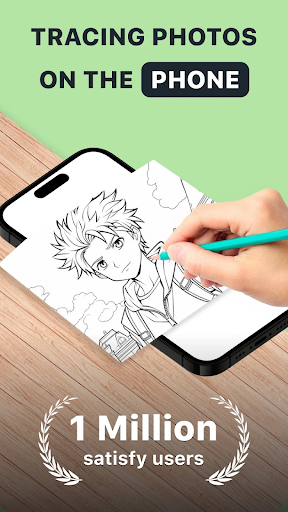
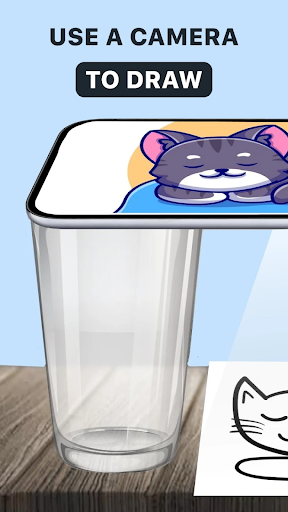
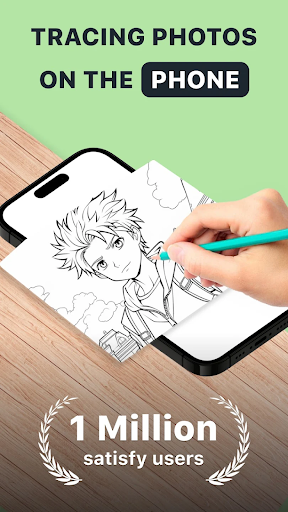
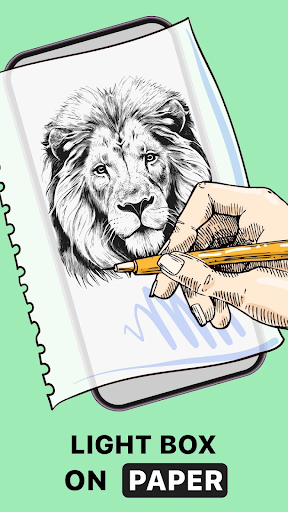
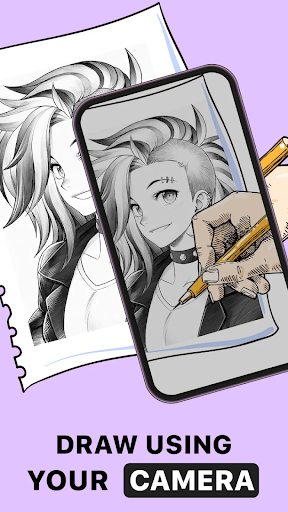
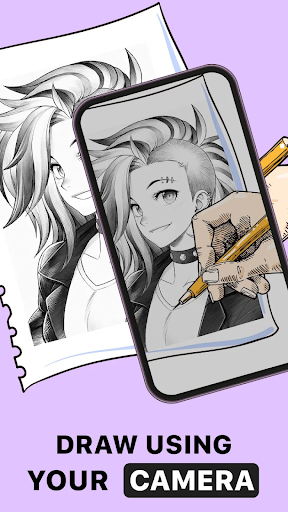
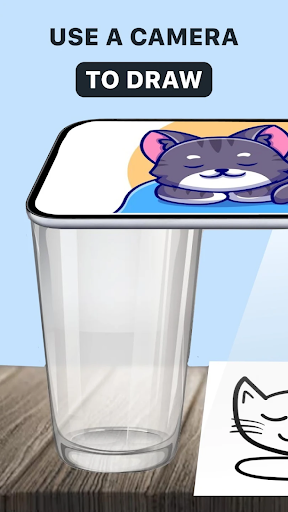
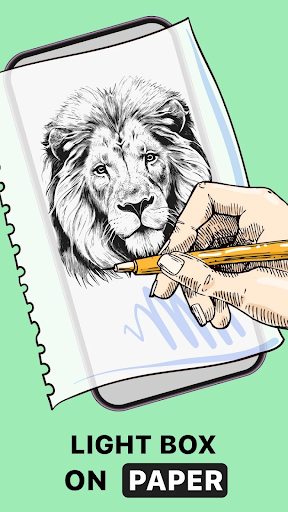
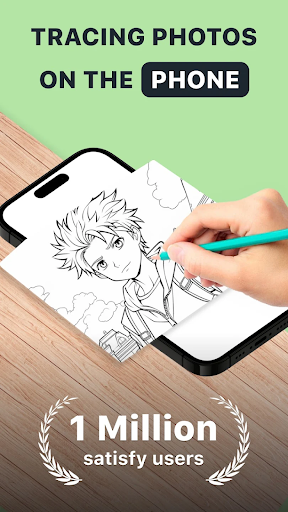
The app makes tracing more accessible and intuitive, akin to having tracing paper at your fingertips. Simply select a picture from your gallery or the app’s extensive library, and use AR to overlay the outline onto your paper. This capability effectively helps you hone your drawing abilities, making your lines more accurate and professional-looking—whether you’re just starting out or refining advanced skills.
AR Trace Drawing & Sketchbook
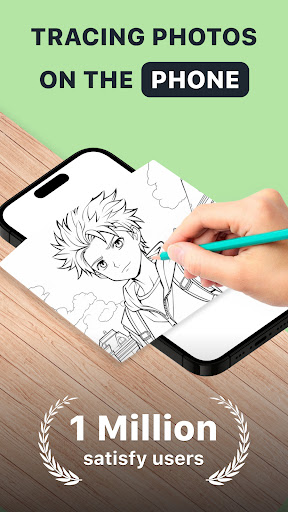
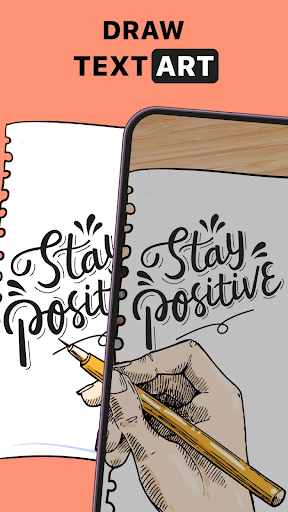
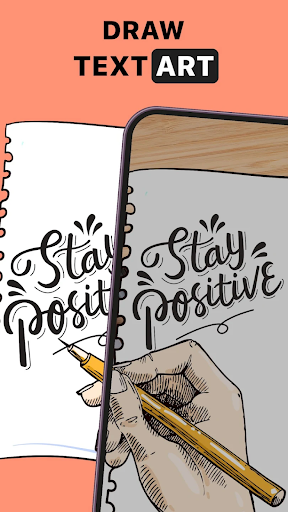
With this feature, you can submit images and convert them into traceable outlines. The AR drawing tool then guides your hand to create a detailed sketch, helping you bring your artistic visions to life with greater ease and precision. This makes complex designs achievable and provides a quick way to capture your ideas as artwork.
Capture Your Art Processes
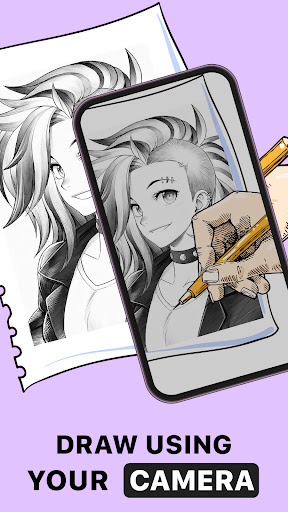
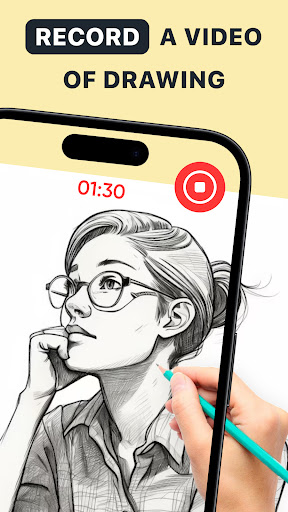
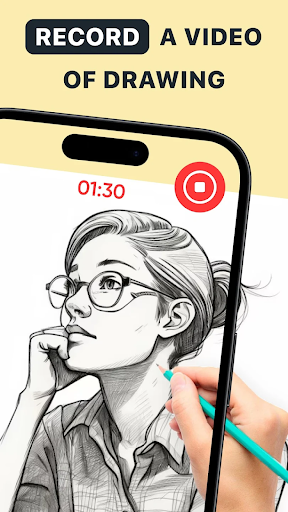
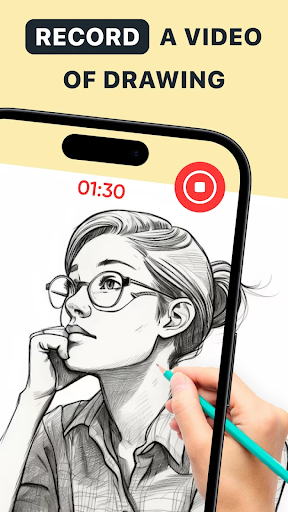
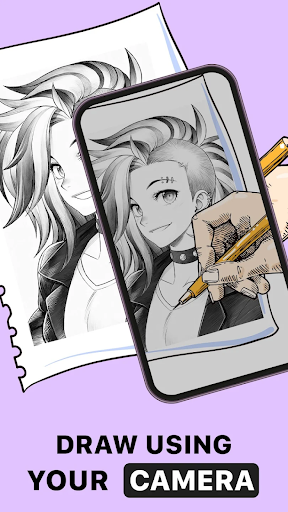
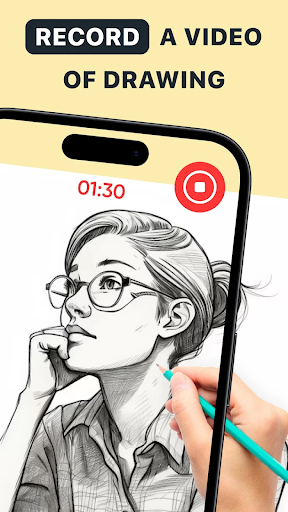
The app also enables you to record the entire drawing process through time-lapse videos. Not only can you create behind-the-scenes (BTS) footage of your AR drawing projects, but you can also craft AR drawings in various styles, including anime. Sharing these creative outputs helps showcase your art journey and inspire others.
Personalize and Customize Your Artwork
The AR Draw Sketch feature offers built-in AR drawing paint and sketch effects to add transparent overlays, line effects, and unique textures to your images. Every trace and sketch becomes a personalized work of art, enabling you to experiment with different styles and create truly one-of-a-kind pieces.
Versatile Artistic Expression
This app caters to every type of artist. Whether you're an anime creator, a fan of complex designs, or someone who simply enjoys tracing artwork, it provides all the necessary tools. Its natural interface and AR enhancements encourage creative freedom and self-expression in various art forms.
Convenience and Creativity on the Go
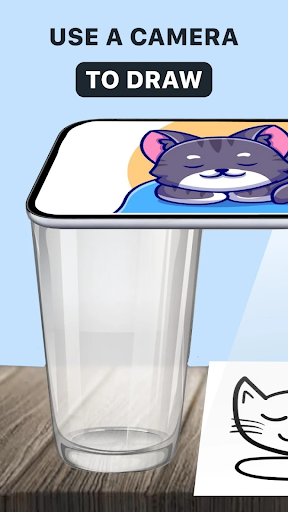
With AR drawing, you don’t need bulky supplies or a dedicated studio. All you need is your smartphone and a sheet of paper—making it perfect for drawing during your commute, at home, or even in the park. The app’s intuitive design suits beginners and seasoned artists alike, enabling anyone to quickly start creating and learning.
Enhanced Learning and Skill Development
Whether you're trying to improve your drawing skills or learn new techniques, AR Drawing : Trace Anything functions as a virtual art instructor. Its step-by-step tutorials and adjustable brightness and contrast settings help you adapt to different lighting conditions and gradually develop more confidence in your craft.
Empower Your Creativity with AR—Unlimited Possibilities
Are you ready to explore the limitless potential of augmented reality in your art? From creating detailed AR anime to capturing complex sketches, this app ensures that no idea is too ambitious. Every project, whether casual or professional, can be brought to life with ease, making AR Drawing : Trace Anything your go-to digital art companion.
Final Thoughts
In summary, AR Drawing : Trace Anything transforms the way we practice and enjoy drawing. Its innovative use of augmented reality technology allows users to trace, sketch, and create art effortlessly in any environment. Whether you’re a hobbyist seeking fun new ways to express yourself or an aspiring artist aiming to perfect your skills, this app offers an engaging, versatile, and accessible platform for artistic exploration. Embrace the future of digital art and unlock your creative potential today!
Pros
- User-friendly for beginners.
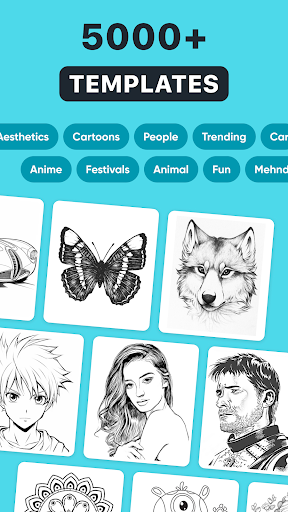
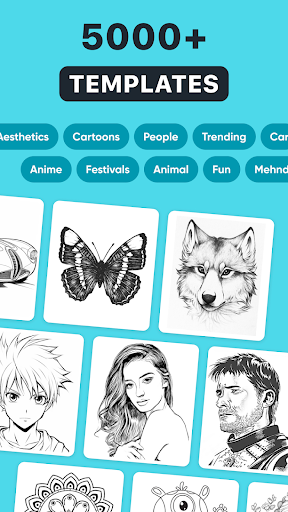
- Offers a wide selection of templates.
- Aids in enhancing drawing skills.
- Operates without internet connection.
- Cost-effective pricing.
Cons
- Limited editing features.
- App may occasionally crash.
- Advertisements can be disruptive.
- Needs a good quality camera.
- Lacks a feature to save progress.











