
Introduction to AR Drawing Paint Sketch Trace
How to Use the AR Drawing Sketch App
Steps to Begin Your Drawing
- Open the app and prepare your drawing tools such as a pencil, paper, or sketchbook.
- Choose an image to trace from your device’s camera / gallery or select from the app’s built-in outline picture library.
- Fix your phone on a support and use the tracing projector feature to overlay the image onto your drawing surface.
- Start tracing and sketching directly on the projected image, creating your artwork with ease.
Congratulations! With this simple process, you can convert any picture into a drawing and develop your artistic skills effortlessly.
Key Features of the AR Drawing App
✔ AR ART Projector
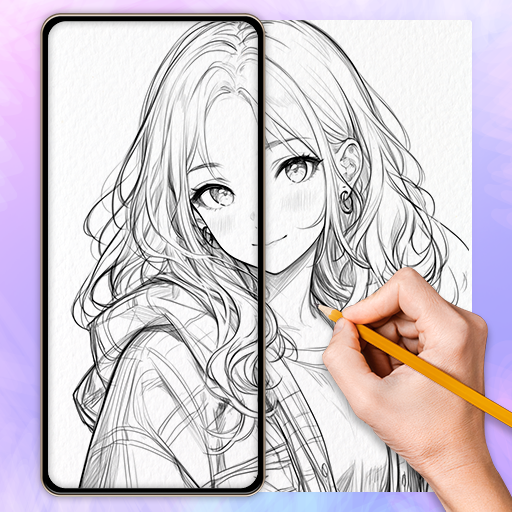
An advanced AR technology feature enhances your trace drawing experience by projecting images directly onto your sketchpad. Coupled with AI-driven sketch conversion, this creates a seamless and interactive drawing environment.
✔ Camera Integration
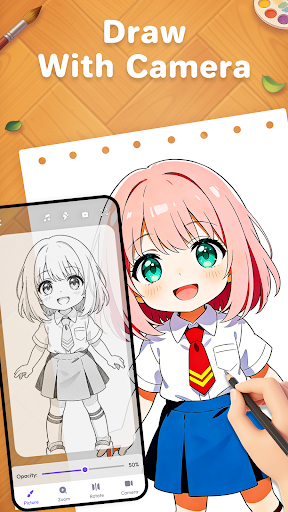
Simply open your camera within the app to trace and draw on anything in your environment. You can create both sketches and full-color artworks with ease, making it a versatile tool for artistic expression.
✔ Adjustable Settings
Customize your drawing experience with various tools, including modifying transparency, pattern size, rotation, and mirroring. For better visibility, you can enable the flashlight feature as needed.
✔ Extensive Image Library
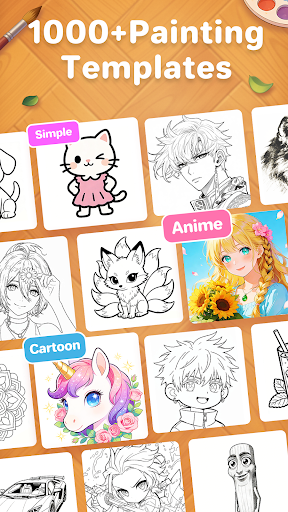
Select from an array of images—ranging from anime, cute designs, cartoons, animals, to festivals and aesthetics—perfect for trace drawing and line art sketches.
✔ Photo to Sketch Conversion
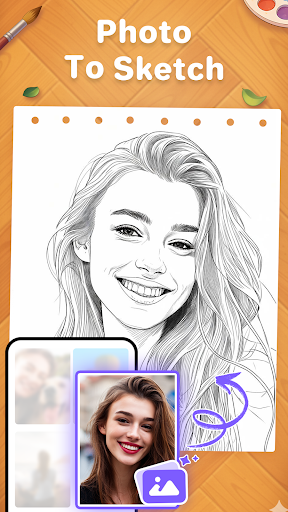
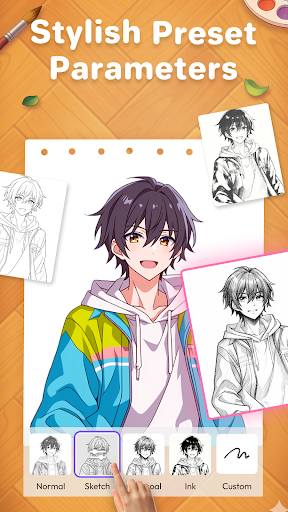
Transform your personal photos into line sketches instantly, allowing you to trace over them or create new artistic pieces. This feature makes creating anime drawings and other styles accessible to everyone.
✔ Video Recording
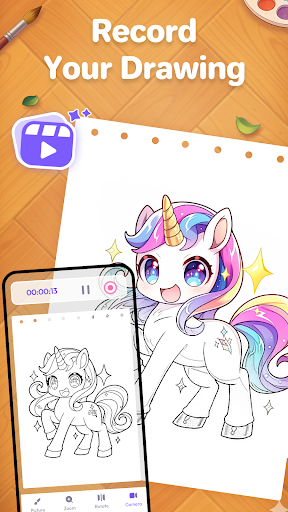
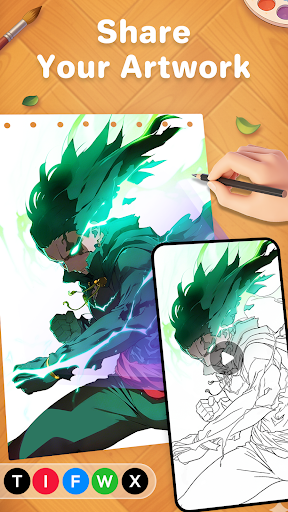
Record your AR drawing paint process and share your creative journey with friends. Capture the magic of transforming simple images into masterful artworks.
✔ Tutorial Page
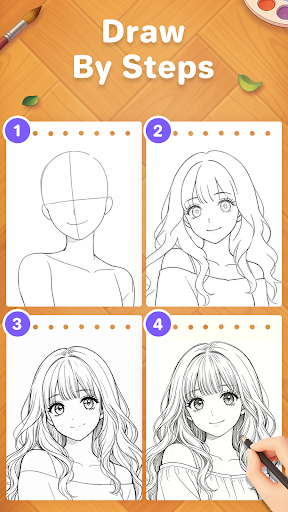
New to drawing? No worries! The app offers step-by-step guides to help beginners learn outline drawing, AR sketching, and digital painting techniques effectively and enjoyably.
✔ Showcase Your Skills
Whether you're exploring for fun or honing your trace drawing skills, this app provides a platform to express your talents and experiment with different art styles.
✔ Educational & Fun
Everyone can develop their artistic abilities and enjoy the creative process with this free drawing app. It encourages learning while having fun, making drawing applications more accessible and engaging.
✔ Create Masterpieces
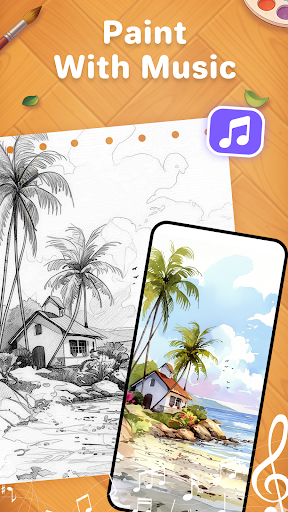
Use trace and paint features step-by-step to craft beautiful artwork you can be proud of. The app's ability to turn photos into drawings offers a magical art experience for both novices and seasoned artists.
Why Choose AR Drawing Paint Sketch Trace?
This app is perfect for anyone interested in exploring artistic creation through augmented reality and digital sketching. Its user-friendly interface makes drawing anime or detailed sketches simple—no more worries about drawing proportions or visualizing your concept. The augmented reality projection guides your hand, making the process feel almost like magic and lowering the barrier for artistic beginners.
Beyond simple drawing, this app fosters social creativity—allowing users to challenge friends, collaborate, and share their creations. The ability to record your drawing process adds another layer of fun, making it ideal for social media sharing or personal portfolios.
In summary, whether you want to learn how to draw anime, improve your line art skills, or just have fun experimenting with digital art, AR Drawing Paint Sketch Trace offers everything you need. It's a versatile, educational, and entertaining tool that transforms your device into a professional drawing assistant. Download it now to start creating stunning art anytime, anywhere.
Pros
- Boosts creativity and artistic abilities.
- Easy-to-use interface suitable for users of all ages.
- Offers a broad selection of drawing tools.
- Compatible with various image formats.
- Receives regular updates introducing new features.
Cons
- Some functionalities require an internet connection.
- Undo feature can occasionally have bugs.
- Free version has limited features.
- Advertisements may be disruptive at times.
- Consumes a significant amount of battery life.











