


Discover the Power of AR Drawing: Art, Trace, Sketch
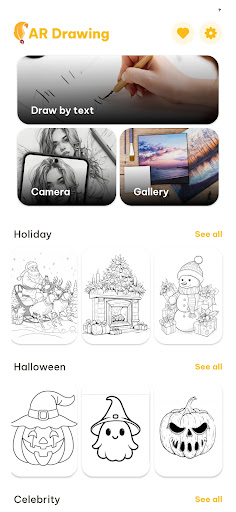
Are you passionate about drawing but find proportions and accuracy challenging? AR Drawing: Art, Trace, Sketch is a revolutionary augmented reality (AR) tracing application designed to make your artistic journey effortless and enjoyable. By projecting sketches directly onto real paper, this innovative app acts like a personal art tutor, guiding your hand to create stunning artwork with ease. Whether you're a beginner, a hobbyist, or a professional artist, this app unlocks a new dimension of digital drawing that offers both fun and functionality.
Key Features of AR Drawing: Art, Trace, Sketch
⚙️ AR Tracing Technology
Using cutting-edge AR technology, the app projects virtual sketches onto your physical paper, enabling you to trace with precision. This eliminates the need for traditional tracing tools and makes the process more interactive and engaging.
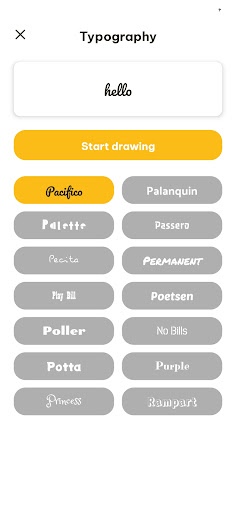
🎨 Custom Image to Sketch
You can upload your favorite images—be it characters, animals, or landscapes—and convert them into AR sketches for tracing. This feature opens endless creative possibilities, allowing you to turn your favorite photos into hand-drawn masterpieces.
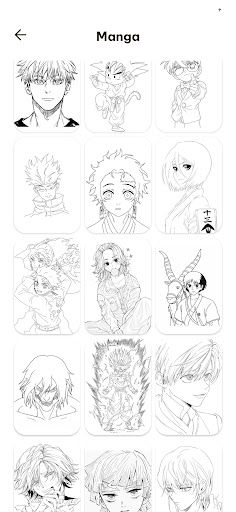
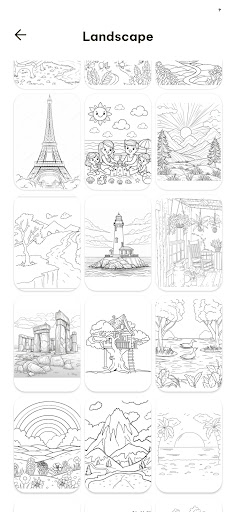
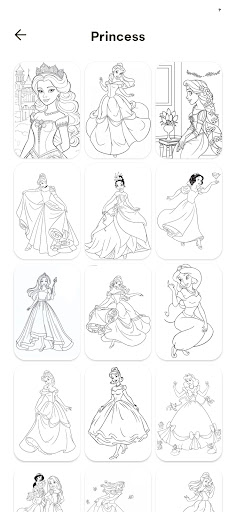
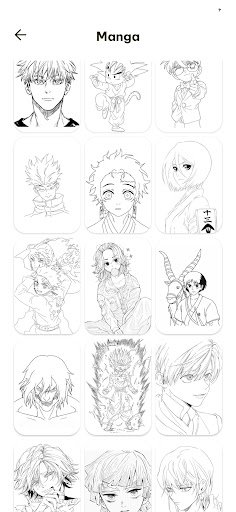
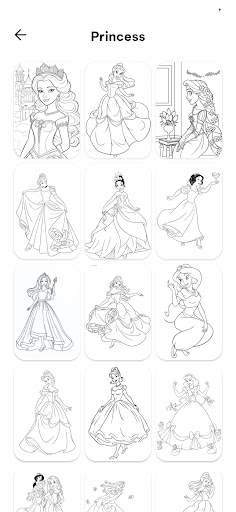
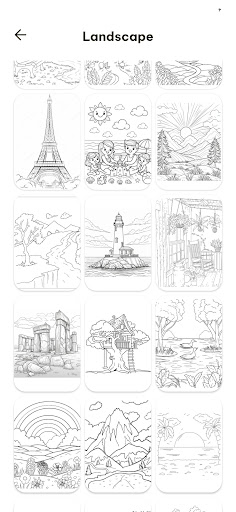
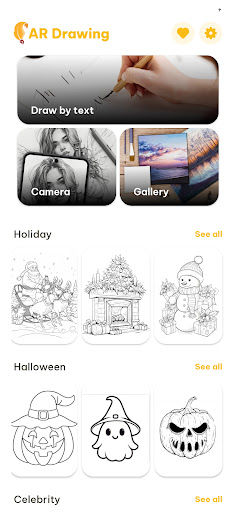
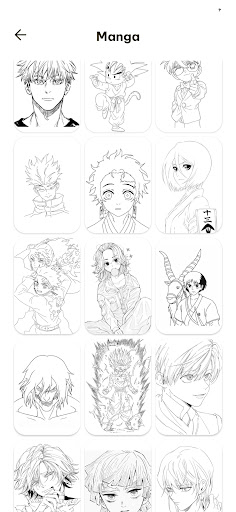
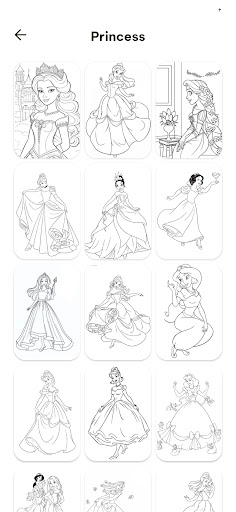
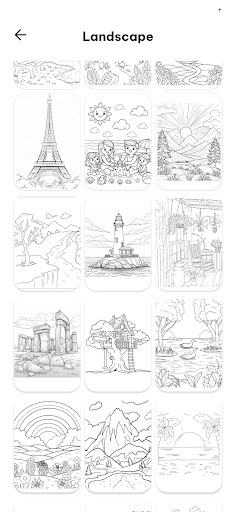
🖼 Multiple Drawing Categories
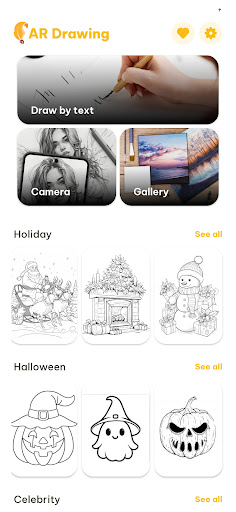
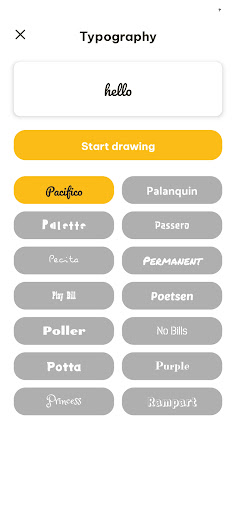
The app offers a diverse selection of templates, including anime, animals, nature, cartoon characters, and more. Browse through different categories to find inspiration suited to your style and skill level.
🔧 Adjustable Transparency
Modify the visibility of projected sketches to suit your tracing preference. Whether you want a faint outline or a clearer guide, this feature helps you customize your drawing experience.
🎓 Step-by-Step Drawing Tutorials
Designed for beginners, these tutorials break down complex images into manageable steps, helping you improve your skills gradually and confidently.
🔄 Easy Zoom & Rotate
Fine-tune the position, size, and orientation of your sketches with intuitive gestures, ensuring perfect alignment on your paper.
💾 Save & Share Your Artwork
Capture your creations easily and showcase your talents on social media or to friends, inspiring others and building your artistic community.
How AR Drawing: Art, Trace, Sketch Works
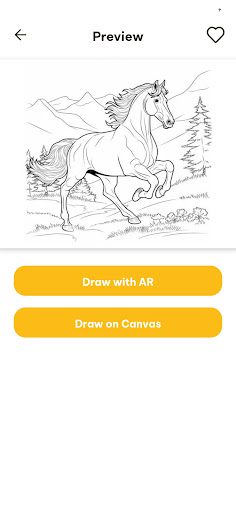
- Choose a sketch — Select from countless templates, spanning animals, anime, flowers, cartoons, and more to kickstart your drawing.
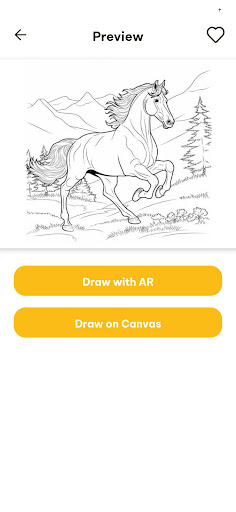
- Place your phone over paper — Use your device's camera to project the selected sketch onto a blank sheet, creating a virtual outline right on your physical surface.
- Trace the lines — Follow the on-screen guidelines to draw accurately, developing your hand-eye coordination along the way.
- Adjust the sketch — Resize, rotate, and position the projected image until it aligns perfectly with your paper or canvas.
- Save and share — Once finished, capture your artwork for sharing, or save it for later inspiration.
Who Will Love AR Drawing: Art, Trace, Sketch?
✔️ Aspiring and Beginner Artists
This app is perfect for those just starting out or looking to improve their drawing skills step-by-step. Its intuitive interface makes learning fun and accessible.
✔️ Kids and Young Creators
Kids who enjoy doodling and want to explore art can benefit from the guided tracing features, fostering confidence and creativity in a playful environment.
✔️ Hobbyists and Art Enthusiasts
For those who indulge in sketching as a leisure activity, this app brings a new interactive element that combines traditional drawing with modern technology.
✔️ Professional Artists
Even seasoned artists can utilize AR Drawing: Art, Trace, Sketch as a quick and efficient tracing tool, speeding up their workflow and serving as an inspiration booster.
Final Thoughts
In an era where digital artistry continues to evolve, AR Drawing: Art, Trace, Sketch stands out with its simple yet powerful approach to drawing. It democratizes art creation by making it not only accessible but also incredibly fun. Thanks to its augmented reality features, users can feel like they're tracing holograms, transforming the often daunting process of sketching into an engaging activity. Whether you're aiming to learn basics, experiment with new techniques, or perfect your craft, this innovative app offers an efficient pathway to artistic growth. Simply grab your device, select your template, and let the augmented reality magic unfold—drawing has never been easier or more exciting.
Pros
- Helps improve drawing skills.
- Offers a variety of drawing tools.
- User-friendly interface.
- Supports multiple languages.
- Regular updates and new features.
Cons
- Requires a stable internet connection.
- Some tools are behind a paywall.
- May drain battery quickly.
- Limited free version features.
- Ads in the free version.











