
AR Draw Sketch & Paint — Blog Description
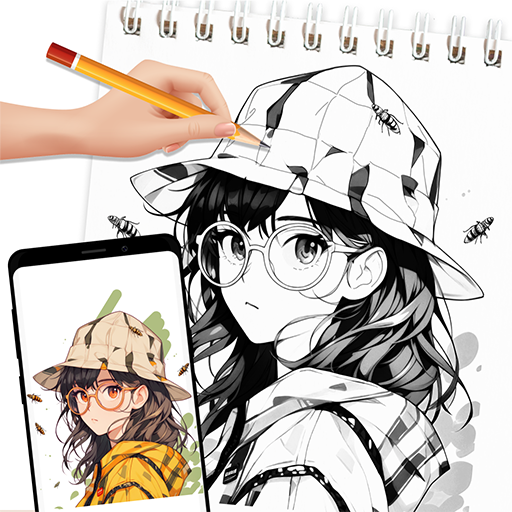
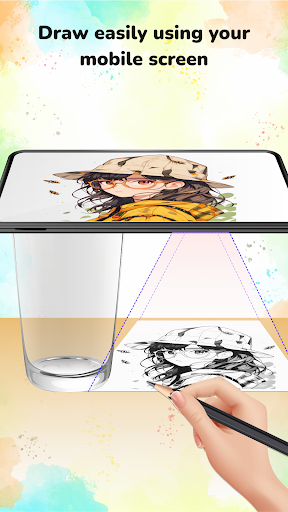
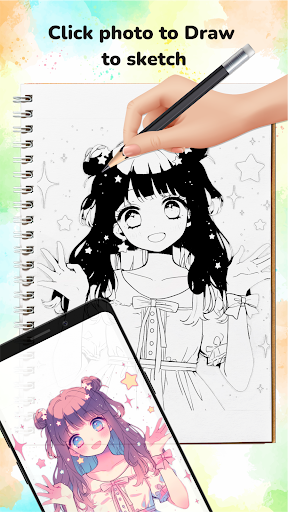
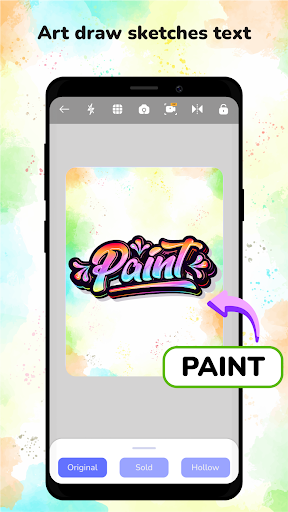
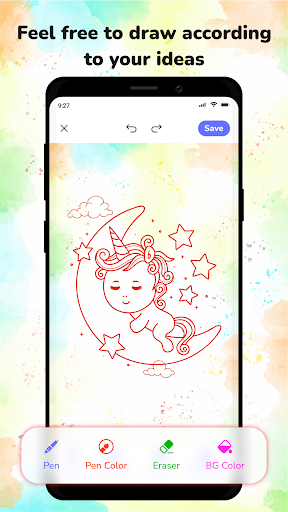
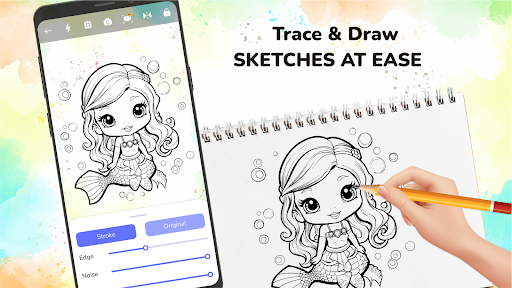
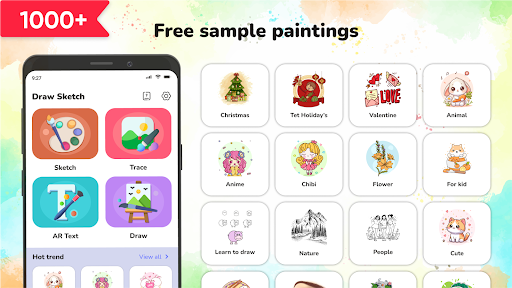
AR Draw Sketch & Paint is an innovative app designed for artists, designers, and anyone who loves to explore creativity. By leveraging powerful augmented reality (AR) technology, it lets you project drawings onto real-world surfaces, turning your surroundings into a dynamic canvas. The app bundles a rich library of categories including Chibi, Animals, Learn to Draw, Flowers, and Faces for kids, so you can jump into a project that fits your mood. Core features include drawing with your phone’s camera, a built-in flashlight to illuminate your workspace, and easy sharing to a gallery or social networks. You can sketch, paint, refine strokes, and even import photos to fuel your imagination. Whether you’re practicing a new technique or just exploring ideas, AR Draw Sketch & Paint makes it effortless to create and share your artwork. Download AR Draw Sketch & Paint today and start turning your environment into a living studio.
Overview
Getting started with AR creativity is refreshingly simple. After downloading from the app store, a clean and intuitive interface welcomes you. Choose a sketch, adjust it to fit the surface you’re working on, and your guide is ready to be traced, painted, or simply admired. The app lets you resize and rotate the sketch to suit any project, and you can lock the focus so your guide stays put while you work. With a diverse sketch library—from basic cartoons to more intricate designs—there’s something for everyone, and you can even import your own designs for a personalized studio experience. The platform also supports multiple languages, making it accessible to makers around the world.
Main Features
- Draw by using your phone's camera.
- Variety of categories to draw: Chibi, Animals, Learn to Draw, Flowers, Face, for kids…
- A built-in flashlight makes drawing easier in low-light conditions.
- Upload your drawing to the gallery or social networks.
- Make the sketching and painting processes smooth and enjoyable.
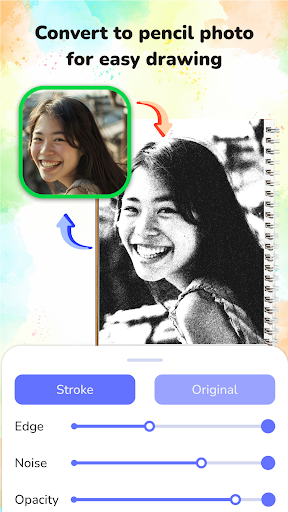
- Modify drawing strokes to suit your style and practice painting more effectively.
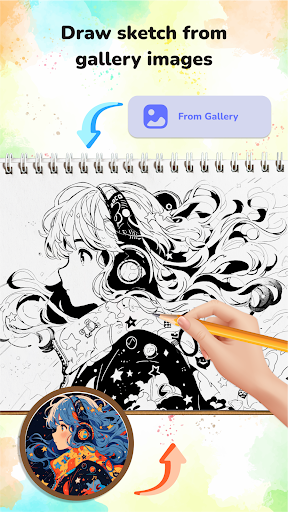
- Take a photo to use in your sketchbook, or select one from the gallery.
Audience & Use Cases
Whether you’re a beginner looking to build confidence with guided sketches or a seasoned artist exploring new techniques without the pressure of a blank canvas, this app has you covered. Parents will find it fantastic for keeping kids entertained on rainy days, as projecting favorite cartoons onto a wall and tracing them becomes both educational and entertaining. It’s a creative tool that nurtures imagination in learners of all ages and provides a fun, educational outlet for artistic exploration.
Conclusion
In short, AR Draw Sketch & Paint blends versatility with an approachable, user-friendly experience and AR-powered creativity. It invites you to experiment with new mediums, scale, and surfaces, turning any space into a canvas and any moment into a sketch session. If you’re curious about augmented reality art or simply want a modern sketchbook that moves with you, this app could become your new creative companion. Dive in and discover the limitless possibilities for drawing and painting wherever you are.
Pros
- Intuitive user interface enables easy navigation.
- A wide range of drawing tools is available.
- Supports layers for creating complex sketches.
- Regular updates bring new features.
- Offline mode allows drawing without an internet connection.
Cons
- The free version has limited features.
- Occasional app crashes have been reported.
- Ads in the free version can be intrusive.
- Requires a significant amount of storage space.
- Lacks advanced photo editing tools.











