

Discover the Future of Art with the AR Art Projector: Da Vinci Eye App
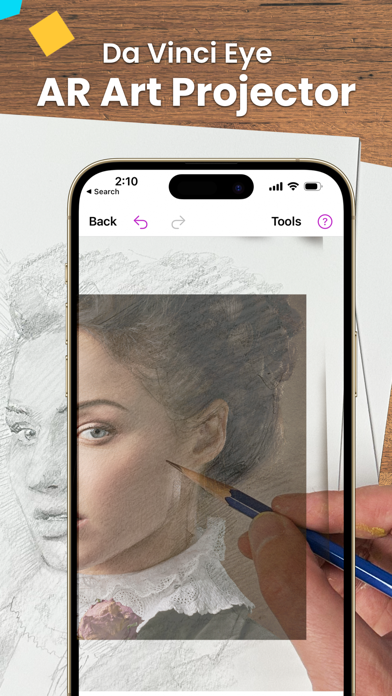
The AR Art Projector: Da Vinci Eye app is revolutionizing the way artists and hobbyists approach drawing and sketching by seamlessly blending traditional techniques with cutting-edge augmented reality technology. With a user-friendly interface and an array of powerful features, this app transforms your smartphone or tablet into a virtual art studio, bringing expert-level tools right into your hands. Whether you’re a professional artist, student, or passionate beginner, Da Vinci Eye is designed to elevate your creative process and deepen your understanding of art fundamentals.
Unleash Your Creativity with Advanced AR Drawing Tools
Master the art of sketching with ease using Da Vinci Eye’s innovative AR art projector & tracing tool. Featured in renowned publications like Artist's Magazine, Watercolor Magazine, and LifeHacker, this app is recognized as a top Graphics & Design app used by thousands worldwide. It’s not limited to tracing — the app offers a comprehensive suite of tools including layered image analysis, shadoring guides, and filters that make drawing more intuitive. The built-in lessons and a vibrant community provide ample opportunities for learning, sharing, and refining your skills.
Key Features for Art Enthusiasts and Professionals
The app excels in features that cater to a variety of artistic needs:
- Create hyper-realistic drawings with innovative features like strobe mode
- Record time-lapse videos to track your progress and review techniques
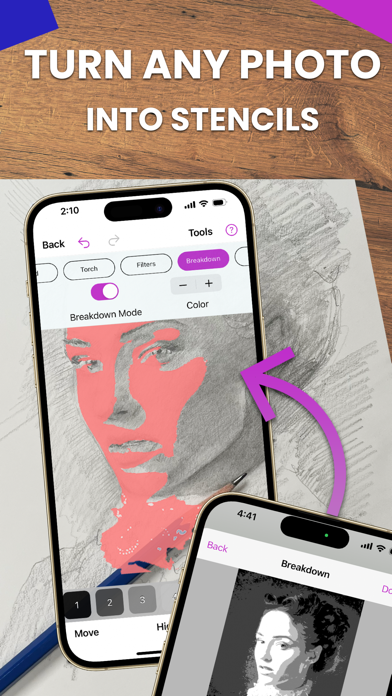
- Divide images into layers by color value for precise shading and highlights
- Generate step-by-step instructions from complex images or photos
- Access video tutorials to learn new sketching and drawing methods
- Use creative filters to simplify complex tasks
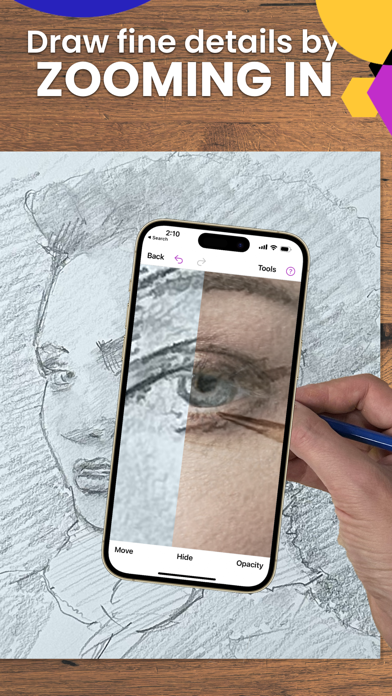
- Zoom in for detailed micro-drawing work
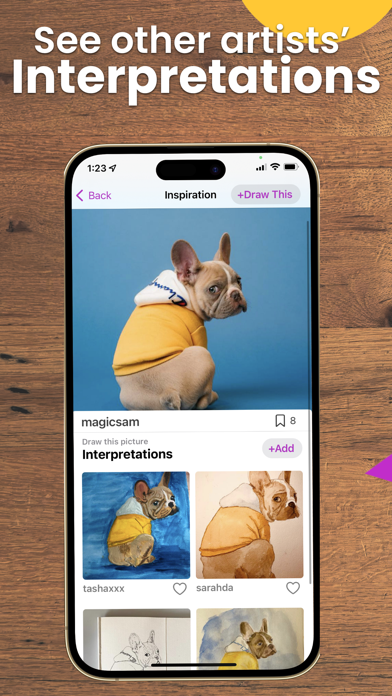
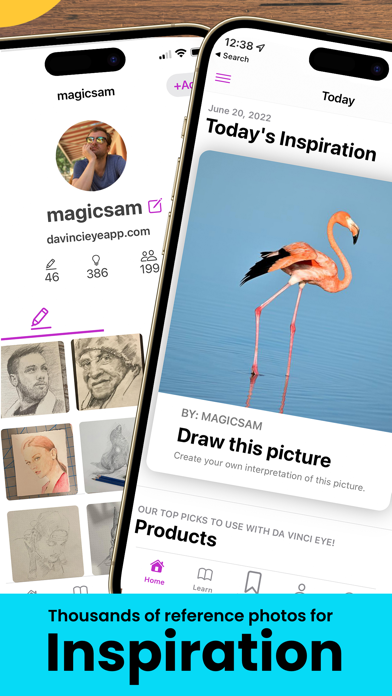
- Connect with a community of artists for feedback and inspiration
Designed for Every Artist - From Hobbyists to Professionals
Whether you're a baker, cartoonist, tattoo artist, illustrator, Fiverr designer, makeup artist, nail technician, or animator, Da Vinci Eye adapts to your skill level. Its versatility makes it perfect whether you're just starting out or seeking to refine advanced techniques. Use the app to plan compositions, perfect proportions, and experiment with light and shadow placement in a virtual environment before committing to physical canvas work.
How Does Da Vinci Eye Work? bridging Traditional and Modern Arttech
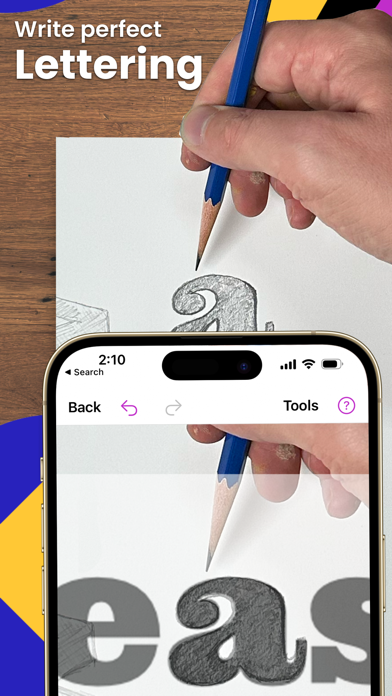
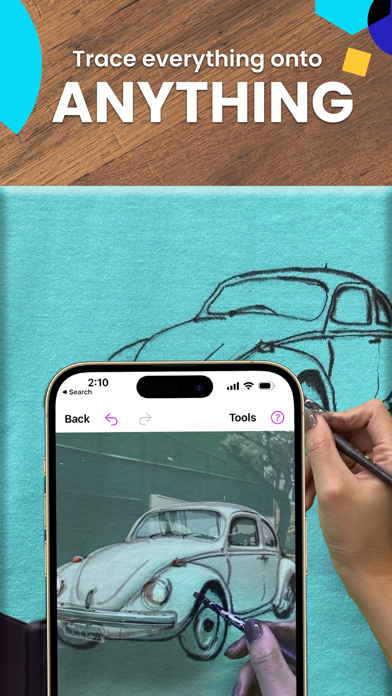
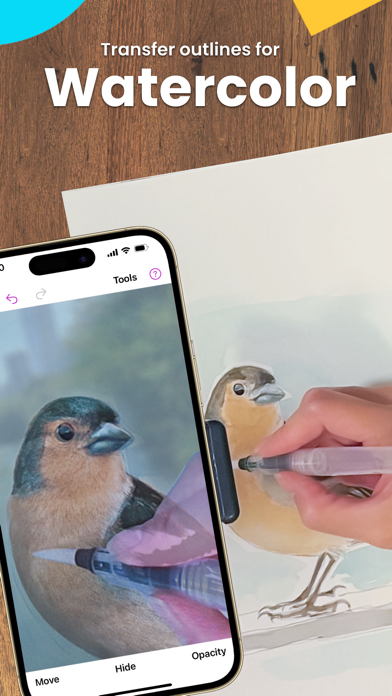
Inspired by the long-standing Camera Lucida device, this smart app turns your device into a powerful digital art projector. Simply position your phone or tablet above your canvas — or use a makeshift stand or glass — and project your chosen image onto your work surface. This setup allows you to sketch or trace effortlessly without dark rooms or complicated setups. The app supports both AR Mode, which maintains image alignment when moving your device, and standard Classic Mode.
AR Mode and Device Requirements
AR Mode offers enhanced functionality, ideal for detailed sketching and painting. Note that it performs best on modern, high-end devices with superior cameras, processors, and GPUs. For those who prefer traditional setup, Classic Mode still provides great results with less demanding requirements.
Learn and Grow with Da Vinci Eye
This app isn’t just for replication but also for learning. Your visual skills improve as you train your eye for proportions, shading, and composition. Advanced tutorials and the ability to turn any photo into a step-by-step coloring or shading lesson make this a fantastic educational tool. The app’s guided practice supports silent observation and hands-on learning, helping you develop your artistic skills faster than conventional methods.
Take Your Art Skills to the Next Level
With Da Vinci Eye, the boundaries of traditional art are expanded through augmented reality. Whether you want to replicate masterworks, develop projects on an easel, or practice sketching from real-life objects, this app provides a portable, efficient, and immersive experience. Its powerful features are designed to boost accuracy, improve understanding of light and shadow, and build confidence in your drawing abilities — all while enjoying the creative process.
Pros
- Innovative augmented reality drawing tool.
- Enhances artistic skills.
- User-friendly interface.
- Supports various devices.
- Provides real-time drawing guidance.
Cons
- Premium features require payment.
- May cause rapid battery drain.
- AR functions depend on good lighting conditions.
- Limited free features available.
- Occasional app crashes.











