

Discovering AppSheet: The No-Code Platform for Business and Creativity
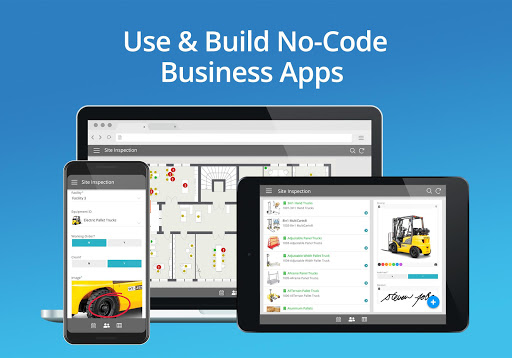
AppSheet is an intelligent and trusted no-code platform revolutionizing how over 200,000 app creators worldwide build custom applications. Leading organizations such as Clearlink, Enterprise, ESPN, Pepsi, and Husqvarna rely on AppSheet to streamline their operations. This powerful tool allows users to craft fully functional apps directly from cloud-based spreadsheets like Google Sheets, Excel, and Smartsheet, as well as databases including MySQL, PostgreSQL, and AWS DynamoDB.
Key Features and Use Cases
Build Apps in 4 Easy Ways
Developing a custom app with AppSheet is simple and versatile. You can:
- Connect your data sources
- Copy a sample app
- Use an add-on for Google Sheets, Forms, or Excel
- Start from SPEC, an innovative natural language declarative programming tool
Working with Remote Teams
AppSheet enables teams to connect spreadsheets stored in Google Drive, Box, and Dropshop with remote users. These users can access data in a rich and simplified manner, editing and adding new data seamlessly to support a complete workflow.
Project Management
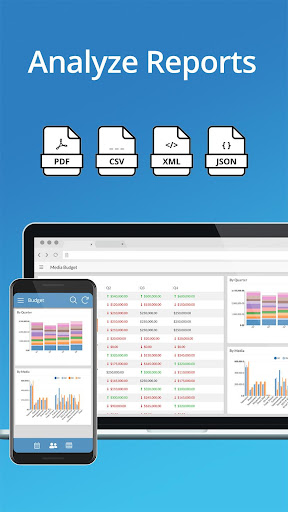
Millions of users manage projects through Google Sheets, Excel, or Smartsheet. AppSheet helps project managers display and share data via mobile devices with team members and stakeholders. It keeps data centralized in a core spreadsheet, allowing you to share only essential parts and eliminate the chaos of managing multiple files via email.
Education Applications
From managing study plans and school rosters to grading and group work, AppSheet allows educators to organize data within a single spreadsheet. The mobile-app interface provides features like form entry, charts, maps, text summaries, and image galleries that can be effortlessly shared with students and colleagues. Esteemed institutions like Harvard and University of Michigan rely on its capabilities.
Customer Support and Engagement
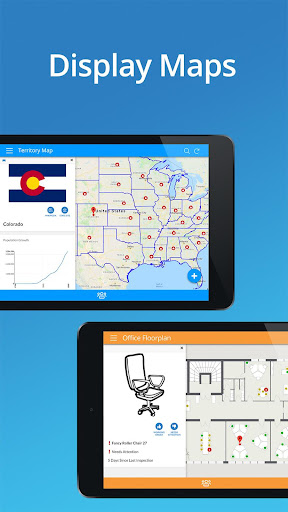
Track your pipeline on a Google Sheet and access it through AppSheet for a streamlined view. Enhance your customer interactions by building interactive maps, calling or emailing contacts directly from your spreadsheet, and creating image galleries for showcasing your latest offerings. This ensures your customer engagement strategies are efficient and visually appealing.
Empowering Creativity: How AppSheet Turns Ideas into Apps
If you've ever found yourself thinking, "Wouldn’t it be great if there was an app for that?" then AppSheet is your new best friend. This no-code platform empowers you to design custom apps tailored precisely to your needs—all without writing a single line of code. Let me share a personal experience to illustrate how intuitive and powerful this tool truly is.
Unleashing Creativity with No-Code
The most impressive feature of AppSheet is its ability to create apps purely through drag-and-drop interactions. It's akin to building with digital LEGO bricks; instead of constructing physical structures, you assemble fully functioning apps. Initially, I was skeptical about how intuitive this process would be, but I discovered it’s remarkably user-friendly. Connecting your app to data sources like Google Sheets, Excel, or SQL databases makes the process both versatile and accessible.
Customization at Your Fingertips
Once your data is connected, customizing the app’s appearance and behavior becomes straightforward. The interface allows you to tweak visuals, user interactions, workflow automations, and more. It’s like finding the perfect fit—whether you're developing an inventory management app, a customer feedback tool, or a personal project tracker. The extensive customization options ensure your app aligns exactly with your vision.
Powerful Features for Every Need
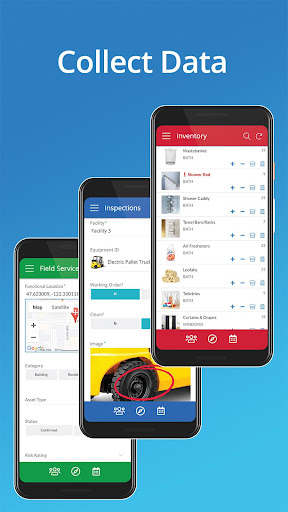
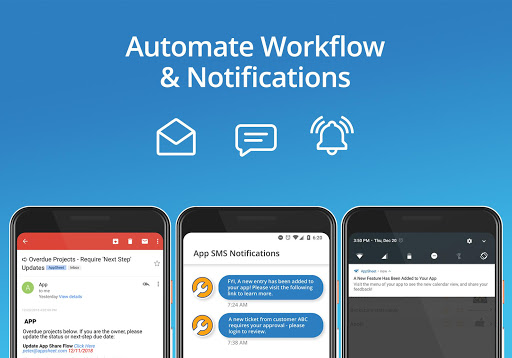
AppSheet packs a bunch of powerful functionalities into an easy-to-use package. Features such as GPS integration, barcode scanning, and offline access make your apps robust. The ability to automate workflows, set up notifications, and trigger approvals transforms your app into a virtual personal assistant that enhances productivity and user engagement.
Seamless Sharing and Deployment
Once your app is ready, sharing it with your team or clients is effortless. You can control access permissions and deploy the app across Android and iOS devices seamlessly. This cross-platform compatibility ensures everyone can use your app regardless of their device preference, fostering efficient collaboration and communication.
Conclusion: A Game Changer in App Development
If you're searching for a tool that enables you to create custom applications without any coding experience, AppSheet is an absolute game changer. It empowers individuals and businesses alike to solve problems, streamline workflows, and bring creative ideas to life. Whether you're a small business owner, an educator, or someone with an exciting concept, AppSheet offers the versatility and ease of use to turn your vision into reality. Give it a try and discover how effortless app creation can be!
Pros
- Enables app creation without coding.
- Supports integration with multiple data sources.
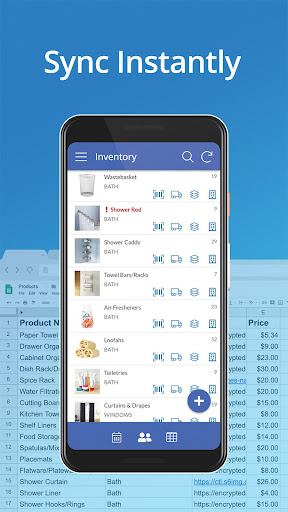
- Provides real-time data synchronization.
- Offers an intuitive and user-friendly interface.
- Includes reliable customer support.
Cons
- Limited options for customization.
- Performance issues when handling large datasets.
- Requires consistent internet connectivity.
- Premium features are costly.
- Limited offline capabilities.











