

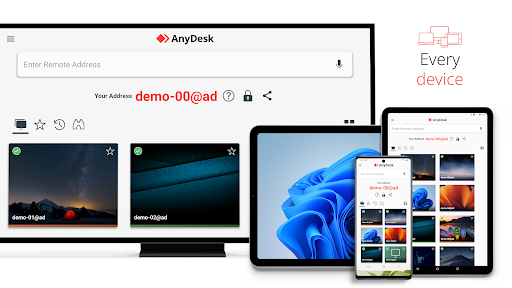
Discover the Power of AnyDesk Remote Desktop
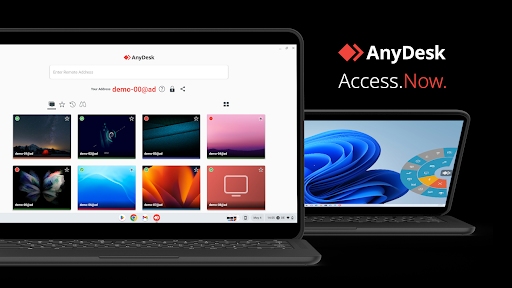
Are you searching for a powerful remote assistance software that lets you access your computer from anywhere in the world? Look no further than AnyDesk Remote Desktop. Whether you're working from the office next door or on the other side of the globe, this versatile application enables seamless, secure remote connections for both private users and IT professionals. Designed to be ad-free and free for personal use, AnyDesk ensures a smooth remote desktop experience that combines top-tier security with high performance.
Key Features of AnyDesk Remote Desktop
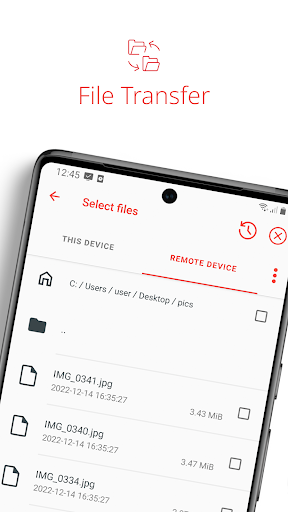
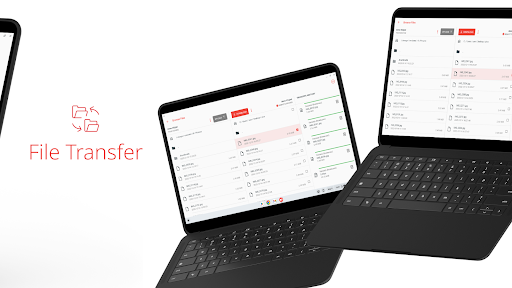
One of the standout aspects of AnyDesk is its comprehensive suite of remote desktop functions. The software supports features like • File Transfer, allowing quick and easy sharing of files between devices, and • Remote Printing to print documents directly from a remote session. Users can also leverage • Wake-On-LAN, ensuring devices are ready for remote access even when powered down, and establish • Connection via VPN for added security. The VPN feature creates a private network between connected devices, enhancing protection during remote sessions. Despite this, it's important to note that remote access does not extend to devices on the local network of the remote client or vice versa.
Enhanced Security and Compatibility
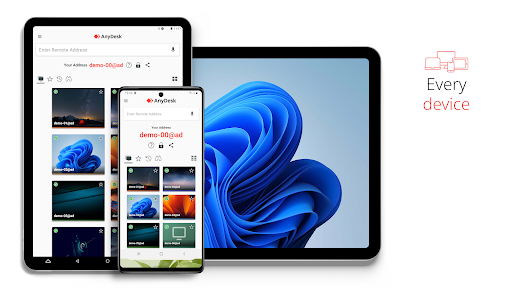
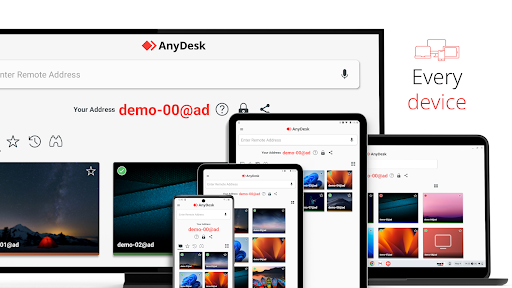
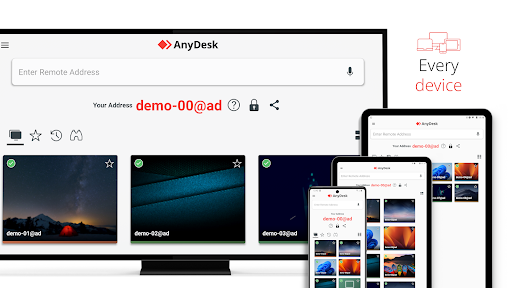
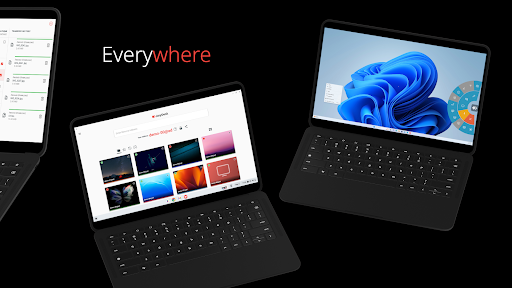
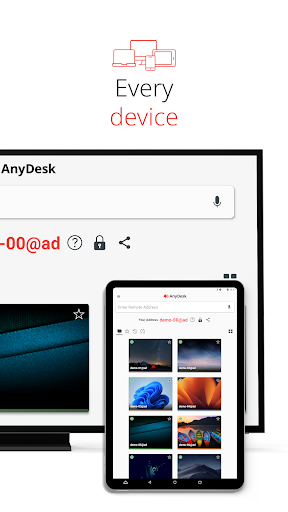
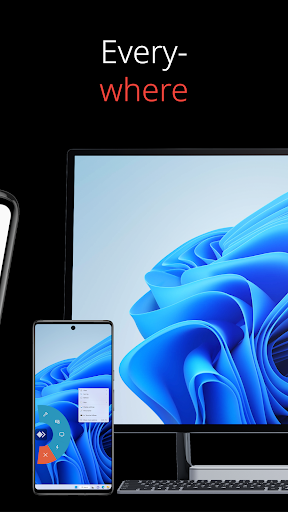
Security is a cornerstone of AnyDesk. The application employs banking-standard encryption (TLS 1.2) to safeguard your sessions, giving you peace of mind during sensitive operations. Additionally, its high frame rates and low latency ensure a responsive and fluid experience regardless of the operating system or device you're using. Whether you're on Windows, macOS, iOS, Android, or Linux, AnyDesk seamlessly supports all platforms, ensuring broad compatibility for various users.
Access Anything, Anytime
With AnyDesk, remote work becomes effortless. IT support teams can troubleshoot issues from afar, remote workers can access their office desktops, and students can connect to their educational resources from anywhere. The software's cloud-based or on-premises deployment options cater to different organizational needs, providing flexibility and scalability. For a detailed overview of features, visit: https://anydesk.com/en/features. To download the latest version for your device, go to: https://anydesk.com/en/downloads.
Getting Started with AnyDesk
Ready to experience remote desktop control? Here's a quick start guide:
- Download and install AnyDesk on both your local and remote devices.
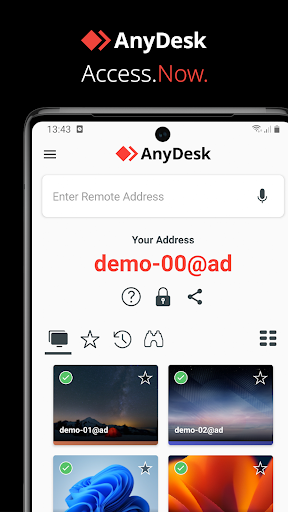
- Launch the app and note the AnyDesk-ID displayed on the remote device.
- Enter this ID into your local AnyDesk application and send the connection request.
- Accept the request on the remote device to establish a secure connection.
Why Choose AnyDesk for Remote Desktop Needs?
This software stands out for its outstanding performance across all operating systems and devices. Whether you need it for personal use or enterprise deployment, AnyDesk delivers high frame rates and low latency, ensuring a smooth and responsive experience. Its banking-standard encryption guarantees your data remains private, and its flexible deployment options—either in the cloud or on-premises—make it suitable for a variety of organizational requirements.
Final Thoughts
In an increasingly remote world, AnyDesk Remote Desktop is a reliable and efficient solution for remote access, file sharing, and remote support. Its easy setup, impressive performance, and robust security features make it a top choice for remote workers, IT professionals, and students alike. Whether you want to troubleshoot a device, access files remotely, or collaborate with colleagues, AnyDesk provides the tools you need to stay connected and productive from anywhere.
Pros
- Provides a fast and seamless connection experience.
- Compatible with multiple platforms for smooth integration.
- Offers low latency suitable for real-time collaboration.
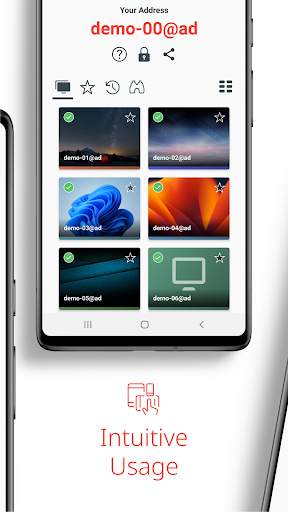
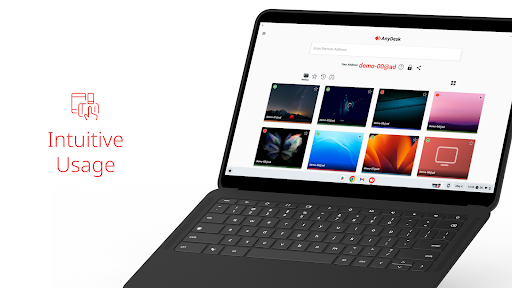
- Features an intuitive interface for easy navigation.
- Ensures strong security with TLS 1.2 encryption.
Cons
- Free version has limited features.
- Occasional connection interruptions can occur.
- Requires a stable internet connection to function properly.
- Lacks built-in file transfer capabilities on mobile devices.
- Can consume a considerable amount of data.











