

Introducing Animation Creator: Flipbook 2D – The Ultimate Mobile Animation App
Are you an aspiring animator, artist, or content creator looking for a powerful yet user-friendly mobile application to bring your sketches to life? Animation Creator: Flipbook 2D is designed to cater to beginners and professional artists alike. Whether you're just exploring the basics of animation or seeking a convenient tool to craft detailed 2D animations on the go, this app provides all the essential features you need for a seamless creative experience.
Key Features of Animation Creator: Flipbook 2D
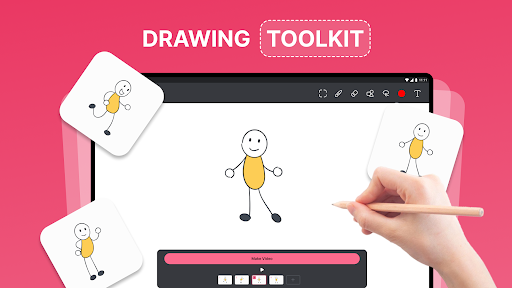
- Intuitive Drawing Interface: Sketch your ideas easily with a friendly and accessible interface.
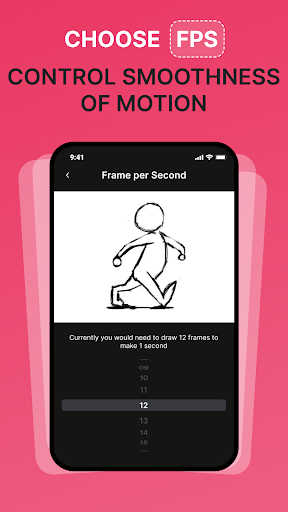
- Frame-by-Frame Animation: Create detailed animated sequences similar to traditional flipbooks.
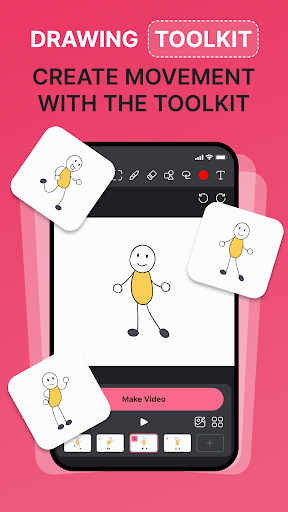
- Customizable Brushes and Tools: Enhance your artwork with a broad selection of brushes and drawing tools.
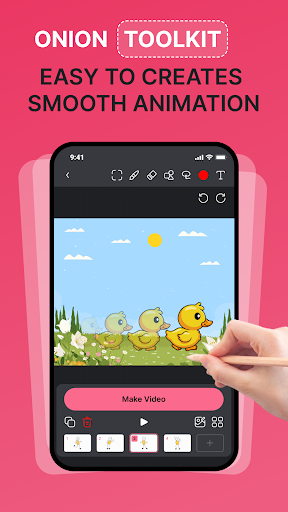
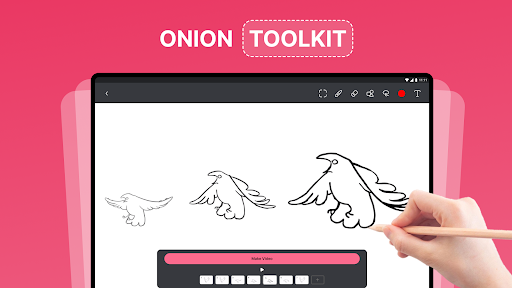
- Onion Skinning: View previous and upcoming frames to help maintain smooth motion throughout your animation.
- Export and Share: Save your animations as GIFs or videos and share them effortlessly via social media or with friends.
- Undo and Redo: Correct mistakes quickly with easy undo and redo functions.
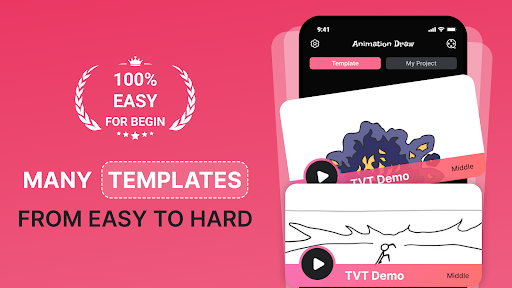
- Built-in Tutorials: Get started easily with guided tutorials designed specifically for beginners.
Designed for Ease of Use
With quick start capabilities and simple controls, anyone can dive into animation without a steep learning curve. The app's guided experience ensures that both amateurs and seasoned animators can learn the basics and master advanced techniques seamlessly, making it an indispensable tool for creatives on the move.
Perfect for Various Creators
Animation Creator: Flipbook 2D is ideal for a diverse range of users, including:
- Aspiring Animators: Learn foundational animation skills and develop your craft.
- Professional Animators: Create and refine animations anytime, anywhere.
- Artists and Illustrators: Add motion to your drawings and expand your creative toolkit.
- Educators and Students: Engage in interactive learning and teaching of animation techniques.
- Social Media Influencers and Content Creators: Produce captivating animated content to grow your audience.
- Game Designers: Develop animated sequences and storyboards for video games.
- Marketing Professionals: Design eye-catching animated ads and promotional materials.
Why Choose Animation Creator: Flipbook 2D
Offering an easy-to-use and portable platform, this app enables creators to animate wherever they are. Its robust feature set ensures smooth performance across Android and iOS devices, making it a versatile tool for all your animation needs. Whether you're starting a new project or refining existing ones, Animation Creator: Flipbook 2D empowers you to turn your creative ideas into animated reality effortlessly.
Download Animation Creator: Flipbook 2D today and unlock a world of artistic possibilities—are you ready to animate your imagination with ease?
Transform Your Doodles into Dynamic Animations
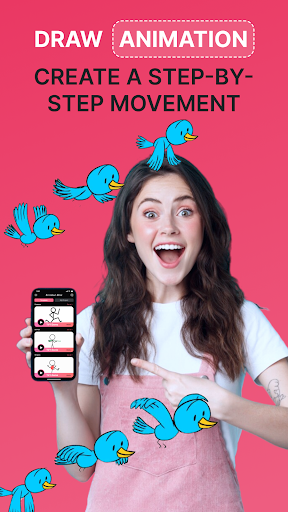
Ever wished you could bring your sketches and doodles to life? With Animation Creator: Flipbook 2D, that dream becomes reality. This clever app allows you to craft frame-by-frame animations reminiscent of those classic flipbooks. Whether you're a casual artist or a dedicated animator, the app's intuitive design makes it simple to start animating right away.
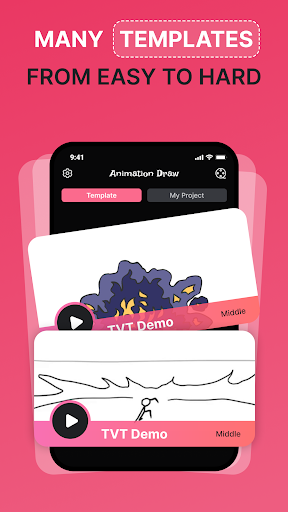
When you open the app, you’re greeted with a clean, user-friendly interface that’s perfect for beginners. Creating a new animation is straightforward—just tap "New Animation" and dive into your creative process. The array of tools, including a variety of brushes, colors, and layers, provides ample space for experimentation and refinement.
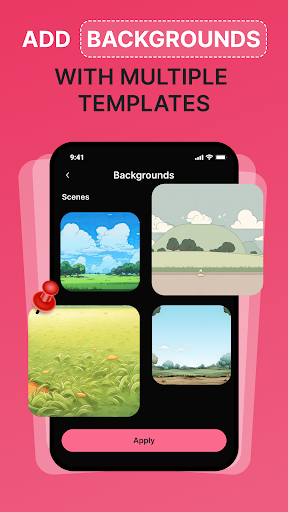
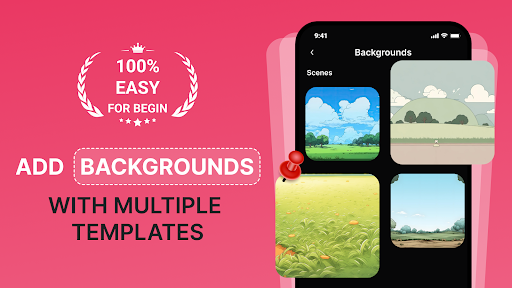
The feature set is robust yet accessible: onion skinning helps you maintain fluidity between frames, while frame management—adding, duplicating, and deleting frames—makes fine-tuning your animation effortless. Plus, importing images allows you to incorporate backgrounds or characters directly into your projects.
Performance remains smooth even on older devices, ensuring a seamless experience as you bring your creative ideas to life. The app runs efficiently on both Android and iOS platforms, making it a versatile choice for everyone.
Once finished, sharing your animations is simple with export options in GIF or MP4 formats. Show off your animations on social media or share with friends directly from the app—because, after all, the fun part of creating animations is sharing your work with the world.
In summary, Animation Creator: Flipbook 2D is a fantastic tool for turning your doodles into captivating animated stories. Its ease of use, powerful features, and portability make it a top choice for artists, students, and content creators eager to explore the art of 2D animation.
Pros
- User-friendly interface suitable for beginners.
- Comprehensive set of drawing tools.
- Supports editing across multiple layers.
- Provides smooth animation playback.
- Offers tutorials to assist new users.
Cons
- Limited options for exporting files.
- Lacks cloud storage feature.
- Contains advertisements in the free version.
- Requires internet connection to access all features.
- May experience occasional crashes.











