




AnExplorer Pro File Manager icon

AnExplorer Pro File Manager

1.51K
4
Installs
0.05M
Version
6.0.1
Advertisement
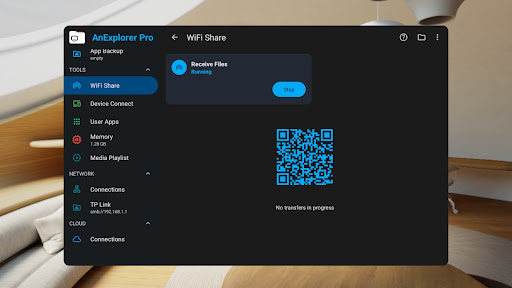
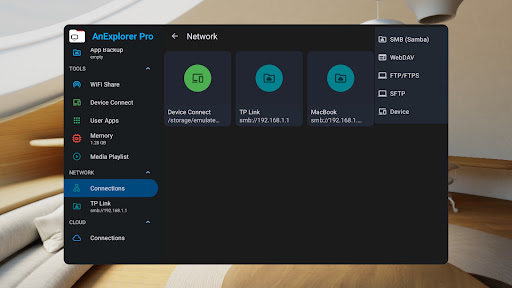
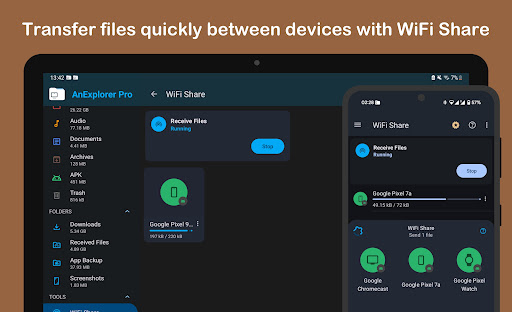
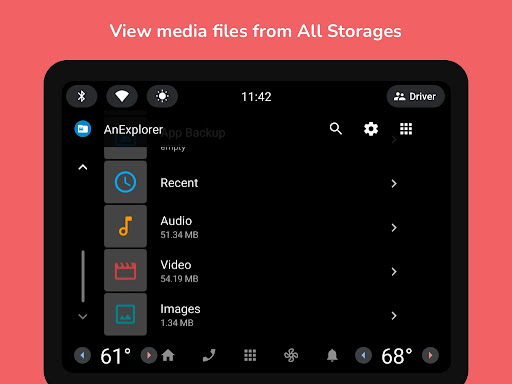
AnExplorer Pro File Manager screenshot
Advertisement

Introduction to AnExplorer Pro File Transfer

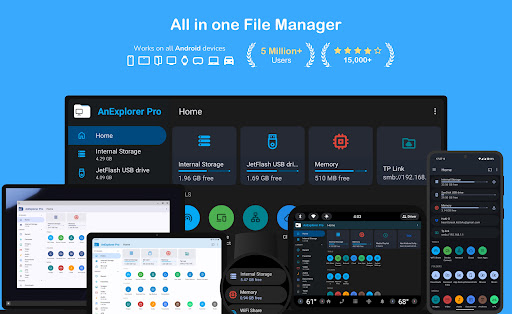
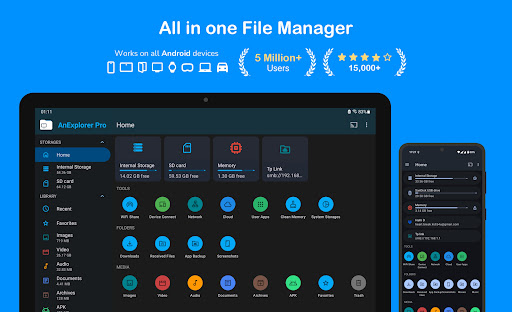
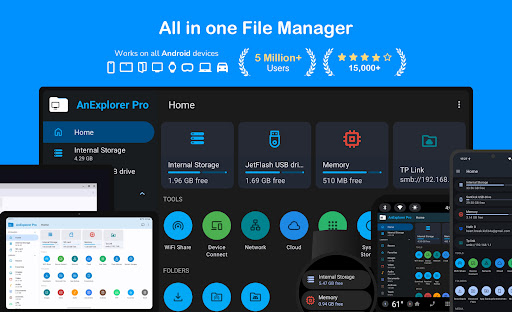
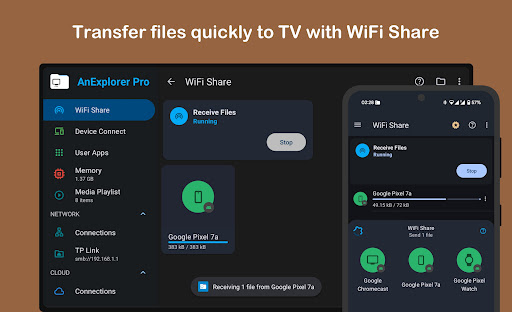
In today's digital world, efficient and seamless file management is crucial for both casual users and professionals. AnExplorer Pro File Transfer stands out as a comprehensive file management application designed to simplify your digital life. With its robust features and intuitive interface, this app allows users to browse, transfer, and organize files effortlessly across a wide range of devices and storage options. Whether you’re managing files on Android phones, tablets, or connecting to devices like TVs, watches, or VR headsets, AnExplorer Pro offers an all-in-one solution for managing and transferring files smoothly and securely.

Main Features of AnExplorer Pro

Powerful File Management

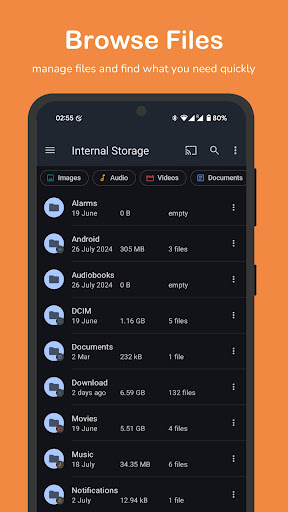
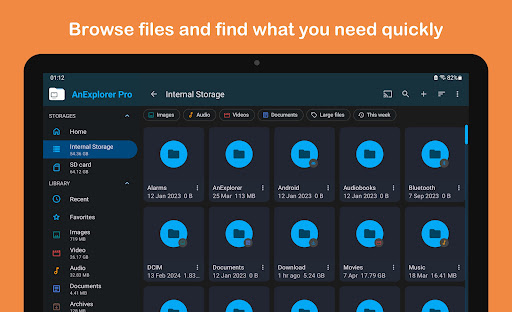
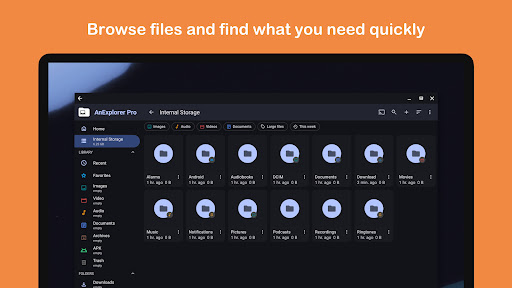
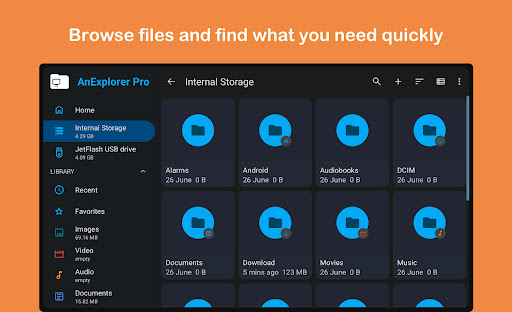
AnExplorer Pro provides a simple yet powerful interface with material design, making file browsing and management intuitive and efficient. You can browse, copy, move, rename, delete, compress, and extract files and folders with ease. The app's search function is lightning-fast, allowing you to filter files by name, type, size, or date, and even search media files. It supports viewing hidden folders and generating thumbnails, along with showing folder sizes across various storage types. This makes it an ideal file organizer for everyday use.

Comprehensive Storage Support

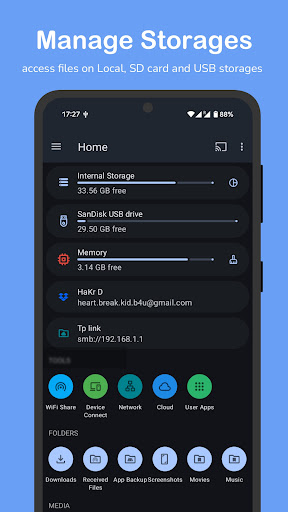
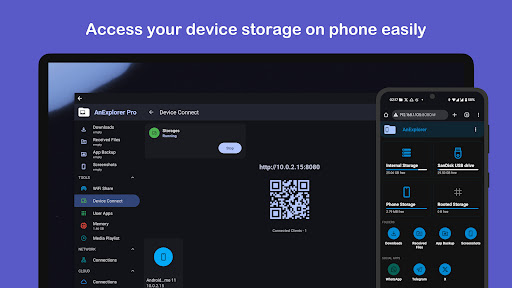
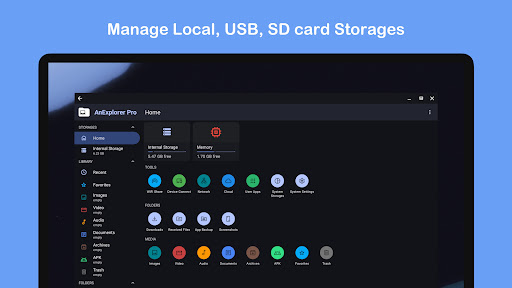
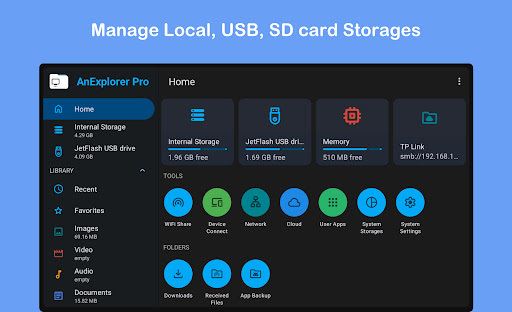
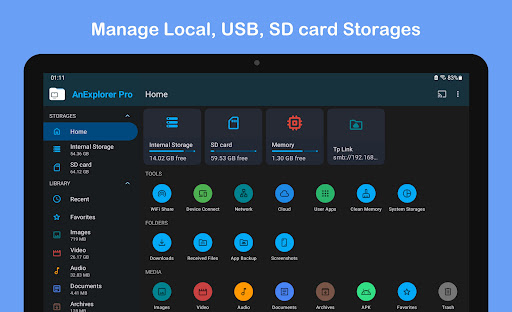
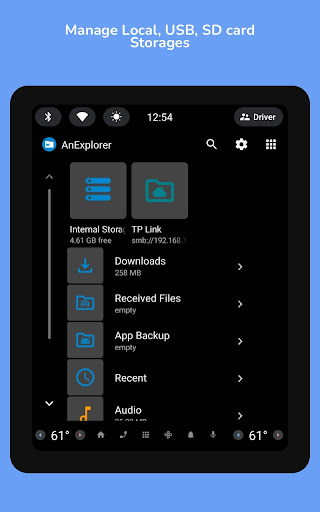
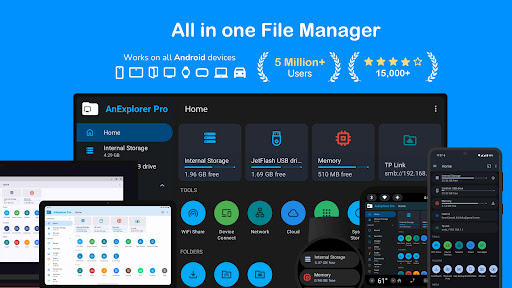
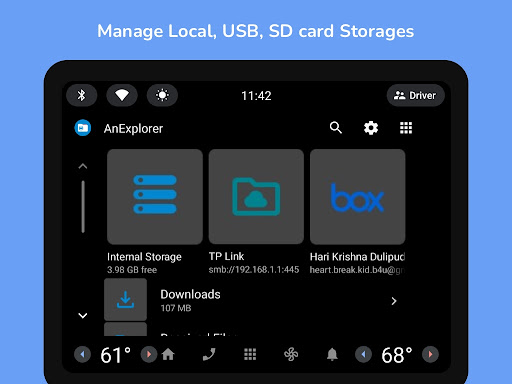
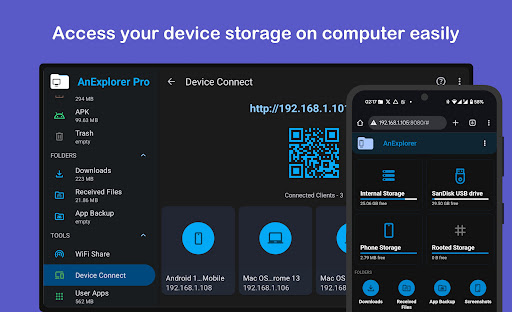
AnExplorer Pro boasts full support for FAT32 and NTFS file systems, enabling management of SD cards, USB OTG devices, pen drives, and more. The app allows seamless access and management of files on connected devices such as TVs, watches, and tablets directly from your phone, making it a versatile cross-device manager.

Media Viewing & Playback

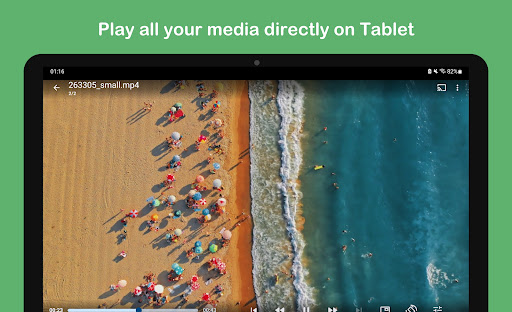
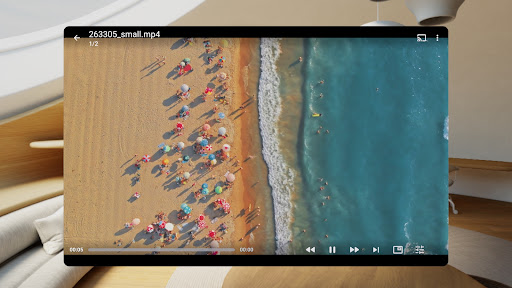
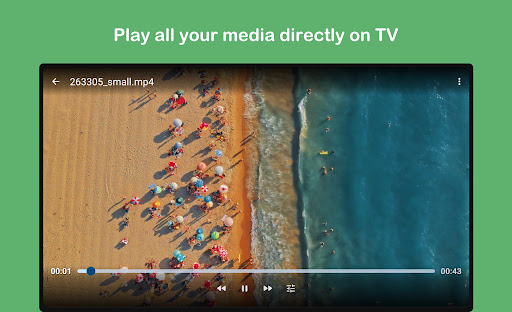
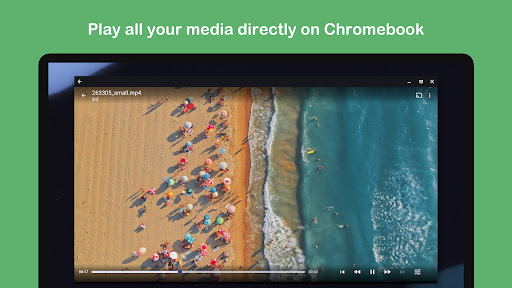
Preview images with zoom, swipe navigation, and slideshow support. The built-in image viewer also displays metadata and lets you organize photos by folders. For media enjoyment, the integrated media player supports playback of audio and video files, manages playback queues and playlists, and offers background playback and casting features, including streaming media.

Archive and Document Management

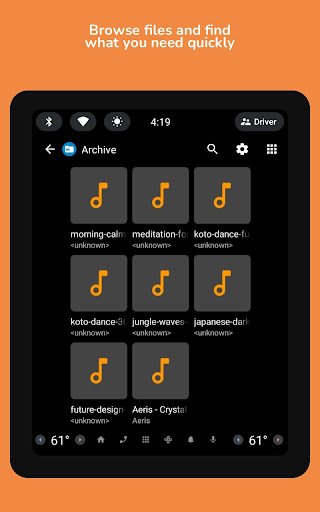
View and extract contents of ZIP, RAR, TAR, 7z archives, and more. Create protected archives with password and compression options. Additionally, it features a document viewer capable of editing text files such as HTML, TXT, and PDF, with root mode support for system file editing—useful for developers and power users.

Media & Network Management

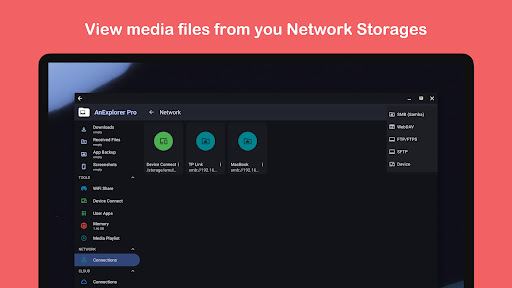
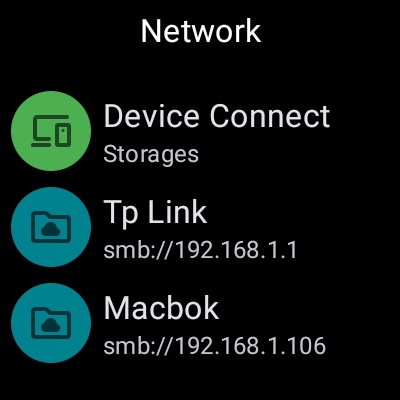
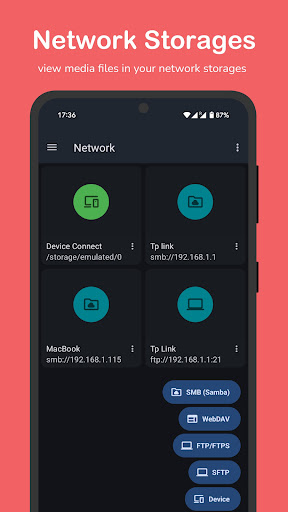
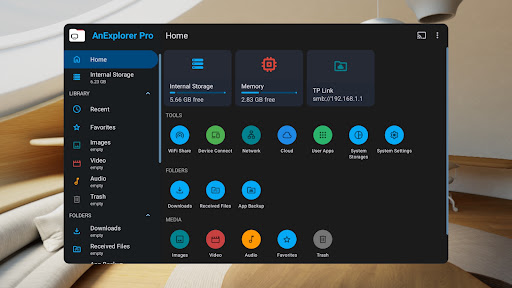
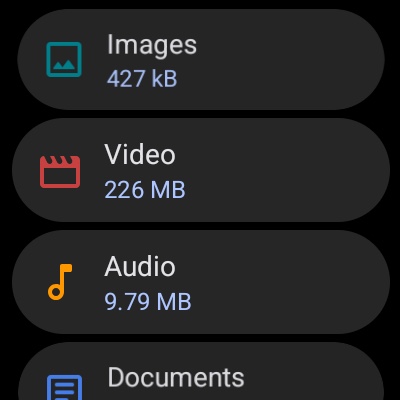
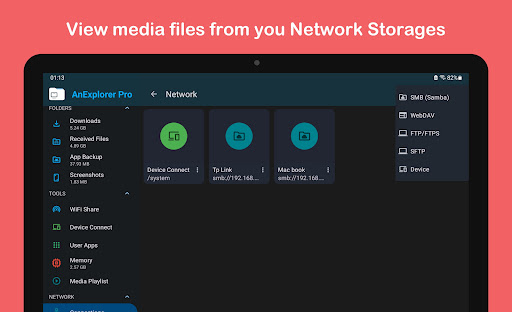
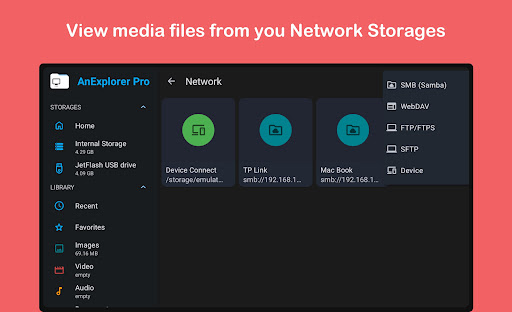
The app auto-categorizes files into images, videos, music, documents, archives, and APKs, streamlining your media library management. Manage downloads, Bluetooth transfers, and bookmark folders for quick access. The network file manager supports connecting to FTP, FTPS, SMB, and WebDAV servers for easy streamlining of files from NAS devices and shared folders.

Cloud and Casting Support

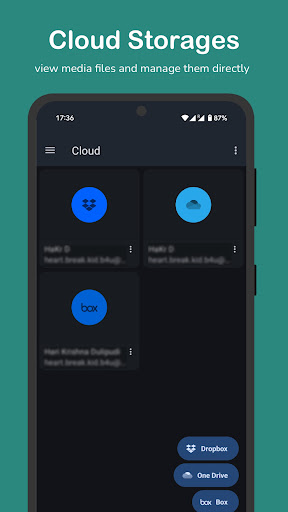
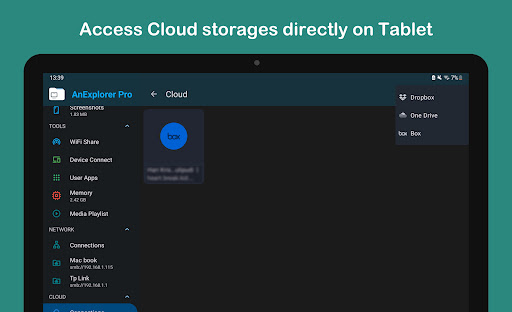
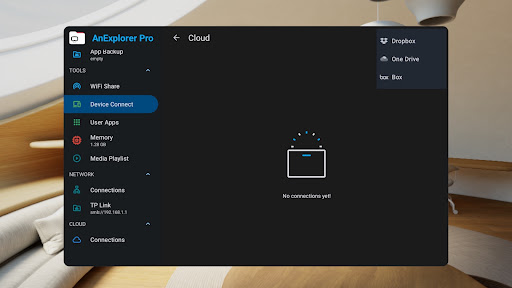
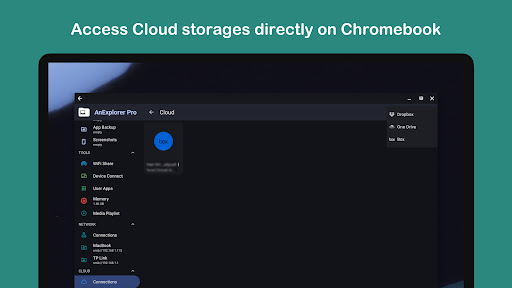
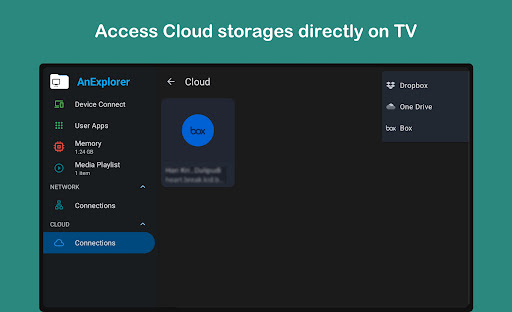
Manage cloud storage from Box, Dropbox, and OneDrive, with options to upload, download, delete, or preview media directly. The cast file manager feature enables streaming media to Chromecast devices including Android TVs and Google Home, making it a true cloud file manager and media caster.

Device-Specific Features

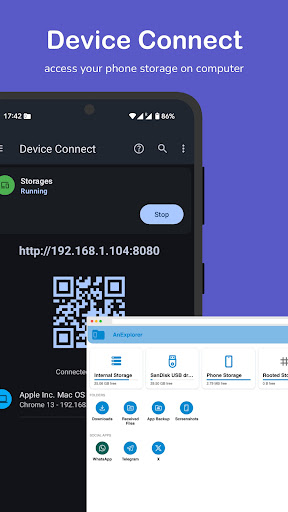
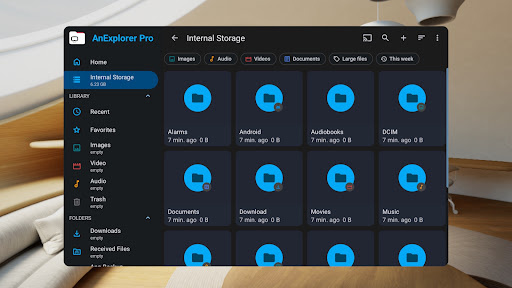
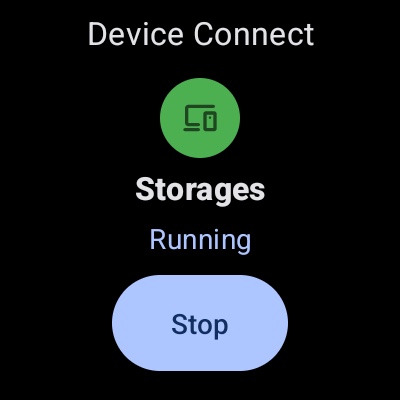
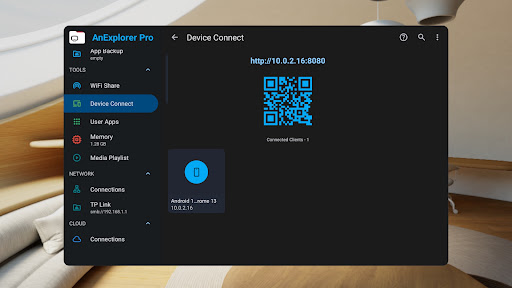
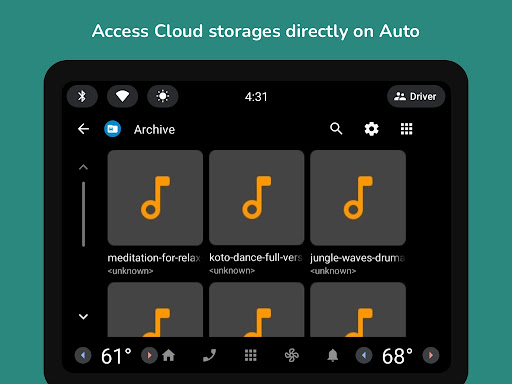
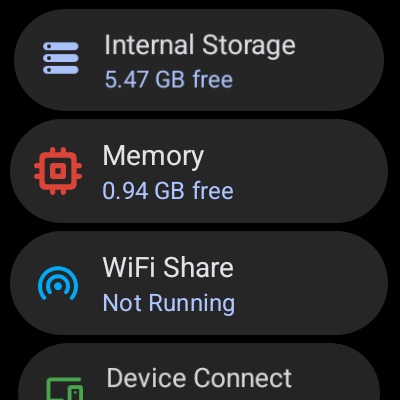
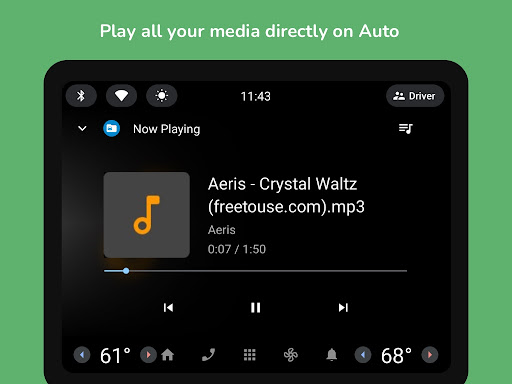
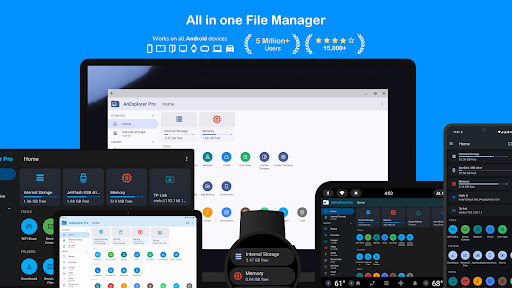
For added convenience, AnExplorer Pro offers specialized management for multiple device types such as TVs, watches, VR/XR headsets, and even cars with Android Auto and Android Automotive OS. Users can browse, transfer, and manage files effortlessly, with root support available for advanced users to access the system partition for development and customization.

Additional Tools & Security

The app includes a memory cleaner to free RAM and boost device speed by cleaning cache and junk files. The app manager features batch uninstall and APK backup capabilities. For security-focused users, it offers password protection and encryption for sensitive files, ensuring your data remains private.

Why Choose AnExplorer Pro? - The Ultimate File Management Solution

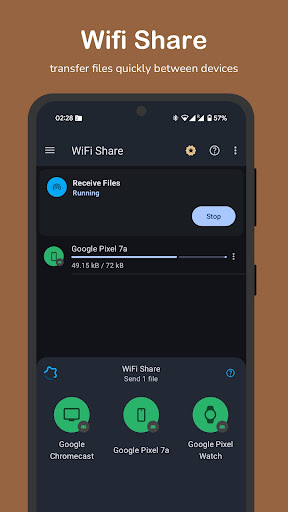
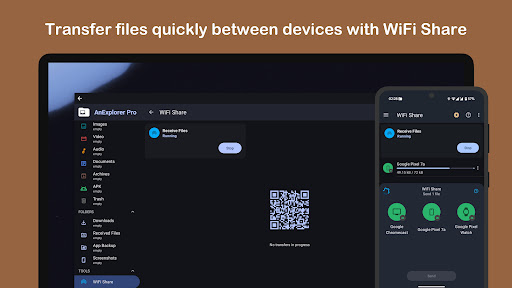
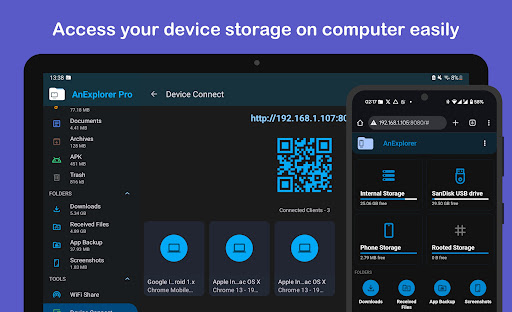
If you’re tired of disorganized files, cumbersome transfer processes, and multiple apps for different devices, AnExplorer Pro is your all-in-one solution. Its support for diverse storage options, cross-device management, cloud integration, media playback, and advanced features like root access make it an unparalleled app for managing digital life efficiently. Whether you need to transfer large files between Android devices wirelessly, manage your cloud storage, or explore system files with root, this app rises to meet all your needs.

Pros

  • Intuitive interface for straightforward navigation.
  • Supports a variety of file formats.
  • Rapid file transfer speeds.
  • Encrypted security for file sharing.
  • Access files offline.

Cons

  • Limited integration with cloud services.
  • Occasional crashes of the application.
  • In-app purchases required for advanced features.
  • Advertisements present in the free version.
  • Lack of a dark mode option.

Download From Google Play
Advertisement

Frequently Asked Questions

What is AnExplorer Pro File Transfer and what features does it offer?

AnExplorer Pro File Transfer is a powerful file management application for Android devices that enables users to easily manage files across their devices and cloud services. It includes features such as device-to-device file transfer, support for numerous file formats, cloud storage integration, and an intuitive interface that simplifies file organization and access.

Is AnExplorer Pro File Transfer safe to use for transferring sensitive files?

Yes, AnExplorer Pro File Transfer ensures user security and privacy by using encryption during file transfers. This protects sensitive files from unauthorized access. Additionally, the app does not store personal files on its servers, giving users confidence in their data’s safety.

Can AnExplorer Pro File Transfer handle large files and batch transfers?

Absolutely, AnExplorer Pro File Transfer is optimized for efficient handling of large files and batch transfers. It employs multi-threaded transfer processes that accelerate the transfer of multiple files at once. Users can easily manage and transfer large amounts of data without experiencing slowdowns or interruptions.

Does AnExplorer Pro File Transfer support cloud storage services?

Yes, AnExplorer Pro File Transfer integrates with popular cloud storage services such as Google Drive, Dropbox, and OneDrive. This allows users to access and manage their cloud files directly from the app, enabling seamless synchronization and transfer between devices and the cloud.

Is AnExplorer Pro File Transfer easy for beginners to use?

Yes, AnExplorer Pro File Transfer features a user-friendly interface designed for both beginners and experienced users. It offers straightforward navigation and intuitive controls, making it simple to manage files, perform transfers, and customize settings without any steep learning curve.

You May Like










