

Amazon Seller App: Your Ultimate Tool for Managing Your Amazon Business
Managing a successful Amazon store requires constant oversight and quick decision-making. The Amazon Seller App is designed to empower sellers by providing a comprehensive platform to manage their Amazon Seller Central account anytime, anywhere. Whether you're a seasoned seller or just starting, this app offers a suite of features that streamline your operations and boost your efficiency, making it an essential companion in the competitive world of Amazon selling.
Key Features of the Amazon Seller App
Analyze Sales for Better Business Insights
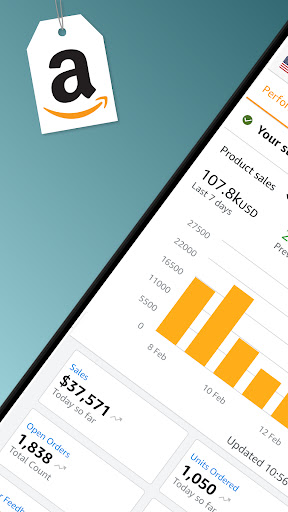
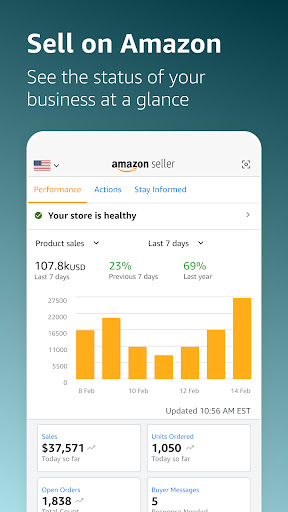
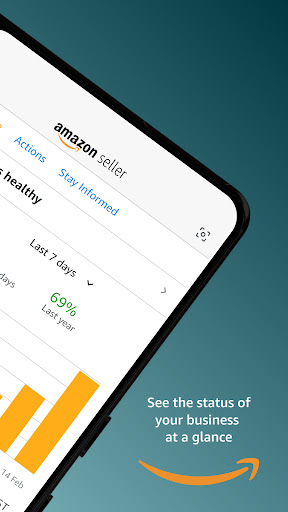
With the Amazon Seller App, you can drill down into product-level sales data, monitor store traffic, and track conversion trends over time. These insights help you understand what’s working and identify areas for improvement, making data-driven decisions easier even while on the move.
Find Profitable Products Easily
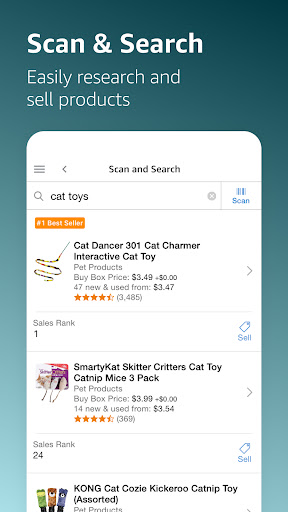
Leverage visual search, barcode scanning, and insightful data analytics to discover **profitable products**. The app assists you in identifying new opportunities to grow your inventory and maximize your sales potential.
Seamlessly List and Update Products
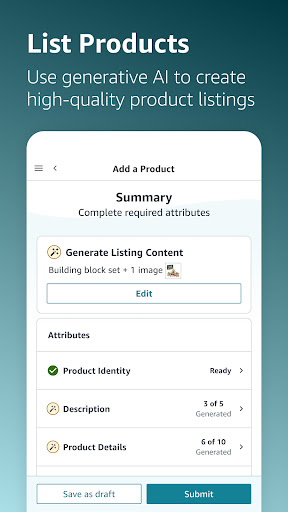
Creating new product listings or editing existing ones is straightforward with a user-friendly interface. From adding offers to updating product details, the app simplifies managing your catalog on the go.
Real-Time Inventory and Pricing Management
Access inventory data at the product level in real-time, including pricing, fees, and shipment statuses. Easily adjust quantities of merchant-fulfilled (MFN) products or review FBA shipments, ensuring your pricing remains competitive.
Order Management and Customer Service
Receive notifications of new orders, confirm shipments, and process returns directly from your device. The app also allows you to issue refunds, modify return settings, and respond promptly to customer inquiries—helping you maintain excellent seller ratings.
Monitor Your Account Health and Advertising Campaigns
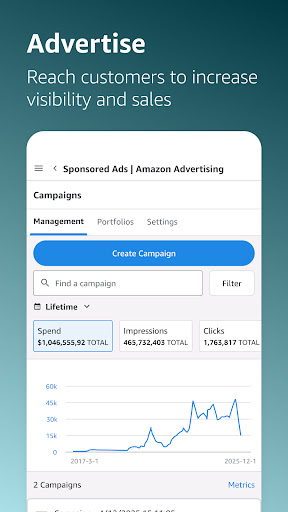
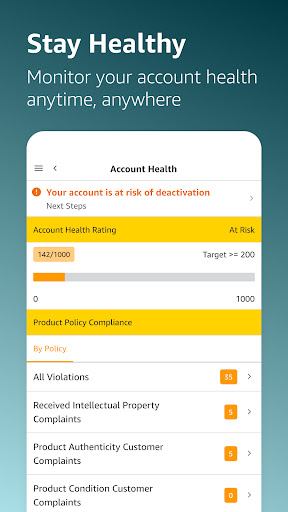
Stay informed about your account health and take proactive measures to resolve potential issues. Additionally, you can monitor your Sponsored Advertising Campaigns—adjust budgets, optimize keywords, and track performance metrics like impressions and conversions.
Enhanced Customer Interaction and Content Creation
Use customizable templates to quickly reply to customer messages and capture high-quality product photos using your mobile device. This helps in providing prompt customer support and showcasing your products effectively.
Support and Assistance at Your Fingertips
The app offers a direct link to Amazon Seller Support for any questions or issues, ensuring you have help whenever you need it.
Why Choose the Amazon Seller App?
The Amazon Seller App is more than just a management tool; it’s a powerful platform that helps sellers streamline their operations, make smart decisions, and grow their Amazon business from anywhere. With features that cover everything from sales analysis to inventory management and customer communication, this app allows you to stay connected and efficient on the go. Plus, it’s available on both Android and iOS, making it accessible to a broad range of sellers.
Final Thoughts
If you're looking to boost your productivity and simplify your selling experience on Amazon, downloading and using the Amazon Seller App could be a game-changer. Its comprehensive tools help you stay organized, respond quickly to customers, and make informed decisions—empowering your Amazon business to thrive no matter where you are. Give it a try and discover how this mobile solution can enhance your selling journey.
Pros
- Intuitive interface for sellers
- Extensive analytics features
- Supports multiple languages
- Access to a wide customer base
- Efficient order management
Cons
- Requires a monthly fee
- Can be complex for new users
- Limited options for customization
- High level of competition among sellers
- Strict policies and regulations











