



Introduction to the Amazon A to Z App
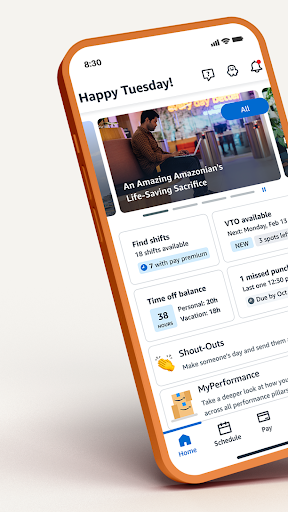
The Amazon A to Z app is an essential tool designed for Amazon employees to seamlessly manage their work-life balance and stay informed about company updates. Whether you're an hourly associate or a team member, this app consolidates all the necessary functions to keep your work experience organized and efficient. From managing your profile to reviewing schedules, submitting time-off requests, and accessing important news, Amazon A to Z has become an indispensable companion for Amazon staff. Its intuitive interface and comprehensive features streamline everyday tasks, ensuring that employees spend less time on administrative procedures and more on what truly matters—delivering excellent service and maintaining productivity.
Getting Started with Amazon A to Z
To begin your journey with Amazon A to Z, start by downloading the app available on both Android and iOS platforms. After installation, log in using your Amazon login credentials (not your personal Amazon account). The setup process is straightforward, guiding you through updating your profile with essential information such as your phone number and emergency contacts. Verify your direct deposit details to ensure smooth salary payments. Additionally, you can configure your notification preferences to stay updated on schedules, news, and important alerts. Once these basics are completed, the app becomes your central hub for managing all aspects of your employment, from viewing schedules to accessing exclusive employee discounts.
Key Features of the Amazon A to Z App
Schedule Management
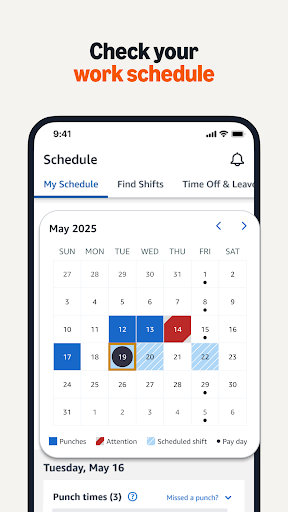
One of the most valued features of Amazon A to Z is its ability to give employees instant access to their work schedules. You can view your in and out times, upcoming shifts, and detailed calendars. This transparency helps reduce confusion and last-minute surprises, allowing you to plan your week effectively.
Time Management
Employees can easily submit time off requests, check their current accrual balances, and claim voluntary extra shifts or time off. This convenience streamlines administrative processes and empowers employees to manage their work hours efficiently.
Payroll and Benefits
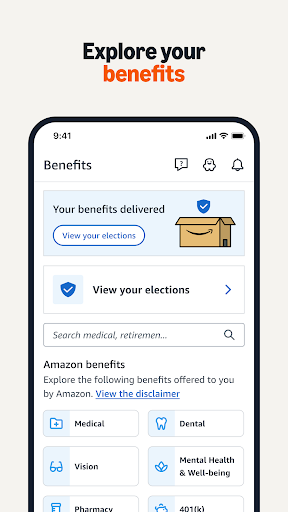
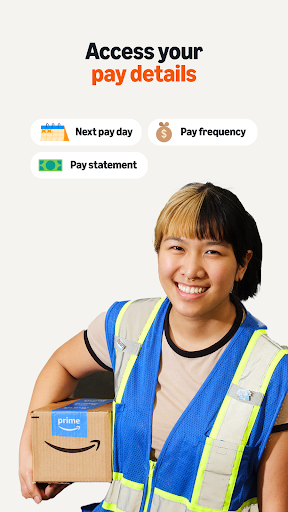
The app provides quick access to your pay information, including earnings, deductions, and direct deposit details. You can also review your tax information and download payslips securely from your mobile device. If you're curious about benefits, the app clearly outlines available programs, retirement options, and other resources.
Company News and Resources
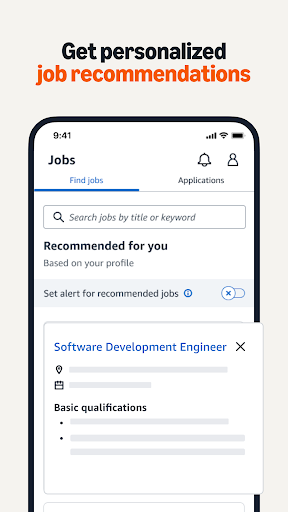
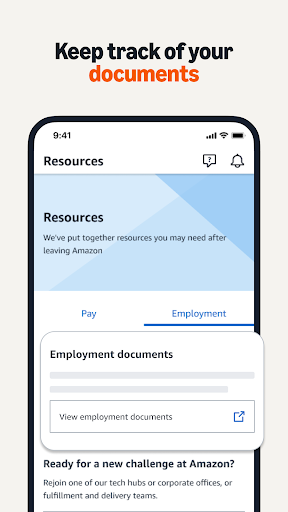
Stay informed with the latest news directly from Amazon, including policy updates, event announcements, and internal communications. Additionally, the Resources section links to various helpful tools, such as information on new job opportunities, retirement planning, learning management systems, and other employee support services.
Profile and Discounts
Update your personal information and emergency contacts as needed. The app also displays your Amazon.com discount code, allowing you to save on a wide selection of products. Managing your profile keeps your information current and helps streamline your interactions with HR and management.
The Benefits of Using Amazon A to Z
Using Amazon A to Z simplifies many day-to-day tasks for employees, making it easier to stay organized and informed. The app's feature-rich design means you no longer need to chase down information or spend time on administrative paperwork. Its regular updates enhance functionality, introduce new features, and ensure a secure experience. Whether you’re checking your schedule before your shift, reviewing your paycheck, or staying updated on company news, the app puts all essential tools at your fingertips. For Amazon employees striving to maintain a balanced, productive, and informed work life, Amazon A to Z is truly a game-changer.
Pros
- User-friendly navigation
- Comprehensive employee resources
- Efficient shift scheduling
- Easy access to pay stubs
- Real-time notifications
Cons
- Limited offline functionality
- Occasional app crashes
- Slow customer support
- Privacy concerns
- Complex initial setup











