
Introducing SelfyzAI: The Ultimate AI Video and Photo Editor
SelfyzAI is an innovative all-in-one AI-powered tool designed to transform your photos and videos into dynamic, engaging content. With its latest integration of Google Veo 3, SelfyzAI now offers even smarter, sharper, and more stunning effects, elevating the quality of your creations to professional levels. Whether you're a content creator, social media enthusiast, or someone wanting to preserve memories in a fascinating way, SelfyzAI makes it simple and fun to bring your images to life.
Powered by Google Veo 3 for Next-Level Video Creation
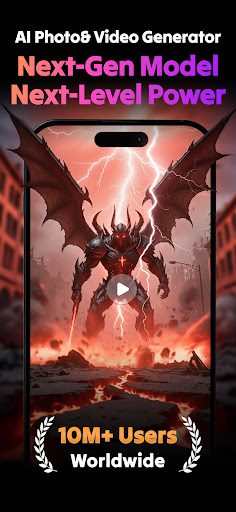
The recent upgrade to Google Veo 3 technology means SelfyzAI now unlocks new dimensions in video production. Experience ultra-realistic motion, cinematic camera effects, and exceptional consistency—all achieved with just a single tap. This advancement ensures your AI-generated videos are more lifelike and immersive than ever before, making your content stand out on platforms like TikTok, Instagram Reels, and YouTube Shorts. Whether you're animating portraits, creating nostalgic videos, or producing elaborate scenes, SelfyzAI's enhanced engine makes it all seamless and impressive.
Key Features of SelfyzAI
SelfyzAI packs a comprehensive suite of features for editing photos and videos, making it perfect for every content need:
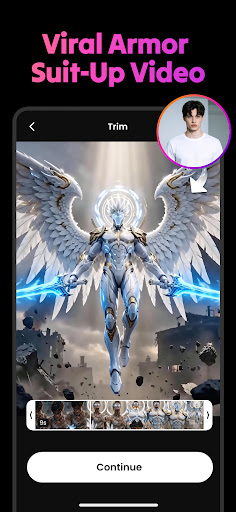
- AI Video Generator: Select trending templates, animate portraits realistically, and convert text or photos into engaging short videos tailored for social media trends.
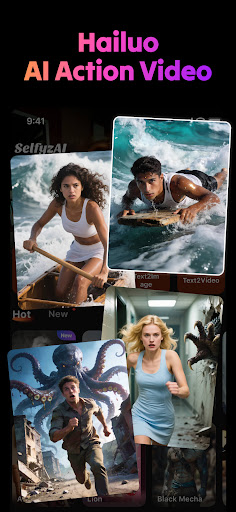
- AI Hug, AI Kiss, AI Fight: Generate emotional or action-packed scenes, such as heartfelt hugs, romantic kisses, or dynamic fight sequences using just a couple of photos.
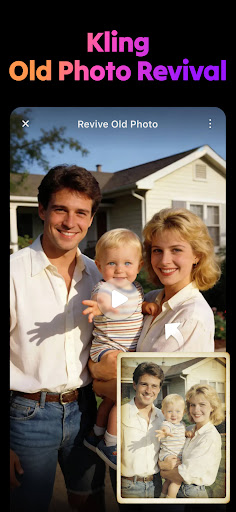
- AI Photo to Video: Bring static images—be it retro photos, pet pics, or selfies—to life with motion templates and music. Create personalized animations effortlessly.
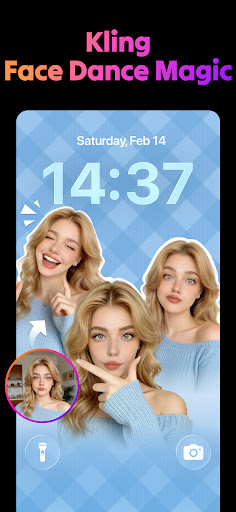
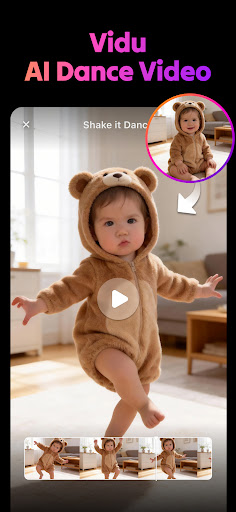
- Photo Dance & Face Dance: Turn any face or pet photo into a dancing or singing video, complete with lip-sync and motion effects, perfect for sharing viral content.
- AI Baby Generator: Visualize what your future child might look like by blending faces or explore cartoon-style baby avatars.
- AI Game Style Filters: Add stylized effects like glitch, nostalgic Y2K, or comic book looks to give your videos a unique gaming aesthetic.
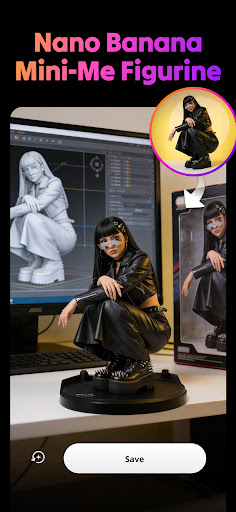
- AI Lab – Create Like a Pro: Generate anime avatars, cartoon effects, or 3D visuals for professional profile pics or creative projects.
- AI Body Editor: Make natural body shape adjustments such as slimming, adding muscle, or enhancing curves with AI-driven editing tools.
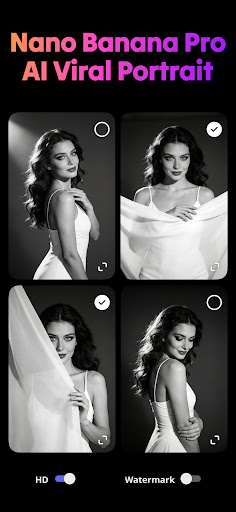
- AI Retouch & Face Tune: Smooth skin, remove blemishes, brighten eyes, and modify hair color for flawless photos.
- Background Eraser: Easily remove or replace photo backgrounds for polished composites or creative backdrops.
Creative and Fun Usage Scenarios
SelfyzAI is ideal for a variety of creative projects:
- Creating engaging social media content that captivates your audience
- Designing surprise videos for birthdays, anniversaries, or special moments
- Producing anime, cosplay, or vintage-style images for enthusiasts
- Transforming photos into moving, talking, or dancing characters that tell stories or evoke emotions
Why Choose SelfyzAI?
SelfyzAI stands out with its powerful AI technology, straightforward usability, and extensive customization options. Its capability to generate realistic animations and stylized effects makes it perfect for both casual users and professional content creators. The continuous upgrades, like the integration of Google Veo 3, ensure that you are always working with cutting-edge visuals. Plus, with features like AI Background Eraser and AI Body Editor, you can easily fine-tune and perfect your images. Whether you want to make your photos "talk," dance, or tell a story, SelfyzAI makes it all accessible and enjoyable.
Get Started with SelfyzAI Today
Download SelfyzAI now and unlock the potential of AI-driven video and photo editing. Its free download and fun features allow everyone to turn their imagination into reality using talking avatars, animated photos, and personalized videos. Embrace the future of content creation and share your vibrant, lively memories with the world.
Pros
- Transforms photos into engaging videos
- User-friendly interface for easy use
- Variety of templates to choose from
- Supports high-quality video output
- Fast processing time for video creation
Cons
- Limited features in the free version
- Occasional app crashes reported
- Requires a stable internet connection
- Ads can sometimes be intrusive
- Limited options for customization











