









Introducing the Future of Digital Storytelling with AI Video Generator - Clips AI
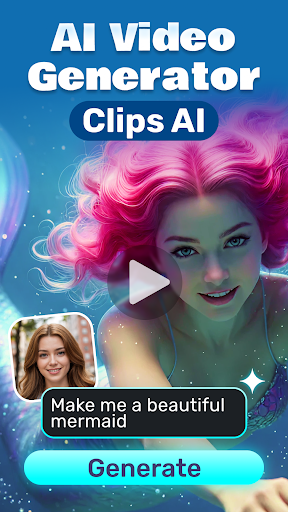
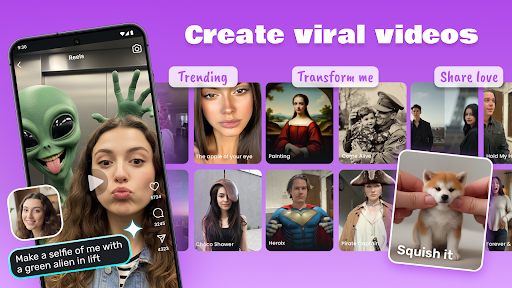
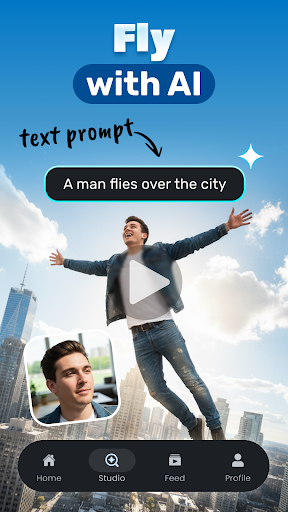
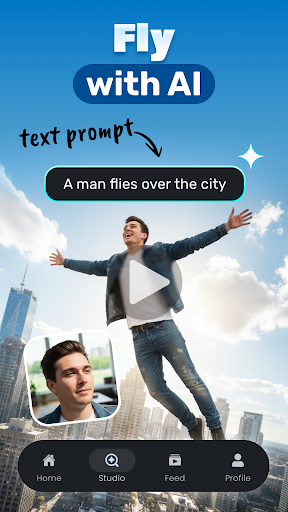
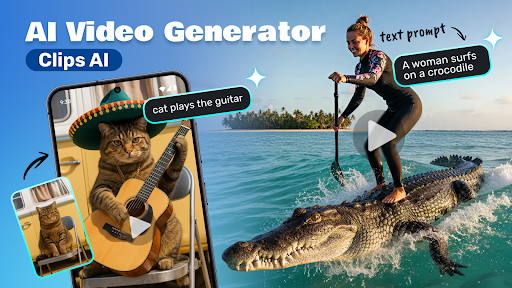
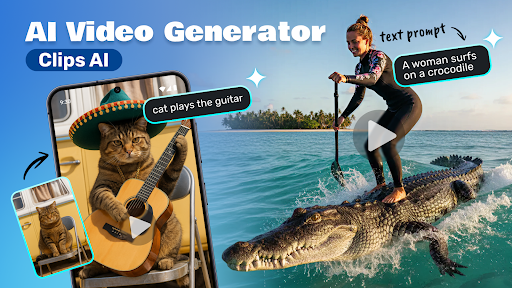
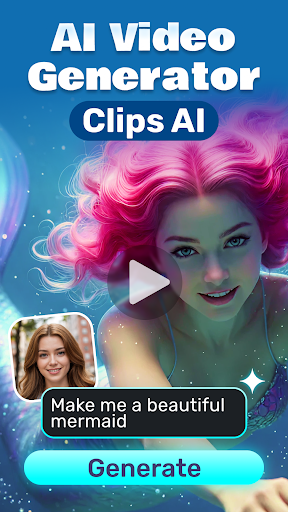
Discover the innovative world of AI-powered video creation with Clips AI. This cutting-edge app transforms your written words into captivating 5-second videos, revolutionizing how you share your ideas, tell stories, and engage audiences across social media and other platforms. By leveraging the latest advancements in artificial intelligence, Clips AI makes content creation more accessible, faster, and visually stunning, whether you're a professional marketer or a casual user.
Seamless and Instant Video Creation
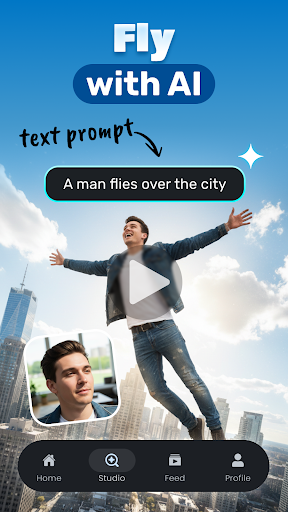
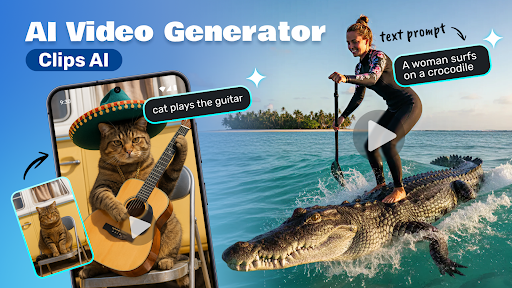
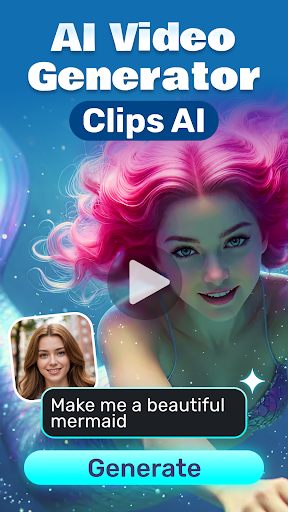
One of the standout features of Clips AI is its ability to generate instant videos. Simply type your text, hit 'generate,' and watch the app craft a 4-second video masterpiece within seconds. This rapid process suits social media stories, advertisements, educational content, or even casual fun. No complex editing software is required, making professional-grade videos accessible to everyone.
AI-Driven Visuals and Animations
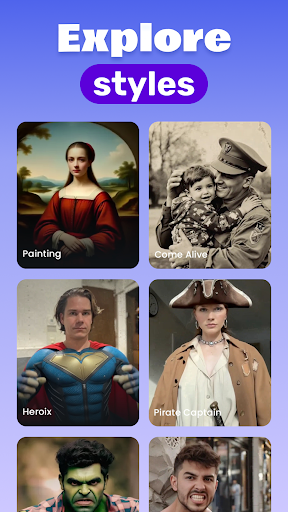
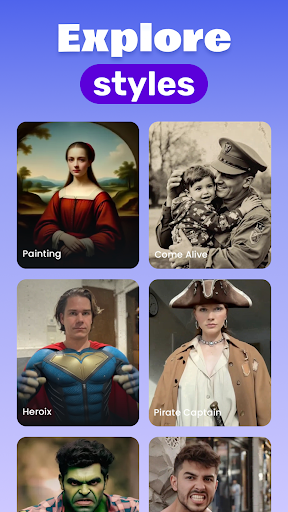
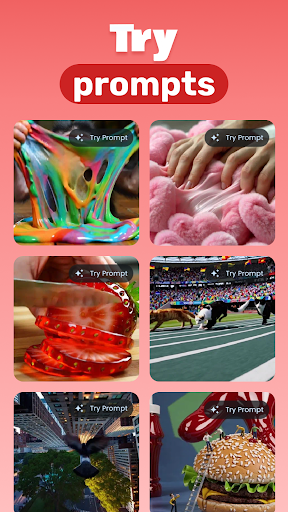
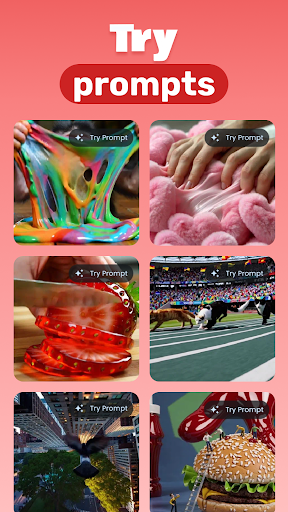
Powered by advanced AI technology, the app intelligently selects relevant visuals and animations that best match your text, ensuring each video is unique and engaging. This sophisticated algorithm enhances creativity by providing high-quality, relevant visual content automatically, saving you hours of manual editing and searching for assets.
Effortless Sharing and Downloading
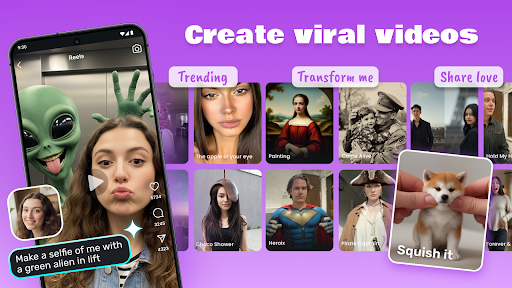
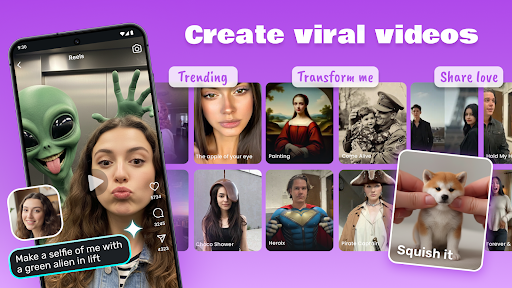
After creating your video, sharing is made easy. You can directly upload your videos to popular social media platforms, messaging apps, or download them to your device for unlimited use. This flexibility allows content creators to maintain a steady stream of eye-catching videos without hassle.
No Design Skills Needed
If you worry about lacking design or editing expertise, fear not. Clips AI's intuitive interface simplifies the process, enabling anyone to produce high-quality videos with just a few taps. The app handles complex aspects like transitions and music selection through AI suggestions, making professional results accessible for beginners and experts alike.
Regular Updates and Improvements
The developers behind Clips AI ensure the app stays at the forefront of AI video technology by providing regular updates. New features, themes, and enhancements continually improve the user experience, helping you stay ahead in dynamic digital landscapes.
How It Works
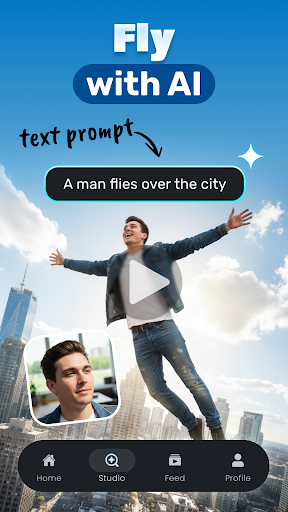
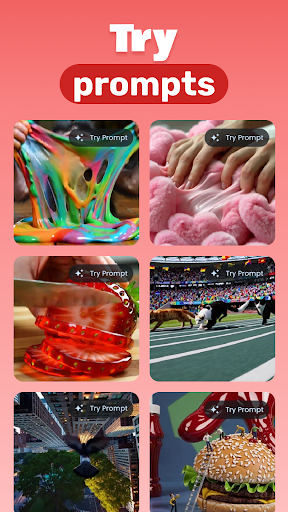
Getting started is simple: type your desired text, press the generate button, and let the AI bring your words to life visually. You can then choose to share the video instantly or download it for later use. Perfect for creating dynamic ads, engaging social media content, or educational materials, Clips AI offers an effortless way to produce compelling videos.
Elevate Your Digital Content Game
Say goodbye to hours spent on traditional editing software. With Clips AI, transforming text into engaging video content is now a matter of seconds—making your stories, ideas, and messages visually irresistible. Whether you’re a content creator, marketer, or casual user, this app empowers you to elevate your digital storytelling effortlessly. Experience the magic of AI and unlock new creative potentials today by downloading Clips AI.
Why Choose Clips AI? The Key Benefits
From ease of use to professional-quality output, Clips AI stands out in the crowded market of video creation tools. Its AI-driven features automate complex editing tasks, making high-quality videos accessible and efficient. Whether you're aiming to produce captivating social media clips, educational content, or promotional videos, this app provides the right tools and flexibility to suit your needs. Stay ahead with continuous updates and new functionalities designed to enhance your creative workflow.
Additional Resources
For more details about the privacy and terms of use, please visit the Privacy Policy and Terms of Use.
Pros
- User-friendly interface for quick video creation.
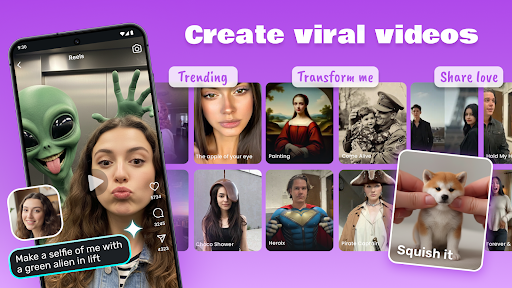
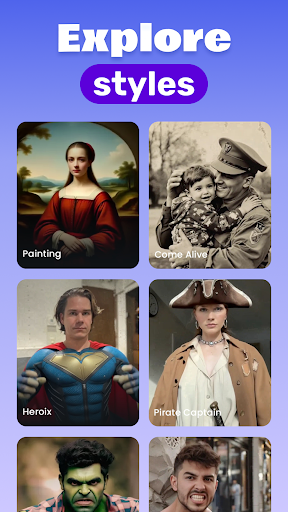
- Extensive variety of templates for different video styles.
- AI-powered editing facilitates saving time and effort.
- Produces high-quality videos up to 4K resolution.
- Provides regular updates with new features and improvements.
Cons
- Free version is limited and adds watermarks to videos.
- AI may occasionally misinterpret scenes, causing errors.
- Requires a stable internet connection to operate.
- Subscription pricing may be expensive for some users.
- Offers limited customization options for advanced users.











