IRMO AI Video Generator
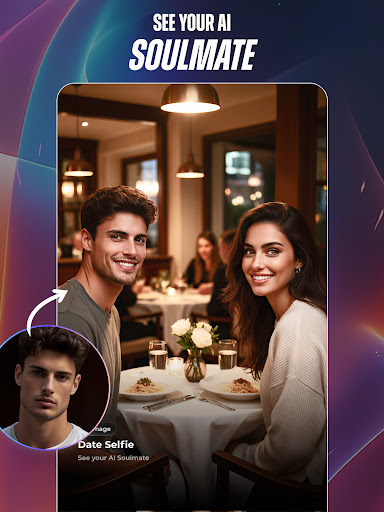
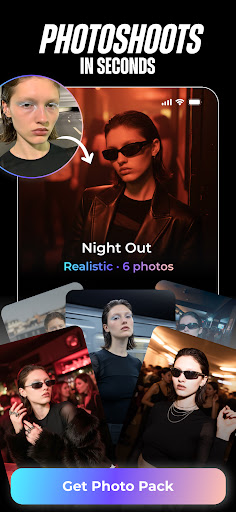
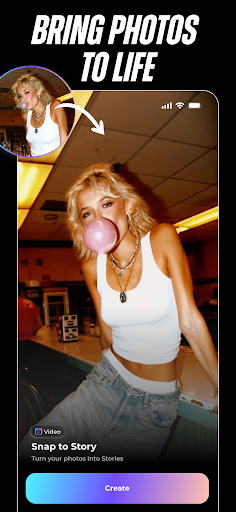
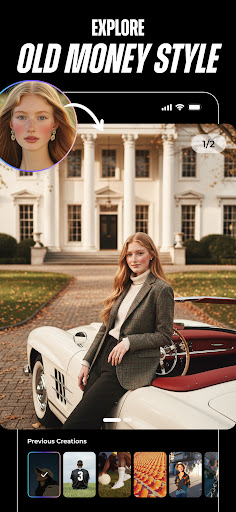
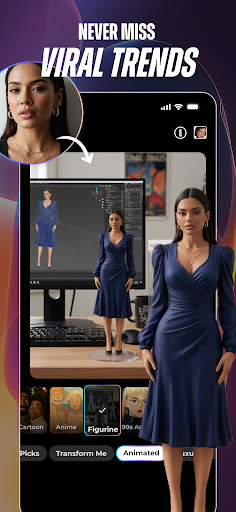
Wouldn’t it be great if you could have a magical camera crew inside your phone, ready to produce stunning videos featuring your wildest dreams brought to life by the visual genius of artists like Van Gogh, Vermeer, or Picasso? With IRMO, that’s exactly what you get—except we take it a step further and let you command reality itself, bending and reshaping images into cinematic clips with just a few taps! Introducing IRMO’s AI Video Generation: IRMO isn’t just about making incredible AI images—it’s about transforming those images into living, moving stories. With our cutting-edge AI video capabilities, you can turn simple photos into dynamic clips. Picture two characters hugging each other, friends sharing a laugh over a giant hamburger, or even surreal scenes of your doodles inflating, exploding, morphing, and merging into bizarre and delightful animations. IRMO’s AI instantly animates your creations, letting your imagination run wild in motion.
How Can You Use IRMO’s AI Videos?
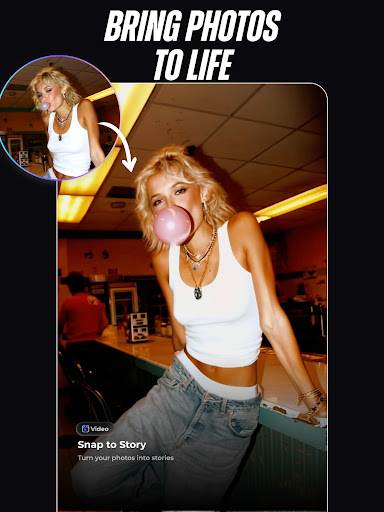
Personalize Your Social Content Turn your profile pics, selfies, or family photos into short, animated clips that express your personality. Instead of a static image, surprise your friends with vibrant, shareable video loops on Instagram, TikTok, or any platform you love.
Elevate Your Brand Presence Need a dynamic logo reveal or a promotional clip? IRMO makes it effortless to create engaging brand videos that will stand out in any feed.
Visual Storytelling for NFT Projects Breathe life into your NFT art by adding motion and narrative. Make your NFT drops unforgettable with IRMO’s artistically animated videos.
Imaginative Content Creation From concept demos to video pitches, IRMO helps you add flair to presentations, marketing campaigns, or product showcases.
Fun and Surreal Creations Animate your child’s doodles into a magical story. Watch your favorite character designs hug, dance, or interact in unexpected ways. Turn a simple snapshot into a mini-movie that captures attention instantly.
How Does It Work?
1. Choose Your Base: Pick an image or a series of images from your gallery, or type in a text prompt to generate one from scratch.
2. Animate and Transform: Use IRMO’s array of AI-driven tools to define how the images interact, move, and come alive—make them kiss, hug, inflate, explode, or swirl into captivating animations.
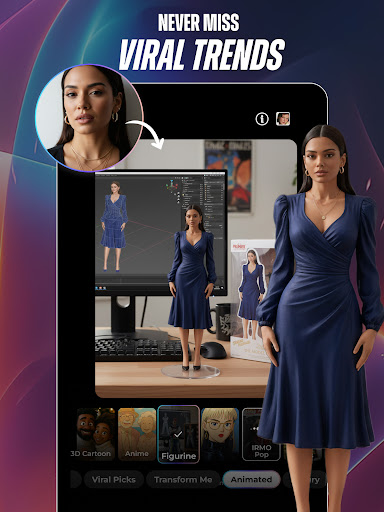
3. Select Styles and Effects: Just like with our image generation, you can still choose from dozens of artistic styles and visual themes. From cartoon-like animations to fantastical, dreamlike landscapes, give your video the vibe you’re looking for.
4. Generate and Share: Press “Generate” and let IRMO do the rest. In seconds, you’ll have a unique, original video to share, sell, or simply admire.
One Tool, Endless Possibilities
IRMO consolidates all your creative needs into one app—no need to juggle multiple tools.
From Imagination to Animation
Bring whimsical animated loops to your phone’s wallpaper or lock screen.
Add dynamic flair to your YouTube thumbnails or TikTok intros.
Transform simple product images into eye-catching promotional clips.
Design unique moving artworks to grace your office walls or personal galleries.
IRMO’s Vision
We believe that everyone has a world of stories inside them. IRMO is here to help you share those stories—now in living color and motion. Whether you’re a pro or a beginner, IRMO makes it effortless to turn your imagination into stunning AI videos. Don’t Just Tell Your Dreams—Show Them In Motion with IRMO!
IRMO AI Video Photo Generator — A User Perspective
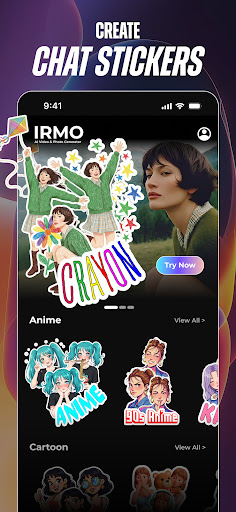
Have you ever wanted to create some cool videos or photos without having to jump through hoops of complicated software? Well, if that’s your jam, IRMO AI Video Photo Generator is a one-stop shop for turning ideas into visuals right from your phone. The app greets you with a clean, intuitive layout—everything you need is right where you’d expect it, so you won’t waste time hunting for tools.
AI-driven features handle a lot of the heavy lifting. The photo enhancement tool feels like having a professional editor in your pocket, automatically adjusting lighting and color balance and adding filters for that extra wow factor. The video generator is a standout, letting you assemble short clips with transitions, music, and text—perfect for social media or impressing friends. Export options are versatile, and the guided tutorials make it easy for beginners to produce something polished without a steep learning curve.
Performance is solid: smooth rendering on a typical device, with multiple resolution exports to suit your needs. In a world where content is king, IRMO acts like a compact production studio in your pocket—empowering creators and casual users alike to craft share-worthy moments without the fuss. It’s the kind of tool that broadens your creative potential, whether you’re building a personal brand, refining product visuals, or simply having fun with family memories.