

Introducing AI Photo Enhancer - PixLift: Your Ultimate Photo Editing Companion
In today's digital age, capturing perfect moments with your smartphone is more effortless than ever. However, even the best photos can sometimes fall short due to blurriness, pixelation, or damage. That's where AI Photo Enhancer - PixLift steps in as a powerful solution to transform your ordinary snapshots into stunning, high-definition images. Whether you're an amateur photographer or a social media enthusiast, this all-in-one AI photo editor empowers you to enhance, restore, and beautify your photos with just a few taps.
Key Features of PixLift: Elevating Your Photo Editing Experience
One-Tap AI Photo Enhancement
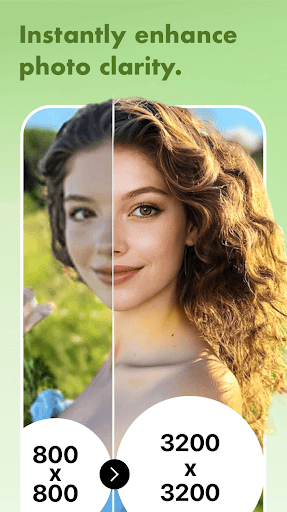
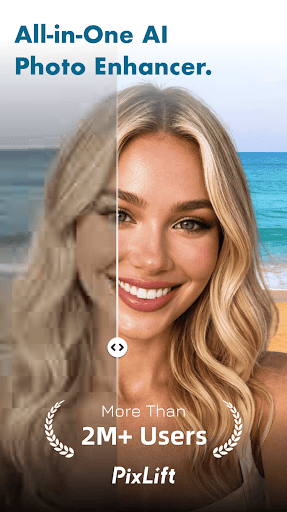
PixLift excels at turning your old, pixelated, or blurry images into crisp, HD-quality photos. Its advanced AI algorithms analyze your pictures to improve clarity, boost resolution, and remove blurriness effortlessly. This makes it perfect for creating HD selfies or clearing up out-of-focus photos with minimal effort.
Portrait and Facial Retouching
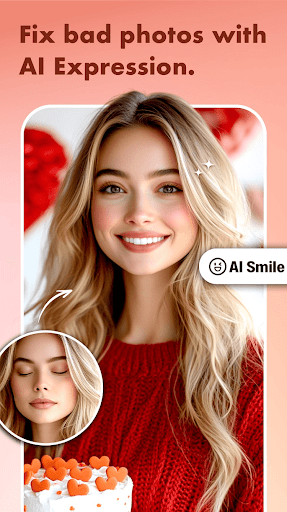
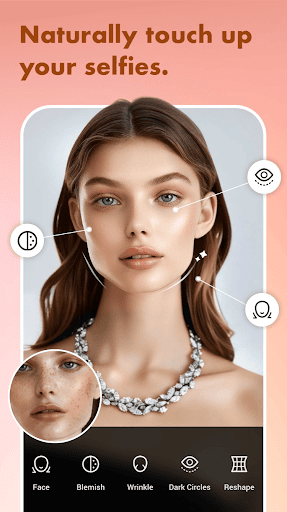
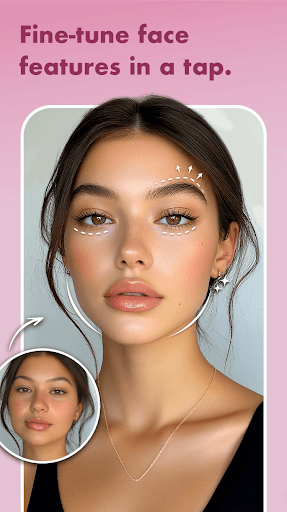
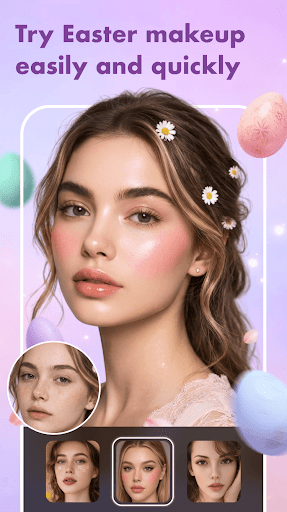
Enhance your portraits by automatically recognizing faces in selfies or group photos and refining facial details. You can remove acne, blemishes, and dark circles or smooth wrinkles using just one tap. Additionally, the app allows you to fine-tune your appearance with trendy filters, makeup looks, and even hair color changer to experiment with different styles.
Restore and Colorize Old Photos
Bring new life to your cherished memories by repairing damaged or scratched photos. PixLift restores black and white images and adds vibrant colors to faded photographs. Whether it's an old family album or vintage portraits, this feature helps you relive those moments in stunning quality.
Creative Editing and Effects
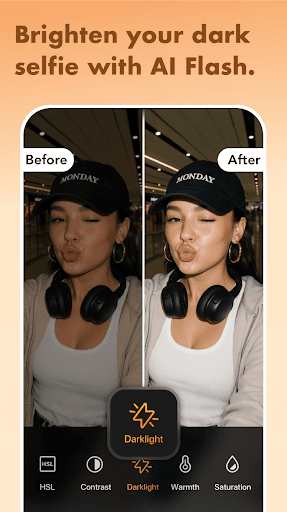
Beyond enhancement, PixLift offers a variety of editing tools such as filters, effects, and adjustments for brightness, contrast, hue, shadow, and more. Its cartoon and anime photo editors allow you to generate digital art or create toon-me pictures. Plus, with over 100 layout options, you can craft personalized photo collages using a vast selection of backgrounds, stickers, fonts, and doodles.
Upscaling and Sharpening
Transform low-resolution images into high-quality visuals by upscaling pixelated photos to 4K resolution. The app's sharp AI technology makes images more detailed, emphasizing eye and skin textures, making your photos look professionally retouched.
Why PixLift is Your Go-To Photo Editor
PixLift stands out due to its remarkable ease of use and comprehensive set of features. Its user-friendly interface means that even those with little photo editing experience can easily navigate and enhance their images. The auto-enhance feature simplifies editing, providing instant results that look like a professional touchup.
For bulk editing, the batch mode saves you time by processing multiple photos simultaneously, making it ideal for organizing holiday snaps or album photos. The ability to add trendy filters, create collages, and generate digital artistry makes PixLift perfect for social media enthusiasts who want their content to stand out. Share your masterpieces effortlessly on platforms like Instagram, Snapchat, Facebook, or TikTok.
Final Thoughts: Elevate Your Photos with Ease
If you’re looking for a reliable and efficient photo enhancer that combines AI-powered technology with user-friendly features, PixLift is an excellent choice. It allows you to effortlessly restore damaged photos, unblur images, and enhance your pictures to look as if they were taken with the latest smartphone or professional camera. With its diverse toolkit—including filters, effects, and creative editing options—PixLift helps you create stunning visuals without the need for complex software or skills.
Whether you want to rejuvenate old memories, perfect your selfies, or craft eye-catching digital art, PixLift provides the perfect platform to turn your ordinary photos into extraordinary works of art. Discover the power of AI photo enhancement and start transforming your image collection into a gallery of HD, professional-grade images today.
Pros
- Significantly improves image quality
- User-friendly interface
- Fast processing speed
- Compatible with various image formats
- Requires minimal storage space
Cons
- Limited free features available
- Needs an active internet connection
- Subscription may be expensive
- Sometimes encounters processing errors
- Not all edits are flawless











