





Discover the Power of Photo Editor - Lumii
If you're passionate about transforming your photos into stunning works of art, Photo Editor - Lumii is the perfect tool for you. As a comprehensive and powerful photo editor pro, Lumii offers an extensive range of features designed to meet the needs of both beginners and professional photographers. With over 100 stylish preset photo filters and effects, this app makes photo editing effortless, without the distraction of ads. Whether you're looking to add a creative flair or enhance your images' quality, Lumii is your go-to all-in-one photo editing app.
One of Lumii's standout qualities is its user-friendly interface, allowing users to quickly navigate through its various editing tools. Its capabilities include customizing photo filters, applying artistic effects, erasing backgrounds, and creating advanced edits such as double exposure. The app’s diverse features cater to aesthetic needs for social media content, especially for platforms like Instagram and TikTok, making it ideal for content creators and casual users alike.
Enhance Your Photos with Advanced Editing Tools
• Custom Photo Filters:
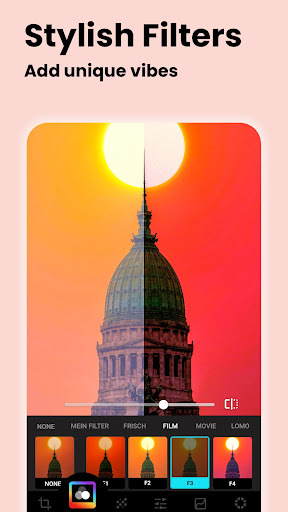
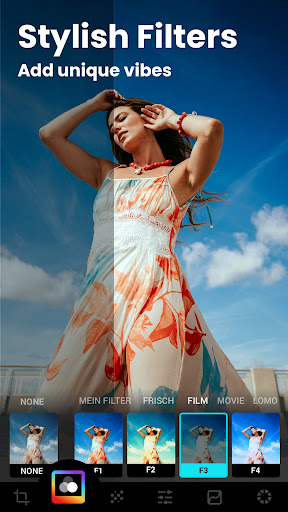
Appreciate a collection of exquisitely designed filters that help your photos stand out. Lumii allows you to add preset filters for Instagram or craft your own exclusive filters and effects, representing styles like Film, LOMO, Retro, and more. Fine-tune the strength and intensity of these filters to achieve your perfect aesthetic.
• Photo Effects:
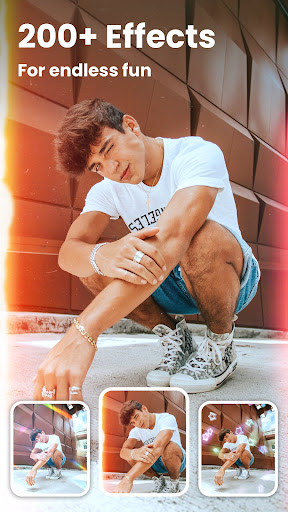
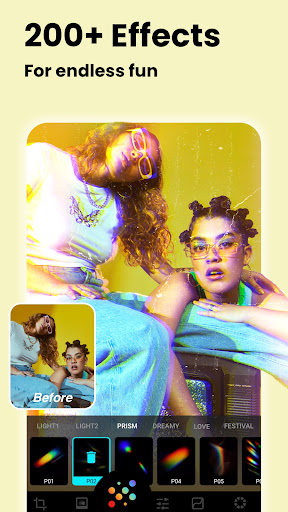
Experience a vast library of effects that elevate your images, including trendy choices like Glitch, Light Leak, and Double Exposure. These effects add artistic flair and help your photos capture attention instantly, making Lumii a top choice for creative editing.
• Auto Background Eraser:
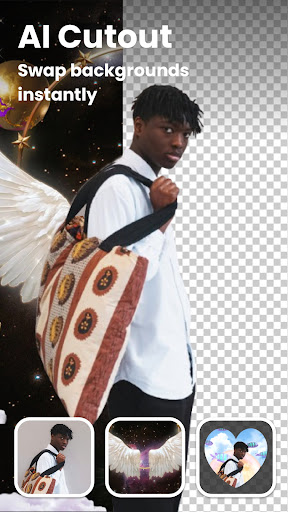
The app simplifies background removal, allowing you to effortlessly erase unwanted parts with just a tap. You can then replace or blend your cutout with beautiful preset backgrounds, perfect for professional-looking compositions or social media posts.
• AI Editing Features:
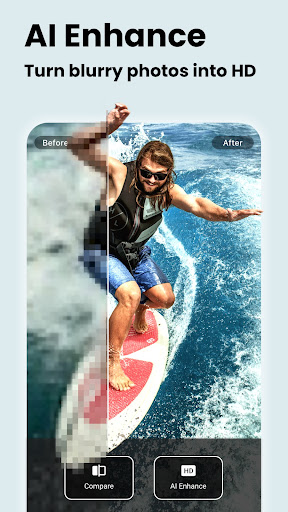
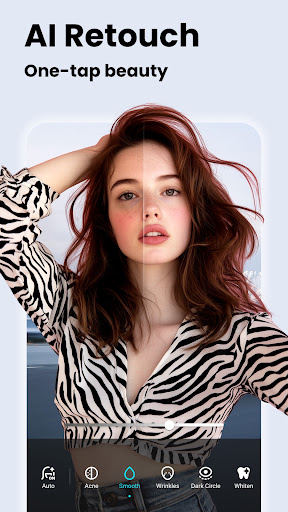
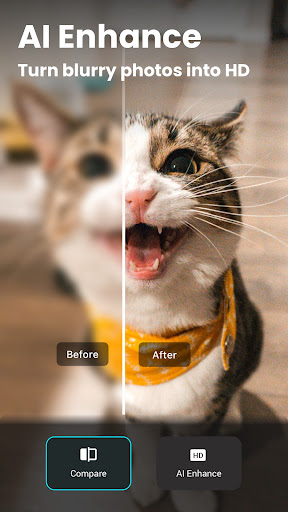
Lumii integrates AI technology to enhance your editing experience. The AI Photo Enhancer can unblur and improve image quality, turning average photos into high-definition masterpieces. The AI Avatar feature offers anime-style avatars, while tools like Quick Erase and AI Remove efficiently remove objects or imperfections in offline mode, ensuring a seamless editing process.
• HSL Color Control:
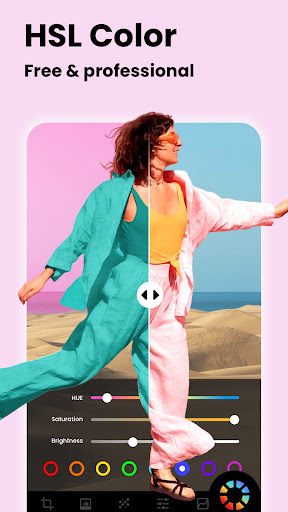
Gain full control over hue, saturation, and luminance across all color channels. Supported by advanced HSL adjustments, this feature enables precise color grading, making your images vibrant and visually appealing without any additional cost.
• Curves & Text Addition:
Use powerful curves tools for Pro-level photo editing, perfect for creating darkroom effects or enhancing contrast. Additionally, personalize your images by adding text with a variety of fonts and stylish presets, ideal for captions, quotes, or branding.
Creative Filters and Unique Effects
• Double Exposure & Blend Modes:
This feature allows you to merge two images, creating captivating double exposure designs perfect for artistic projects or social media content. Multiple blend templates make it easy to produce trendy visuals that stand out.
• Glitch & Trendy Templates:
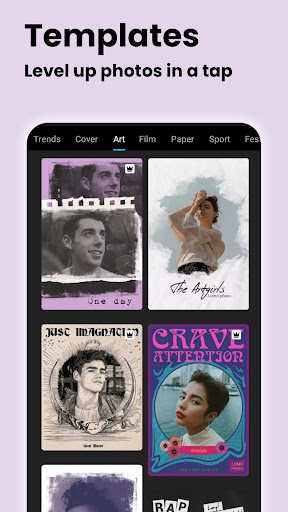
Inject a retro or futuristic vibe into your photos with stylish glitch effects such as VHS or vaporwave formats. The app also offers a variety of templates styled around themes like retro film, aesthetic, urban, and journal, helping you quickly craft professional-looking images for sharing.
Basic and Creative Editing Made Simple
• Basic Adjustments:
Adjust brightness, contrast, highlights, shadows, warmth, sharpness, and exposure with ease. Lumii supports selective enhancements and controls for each property, offering comprehensive editing options in a lightweight app environment.
• Crop & Rotate:
Crop your photos freely with multiple aspect ratios to fit social media platforms perfectly. Rotate and straighten images effortlessly to ensure your composition looks just right.
• Photo Effects:
Apply eye-catching glitch effects and more to give your photos a unique edge. Adjust effect parameters to customize the look, making your images vibrant and fun.
Unleash Your Creativity with Additional Features
• Templates & Drafts:
Explore stylish templates for various themes, such as urban, vintage, or aesthetic styles, to elevate your edits. Save your work in progress with the multi-draft workspace, ensuring you can refine your images over time.
• Photo Editing History:
Keep track of your editing steps with history support, allowing you to revisit or undo changes seamlessly. This feature helps you experiment confidently without the fear of losing your original image.
Why Choose Lumii?
With its rich feature set and intuitive design, Photo Editor - Lumii empowers users to become experts in photo editing. Whether enhancing details with curves and filters, creating stunning double exposures, or adding creative text overlays, Lumii provides all necessary tools within a single application. Its focus on high-quality presets, advanced editing techniques, and user-friendly interface makes it an ideal choice for anyone aiming to produce professional-looking photos directly from their mobile device.
In summary, Lumii combines powerful editing capabilities with style and ease of use. This free photo editing app is perfect for photographers, social media enthusiasts, or anyone who wants to add that extra flair to their images. Download Lumii today and start transforming your photos into eye-catching visuals that leave a lasting impression.
Pros
- User-friendly interface for easy navigation.
- Offers a wide variety of filters and effects.
- Supports editing of high-resolution images.
- Receives regular updates with new features.
- Provides quick and responsive editing tools.
Cons
- Contains advertisements in the free version.
- Features are limited without a premium upgrade.
- occasional performance slowdowns.
- Requires internet connection for some functionalities.
- Does not support RAW image format.











