


Introducing the Photo Gallery: AI Photo Editor – Your All-in-One Photo Management and Editing Solution
Are you searching for an intuitive app that combines powerful photo editing tools with robust privacy features? Look no further than the Photo Gallery: AI Photo Editor. This comprehensive application is designed to cater to all your photo and video needs, offering a seamless experience whether you're organizing your memories or creating stunning visual content. With its innovative AI-driven features and secure private gallery lock, this app transforms your mobile device into a personal studio, helping you enhance, protect, and share your multimedia files effortlessly.
Key Features of the Photo Gallery: AI Photo Editor
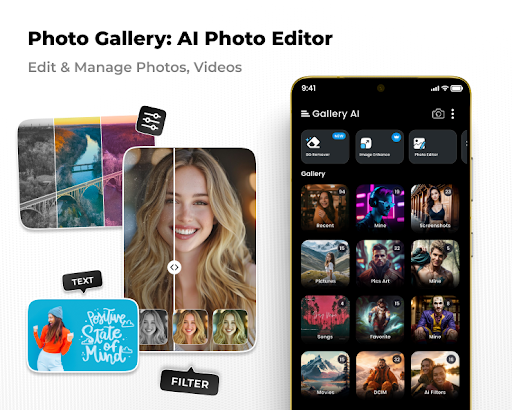
The Photo Gallery: AI Photo Editor stands out as an all-in-one platform, integrating multiple functionalities such as a private gallery lock, AI-powered photo editor, background remover, photo collage maker, and video editor. Its core strength lies in offering advanced tools accessible to users without prior editing experience, making it perfect for both amateurs and professionals alike.
Secure Private Gallery Lock & Photo Vault
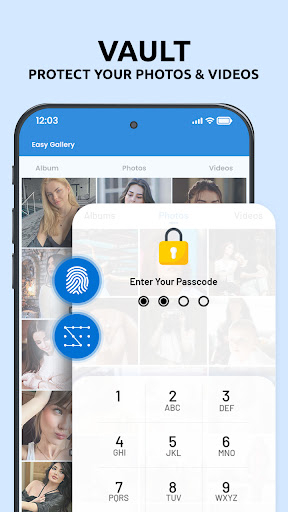
Privacy is a priority with the Photo Vault feature. You can lock your personal photos, videos, and audio files with password protection and encryption, ensuring that sensitive content remains hidden from prying eyes. This seamless gallery lock functionality guarantees that your private moments stay confidential, providing peace of mind while maintaining quick access to your cherished memories whenever you need them.
Powerful AI Photo Editing Tools
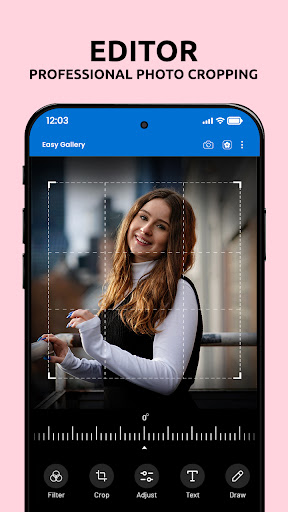
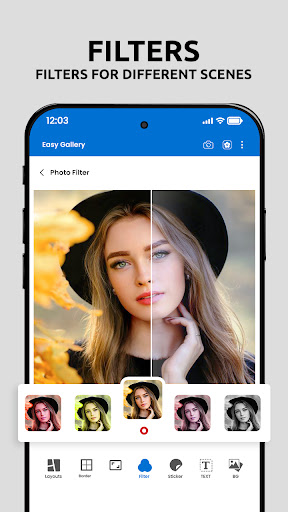
The app’s AI Photo Editor enables you to upgrade your images effortlessly. Whether you want to enhance colors, sharpen details, or improve lighting, the smart image enhancer does all the heavy lifting. You can easily unblur photos, adjust brightness and contrast, and apply artistic filters to create unique visual styles. The AI-driven adjustments allow for professional-quality edits without requiring extensive skills or experience.
Background Removal & Creative Composition
With the Background Eraser feature, removing backgrounds becomes quick and smooth, helping you craft professional-looking product shots, artistic collages, or fun edits. You can replace backgrounds or place images onto different scenes for endless creative possibilities. The natural edges and seamless blending ensure your images look realistic and polished.
Photo Collage Maker for Creative Layouts
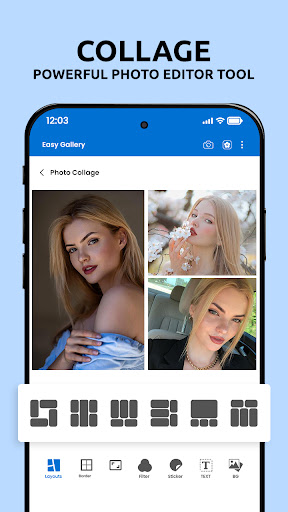
The app’s photo collage feature offers a variety of grid and freestyle templates, allowing you to create eye-catching compositions from your favorite photos. Customize borders, backgrounds, and layouts to craft personalized collages perfect for sharing on social media or preserving memories. Whether showcasing a vacation, special event, or creative project, this tool simplifies the process of assembling stunning visual stories.
Video Maker & Slideshow Creator
Transform your photos into engaging videos with the built-in video maker. Choose from beautiful templates, add transitions, stylish effects, and background music to produce dynamic slideshows. Whether capturing moments from a celebration or creating promotional content, this feature empowers you to generate professional-looking videos directly within the app.
Enhanced User Experience and Creative Freedom
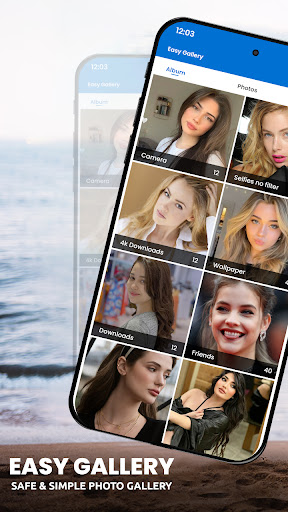
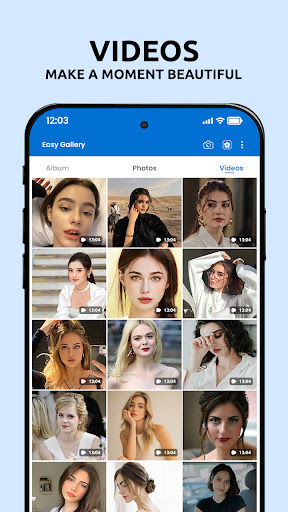
Beyond its technical capabilities, the Photo Gallery: AI Photo Editor offers an engaging user experience. The AI categorizes your images automatically, making search and organization quick and simple. Creative features like adding text overlays, stickers, and animated photos allow you to personalize your content further. The app’s regular updates ensure a wealth of new templates and effects, keeping your editing options fresh and inspiring.
Why Choose the Photo Gallery: AI Photo Editor?
If you’re tired of juggling multiple apps for editing, organizing, and securing your photos and videos, this all-in-one gallery vault app is your ideal solution. It combines privacy with powerful editing tools, artistic filters, background removal, and multimedia creation features—all within a sleek and user-friendly interface. Whether you want to perfect your shots or protect private content, this app delivers an enriching, fun, and efficient experience that elevates your multimedia management to the next level.
Download and Experience the Difference
Ready to unlock your creativity and safeguard your private moments? Download the AI Photo Editor: Gallery Lock Photo Vault today and discover an innovative way to manage, enhance, and share your memories with ease. Transform your photos into stunning works of art and keep your personal content secure—all in one powerful app designed with your needs in mind.
Pros
- User-friendly interface
- Easy to navigate
- Advanced AI editing features available
- Wide variety of filters and effects
- Supports multiple photo formats
- Fast processing and saving of edits
Cons
- Limited free version features
- Occasional app crashes reported
- High battery usage during editing
- Requires internet for full functionality
- In-app purchases can be expensive











