
AI Drawing : Trace & Sketch
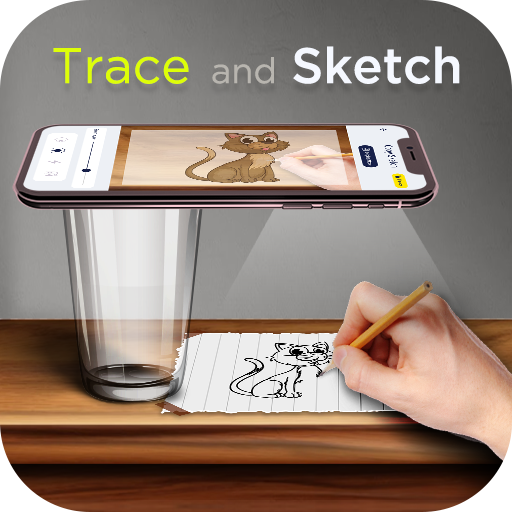
AI Drawing : Trace & Sketch is an innovative AR Drawing app designed to help you learn to draw and create stunning artwork using AI Drawing technology. Whether you're an experienced artist or just beginning your creative journey, this app makes drawing accessible and enjoyable for everyone. With features like camera-based tracing, AI-generated images, and a comprehensive set of drawing tools, it transforms your smartphone into a portable art studio.
Key Features of the AI Drawing : Trace & Sketch App
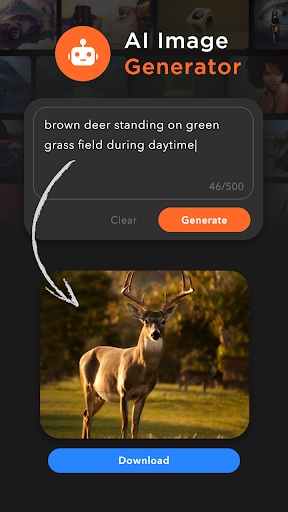
- • AI Image Generator: Simply enter a description, generate an image, download it, and start tracing to bring your ideas to life.
- • Copy Sketch: Choose images from in-built collections or your gallery, then use the camera to trace these images on paper with guidance from the app.
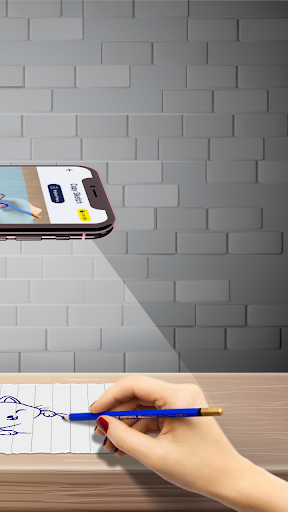
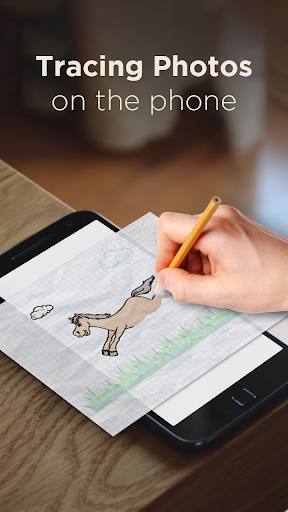
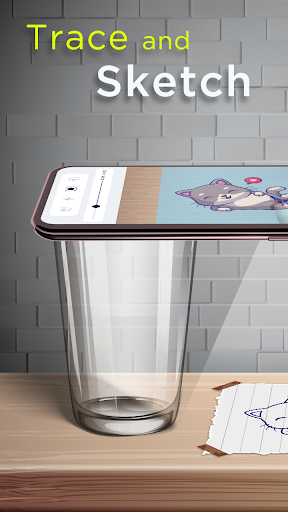
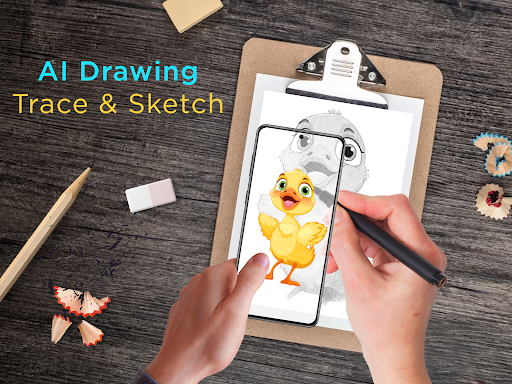
- • Trace Sketch: Draw on paper while viewing a transparent image overlay on your phone, making tracing a seamless process.
- • Image To Sketch: Convert colored photos into detailed sketches using multiple sketch modes.
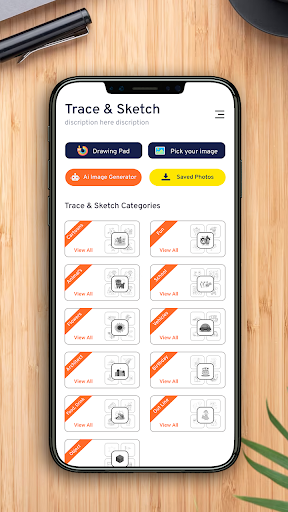
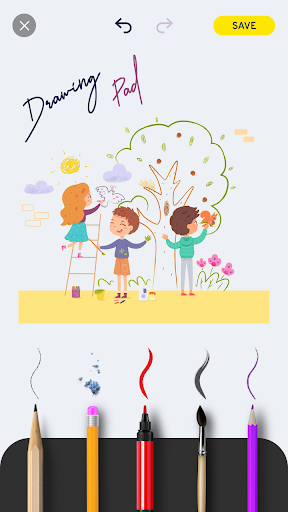
- • Drawing Pad: Jot down quick sketches and ideas to nurture your creativity.
- • Tracing Capabilities: Use sample images or your gallery images, convert them into tracing outlines, and draw on blank paper with precision.
- • Camera Integration & Features: Use your phone camera, with options like built-in flashlight, to assist in capturing images and tracing.
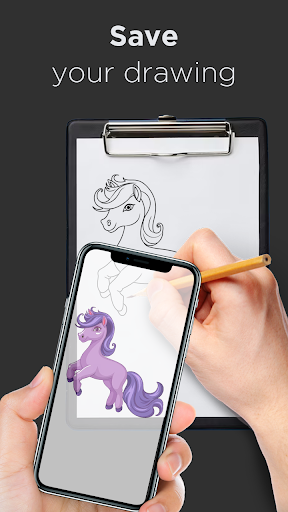
- • Share & Save: Easily share your creations with friends or save them in your sketchbook, making this app perfect for artists of all levels.
Unleash Your Inner Artist with Easy Tracing and Drawing
Whether you're a beginner or an experienced artist, this AR drawing app is like having a personal art tutor right in your pocket. Its user-friendly interface makes navigating through features simple, while the versatile tools allow you to experiment with various styles and techniques. Want to turn your doodles into detailed artworks? Just select an image, apply the sketch filter, and let the AI help you create a traceable outline. Place your phone approximately one foot above your paper, look into the device, and start drawing—it's that easy! The app's AI Assistance ensures your lines are smooth and accurate, helping you produce professional-looking results.
Create and Share Artistic Masterpieces
One of the standout features of AI Drawing : Trace & Sketch is its ability to help users share their artwork effortlessly. Whether you've completed a quick sketch or a detailed painting, exporting your work in high resolution is straightforward, so your creations look crisp and polished when shared online or with friends. The app also provides a dedicated space called My Creations, where you can view all your sketches and download images for printing or further editing. This wide range of sharing options makes it ideal for artists who want to showcase their talent and gather feedback.
Discover New Artistic Possibilities with AI Assistance
What makes this app truly special is its integration of AI technology. Beyond basic tracing and sketching, it features an AI Image Generator that allows you to input a description and receive a generated image. Download this AI-created artwork, convert it into a sketch, and start tracing to create unique art pieces. The app offers over 200 in-built images across categories like Cartoon, Flowers, Vehicles, Food, Animals, and more, providing endless inspiration for your creative projects.
Conclusion
AI Drawing : Trace & Sketch is more than just a drawing app—it’s a comprehensive tool that merges traditional art techniques with modern AI capabilities. Whether you’re eager to learn how to draw in just a few days or want an innovative way to bring your ideas to life, this app offers everything you need. From easy image tracing to advanced sketch conversions and dynamic sharing features, it empowers artists of all skill levels to create, experiment, and share their masterpieces effortlessly. Download AR Drawing : Paint & Sketch today and start your artistic journey—because everyone has a creative spark waiting to be unleashed!
Pros
- User-friendly interface.
- wide range of sketch tools.
- Supports high-resolution images.
- Fast image importing.
- Regular feature updates.
Cons
- Limited free features available.
- Needs an active internet connection.
- Occasional app crashes occur.
- Advertisements appear in the free version.
- Offline mode is not supported.











