
Discover the Power of Adobe Scan AI PDF Scanner, OCR
Are you tired of dealing with stacks of paper or struggling to convert physical documents into digital formats? Look no further than Adobe Scan AI PDF Scanner, OCR — the ultimate mobile scanning app that transforms your smartphone into a powerful, intelligent scanner. With its cutting-edge features, seamless integration, and user-friendly interface, Adobe Scan makes digitizing, organizing, and reusing documents easier than ever before.
Turn Your Phone into a Professional Scanner
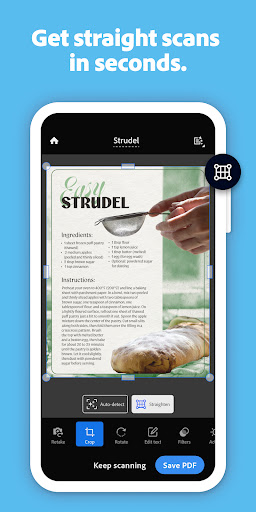
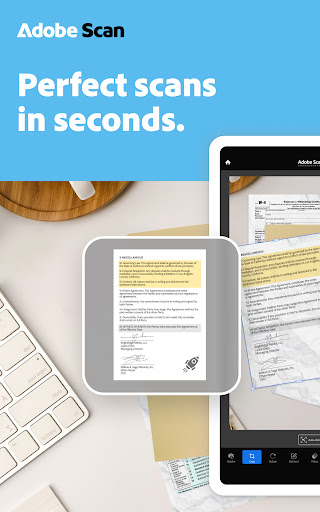
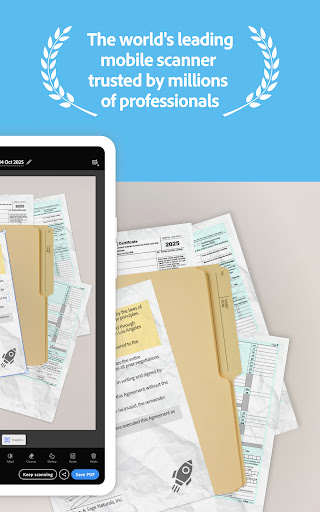
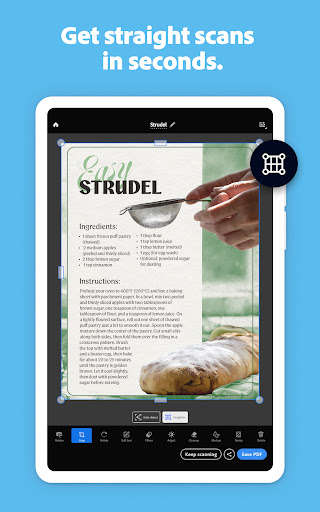
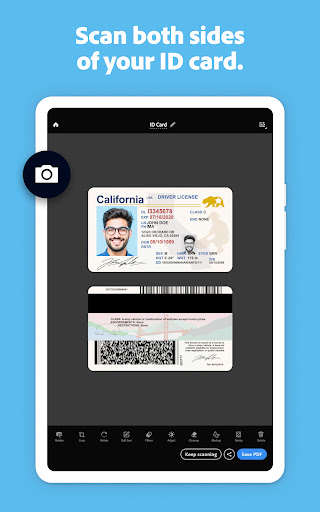
Imagine having a high-quality scanner right in your pocket. Adobe Scan offers just that by allowing you to scan virtually anything — from receipts and notes to business cards, whiteboards, and documents — with a simple tap. The app uses advanced image technology to automatically detect borders, sharpen images, and recognize text through OCR (Optical Character Recognition). Whether you’re capturing a quick note or a detailed report, the scans you create are crisp, clear, and ready to be stored or shared.
The Amazing Features that Make Adobe Scan Stand Out
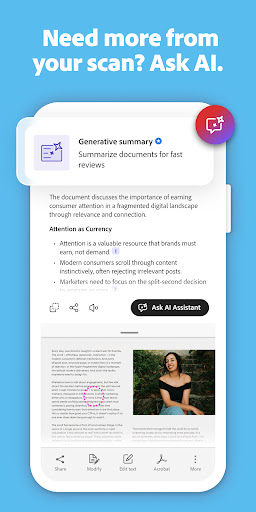
• AI Assistant: Turn scans into insights
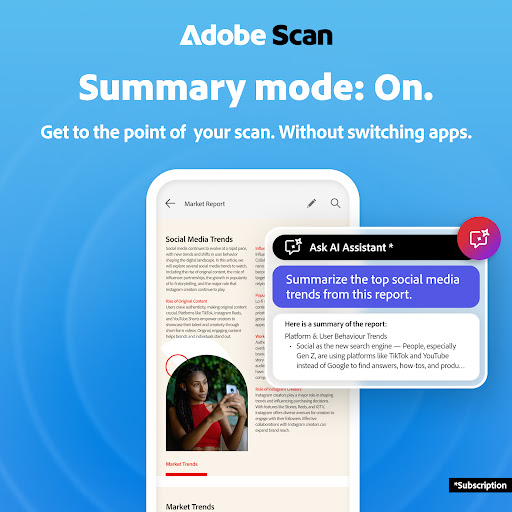
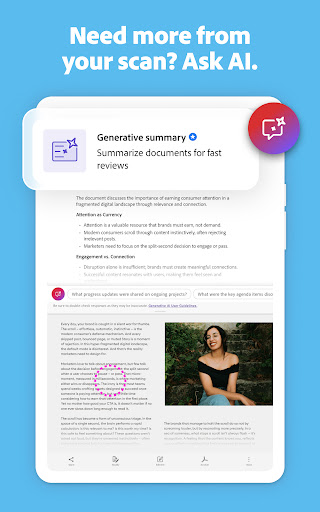
The latest upgrade includes an AI Assistant that helps you extract key information from your scans. Need to draft an email, prepare a report, or plan your next steps? The AI Assistant provides instant answers and highlights important details, enhancing your productivity all within the same app.
• Advanced OCR Text Recognition:
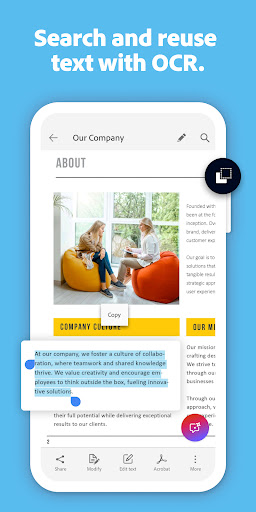
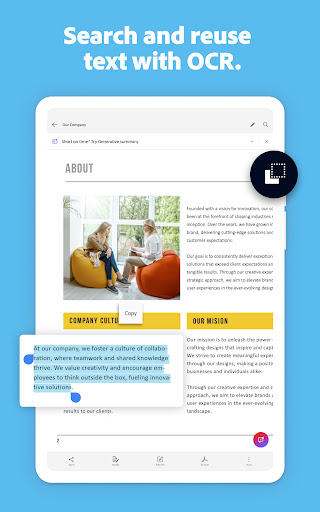
With built-in OCR technology, Adobe Scan converts images into editable text, enabling effortless reuse. Turn your receipts into expense reports, digitize notes for editing, or extract contact details from business cards — all with automated text recognition.
• Editing and Enhancing:
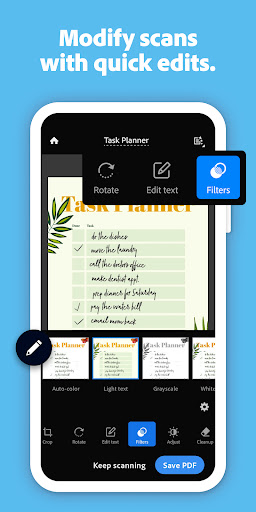
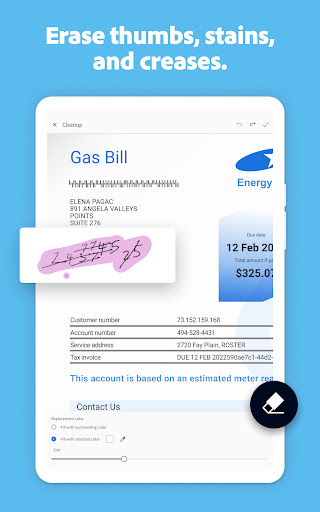
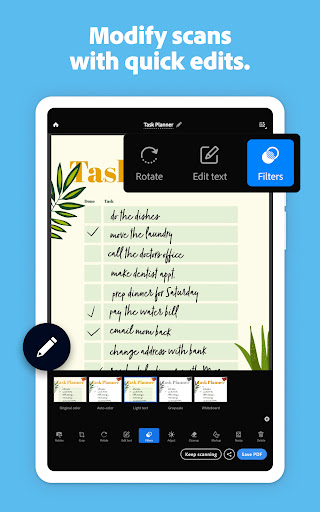
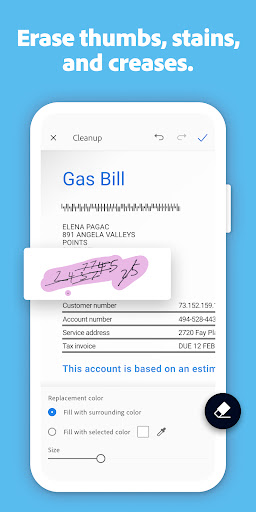
The new Edit in Scan feature allows you to easily modify your scans. Preview, crop, rotate, reorder, and even adjust colors or remove imperfections. Whether it’s erasing stains, marks, or handwriting, cleaning up your scans is straightforward and quick.
• Bulk and High-Speed Scanning:
Use the High-Speed Scan tool powered by AI to bulk scan large documents in seconds. Perfect for legal papers, manuals, or extensive reports, making large-scale digitization effortless.
• AI Assistant: Turn scans into insights
The latest upgrade includes an AI Assistant that helps you extract key information from your scans. Need to draft an email, prepare a report, or plan your next steps? The AI Assistant provides instant answers and highlights important details, enhancing your productivity all within the same app.
• Advanced OCR Text Recognition:
With built-in OCR technology, Adobe Scan converts images into editable text, enabling effortless reuse. Turn your receipts into expense reports, digitize notes for editing, or extract contact details from business cards — all with automated text recognition.
• Editing and Enhancing:
The new Edit in Scan feature allows you to easily modify your scans. Preview, crop, rotate, reorder, and even adjust colors or remove imperfections. Whether it’s erasing stains, marks, or handwriting, cleaning up your scans is straightforward and quick.
• Bulk and High-Speed Scanning:
Use the High-Speed Scan tool powered by AI to bulk scan large documents in seconds. Perfect for legal papers, manuals, or extensive reports, making large-scale digitization effortless.
Reusability and Organization at Its Best
Adobe Scan not only captures and enhances your documents but also ensures they are easy to organize and access later. You can automatically find documents and receipts hidden within your photo library and convert them into high-quality PDFs or JPEGs. Thanks to OCR, you can search, highlight, and copy text within your scans—saving you time and boosting efficiency.
Seamless Cloud Integration and Sharing
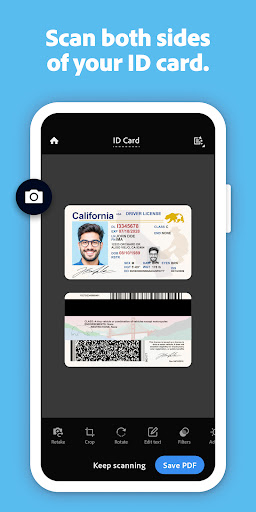
Fully integrated with Adobe Document Cloud, the app allows you to access your scans anytime, anywhere, and on any device. Save your documents for quick sharing via email or upload directly to cloud storage. Need to extract information from a business card? Simply scan it, and Adobe Scan will automatically extract contact details for quick addition to your device’s contacts—no manual entry needed.
Enhance Your Workflow with Powerful Export Options
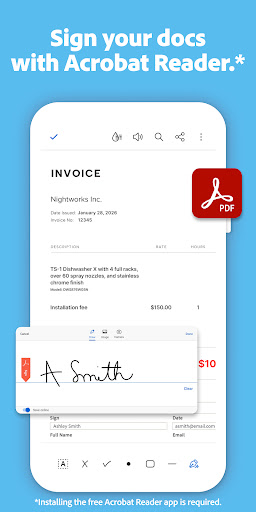
With an Adobe Scan subscription, you unlock additional capabilities like consolidating multiple scans into one file, exporting PDFs to Microsoft Word or PowerPoint for further editing, and increasing OCR capacity to 100 pages. These features are designed to make your document management more flexible and efficient, whether you’re working on legal papers, workflows, or personal projects.
Why Choose Adobe Scan AI PDF Scanner, OCR?
Trusted by millions worldwide, Adobe Scan is more than just a PDF scanner — it’s your comprehensive solution for digitizing and reusing content from physical sources. It effortlessly turns photographs, receipts, notes, and technical documents into high-quality, editable, and shareable files. Thanks to its intuitive interface and advanced AI features, even users with minimal tech experience will find this app incredibly useful.
Start Scanning Smarter Today
Download the free Adobe Scan app to experience effortless document digitization on the go. Whether you’re at work, school, or home, this powerful tool makes converting your physical documents into digital assets a breeze. With the ability to recognize text, clean up scans, and save content securely in the cloud, Adobe Scan is your portable, intelligent scanning companion.
Pros
- Fast document scanning
- High-quality PDF output
- Easy text recognition
- User-friendly interface
- Free to use
Cons
- Requires Adobe account
- In-app purchases
- Limited editing tools
- Occasional OCR errors
- Ads in free version











