
Adobe Express: AI Photo, Video
Adobe Express is the quick and easy app designed to help your business create on-brand content that stands out and makes a lasting impact. Whether you're a beginner or a seasoned designer, Adobe Express enables you and your team to produce high-quality marketing and business materials while maintaining brand consistency across all platforms.
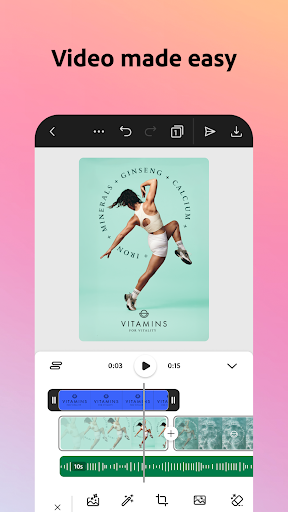
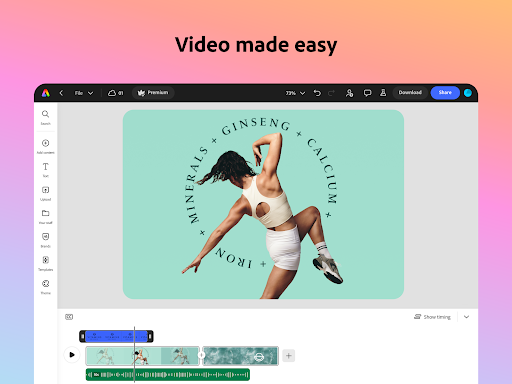
Video Made Easy
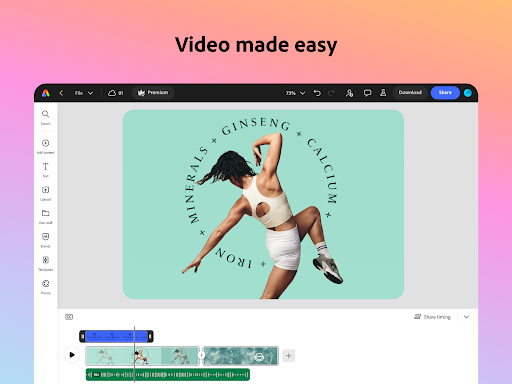
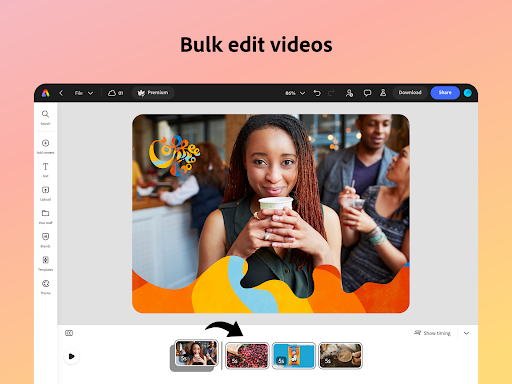
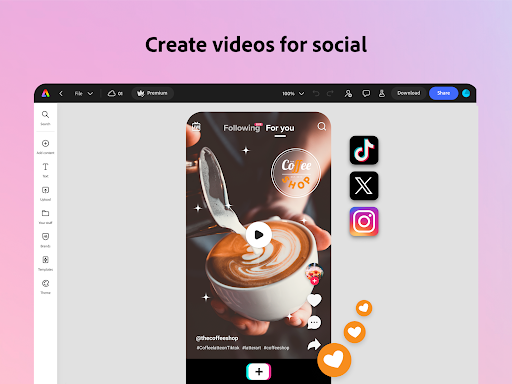
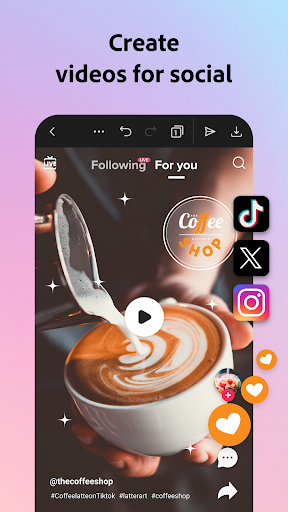
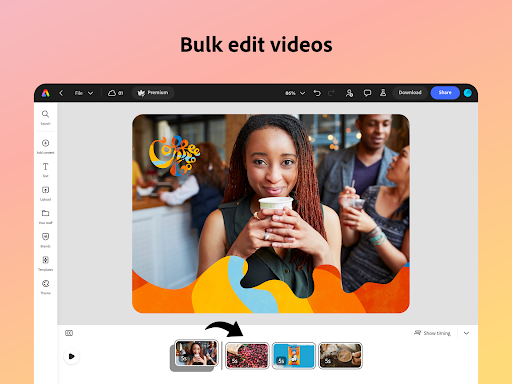
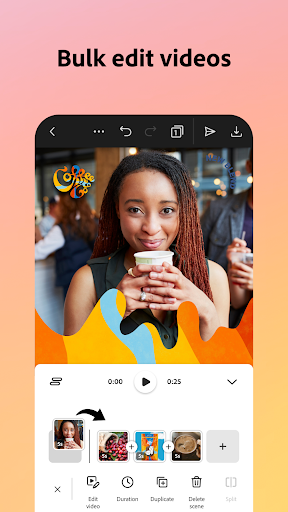
Creating engaging videos has never been simpler. Adobe Express offers customizable templates that make editing straightforward. You can upload clips directly from your gallery, then combine, trim, and enhance them effortlessly. Add text, music, sound effects, and smooth transitions to make your content truly stand out. The app also provides features like automatic captioning, reframing clips for various social channels, and background noise removal to ensure professional-quality videos.
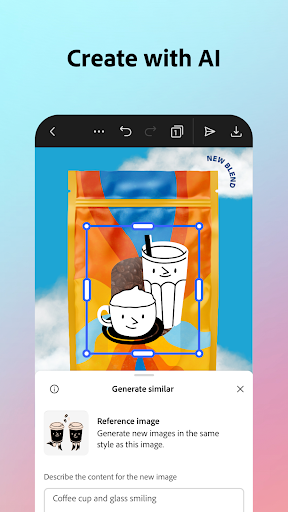
AI Content Creator
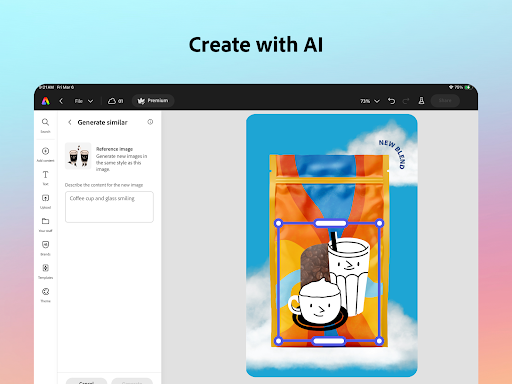
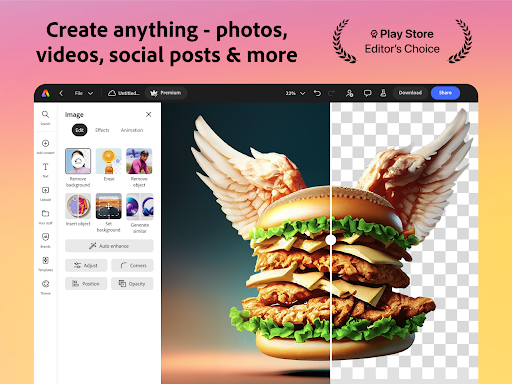
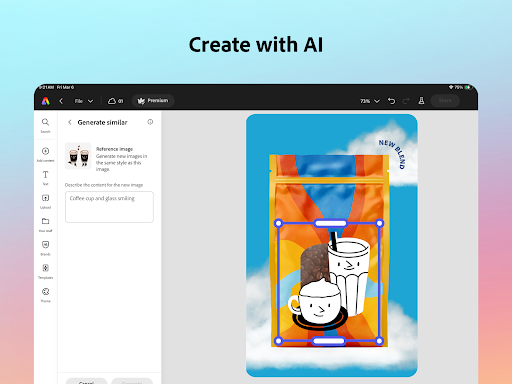
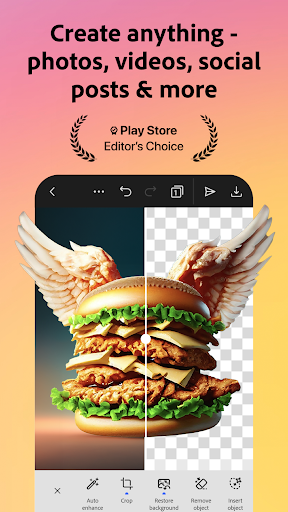
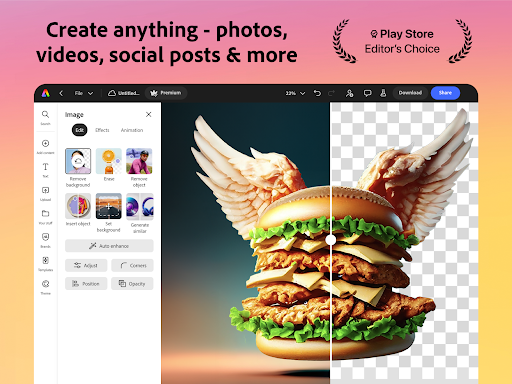
Fuel your creativity with the AI-powered tools. Instantly generate stunning photo art using the AI photo generator. Easily erase unwanted objects or insert new ones simply by describing what you envision—your imagination comes to life with these advanced AI features. Whether it's creating unique images or editing existing photos, Adobe Express helps you produce eye-catching visuals with minimal effort.
Bye-Bye Backgrounds
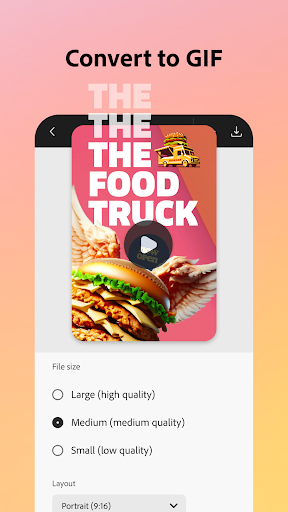
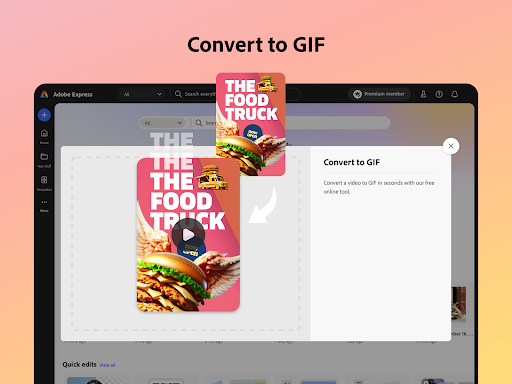
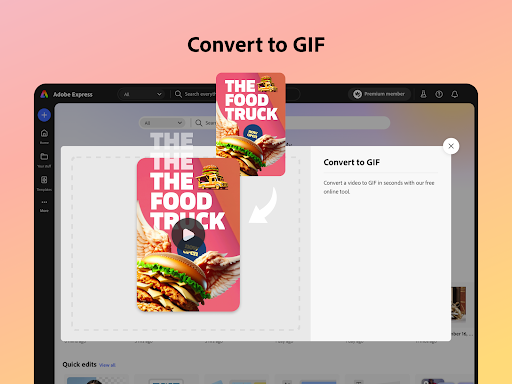
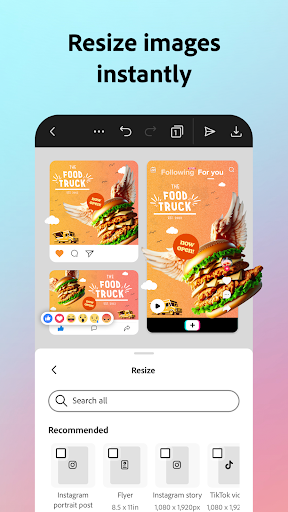
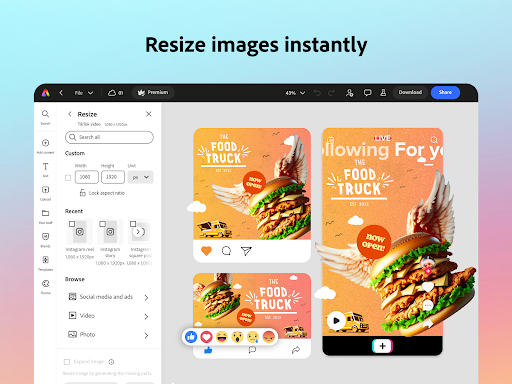
With the Quick Actions feature, removing backgrounds, adding captions to videos, transforming images into GIFs, and resizing content are now just a tap away. These tools streamline your workflow, saving you time and effort, and allow you to focus on what truly matters—creating compelling content.
Staying on Brand Made Easy
Maintain a cohesive brand identity with brand kits. Easily access your fonts, colors, and logos to incorporate into any design. Apply your branding across all your social media posts with a single tap. The Generate Similar feature helps create consistent designs, while over 30 new filters powered by Photoshop allow you to refine your visuals seamlessly.
Content Scheduling Simplified
Easily plan, preview, schedule, and publish your social media posts directly from the app. This feature helps you stay organized and consistent with your content calendar, maximizing your engagement with minimal hassle.
Quick Action Tools
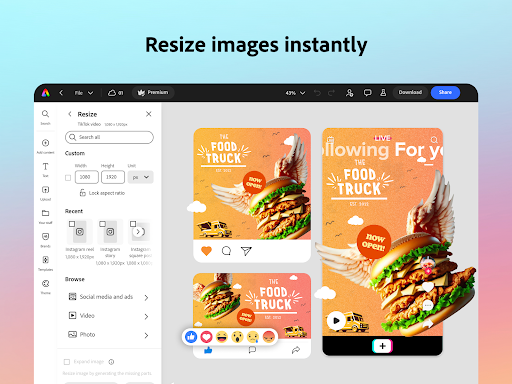
- Trim & resize designs for any digital channel
- Remove video backgrounds
- Convert images to GIFs
- Generate QR codes in various styles and colors
- Animate characters using your voice
- Edit video captions
While some features may not be available on all devices yet, support is continually expanding to provide a comprehensive user experience.
Community and Support
Your feedback is valuable. Join the Discord community to share thoughts, participate in creative challenges, and connect with fellow users. You can also visit Uservoice to request new features or report issues. Our Adobe Community Forum is available for support and troubleshooting.
Premium Membership
Upgrade to Adobe Express Premium to unlock exclusive features, including access to over 200 million royalty-free Adobe Stock assets, 250 generative credits for AI image creation and templates, and advanced tools like background removal and one-click resizing for multiple channels. Premium members can enjoy seamless use across desktop and mobile devices, including Adobe Photoshop Express.
For more details, visit Terms of Service.
Adobe Express: AI Video Design
If you've ever struggled to craft stunning video content for social media or business without advanced tools, Adobe Express: AI Video Design is like having a tech-savvy neighbor who makes video creation effortless—even for beginners. The app features an intuitive and user-friendly interface that guides you step-by-step through the process of making professional-looking videos.
Getting Started with Ease
The app's clean layout means you can jump right in, no tutorial needed. It’s perfect for all skill levels, making video editing accessible to everyone. From selecting templates to customizing your project, Adobe Express: AI Video Design feels like having a personal tutor at your fingertips.
Features That Stand Out
With a wide range of templates, creating videos is quick and hassle-free. The AI smart tools suggest design improvements, matching color schemes and music to your video's mood. Seamless integration with Adobe’s suite allows you to import and export files effortlessly, streamlining your workflow especially if you already use Adobe Photoshop or Illustrator.
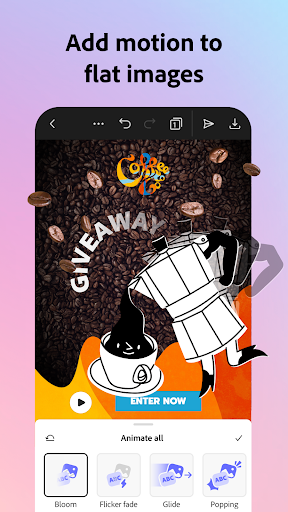
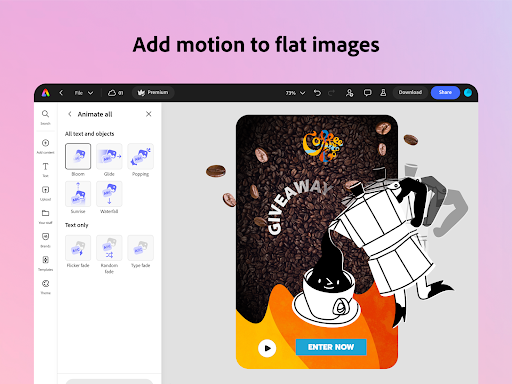
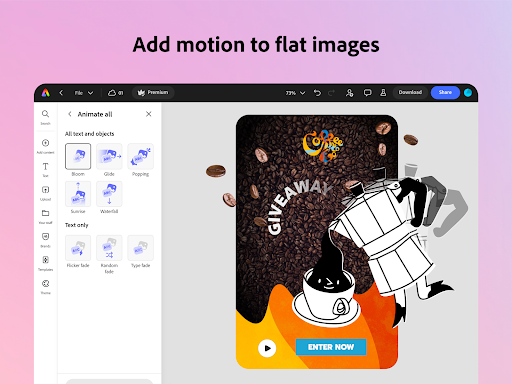
The app performs reliably, handling rendering swiftly even on older devices, so you can work confidently under tight deadlines. With drag-and-drop customization, adding animations, text effects, and visual tweaks makes your videos truly unique.
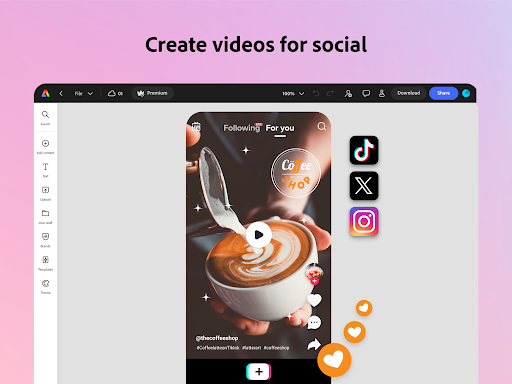
Plus, directly publishing to platforms like Instagram, Facebook, or Twitter saves you from the tedious download-upload cycle, enabling quick sharing and better engagement.
Final Thoughts
In summary, Adobe Express: AI Video Design combines ease of use with powerful editing features, making video creation accessible and fun. Whether for marketing, storytelling, or personal projects, this app acts as a mini production studio in your pocket. Explore its capabilities, unleash your creativity, and transform your ideas into compelling videos with just a few taps. Once you start, you'll wonder how you managed before!
Pros
- User-friendly interface suitable for beginners.
- Includes a wide variety of templates.
- Provides excellent AI-enhanced design tools.
- Integrates seamlessly with Adobe Creative Cloud.
- Offers efficient video rendering performance.
Cons
- Requires a subscription to access all features.
- May crash occasionally on older devices.
- Has limited offline capabilities.
- Consumes a lot of battery life.
- In-app purchases can be costly.











