

Adobe Capture: Unlock Your Creative Potential with a Powerful Design Tool
In the fast-paced world of digital design, having versatile and intuitive tools at your fingertips can significantly elevate your creative projects. Adobe Capture stands out as a must-have application that transforms your mobile device into a comprehensive design studio. Whether you're an aspiring designer, an illustrator, or a seasoned professional, this app offers a suite of features that seamlessly bridge the physical and digital worlds, enabling you to craft stunning graphics, patterns, and more, on the go.
Core Features of Adobe Capture
Try the App Before Signing In & Free Access
Adobe Capture allows users to explore its core functionalities without immediate sign-in, offering free access to powerful tools. The app transforms your Android phone or tablet into a creative powerhouse where you can instantly convert real-world elements into digital assets compatible with popular Adobe applications such as Photoshop, Illustrator, Premiere Pro, and Fresco. This instant integration streamlines your workflow, enabling you to turn patterns, fonts, and images into editable projects with just a few taps.
Transform Reality into Digital Magic
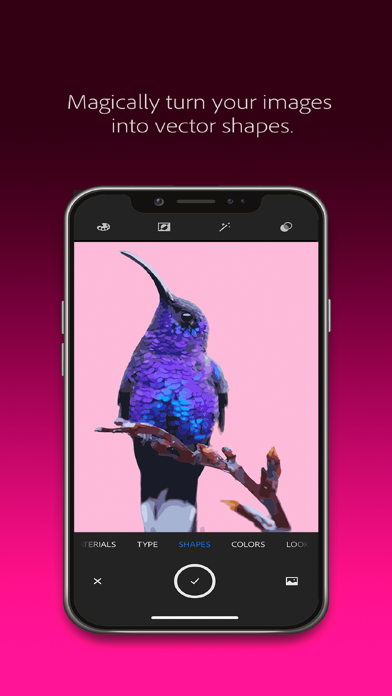
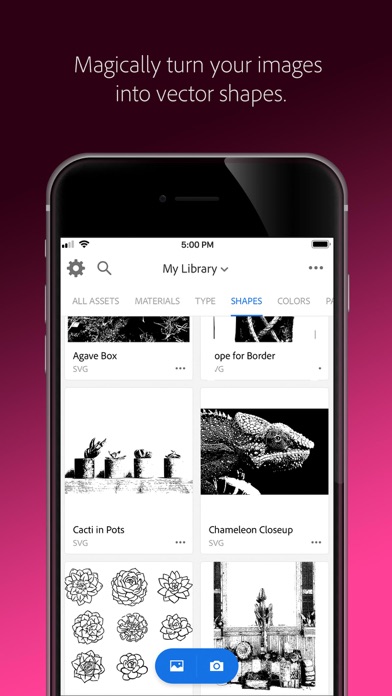
Imagine capturing a beautiful leaf pattern, a striking sign, or a unique fabric design with your camera. Adobe Capture excels at turning these real-world inspirations into digital content like color themes, patterns, vector shapes, or even 3D textures. The app's ability to convert physical objects and scenes into high-quality digital assets makes it indispensable for designers seeking quick, inspiration-driven tools.
Identify and Match Typography
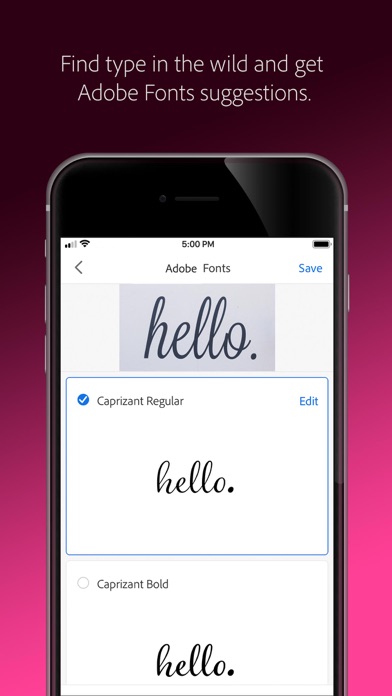
Finding the perfect font is often a challenge. With Adobe Capture, simply take a photo of type you admire—be it on a magazine, sign, or label—and the app will generate a list of similar Adobe Fonts. This feature simplifies font discovery, making it easier to match typography to your creative vision without the need for manual searching.
Create Color Themes & Gradients
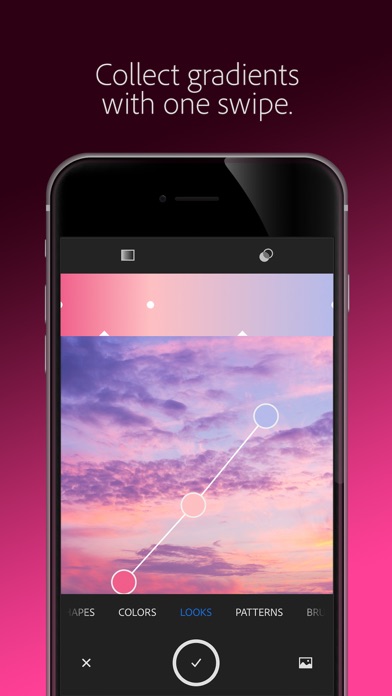
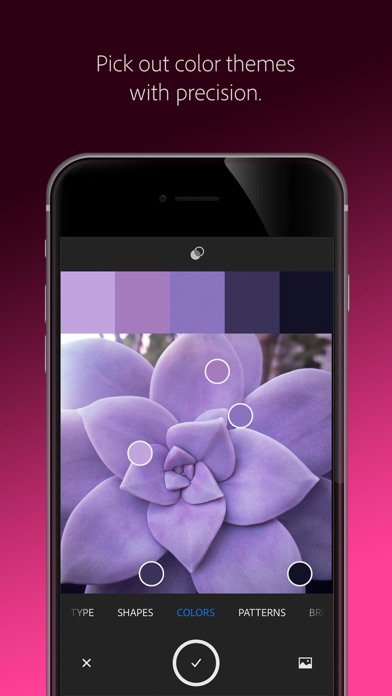
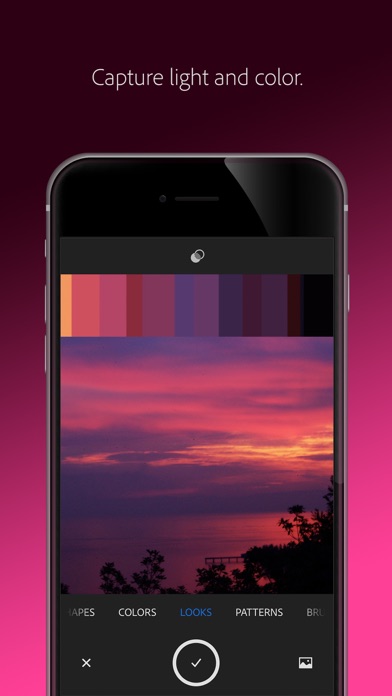
Color plays a pivotal role in design. Adobe Capture allows users to extract color palettes directly from the scene by pointing their camera at objects or natural landscapes. Whether you need a specific hex code or a gradient for your project, this tool helps build tailored color schemes quickly. It’s like having a pocket color expert ready to enhance your visual storytelling.
Develop Custom Digital Brushes
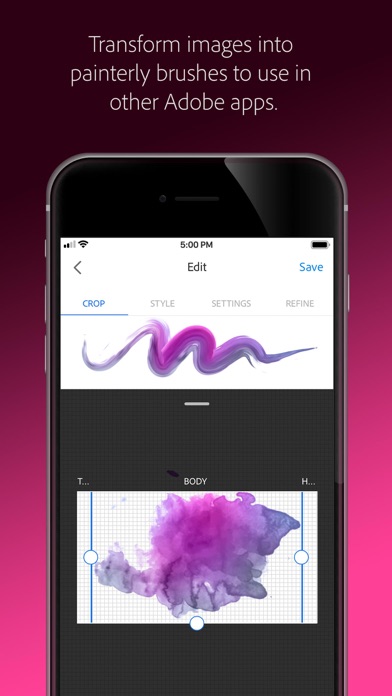
If you're seeking unique brushes for painting or illustration, Adobe Capture empowers you to create digital brushes from images or photographs. Use these in applications like Photoshop, Illustrator, or Fresco for rich, painterly effects that match your specific artistic style.
Design Intricate Patterns & Textures
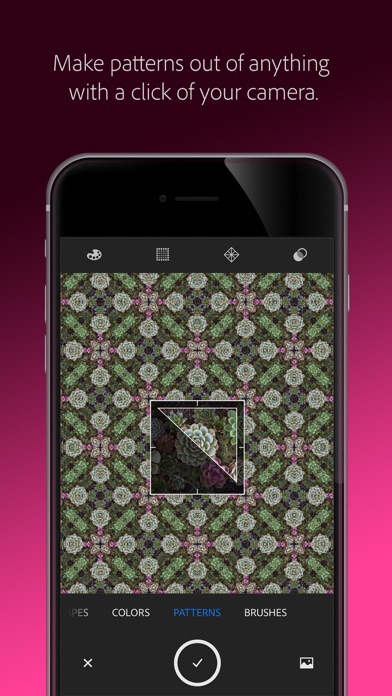
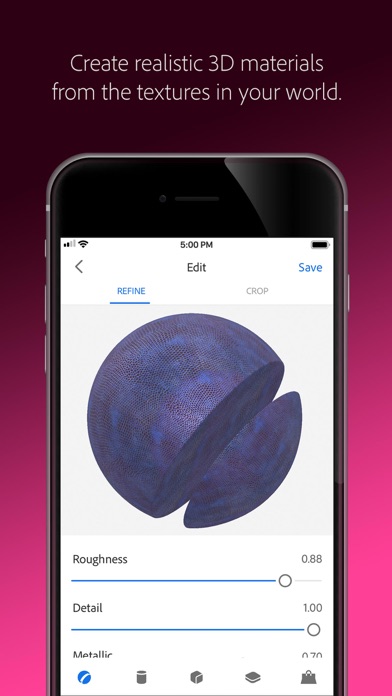
Pattern lovers will enjoy capturing inspiring images and transforming them into seamless, colorful patterns with Capture's Patternator feature. Generate geometric shapes or organic motifs effortlessly, perfect for wallpaper, backgrounds, or textile design. Likewise, you can generate realistic 3D textures and materials suited for use in 3D workflows, enabling realistic rendering and seamless tiling.
Capture Light and Color for Visual Effects
Photographers and video artists can benefit from Capture's ability to record light hues and color information, creating customizable color grading profiles for images and videos. Capture the magic of sunsets or vibrant scenes and transfer that atmosphere into your digital projects, enhancing the aesthetic appeal.
Seamless Sync & Compatibility
All your design elements are automatically saved to Adobe Creative Cloud libraries, ensuring instant access across compatible Adobe apps. This integration facilitates a smooth and efficient creative process, whether you're editing vector shapes in Illustrator or refining images in Photoshop.
Additional Details & Compatibility
Adobe Capture is an award-winning app (MediaPost Appy Award 2016) compatible with a wide range of Adobe software, including Photoshop Express, Adobe Fresco, InDesign, After Effects, Lightroom, and many more. The free version offers 2GB of file storage, perfect for syncing your creative assets across devices.
Designed with user experience in mind, Adobe Capture features an intuitive interface supported by tutorials and guided steps to help beginners fully utilize its rich capabilities. This ensures a gentle learning curve while providing advanced features for seasoned designers seeking to streamline their creative process.
Conclusion
Adobe Capture transforms your mobile device into a powerful creative assistant, making it easier than ever to generate design assets from the world around you. From capturing inspiring colors and patterns to creating vector shapes and custom brushes, this app significantly boosts your productivity and creative possibilities. Whether you're working on branding, digital art, fashion design, or photography, Adobe Capture provides an integrated, versatile platform to bring your ideas to life—anytime, anywhere.
Pros
- High-quality vector conversion.
- Seamless integration with Adobe Cloud.
- Comprehensive toolset for designers.
- User-friendly interface.
- Frequent updates with new features.
Cons
- Requires an Adobe account to use.
- Can be resource-intensive.
- Limited free features available.
- Steep learning curve for beginners.
- Occasional app crashes.











