

Introduction to the 3D Modeling App: Sculpt & Draw
The 3D Modeling App: Sculpt & Draw is an innovative mobile application designed to empower artists, designers, and professionals to create stunning 3D models, objects, and graphics right from their smartphones or tablets. Whether you’re into digital sculpting, detailed drawings, or designing complex 3D characters and assets, this versatile app offers a comprehensive toolkit that combines ease of use with powerful features.
Key Features and Capabilities
Ease of Use and Workflow Efficiency
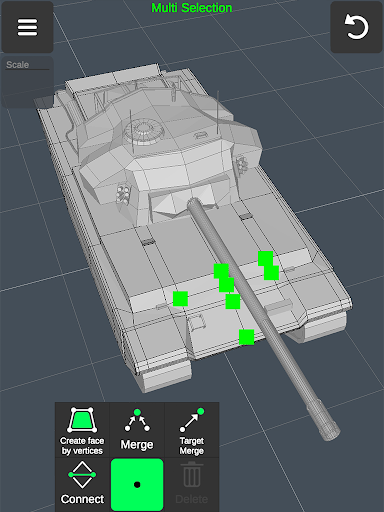
The app boasts a fast workflow that allows users to move, rotate, and scale 3D objects seamlessly using intuitive gestures. Switching between tools is quick and effortless, making the creative process smooth and uninterrupted. Multi-select options enable editing multiple vertices, edges, faces, or objects at once, streamlining your modeling experience.
Advanced 3D Modeling and Editing Tools
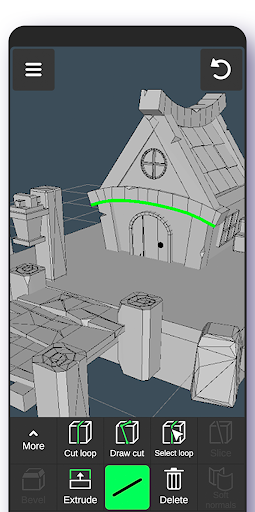
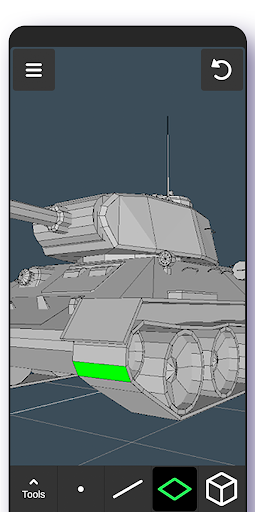
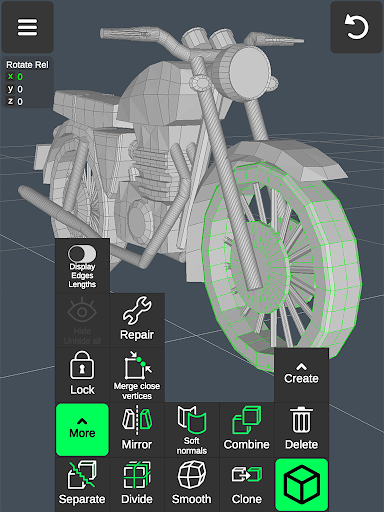
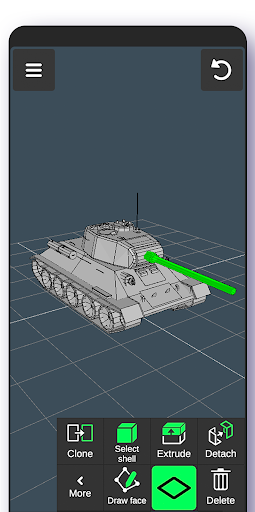
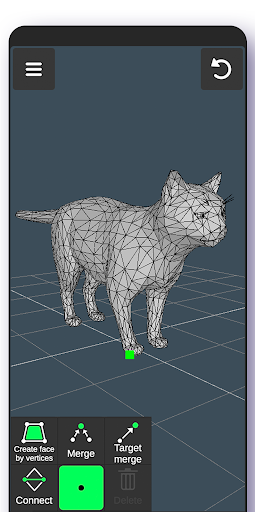
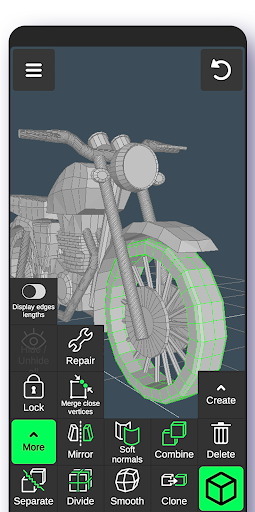
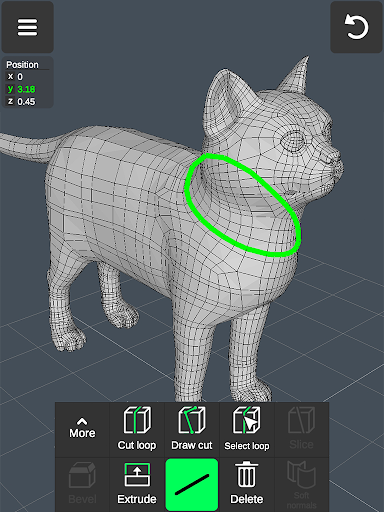
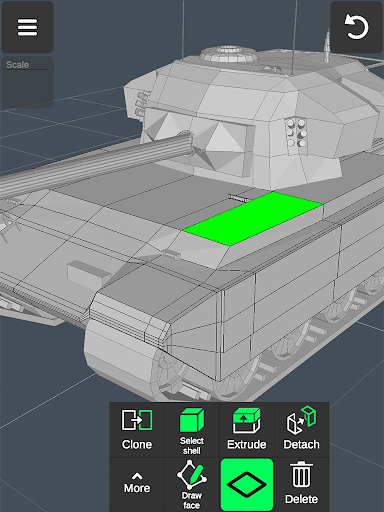
This app provides a rich set of tools for building and refining 3D models. You can merge vertices, connect edges, create faces, and perform detailed edits with vertex, edge, and face tools. Features like extruding, cloning, deleting, and reversing faces help in shaping your models precisely. Object manipulation tools such as mirroring, smoothing, dividing, and normals adjustment further enhance your modeling capabilities.
Sculpting and Painting
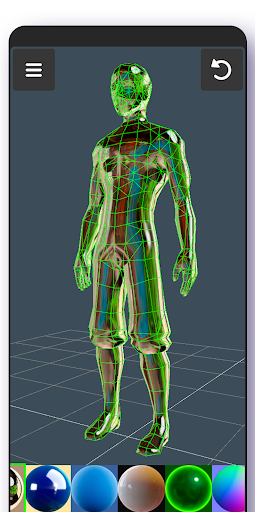
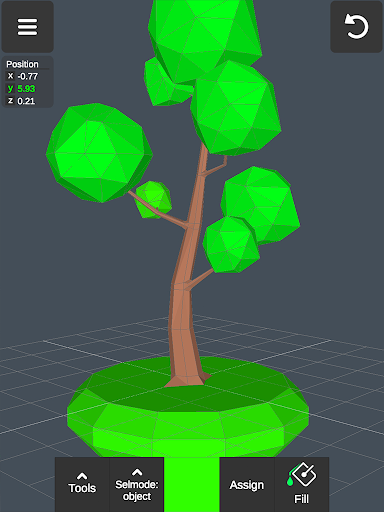
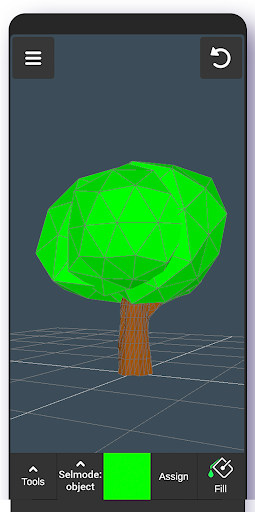
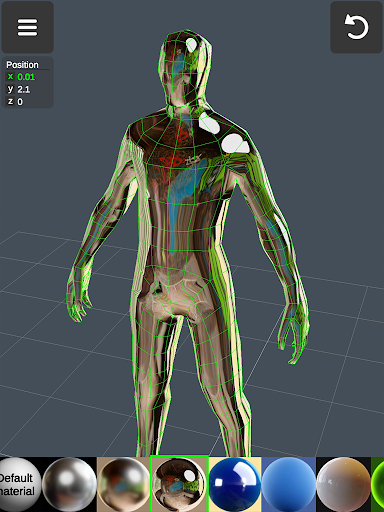
One of the standout aspects is its sculpting tools. You can move, push, pull, and smooth your models with adjustable brush size and strength, mimicking real sculpting clay. Additionally, vertex color painting allows you to add detailed textures and color schemes directly onto your models. Multiple material options—up to 20—give your creations a professional finish.
Display and Visualization Options
The app supports various display settings, including a configurable grid with snapping features, and displays such as wireframe, shaded view, shadows, and axis indicators. You can review geometric details like triangle count, edge length, and vertex distances, which are essential for optimization and precision work.
File Management and Export Capabilities
Export and import functionality supports many popular formats, including .obj, .stl, .fbx, and more, compatible with leading software like Blender, Maya, and 3ds Max. Additionally, the app can convert files for use in CAD programs such as SolidWorks and AutoCAD, facilitating cross-platform workflows for professionals.
Versatile Use Cases for Professionals and Hobbyists
This app isn’t just for artists; it’s a practical tool for a broad range of domains. Industrial designers can craft detailed product prototypes, furniture designers can visualize concepts, and automotive engineers can sketch car models. For game developers, it provides a complete suite for creating 3D characters, designing immersive worlds, and scripting animations and cutscenes.
The 3D modeling app also supports 3D painting and sketching without the need for stylus pens, although it does support stylus input for more precise work. Its flexibility makes it an essential addition to any creative designer’s toolkit, whether working on intricate CGI graphics, virtual environments, or practical engineering models.
Powerful Features for Creative Freedom
- Material and Texture Management: Apply up to 20 different materials to enhance realism.
- Precision Controls: Set exact move, rotate, and scale values for meticulous design.
- Multiple Camera Angles: Use orthographic views and other camera settings for detailed work.
- Auto-Save: Continuously save your progress to prevent data loss.
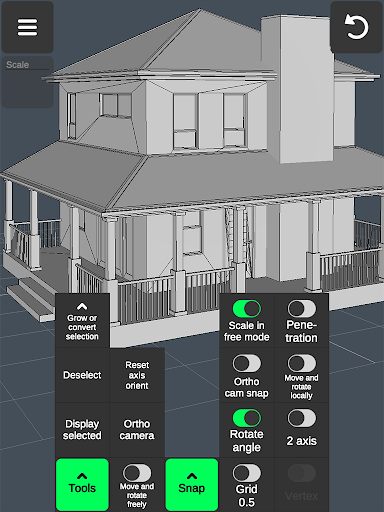
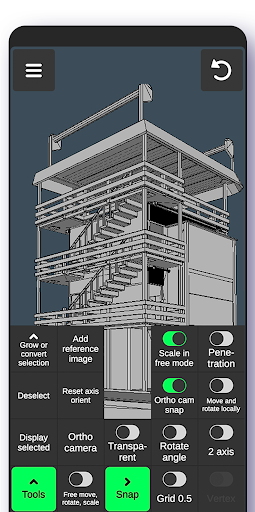
- Advanced Snapping: Snap to grid, axes, or physical penetration points for accurate modeling.
Ideal for Hobbyists and Professionals Alike
Whether you're a beginner exploring 3D art or a seasoned professional working on complex prototypes, the 3D Modeling App: Sculpt & Draw offers a comprehensive environment for creation. Its supportive tutorials and intuitive interface lower the learning curve, allowing new users to get started quickly while providing advanced features for expert use.
Overall, this app redefines mobile 3D modeling by combining robust features, portability, and user-friendly design. It’s the perfect companion for artists, game developers, product designers, and hobbyists aiming to unleash their creativity in the digital 3D space.
Pros
- Intuitive interface enabling easy navigation
- Comprehensive set of modeling tools available
- Supports exporting in multiple file formats
- Features real-time rendering capability
- Compatible across different platforms
Cons
- Steep learning curve for new users
- Reports of occasional app crashes
- Limited features in the free version
- Consumes significant system resources
- Requires in-app purchases for full functionality











