
- Name TradingView
- Category Personal Finance
- Developer TradingView, Inc.
- Available on PC
- OS Windows 10 version 19042.0 or higher
- Keyboard Integrated Keyboard
- Mouse Integrated Mouse
- languages English (United States)
TradingView for Windows: A Robust Companion for Traders and Investors
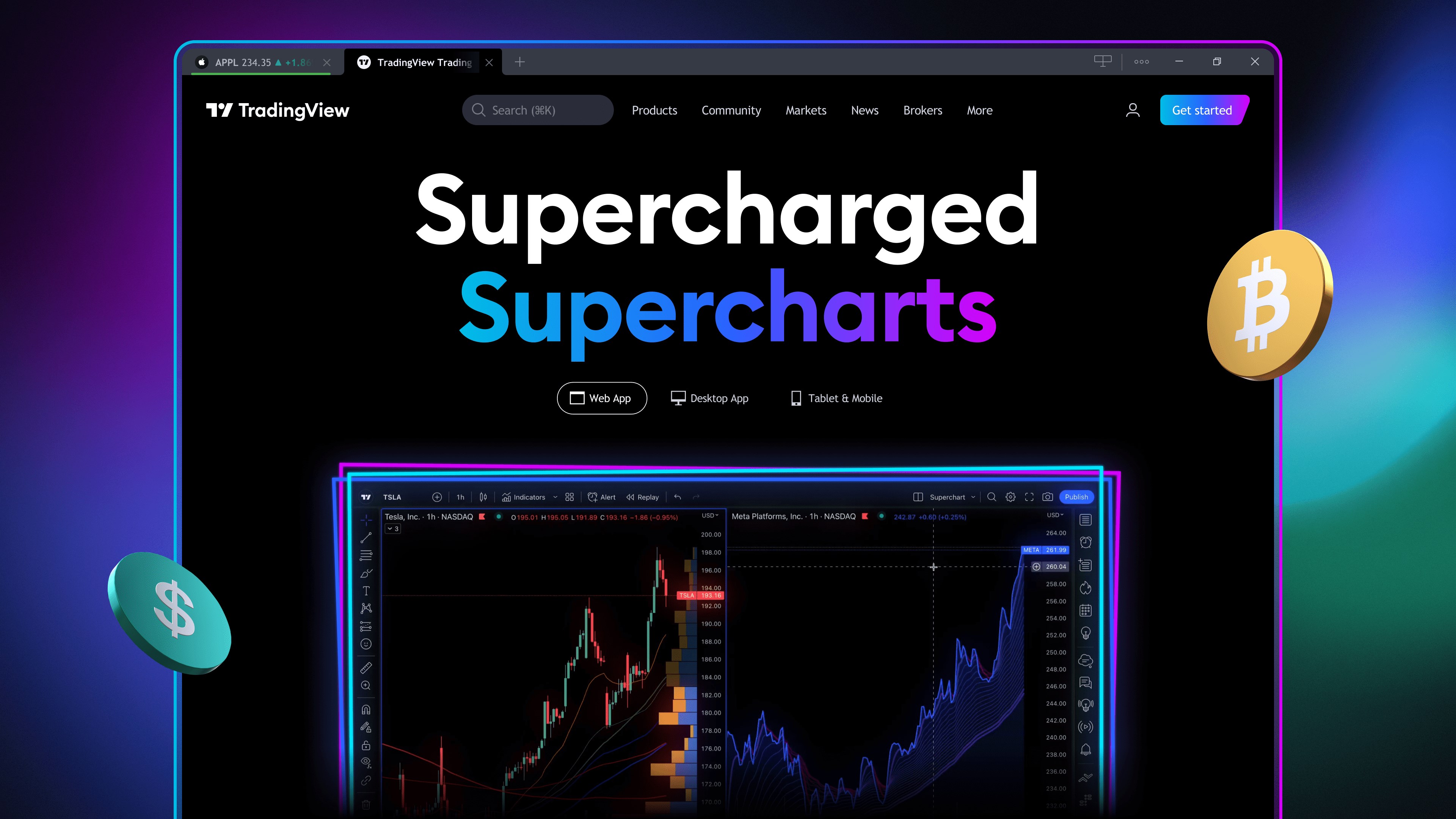
TradingView for Windows offers a comprehensive platform where technical analysis meets seamless trading insights, making it a compelling choice for market enthusiasts seeking a desktop experience.
Introduction: A Desktop Powerhouse in Market Analysis
Imagine having a thorough, real-time market cockpit right on your PC—that's exactly what TradingView for Windows delivers. Unlike its web counterpart, this desktop application grants traders quick access to an array of sophisticated tools without ever leaving their workspace. Developed by TradingView, Inc., a renowned name in online charting and social trading platforms, this app aims to bring the vibrant TradingView community and its vast feature set directly onto your desktop. Whether you're a seasoned analyst or a budding trader, the app's core strengths lie in its detailed charting features, customizable indicators, and social sharing capabilities—all wrapped in a sleek, user-friendly interface.
Powerful Charting and Technical Tools
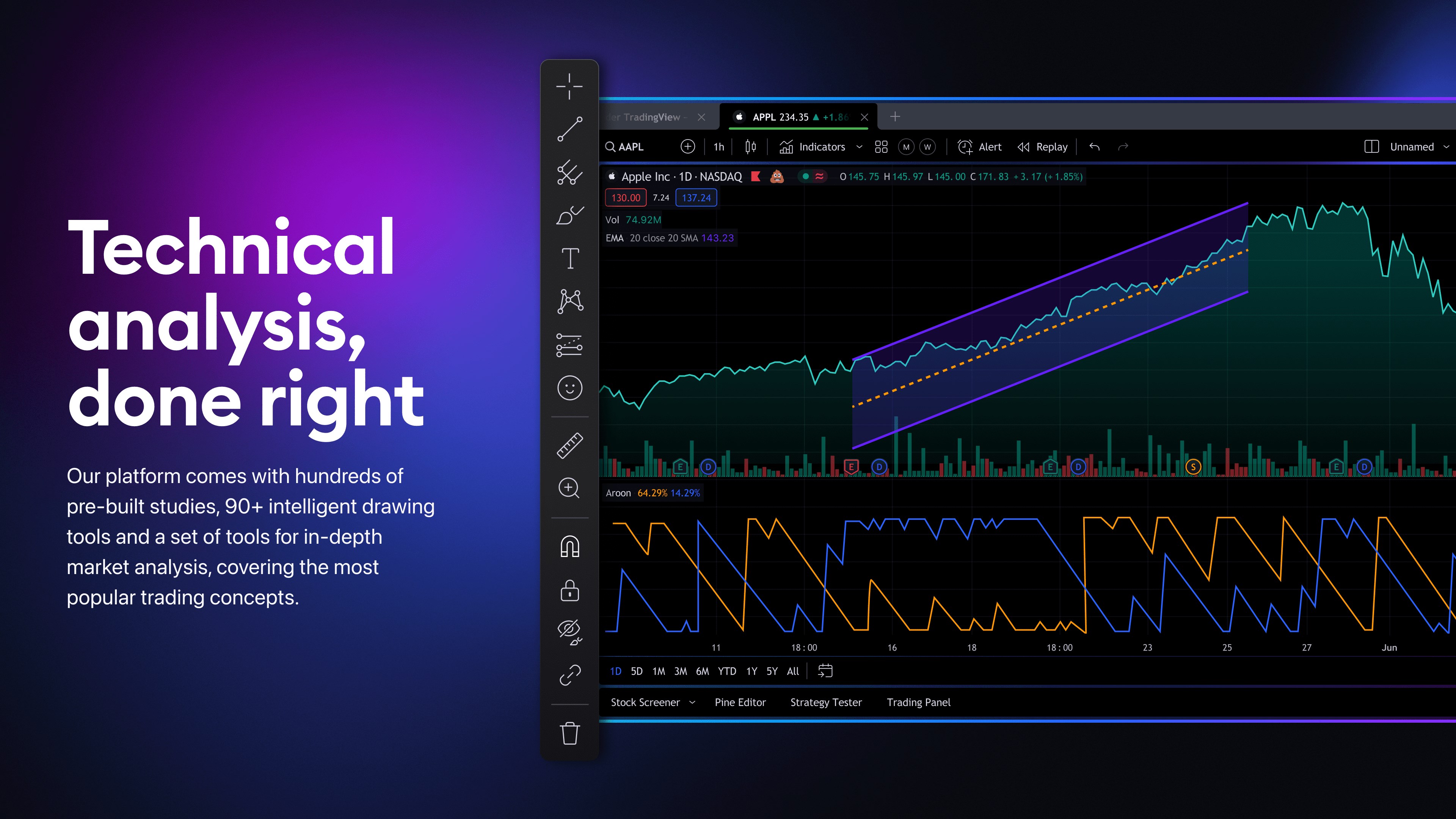
The heart of TradingView for Windows lies in its advanced charting engine. Users can access hundreds of indicators, drawing tools, and customizable templates—think of it as having an artist's toolkit to craft precise, insightful visualizations of market movements. The platform excels at delivering real-time data, which is vital for making timely decisions. Additionally, the app offers multi-chart layouts, allowing traders to monitor several assets simultaneously, a feature especially beneficial for portfolio traders who need to keep a close eye on divergent markets.
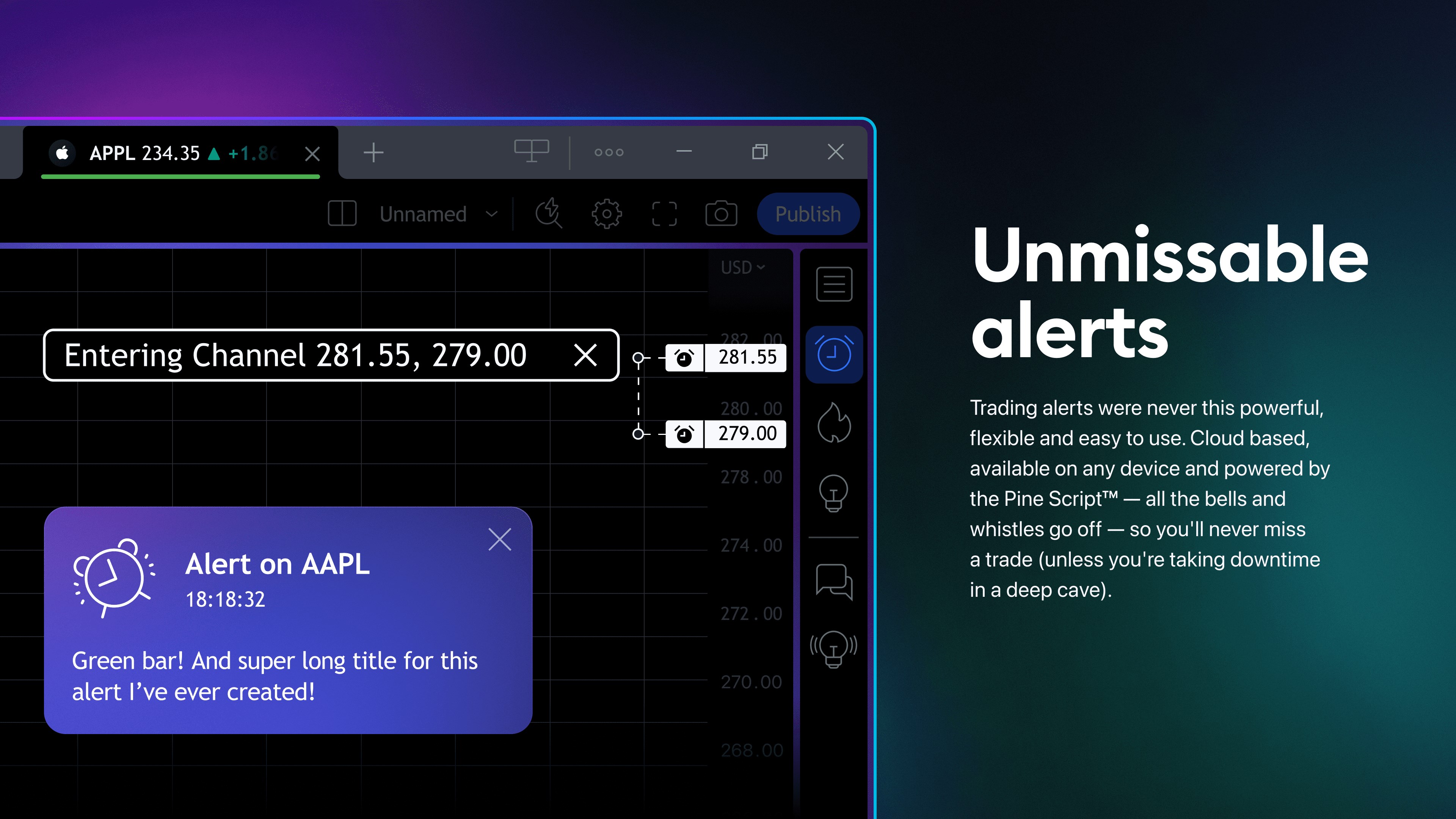
One standout feature is the extensive set of technical analysis tools. From basic trend lines and Fibonacci retracements to complex oscillators, it caters to traders at all levels. What's particularly useful is the ability to save and switch between multiple chart layouts, helping users develop personalized analytical workflows. The app also integrates alert systems based on customized criteria, ensuring you never miss an important price movement even when away from your desk.
User Experience: Navigating with Ease and Clarity
TradingView's desktop application boasts a clean, intuitive interface that resembles a well-organized control panel—like the dashboard of a high-performance vehicle. Navigation is smooth; switching between different chart views or indicators feels seamless, almost as effortless as flipping through pages of a well-loved journal. The app's responsiveness and speed are commendable, especially given the volume of data processed in real-time; charts update swiftly without lag, which is crucial for day traders.
For newcomers, the learning curve may seem initially steep due to the vast array of features. However, TradingView provides an abundance of tutorials and community-shared scripts that can accelerate mastery. The interface is customizable, so users can tailor the workspace to their preferences—be it minimalistic for quick decisions or detailed for in-depth analysis.
Distinctive Features: What Sets It Apart?
While many charting apps exist, TradingView's most distinctive attribute is its integrated social community. Unlike standalone analysis tools, this platform fosters real-time interactions, idea sharing, and collaborative analysis. The ability to publish and discuss charts directly within the app resembles a virtual trading room—imagine having your peers' insights alongside your own analysis, all at your fingertips.
Another compelling aspect is its cloud-based scripting language, Pine Script, which allows users to create and customize indicators or trading strategies. This empowers traders to develop unique tools tailored to their specific needs, a feature that elevates the platform beyond basic charting apps.
Final Thoughts: Is It Worth Your Desktop?
TradingView for Windows is a solid, feature-rich platform that combines powerful technical analysis tools with a vibrant community environment. Its strength lies in the depth of its charting capabilities and the flexibility of social features, making it ideal for traders who thrive on shared insights and customization. While the learning curve may pose a challenge initially, the wealth of tutorials and community-driven resources help flatten that curve quickly.
In terms of recommendation, if you're seeking a desktop application that integrates advanced analysis with social networking—like having a trading partner always at your side—this app is definitely worth a try. For casual investors or traders who prefer simpler tools, it might still offer valuable insights, though they may not need every advanced feature.
Overall, TradingView for Windows stands out as a professional-level, user-centric platform that elevates market analysis into a collaborative, customizable experience. Whether for professional trading desks or dedicated hobbyists, it's a noteworthy addition to your trading toolkit.
Pros
- Comprehensive chart analysis tools
- User-friendly interface
- Real-time data updates
- Community features
- Affordable subscription plans
Cons
- Limited offline access
- Chart customization options could be expanded
- Mobile app performance varies
- Learning resources are basic
- Limited historical data for some less common assets