
- Name Race Monitor
- Category Sports
- Developer Karting Coach Inc.
- Available on PC
- OS Windows 8 or higher
- languages English (United States)
Race Monitor for Windows: Your Ultimate Trackside Companion
If you're passionate about motorsports, especially auto racing, Race Monitor for Windows offers a seamless way to stay connected with live data and community insights—delivering a cockpit-like experience straight to your PC. Developed by Karting Coach Inc., this app is designed to elevate your racing tracking, whether you're a dedicated racer, a team member, or an avid fan seeking real-time updates.
Meet the Developers: A Trusted Name in Racing Technology
Created and published by Karting Coach Inc., a company renowned for its focus on motorsport training and data analysis solutions, Race Monitor for Windows benefits from their expertise in delivering reliable and user-centric racing tools. Their experience ensures that each feature is thoughtfully designed to enhance user engagement and data accuracy.
Core Features that Accelerate Your Racing Experience
Real-Time Data Monitoring with Precision
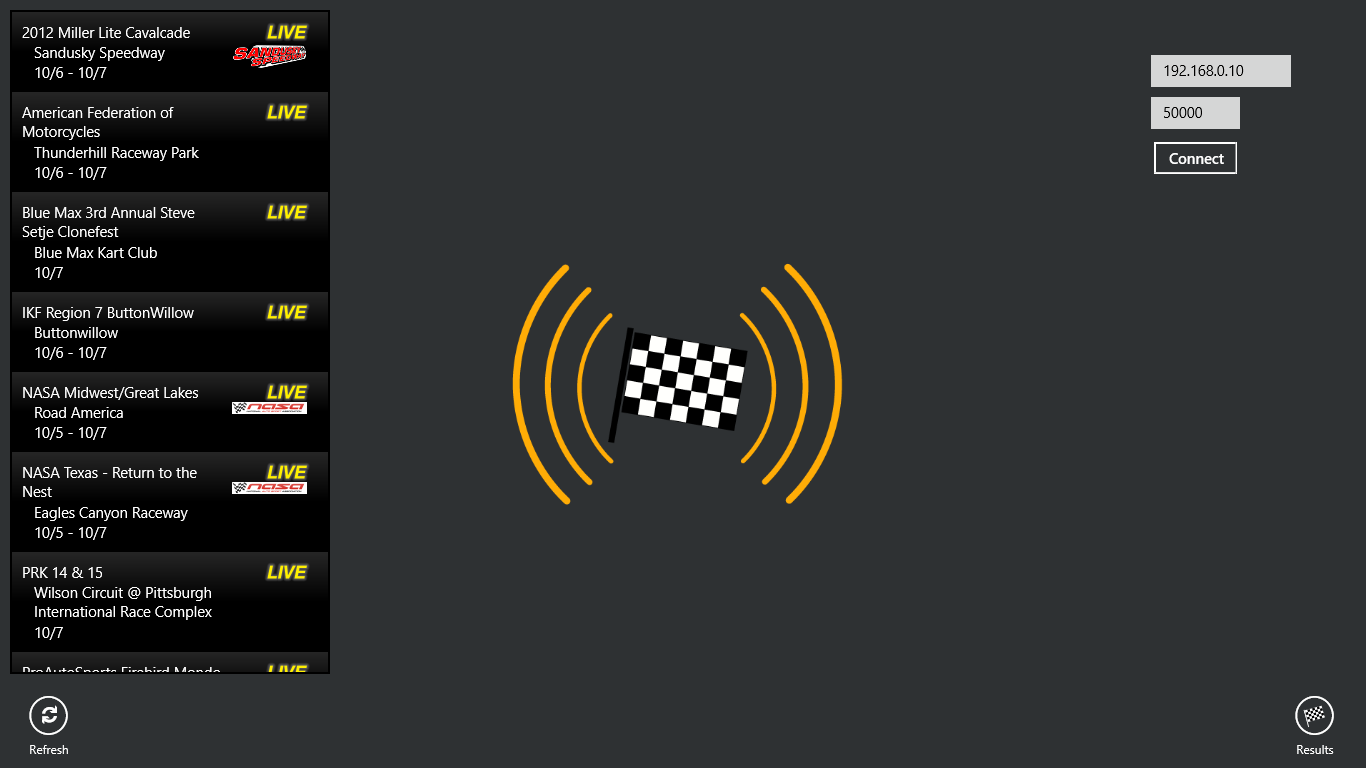
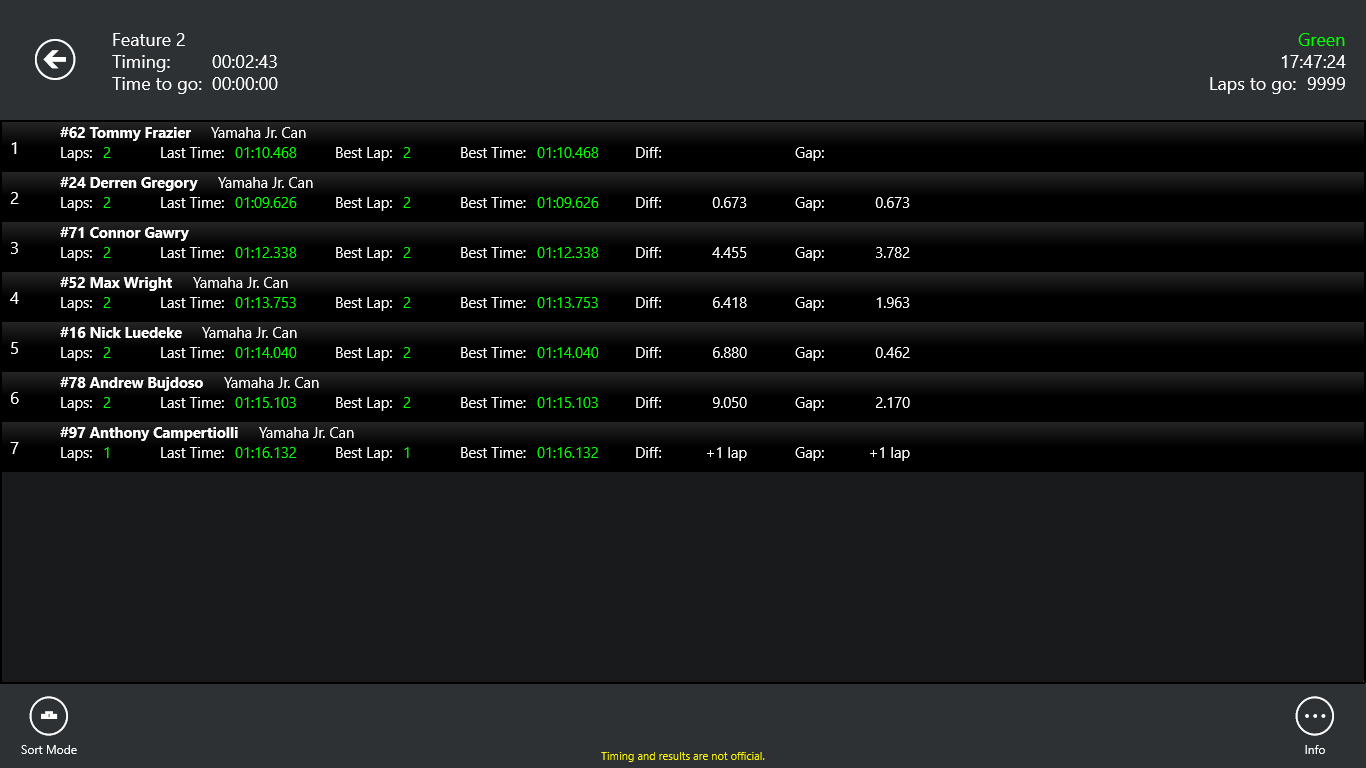
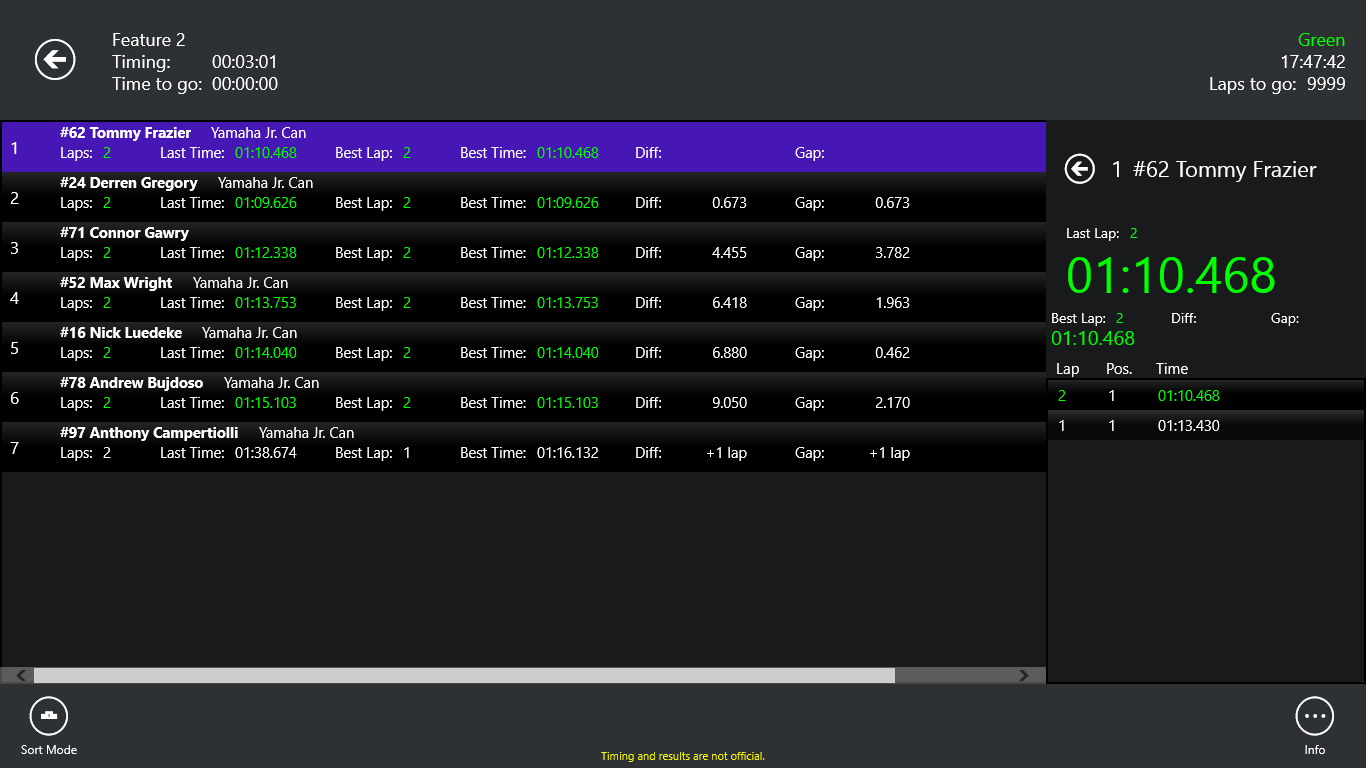
The standout feature of Race Monitor is its ability to deliver real-time race data with impressive accuracy and minimal latency. Whether you're monitoring live lap times, speed, or position, the app provides instantaneous updates that feel like having a pit crew right beside you. This seamless data flow allows fans and teams to react swiftly to changing race conditions, making it invaluable during high-stakes events.
Community Engagement and Interactive Features
Beyond just tracking, Race Monitor fosters a vibrant community where users can share insights, comment on live data, and analyze race performance collectively. The app supports social features that encourage community interaction, turning casual observers into active participants. This mechanic elevates the experience from passive viewing to engaging collaboration, much like cheering from the grandstands but in a digitally connected space.
User Experience: Intuitive, Smooth, and Accessible
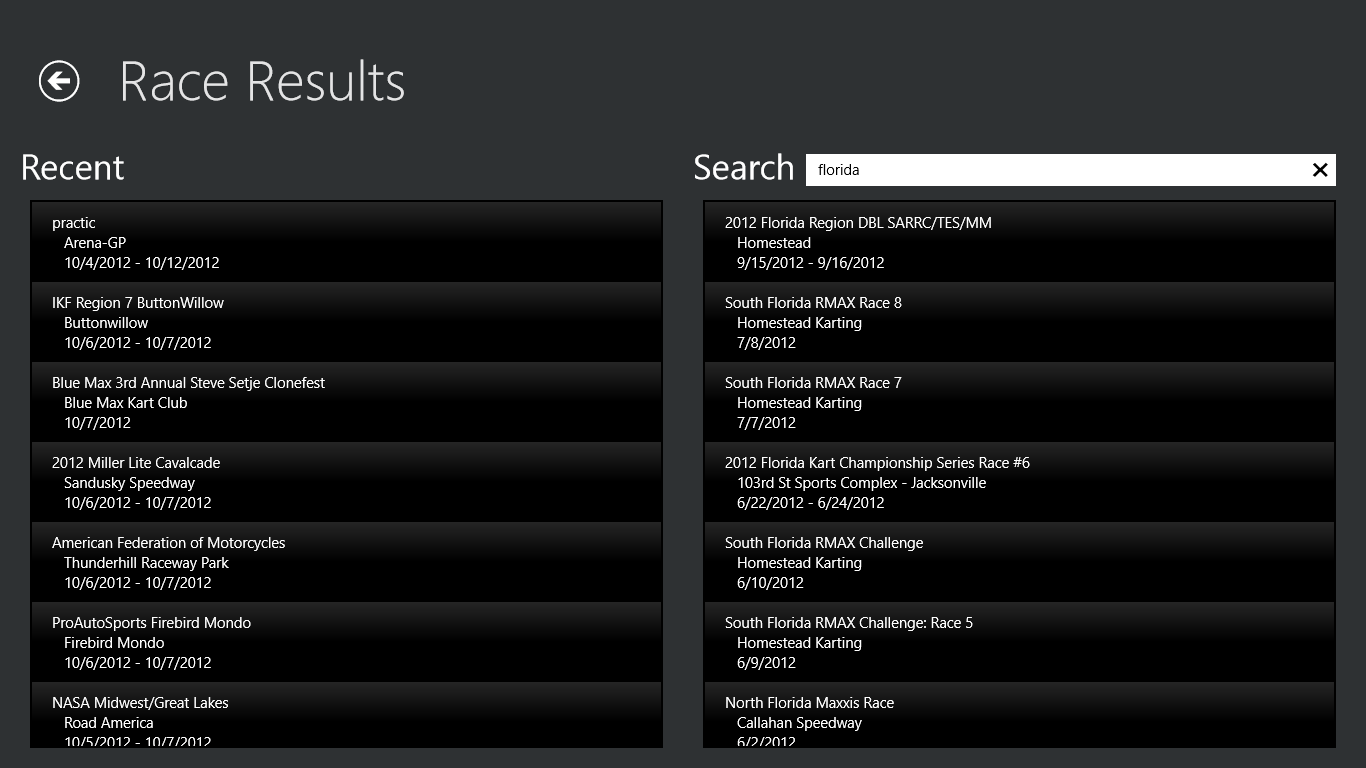
The interface design is clean and intuitive, resembling a sleek dashboard that any motorsport enthusiast will find familiar. Navigating through live feeds, historical data, and community sections feels fluid—thanks to optimized responsiveness that ensures minimal lag. The learning curve is gentle, allowing new users to become proficient within minutes, while seasoned racers will appreciate the depth of data analytics available at their fingertips.
What Sets Race Monitor Apart?
Many sports tracking apps focus on data display, but Race Monitor's key differentiator is its commitment to delivering real-time data with high fidelity and maintaining ultra-low latency, ensuring every lap and position update is as close to instantaneous as possible. Coupled with its robust community engagement mechanics, this app turns passive spectators into active participants, sharing insights and fostering a racing community that feels alive and connected. Unlike other apps that may sacrifice accuracy for real-time presentation or vice versa, Race Monitor strikes a harmonious balance—making it a reliable companion on race day.
Final Thoughts and Recommendations
If you're seeking a Windows-compatible application that combines real-time racing data with community interaction, Race Monitor is a compelling choice. Its precision and responsiveness make it suitable for serious racers and dedicated fans alike, offering a continuous stream of live updates and social features. I recommend it for users who value data accuracy and enjoy engaging with a community, whether you're trackside or simply following from afar. For those new to racing apps, the intuitive interface ensures a smooth onboarding experience, while seasoned enthusiasts will find powerful tools to deepen their analysis.
Pros
- Real-time Race Updates
- User-Friendly Interface
- Custom Race Planning
- Integration with Wearables
- Community Features
Cons
- Limited Device Compatibility
- Occasional Syncing Delays
- Basic Privacy Controls
- No Offline Mode
- Limited Customization Options