




- Name ESPN
- Category Sports
- Developer Disney
- Available on PC, HoloLens
- OS Windows 10 version 19041.0 or higher
- Keyboard Integrated Keyboard
- Mouse Integrated Mouse
- languages Dutch, English, Portuguese, Spanish
ESPN for Windows: Your Complete Sports Companion
ESPN for Windows is a dedicated sports application designed to bring real-time updates, in-depth analysis, and a vibrant community to sports enthusiasts right on their desktops. Powered by Disney, it aims to deliver a seamless blend of live scores and engaging content, making it a must-have for passionate followers of various sporting disciplines.
What Makes ESPN for Windows Stand Out?
Developed by Disney, ESPN for Windows is crafted to cater to sports fans seeking timely updates and community interaction within a sleek, user-friendly interface. Its main highlights include:
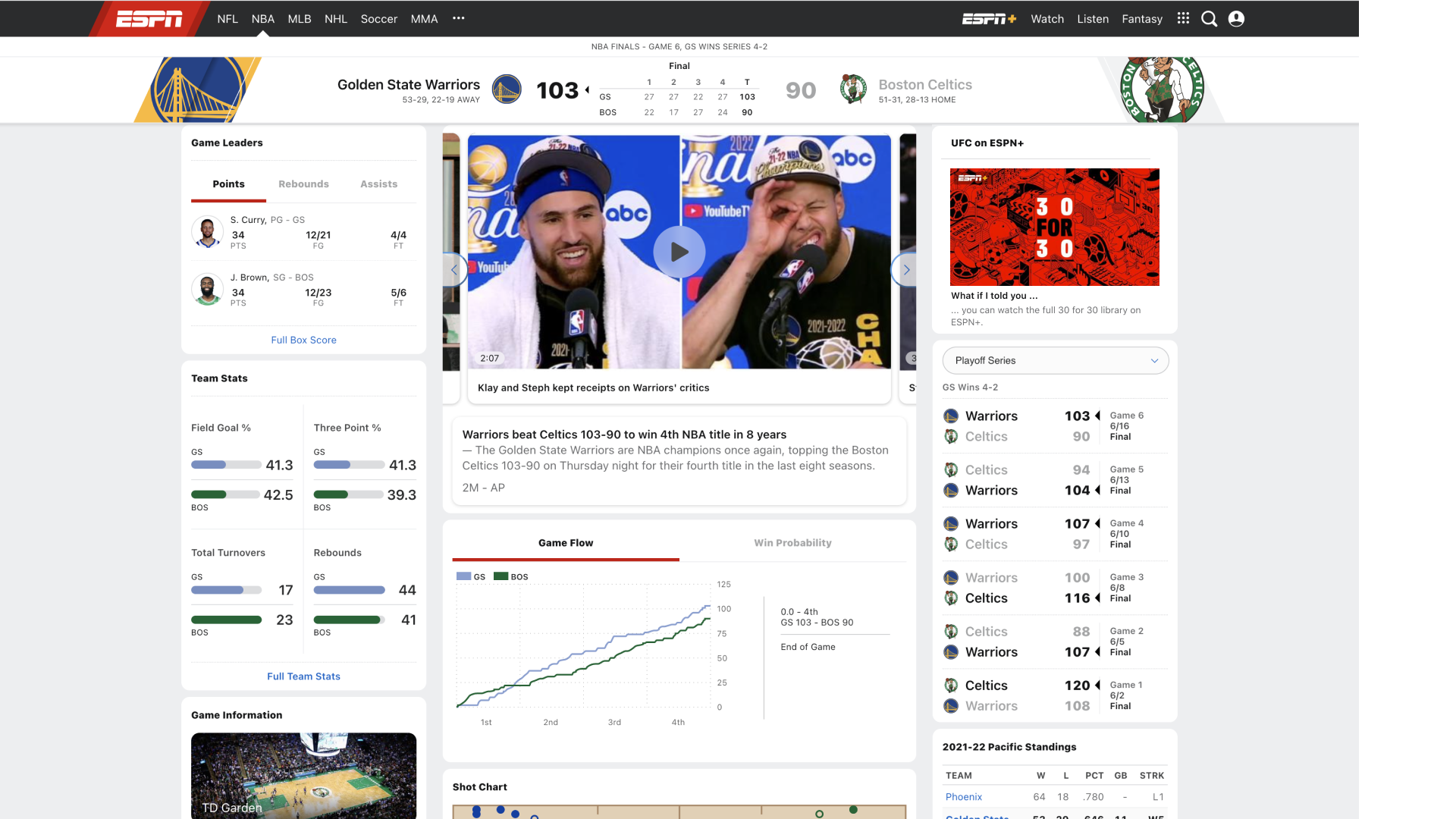
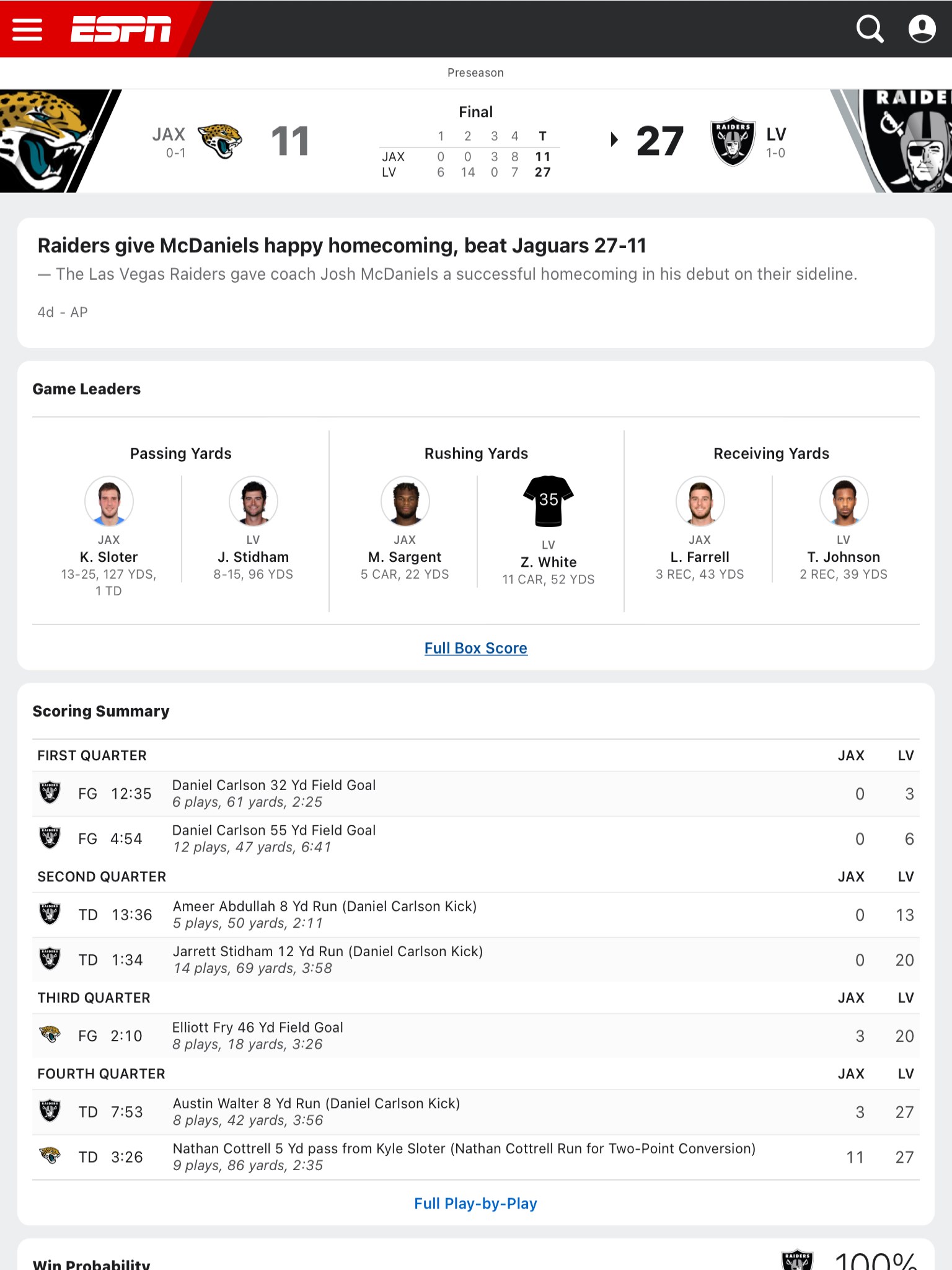
- Real-Time Data Precision: Accurate live scores and play-by-play updates ensure fans are never out of the loop during games.
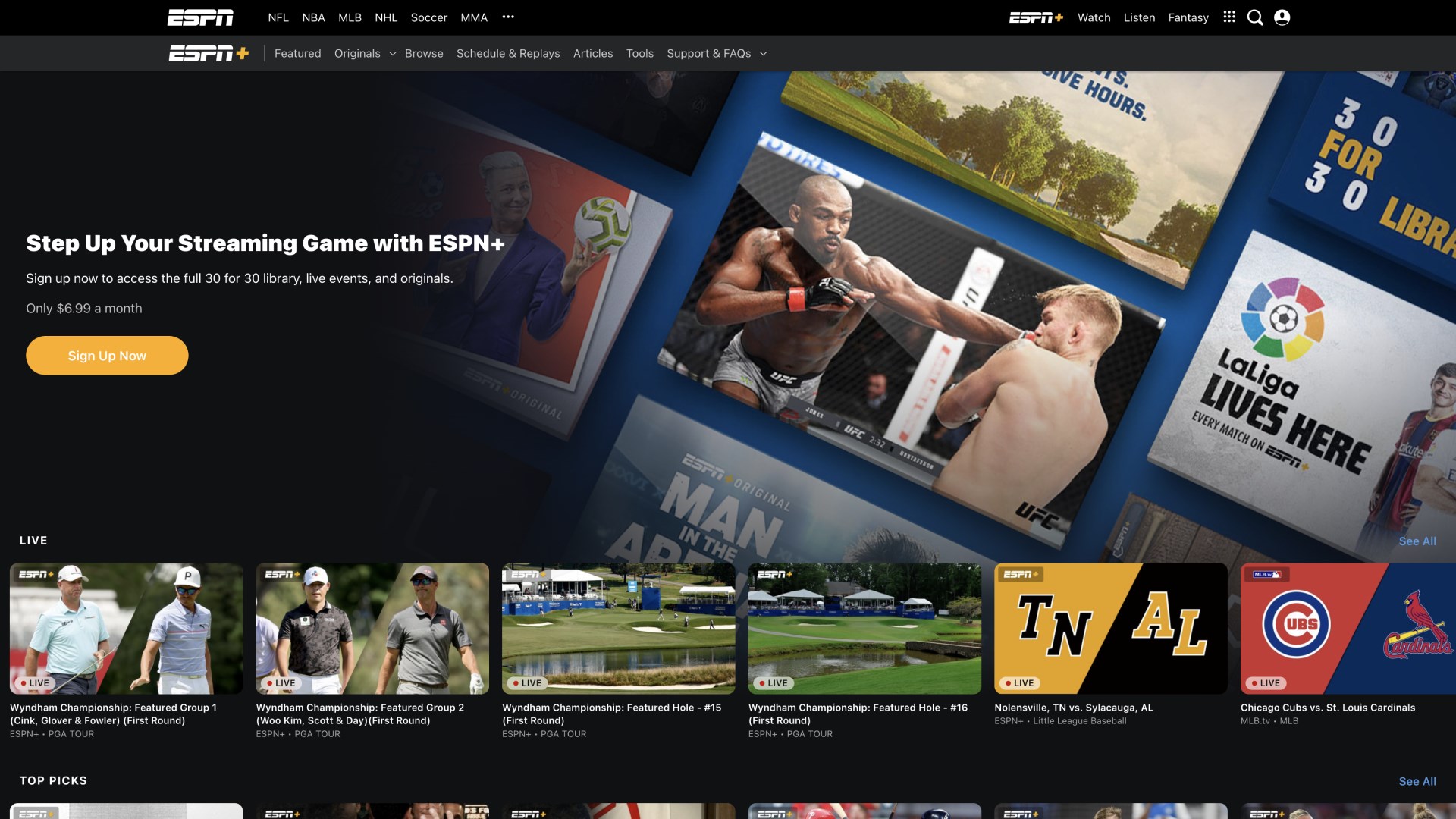
- Rich Multimedia Content: Incorporates videos, highlights, and expert analyses to deepen user engagement.
- Community Engagement Mechanics: Allows users to discuss, share, and celebrate sports moments, fostering a lively community atmosphere.
- Personalized Feeds & Notifications: Tailors news and updates based on user preferences, ensuring relevant content delivery.
The app is primarily designed for sports aficionados who crave timely information and a connected community—whether they're casual followers or die-hard fans.
Vibrant Interface with Smooth Navigation
Imagine surfing through a sleek dashboard that feels like flipping through the pages of a well-organized magazine—bright, intuitive, and uncluttered. ESPN for Windows sports a modern, visually appealing design with vivid team colors and clear typography, making navigation almost instinctive. The app responds swiftly to clicks and swipes, allowing users to jump seamlessly between live scores, news, videos, and community sections.
Learning curve-wise, the app is accessible for newcomers. The interface's logical layout minimizes confusion, letting even first-time users find their favorite content within seconds—like having a friendly guide leading the way through a bustling sports arena.
Core Features: Deep Dive
Real-Time Scores and Play-by-Play Updates
This feature is the heartbeat of ESPN. It offers up-to-the-minute scores across multiple sports—football, basketball, baseball, and more. What sets it apart from competitors is its latency, often providing updates within seconds of a play happening, making you feel as if you're sitting courtside or right at the game's edge. The accuracy is also noteworthy; no more chasing after false alerts or outdated data. The app's backend efficiently pulls live data, reducing lag and ensuring your game experience is synced perfectly.
Multimedia Highlights and In-Depth Analysis
Beyond scores, ESPN for Windows excels at bringing game moments to life with high-definition videos, expert commentary, and detailed articles. Whether reliving a game-winning shot or analyzing player stats, the app transforms raw data into compelling stories—like turning a simple score update into a mini sports documentary. This multimedia richness keeps users engaged and informed, elevating their sports experience beyond mere numbers.
Community and Personalization
One of the app's most engaging aspects is its community mechanics. Users can chat, share opinions, and celebrate victories together within dedicated forums or social features. Unlike other sports apps that treat fans as isolated viewers, ESPN encourages active participation, fostering a sense of belonging. Additionally, tailored notifications ensure that fans receive updates on their favorite teams and sports, making the app feel personal—like having a dedicated sports buddy always by your side.
Comparative Edge & Final Verdict
Compared to similar sports applications, ESPN for Windows distinguishes itself with its combination of real-time data accuracy, low latency, and engaging community mechanics. Many competitors struggle with delays or limited interactive features, but ESPN's backend optimization ensures you get timely updates with minimal lag—crucial during close games or critical moments. Furthermore, its community features promote sustained interaction, transforming passive consumption into active participation.
For sports fans seeking a reliable, comprehensive, and interactive desktop companion, this app is highly recommended. Its intuitive interface and focus on real-time, precise data make it especially suitable for users who want a trustworthy and lively sports hub without sacrificing ease of use.
While it may not replace specialized analysis tools for professional betting or high-level sports analytics, ESPN for Windows offers a balanced and engaging platform for everyday sports enthusiasts. Whether you're catching scores during your lunch break or discussing game highlights with friends later, this app proves to be a practical and enjoyable tool.
Pros
- Comprehensive live sports coverage
- User-friendly interface
- Personalized notifications
- High-quality streaming options
- Rich supplemental content
Cons
- Limited offline access
- Occasional streaming buffering issues
- In-app advertisements during free content
- Restricted access to certain content without subscription
- App crashes reported on some devices