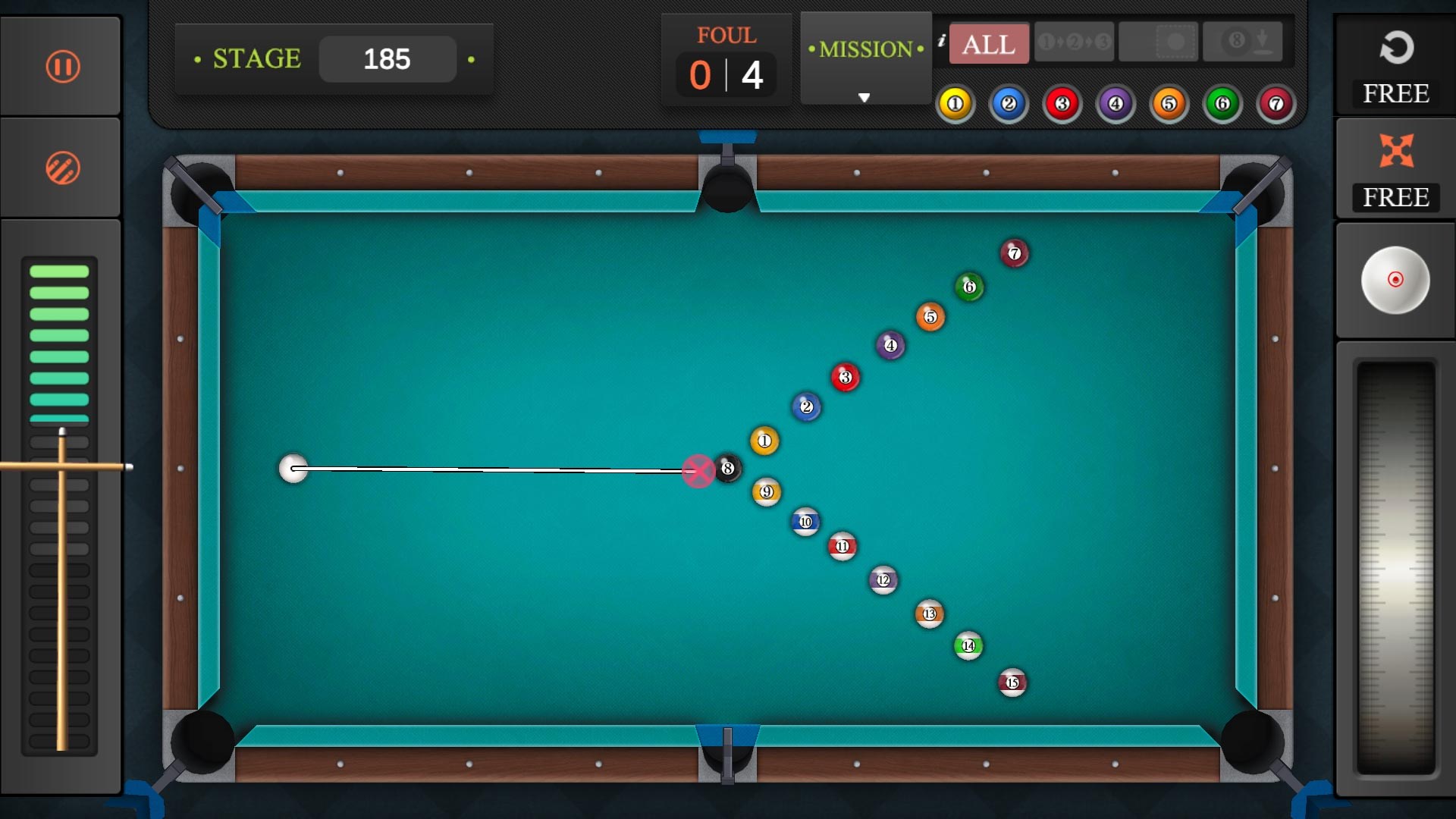
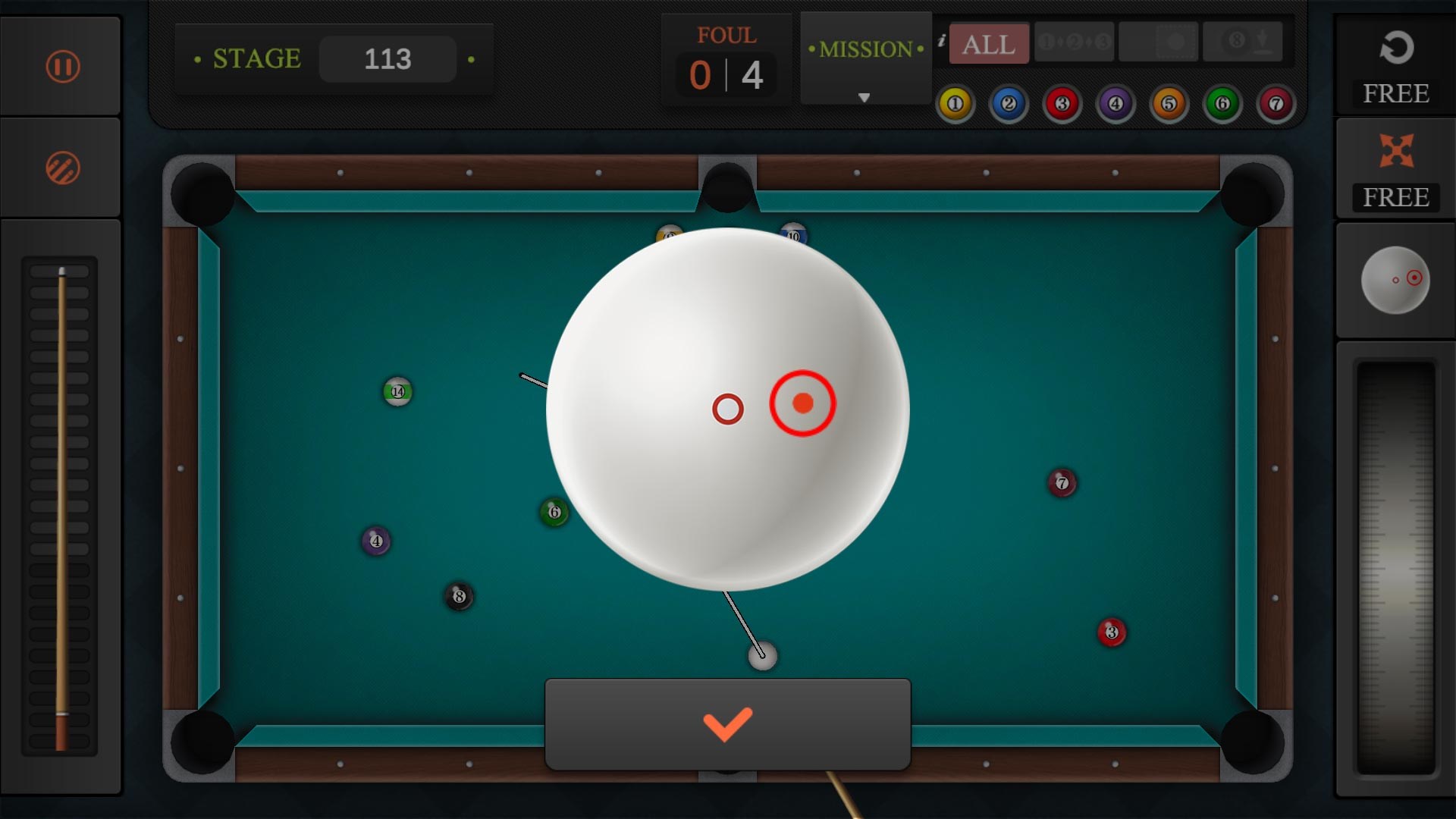
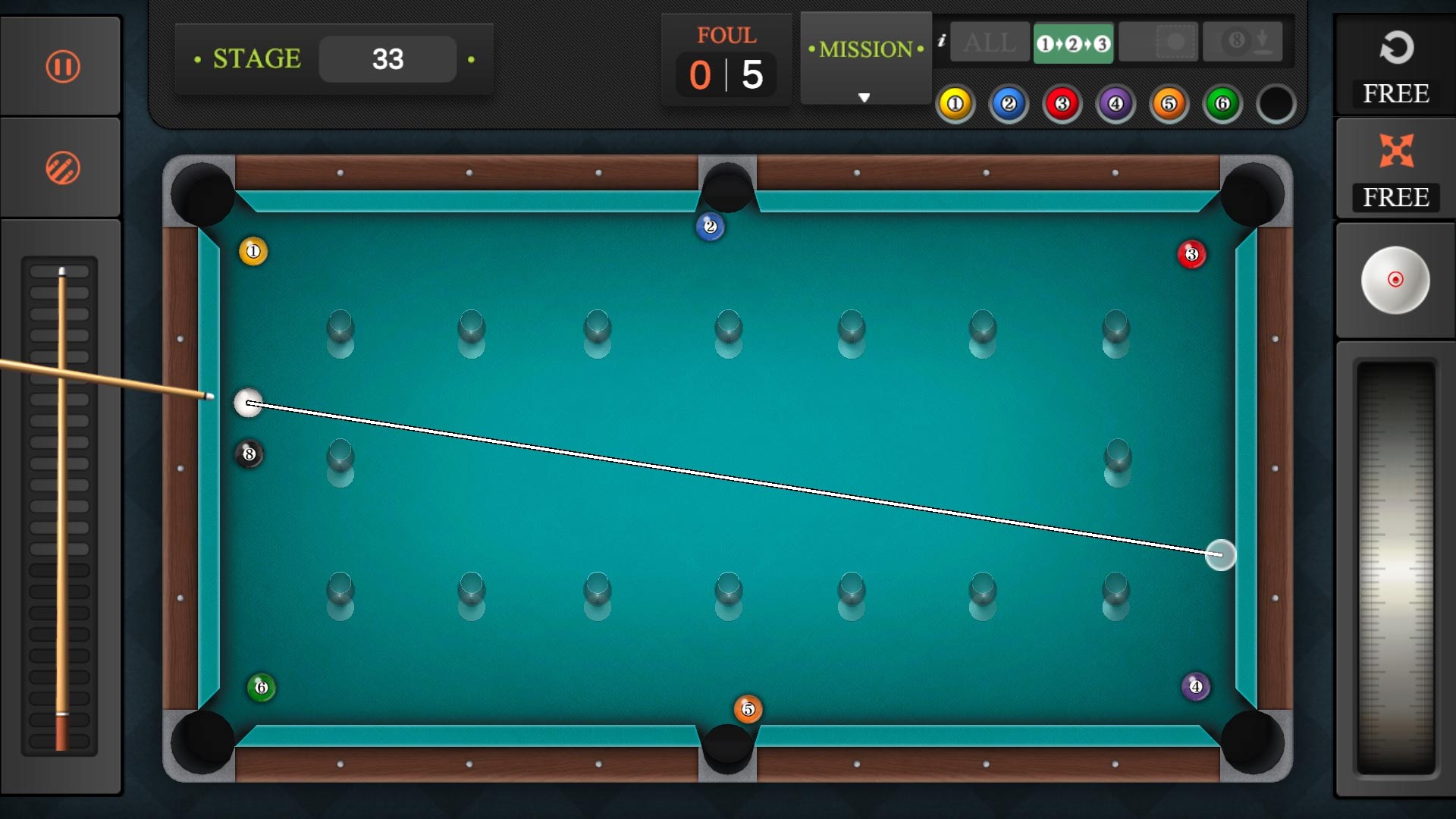
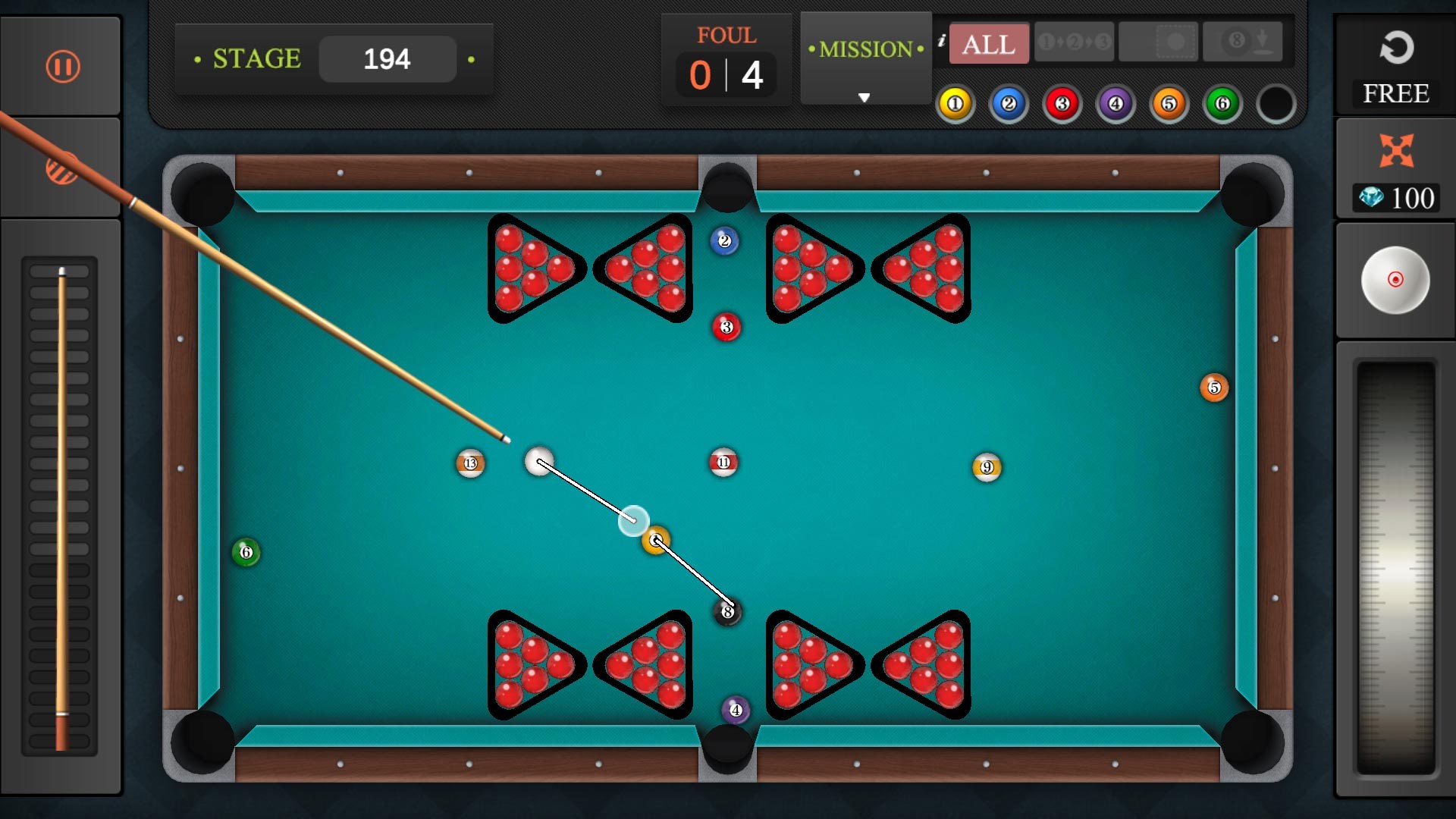
- Name Pool Billiard Championship
- Category Sports
- Developer mobirix
- Available on PC, Mobile, Surface Hub, HoloLens
- OS Windows 10 version 10240.0 or higher
- DirectX Version 10
- Keyboard Not specified
- Mouse Not specified
- languages Chinese (Simplified), Chinese (Traditional Chinese), English, French, German, Italian, Japanese, Korean, Portuguese, Russian, Spanish, Turkish
Pool Billiard Championship for Windows: A Virtual Cue Game That Keeps the Spin Alive
If you're passionate about billiards but can't always make it to the table, Pool Billiard Championship offers a compelling digital experience that brings the slick tables and strategic shot-making right to your PC. With realistic physics and an engaging gameplay environment, it's a game designed for cue sports lovers eager to practice their skills or compete with friends from afar.
Developed by Mobirix — A Trusted Name in Mobile Gaming
Crafted by the South Korean developer Mobirix and published by MOBIRIX Corporation, this game benefits from a team known for creating accessible yet polished gaming experiences across various genres, including casual sports titles. Their focus on user engagement and technical stability is evident in this billiard simulation designed specifically for Windows users.
Highlight Reel: What Makes This App Stand Out?
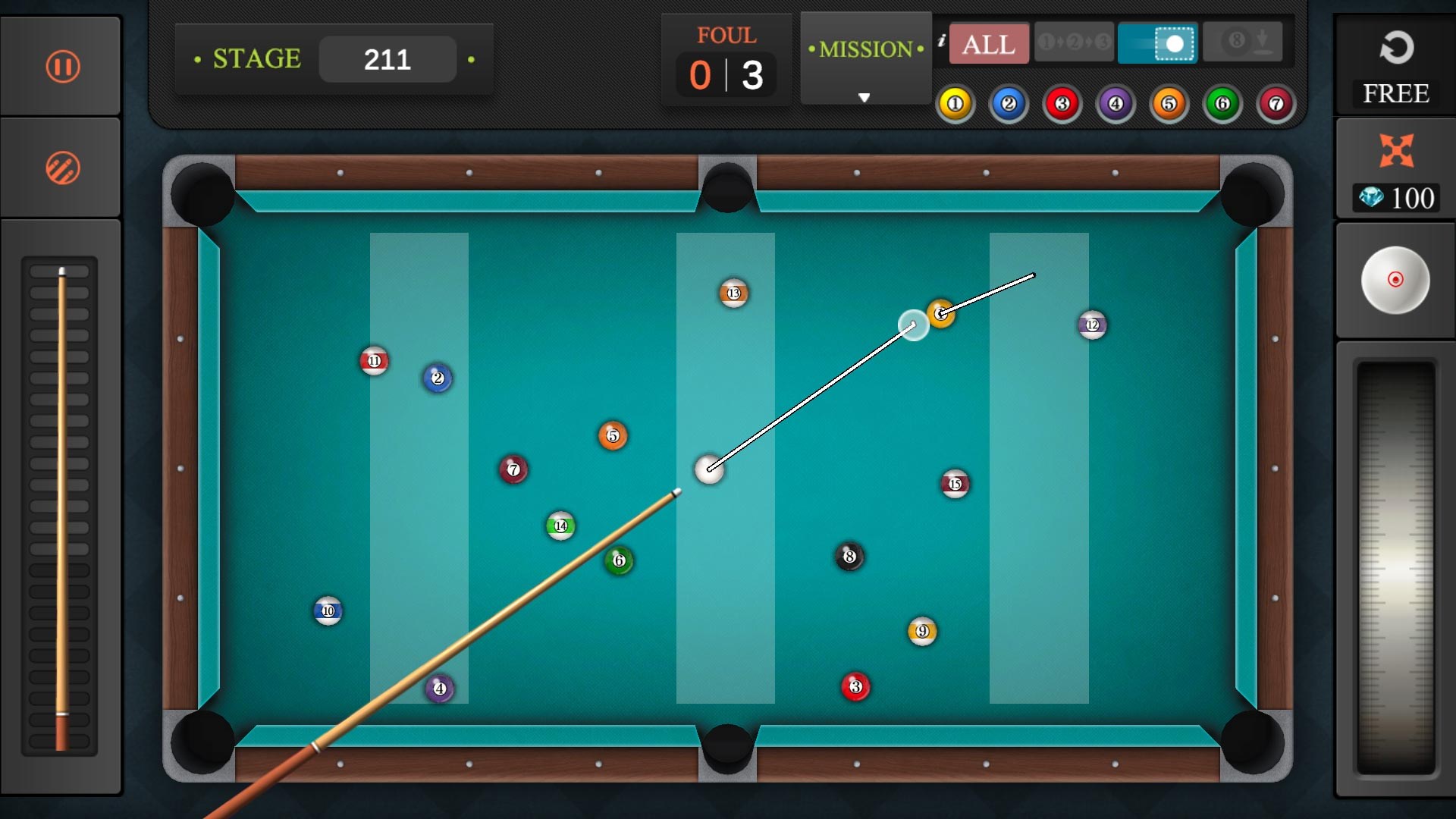
- Accurate Physics & Realistic Ball Dynamics: The game impressively mimics actual cue ball physics, allowing players to execute spins, angles, and power shots with precision, akin to being at a real billiard hall.
- Multiple Game Modes & Difficulty Levels: Whether you prefer 8-ball, 9-ball, or straight pool, the app provides diverse modes catering to both novices and seasoned players, with adjustable difficulty settings for ongoing challenge.
- Community & Competitive Features: Through online multiplayer modes and leaderboards, players can compete against friends or global opponents, adding a social layer to the realistic gameplay experience.
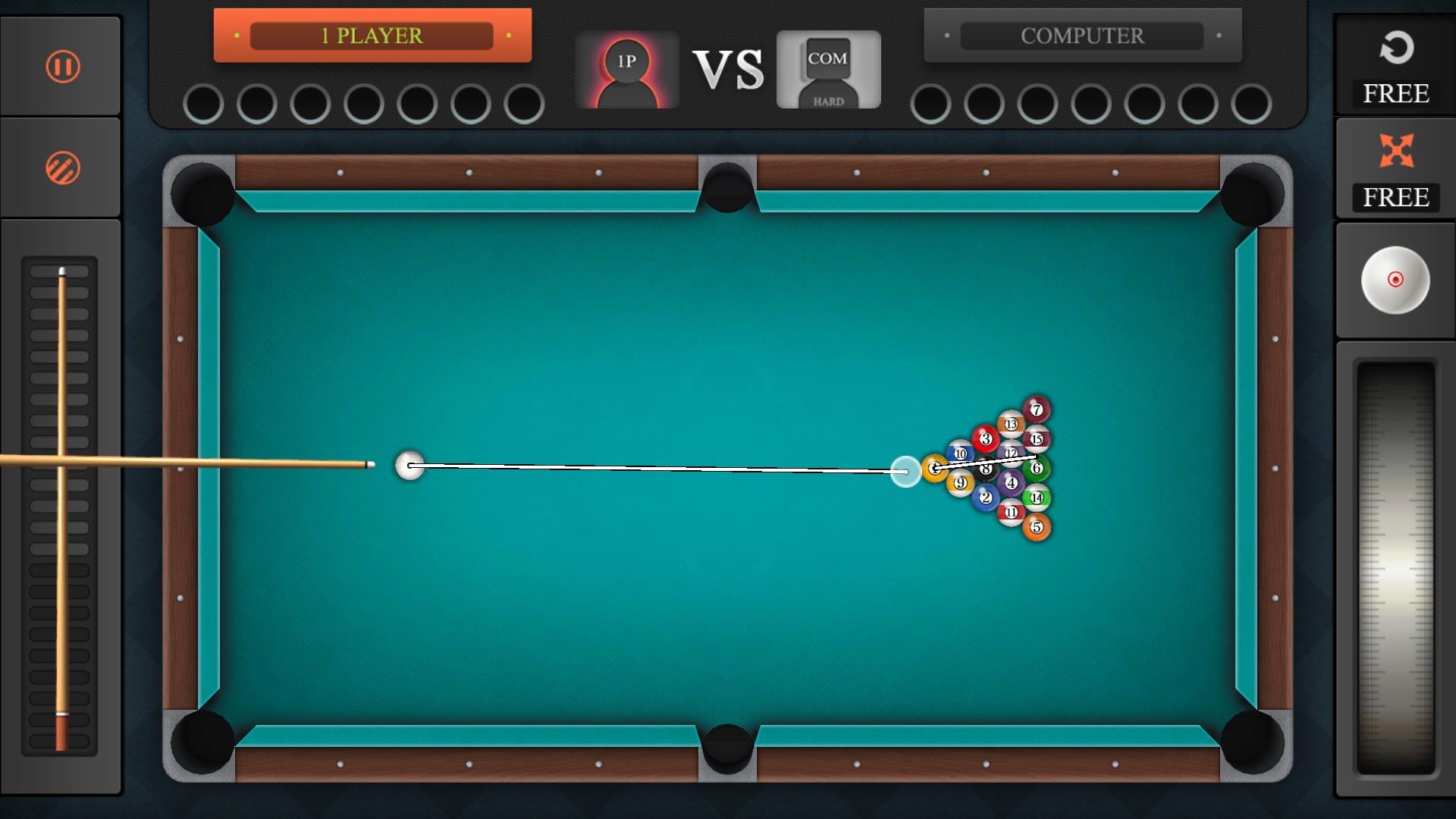
- Intuitive Interface & User-Friendly Controls: The clean, well-organized UI ensures easy navigation, while responsive controls allow seamless cue aiming and shot execution, making the game accessible even to beginners.
Immersive Gameplay Experience with a Twist
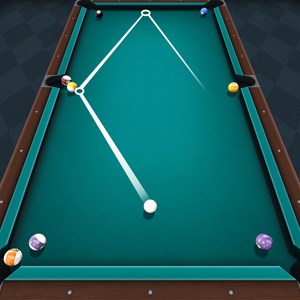
From the moment you launch Pool Billiard Championship, you're greeted with a vibrant, well-designed 3D environment that feels surprisingly inviting. The table textures and ambient lighting evoke a cozy billiard hall ambiance, making each shot feel immersive and realistic. Gameplay flows smoothly without noticeable lag, a testament to optimized physics engines helping simulate the precise motion of balls and spin.
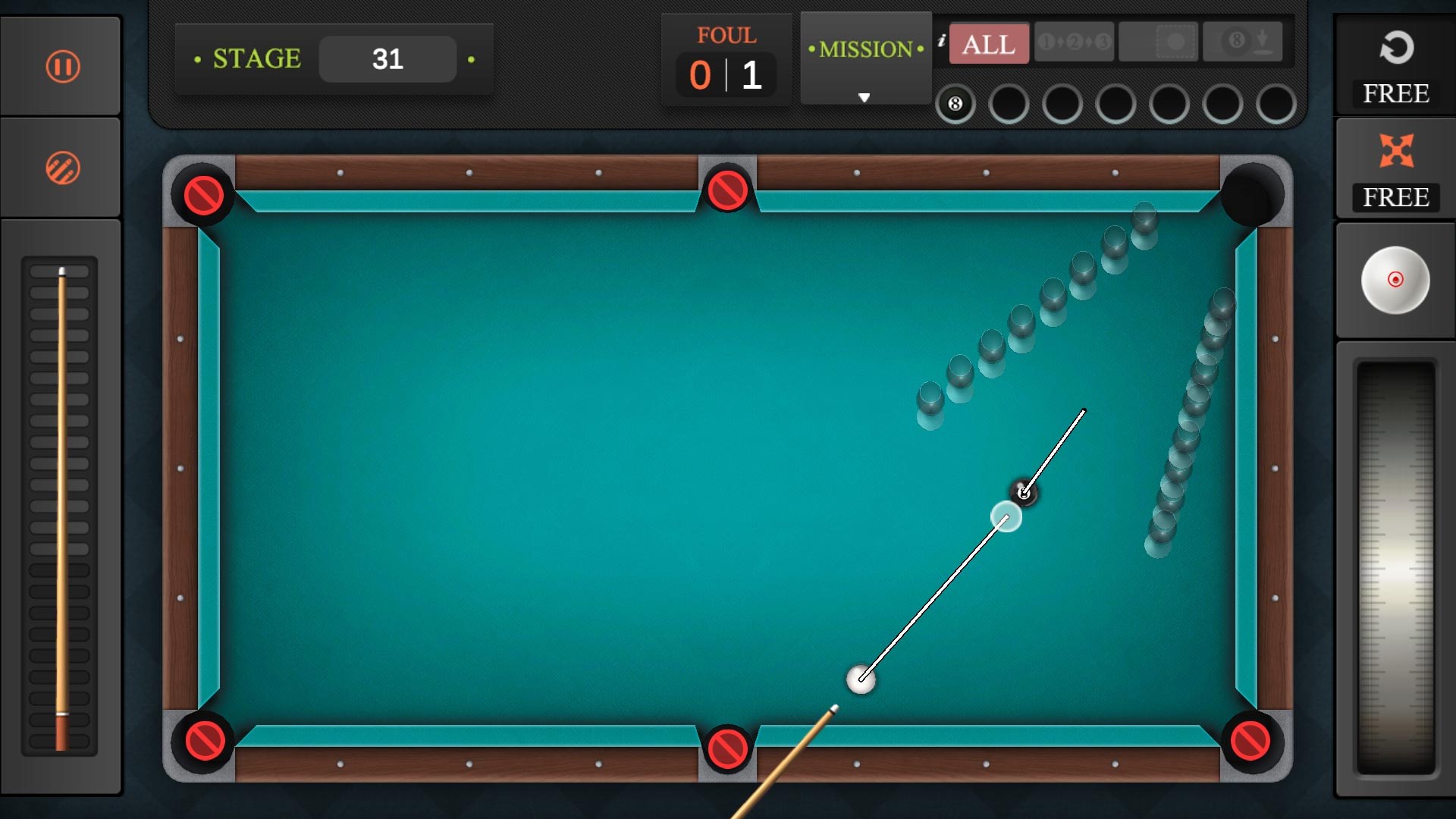
One of the game's strengths is its scoring and shot planning system, which rewards strategic thinking. The learning curve is gentle enough for newcomers to grasp basic controls but offers enough depth for advanced players seeking mastery. The app's tutorial highlights key mechanics, ensuring players understand how different spins and shots influence ball trajectories.
Beyond the Hit — How It Differs from Other Sports Apps
Unlike many casual sports games that rely heavily on flashy visuals or exaggerated physics, Pool Billiard Championship emphasizes authenticity and community engagement. Its real-time data processing ensures low latency for online matches, making head-to-head play smooth and responsive—crucial for a game where timing and precision are everything. Moreover, the platform fosters a sense of community through lively leaderboards and multiplayer tournaments, keeping players motivated to improve and compete.
Another unique aspect is how it balances single-player and multiplayer modes, providing both solo practice and competitive arenas. The app actively updates with new tournaments and challenges, encouraging sustained engagement and skill development over time.
Verdict: A Solid Choice for Cue Sports Enthusiasts
Overall, Pool Billiard Championship for Windows stands out as a well-rounded billiard simulation that combines realistic physics, user-friendly controls, and strong community features. It's particularly recommended for players who value authenticity and competitive play in a digital space. While casual players may find the straightforward interface inviting, serious cue sports fans will appreciate the nuanced ball dynamics and strategic depth.
For those looking to sharpen their skills or simply enjoy a game of virtual billiards during a break, this app is a reliable companion. I'd suggest giving it a try, especially if you're seeking a game that doesn't just look good but also respects the subtle art of billiards.
Pros
- Realistic physics engine
- Intuitive touch controls
- Multiple game modes
- Stunning graphics and detailed table design
- Multiplayer options
Cons
- Limited tutorial guidance
- Occasional lag during online matches
- Small target zones for aiming
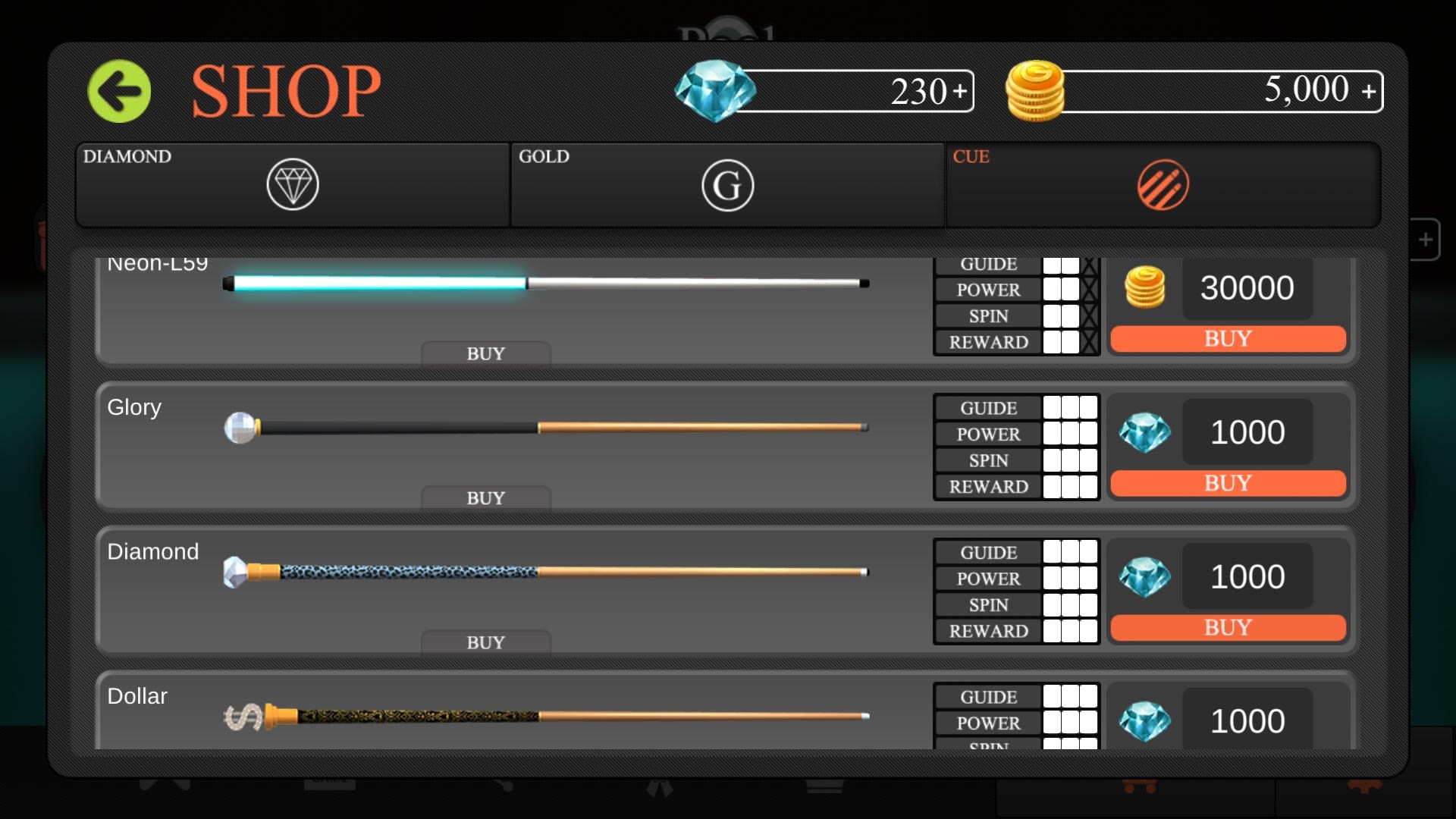
- Limited customization options for cues and tables
- Battery consumption is relatively high